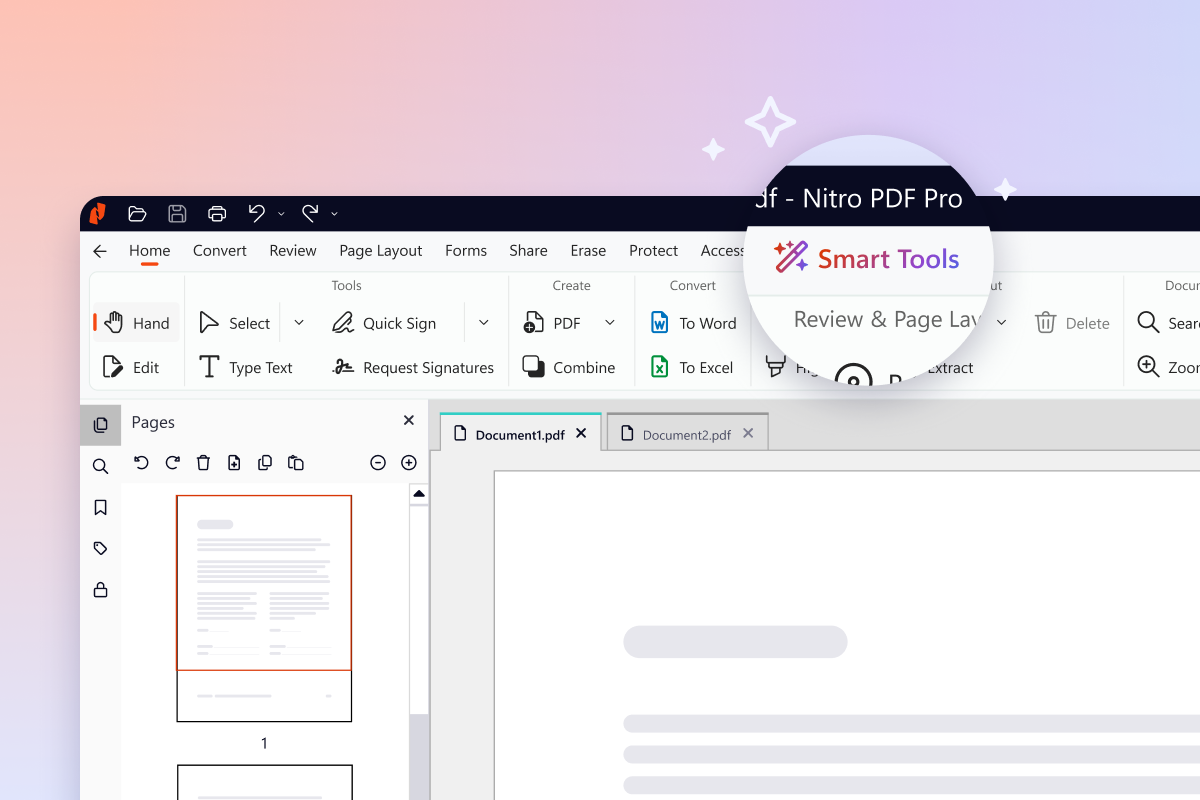
Nitro PDF Pro is a document management platform that supports PDF creation, modification, conversion, organization, review, and protection across Windows, Mac, and iOS environments. Key Capabilities Document Authoring & Modification: Native editing capabilities for PDF creation and content updates. Format Conversion: Conversion between PDF and standard office document formats. Document Organization & Management: File organization and management…
$7.50
Billed every 3 years. This is a subscription product with a 3-year fee of $270.00 per license. per seat
Soda PDF
Score8 out of 10
N/A
LULU Software in Montreal offers Soda PDF Anywhere, their flagship product, a full-featured desktop and online PDF solution.
N/A
Pricing
Nitro PDF Pro
Soda PDF
Editions & Modules
Nitro PDF Classic
$7.5/month
Billed every 3 years. This is a subscription product with a 3-year fee of $270.00 per license. per seat
Nitro PDF Standard
$15/month
This is a subscription product with a yearly fee of $180.00 per license. per seat
I run a professional services business from home. I need to edit documents quickly and easily and with minimal subscriptions to minimize overheads. I love that Nitro is a one-off payment to get a license to the software, and you can simply upgrade to the latest version if that's what you want, but you're not obligated to. I've been using the same version of Nitro for 7-8 years now. Despite the fact the upgraded versions have a lot of great, nice-to-have features, the version I'm on still does the job.
A de minimis incentive was given to thank the reviewer for their time. The incentive was not used to bias or drive a particular response, nor was the incentive contingent on a positive endorsement. More Info
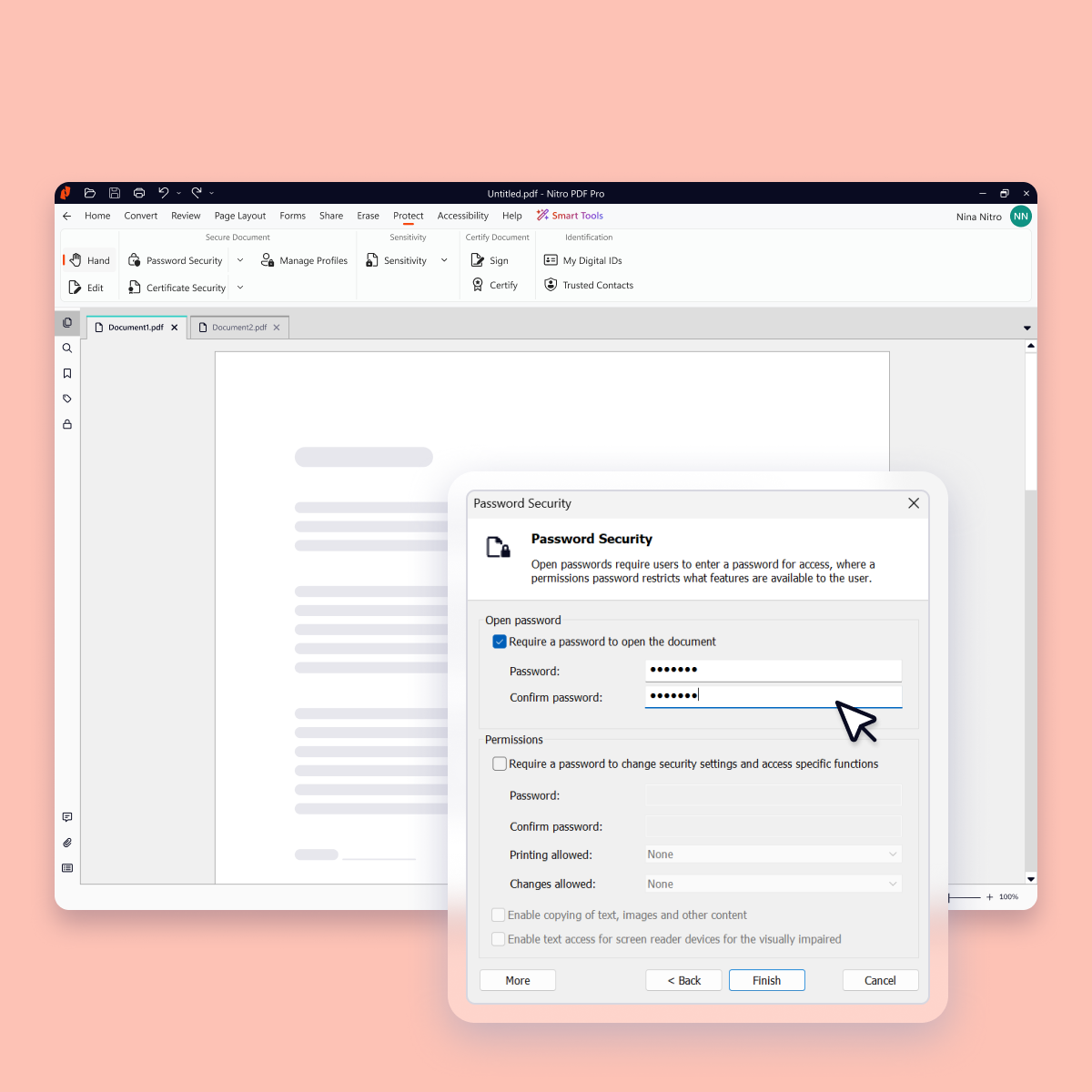
When I get any pdf form to fill, I use this software to fill in all the required details. It is very easy to fill any form in pdf format in this software. Whenever I need to sign any official document digitally, I use this software. It also helps us to protect our confidential documents with password protection. We add passwords to our confidential documents with the help of this software.
A de minimis incentive was given to thank the reviewer for their time. The incentive was not used to bias or drive a particular response, nor was the incentive contingent on a positive endorsement. More Info
A de minimis incentive was given to thank the reviewer for their time. The incentive was not used to bias or drive a particular response, nor was the incentive contingent on a positive endorsement. More Info
OCR comes in handy when you need to scan a document image for embedded text for edits. This feature is a common tool but the accuracy of OCR helps for quick edits.
Conversion options are a plus and a must-have when you need to convert between Microsoft Office and PDF.
During the pandemic, the ability to offer digital signing with personalized signatures is a major plus. Glad to have this tool available when needed.
A de minimis incentive was given to thank the reviewer for their time. The incentive was not used to bias or drive a particular response, nor was the incentive contingent on a positive endorsement. More Info
A de minimis incentive was given to thank the reviewer for their time. The incentive was not used to bias or drive a particular response, nor was the incentive contingent on a positive endorsement. More Info
A de minimis incentive was given to thank the reviewer for their time. The incentive was not used to bias or drive a particular response, nor was the incentive contingent on a positive endorsement. More Info
A de minimis incentive was given to thank the reviewer for their time. The incentive was not used to bias or drive a particular response, nor was the incentive contingent on a positive endorsement. More Info
For the most part, the entire software is extremely easy to navigate and use. You won't need to follow tutorials or anything for the bulk of the core features, as it's all pretty seamlessly designed.
A de minimis incentive was given to thank the reviewer for their time. The incentive was not used to bias or drive a particular response, nor was the incentive contingent on a positive endorsement. More Info
A de minimis incentive was given to thank the reviewer for their time. The incentive was not used to bias or drive a particular response, nor was the incentive contingent on a positive endorsement. More Info
Nitro checks all the boxes for what we need. It is fairly priced, it allows us to read and edit PDF documents, convert PDF to MS Word and convert MS Word to PDF. It allows us to combine multiple files and do all the post processing like adding page numbers and adding headers and footers
A de minimis incentive was given to thank the reviewer for their time. The incentive was not used to bias or drive a particular response, nor was the incentive contingent on a positive endorsement. More Info
Every 1-2 years will do a check on current PDF options to include trialing the software. Have tried Foxit and several that seem to have failed in the marketplace. Over the last 4 years, I have always stuck with Nitro. Unfortunately, we still need to keep Adobe Acrobat (free version) installed to view a small percentage of some PDFs we receive.
A de minimis incentive was given to thank the reviewer for their time. The incentive was not used to bias or drive a particular response, nor was the incentive contingent on a positive endorsement. More Info
I tried Smallpdf for sometime. It is also a very good tool for pdf related tasks but it doesn't provide a comprehensive functionality to edit a pdf document. I couldn't modify the text of my pdf documents in Smallpdf. But SodaPDF gives me the functionality to edit/change the text of my pdf documents. So I shifted from Smallpdf to this software.
A de minimis incentive was given to thank the reviewer for their time. The incentive was not used to bias or drive a particular response, nor was the incentive contingent on a positive endorsement. More Info
A de minimis incentive was given to thank the reviewer for their time. The incentive was not used to bias or drive a particular response, nor was the incentive contingent on a positive endorsement. More Info
A recent project came across my desk where we had to recreate static files into editable word documents. Thank goodness for the OCR feature. It made for an almost flawless conversion. Minor edit here and there, no fault of the program. It was more due to the file quality of the original scan. Saved me time.
The feedback option is another plus: The review/comment function is great for easily getting document feedback. We just started using this feature. Another time-saver.
Document management due to file conversion options makes it easier to keep documents all in one place. Also, the ability to share these documents with coworkers is a major plus!
A de minimis incentive was given to thank the reviewer for their time. The incentive was not used to bias or drive a particular response, nor was the incentive contingent on a positive endorsement. More Info