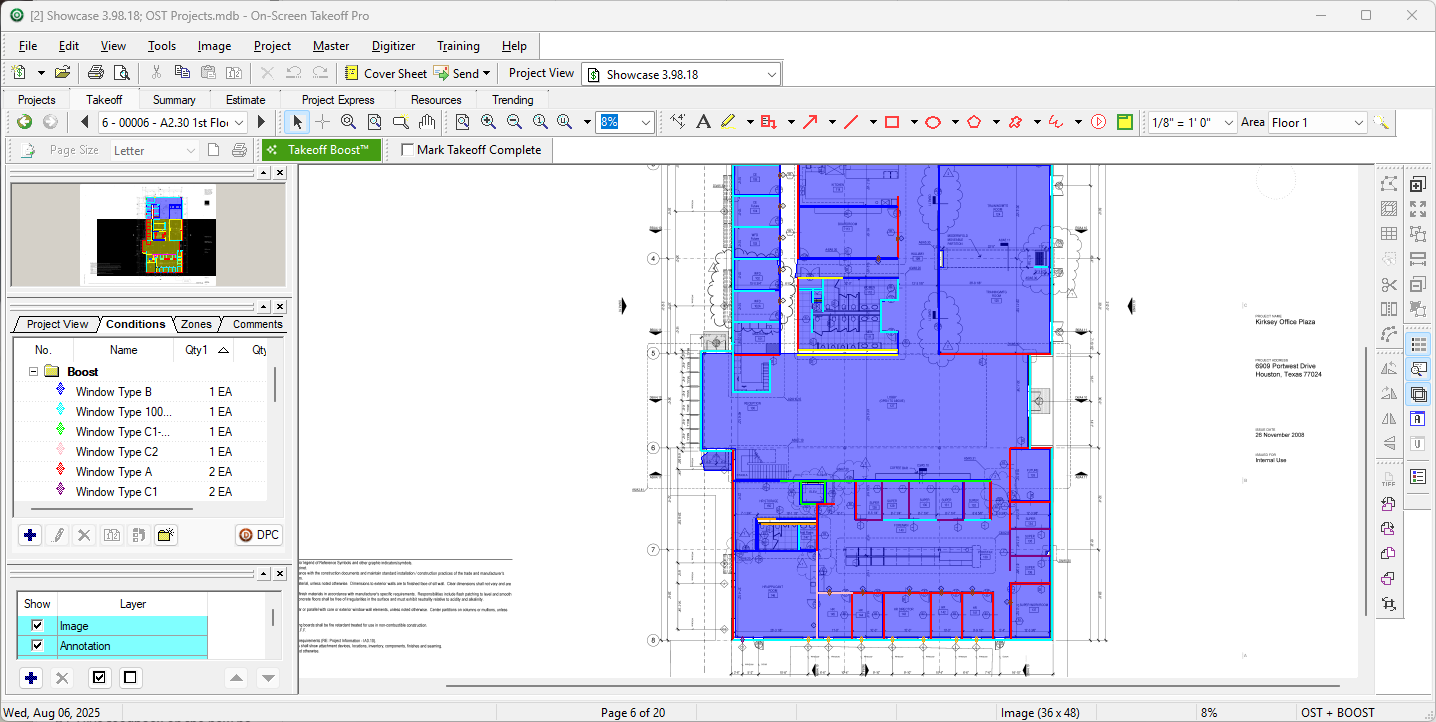
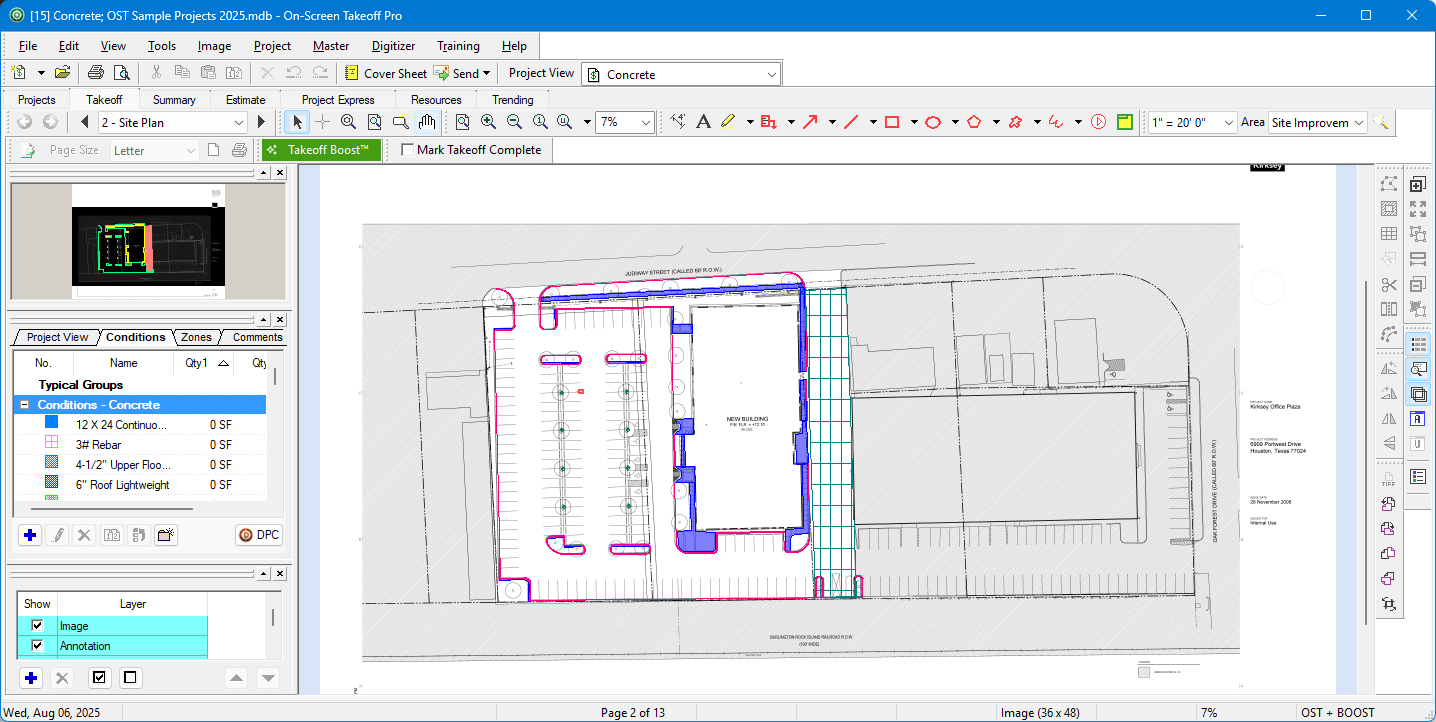
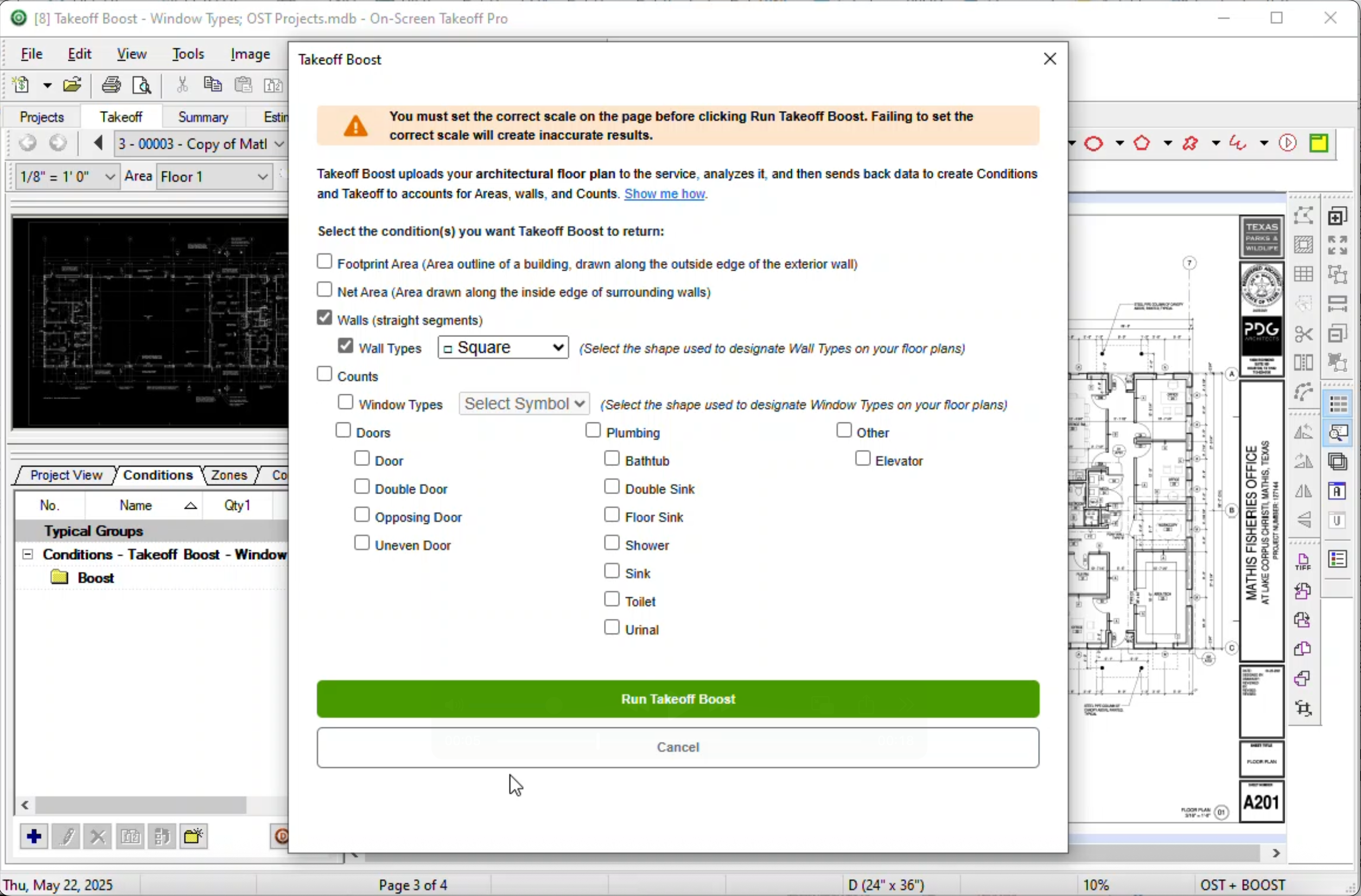
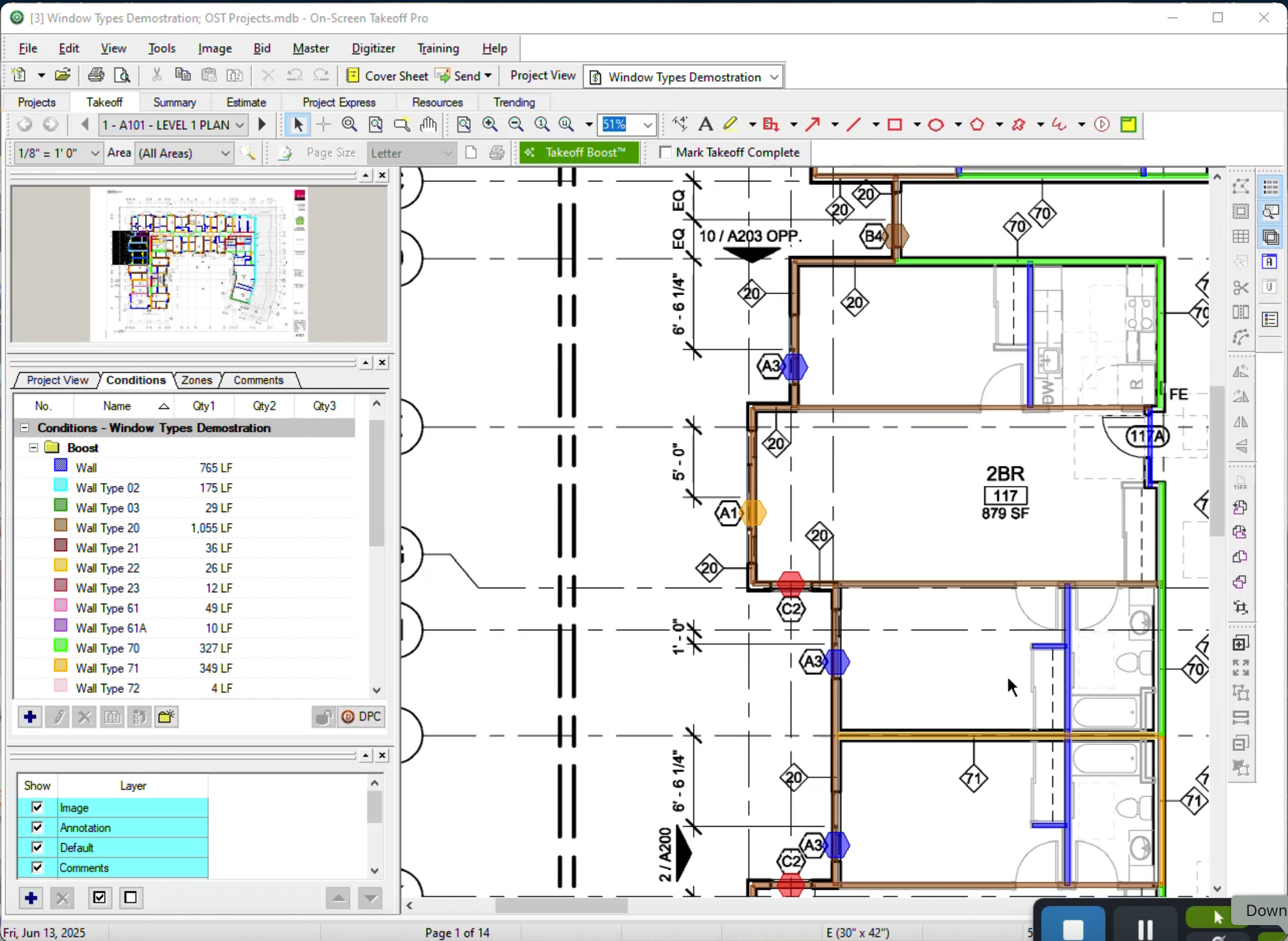
On-Screen Takeoff is a construction takeoff and estimating solution. It is intended to streamline takeoff, RFI, and bidding processes.
N/A
SketchUp
Score8.4 out of 10
N/A
SketchUp is 3D modeling software with an emphasis on usability. SketchUp is a Trimble product.
$119
per year
Pricing
On-Screen Takeoff®
SketchUp
Editions & Modules
No answers on this topic
Free
$0.00
per year
For Schools (free with G Suite or Microsoft education account)
$0
For Students
$55.00
per year
For Educators
$55.00
per year
Studio for Students / Educators (Desktop version)
$55
per year
Shop
$119.00
per year
Pro
$299.00
per year
Professional
$299.00
per year
Studio (Windows only)
$699
per year
Studio
$1199.00
per year
Offerings
Pricing Offerings
On-Screen Takeoff®
SketchUp
Free Trial
Yes
No
Free/Freemium Version
No
Yes
Premium Consulting/Integration Services
No
No
Entry-level Setup Fee
No setup fee
No setup fee
Additional Details
On-Screen Takeoff® pricing varies based on licensing options and specific business needs. The annual subscription plans are designed to scale with project and team size.
Available Subscription Options:
•On-Screen Takeoff
•On-Screen Takeoff with Takeoff Boost™
•On-Screen Takeoff and Quick Bid®
•On-Screen Takeoff with Takeoff Boost and Quick Bid
Each subscription is customized to match the subscriber's workflow requirements. A 14-day free trial is available.
I think most of the reasoning was just provided on the previous pros and cons questions. On-Screen Takeoff (OST) is well suited for doing either quick takeoffs or getting into an elaborate, detailed takeoff. All though the viewing tools are quick and easy, I would still very much prefer using BlueBeam for looking through an overall set of drawings. With all of the hyperlink and bookmark functions of BlueBeam, OST doesn't compare and I rarely use OST unless I'm actually doing a takeoff.
A de minimis incentive was given to thank the reviewer for their time. The incentive was not used to bias or drive a particular response, nor was the incentive contingent on a positive endorsement. More Info
SketchUp is great for individually studying options for building design. It is an awesome conceptual tool to be able to quickly model and manipulate a building to study different designs. It is not good for complex geometries, especially curves. Surfaces have a hard time registering and cutting into one another. It also eventually needs to go into Revit to be more realistic as it is not good as a documentation tool
A de minimis incentive was given to thank the reviewer for their time. The incentive was not used to bias or drive a particular response, nor was the incentive contingent on a positive endorsement. More Info
The biggest thing for me is that it is so easy to use, which allows it to be used widely throughout our organization without a lot of intense training.
Another great thing is that it does not matter how big or little the scope of the take off may be, it works just as well for a whole 12 story building take off as it does for a stretch of sidewalk.
A de minimis incentive was given to thank the reviewer for their time. The incentive was not used to bias or drive a particular response, nor was the incentive contingent on a positive endorsement. More Info
Quickly exploring solutions in 3D: We get a lot of "what if" and "what would that look like" questions. While hand-sketching and hand-drafting can be fairly quick, SketchUp allows me to quickly create 3D and 2D views of a detail or solution, change dimensions and materials in a flash, and show a client or installer the plan in minutes.
Creating professional design documents in LayOut: Projects of any scale need good documentation. Using a combination of SketchUp and LayOut, I can create a Design Intent Set, plans for permitting, a set for mechanical trades to mark-up, etc. Having clear, appropriately-scaled drawings with dimensions or notations is a must, and we don't always have the time or budget to get an architect involved!
Using live files to guide discussions: Not all clients are "visual" people, so opening their model and orbiting around their space in real time has been extremely helpful. Clients and trades enjoy the perspective views so much that we often include them in the full-sized drawing sets to give a good "overall" view of the project intent. For complex or tight spaces, sometimes un-rendered plans and elevations just aren't enough!
A de minimis incentive was given to thank the reviewer for their time. The incentive was not used to bias or drive a particular response, nor was the incentive contingent on a positive endorsement. More Info
A de minimis incentive was given to thank the reviewer for their time. The incentive was not used to bias or drive a particular response, nor was the incentive contingent on a positive endorsement. More Info
A de minimis incentive was given to thank the reviewer for their time. The incentive was not used to bias or drive a particular response, nor was the incentive contingent on a positive endorsement. More Info
It provides invaluable communication, organization, and flexibility to generate a project overview both visually and by the numbers. In addition to the overview it makes getting into the project details easy and quick, so our takeoff is accurate and correct every time
A de minimis incentive was given to thank the reviewer for their time. The incentive was not used to bias or drive a particular response, nor was the incentive contingent on a positive endorsement. More Info
We typically wait a few years in between renewing, as even older versions are powerful tools for modeling, and we make sure the amount of feature changes are worth the re-investment.
On Screen Takeoff is a valuable tool for what it does. Across the board it can keep track of the critical data and corresponding values without extra legwork. While powerful, it is prone to user error, and the problem can compound quickly if not realized up front. Overall a great project tool, but not without limitations
A de minimis incentive was given to thank the reviewer for their time. The incentive was not used to bias or drive a particular response, nor was the incentive contingent on a positive endorsement. More Info
It is very user friendly and easy to learn. It's simplicity allows for a low learning curve so more people can learn it faster. The downside is that most schools are no longer teaching it, so many younger professionals come out of school not knowing it and knowing more complex software and they have a hard time "dumbing down" their skillsets
A de minimis incentive was given to thank the reviewer for their time. The incentive was not used to bias or drive a particular response, nor was the incentive contingent on a positive endorsement. More Info
I have had very few issues with the software which is probably the first sign that there is a good customer support team, since I am sure they are working and fixing problems for everyone when they get a report from somewhere. The few times I have had to reach out to support they have been knowledgeable and on top of helping me quickly get my issues resolved.
A de minimis incentive was given to thank the reviewer for their time. The incentive was not used to bias or drive a particular response, nor was the incentive contingent on a positive endorsement. More Info
Sketchup is so intuitive; I can't recall ever looking for official support. However, there are many user forums online that can answer more questions. The usefulness of the online forums is, however, tempered by the fact that there have been many versions of the software under different ownership and support regimes, and thus finding the right information for the right version of the software can be a challenge.
A de minimis incentive was given to thank the reviewer for their time. The incentive was not used to bias or drive a particular response, nor was the incentive contingent on a positive endorsement. More Info
Implementation was as simple as setting up the program and creating databases. Everything else was already in use and this was a supplement to the final organization of the system
A de minimis incentive was given to thank the reviewer for their time. The incentive was not used to bias or drive a particular response, nor was the incentive contingent on a positive endorsement. More Info
Being able to train individuals in a single afternoon on the program and trusting them to get you something usable as soon as possible is quite invaluable. It is also something that I feel is unique to this program. It is just easier.
A de minimis incentive was given to thank the reviewer for their time. The incentive was not used to bias or drive a particular response, nor was the incentive contingent on a positive endorsement. More Info
We have not evaluated any other competing software to this one. I heard about this software from a friend who teaches how to use it. She showed me in just a few minutes and I was HOOKED. I saw immediately the possible help it would be to my business. Thank you.
A de minimis incentive was given to thank the reviewer for their time. The incentive was not used to bias or drive a particular response, nor was the incentive contingent on a positive endorsement. More Info
The software has more than paid for itself because the company has been able to save lots of money when awarding to subs since it is easy to verify quantities to qualify their bids.
Less of a chance of under-ordering products since the visible audit trail improves accuracy. Also you spend less since you aren't ordering more than you should be.
A de minimis incentive was given to thank the reviewer for their time. The incentive was not used to bias or drive a particular response, nor was the incentive contingent on a positive endorsement. More Info
A de minimis incentive was given to thank the reviewer for their time. The incentive was not used to bias or drive a particular response, nor was the incentive contingent on a positive endorsement. More Info