OpenRoads Designer vs. Vectorworks Architect

Overview
ProductRatingMost Used ByProduct SummaryStarting Price
OpenRoads Designer
Score 8.8 out of 10
N/A
Bentley Systems offers OpenRoads Designer, their civil engineering and design platform which replaces the former GEOPAK Civil Engineering Suite, InRoads, MX, and PowerCivil.N/A
Vectorworks Architect
Score 10.0 out of 10
N/A
Vectorworks Architect allows users to sketch, model, and document in a fully integrated workflow with a design-centric BIM solution. The solution supports 2D graphics, 3D modeling, and visualization tools, and is built to deliver absolute creative expression and maximum efficiency.
$153
per month
Pricing
OpenRoads DesignerVectorworks Architect
Editions & Modules
No answers on this topic
Annual Subscription
$127.50
per month per user
Monthly Subscription
$153
per month per user
Offerings
Pricing Offerings
OpenRoads DesignerVectorworks Architect
Free Trial
NoYes
Free/Freemium Version
NoNo
Premium Consulting/Integration Services
NoYes
Entry-level Setup FeeNo setup feeNo setup fee
Additional Details$153/M: 2 GB of cloud storage, Basic tech support, Immediate access to new versions $128/M: $1530 billed annually | Save $306 over the monthly plan, 2 GB of cloud storage, Basic tech support, Immediate access to new versions
More Pricing Information
Community Pulse
OpenRoads DesignerVectorworks Architect
Best Alternatives
OpenRoads DesignerVectorworks Architect
Small Businesses
Revit
Revit
Score 8.9 out of 10
Procore
Procore
Score 8.5 out of 10
Medium-sized Companies
Revit
Revit
Score 8.9 out of 10
Procore
Procore
Score 8.5 out of 10
Enterprises
Revit
Revit
Score 8.9 out of 10

No answers on this topic

All AlternativesView all alternativesView all alternatives
User Ratings
OpenRoads DesignerVectorworks Architect
Likelihood to Recommend
1.0
(4 ratings)
-
(0 ratings)
Likelihood to Renew
1.0
(1 ratings)
-
(0 ratings)
User Testimonials
OpenRoads DesignerVectorworks Architect
Likelihood to Recommend
Bentley Systems
ORD is really focused on modeling of roads infrastructure projects, but includes a few design workflows that are in other disciplines such as stormwater and drainage design and site modeling tools for developments. This is really handy because you don't need a third-party application that you have to transfer your design files over to to carry on with the project. Including LumenRT for free with ORD is by far the most helpful feature because of the visualisation capabilities which most software does not include. ORD is well-suited for what the name of the product says - designing roads. I wouldn't say there are any scenarios in road design that it is less appropriate for.
Read full review
Vectorworks, Inc.
No answers on this topic
Pros
Bentley Systems
  • Creating linear models, since the app is based on alignment models and templates to extrude along the alignment.
  • Precise long section/profile along horizontal alignment. The app practically flatten the horizontal alignment for profile generation.
  • Template control. Though the template creation takes a bit of effort to create due to the point rulings. However when done right allows the model to be specifically modified with use of functions like super-elevation, point control, widening, parametric etc.
Read full review
Vectorworks, Inc.
No answers on this topic
Cons
Bentley Systems
  • Buggy at times and crashes
  • Requires a lot of training to use the tools effectively
  • Model management requires some work
Read full review
Vectorworks, Inc.
No answers on this topic
Likelihood to Renew
Bentley Systems
We would not use ORD if is was not for clients' contract requirement to use ORD.
Read full review
Vectorworks, Inc.
No answers on this topic
Alternatives Considered
Bentley Systems
ORD is a lot faster and a lot more modern than Civil 3D even though they're essentially the same product under different names (in terms of workflows). I find that the DGN file format used by ORD is far better than the DWG file format used by C3D because DGNs can contain much more information and multiple models per file. C3D is very heavy on memorizing keyboard inputs while ORD is a much more modern interface that relies mostly on using the mouse for inputs.
Read full review
Vectorworks, Inc.
No answers on this topic
Return on Investment
Bentley Systems
  • Drawing creation from model have speed up drawing delivery by 80%
  • Model creation for linear project based on simple design speed up model delivery by 80%
  • Capturing model change due to alignment change have help speed up change capture by 80%
Read full review
Vectorworks, Inc.
No answers on this topic
ScreenShots

Vectorworks Architect Screenshots

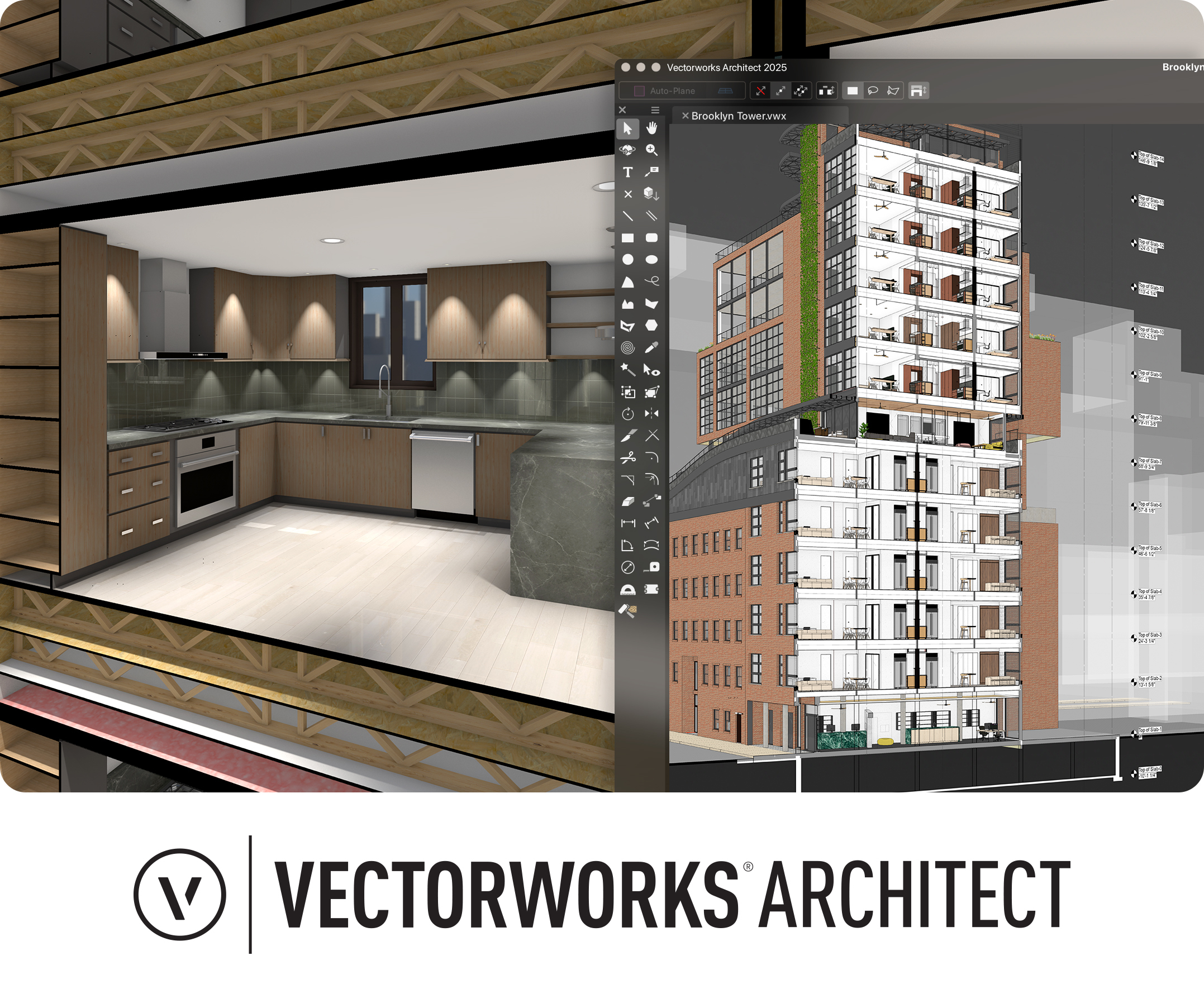
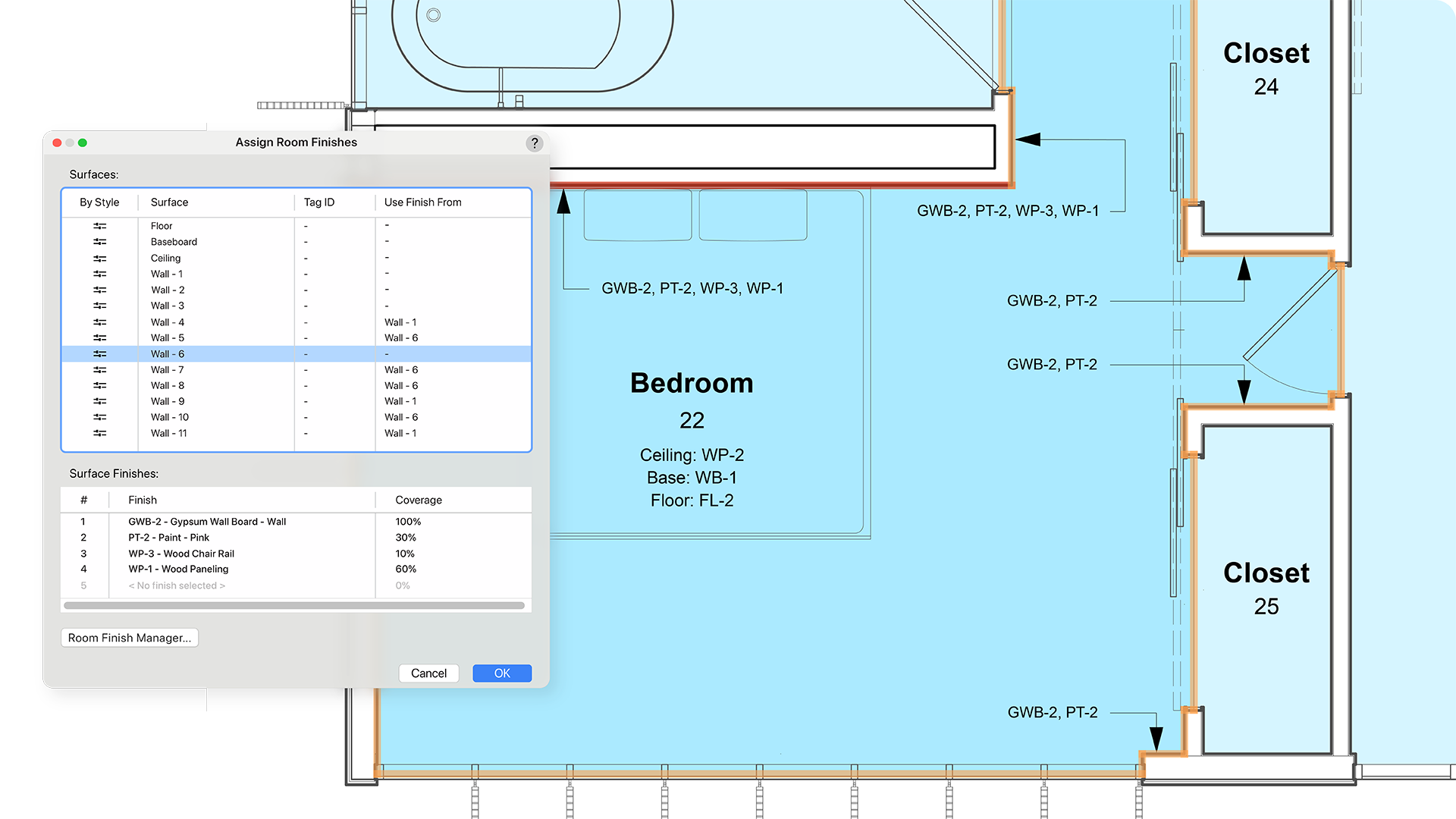
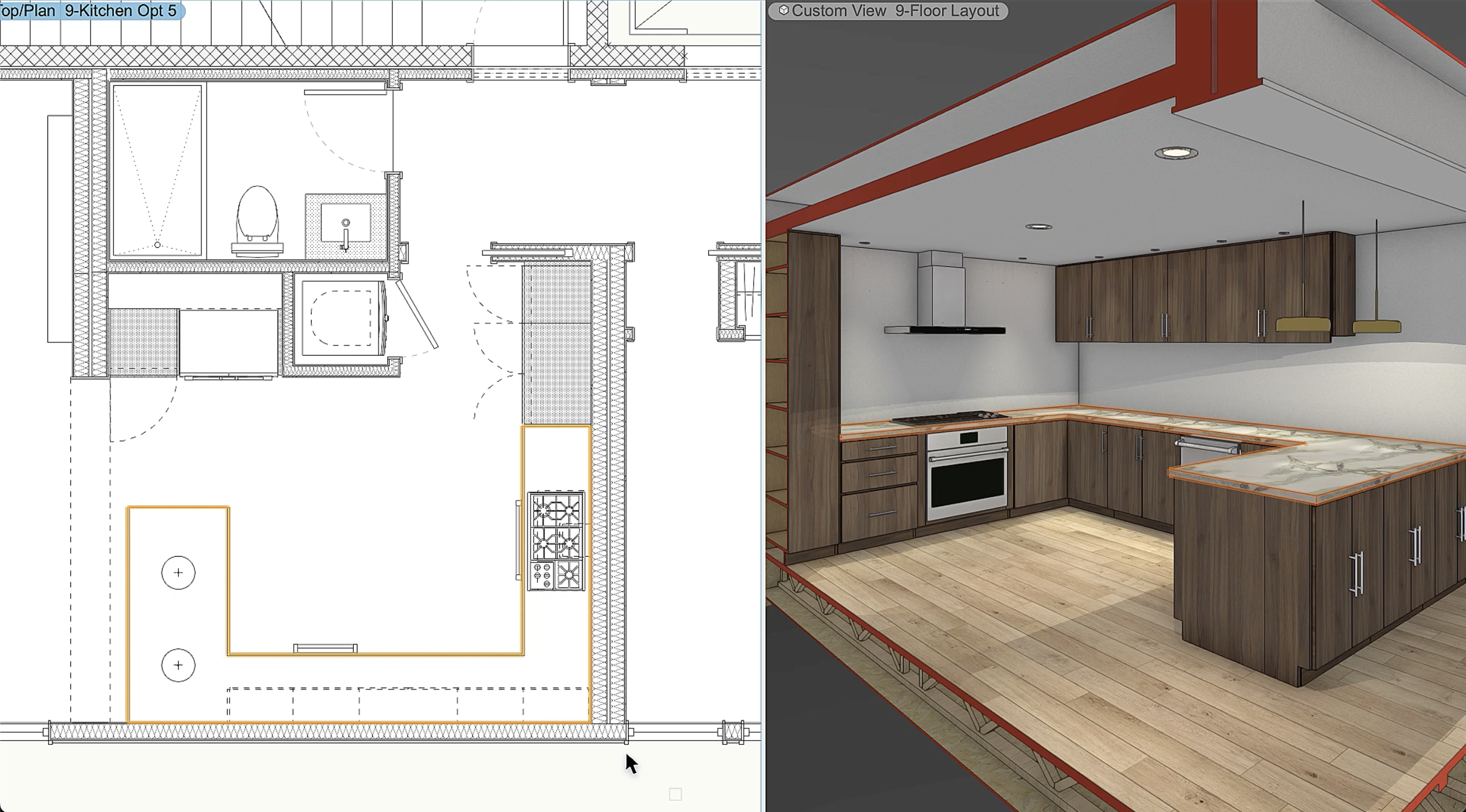
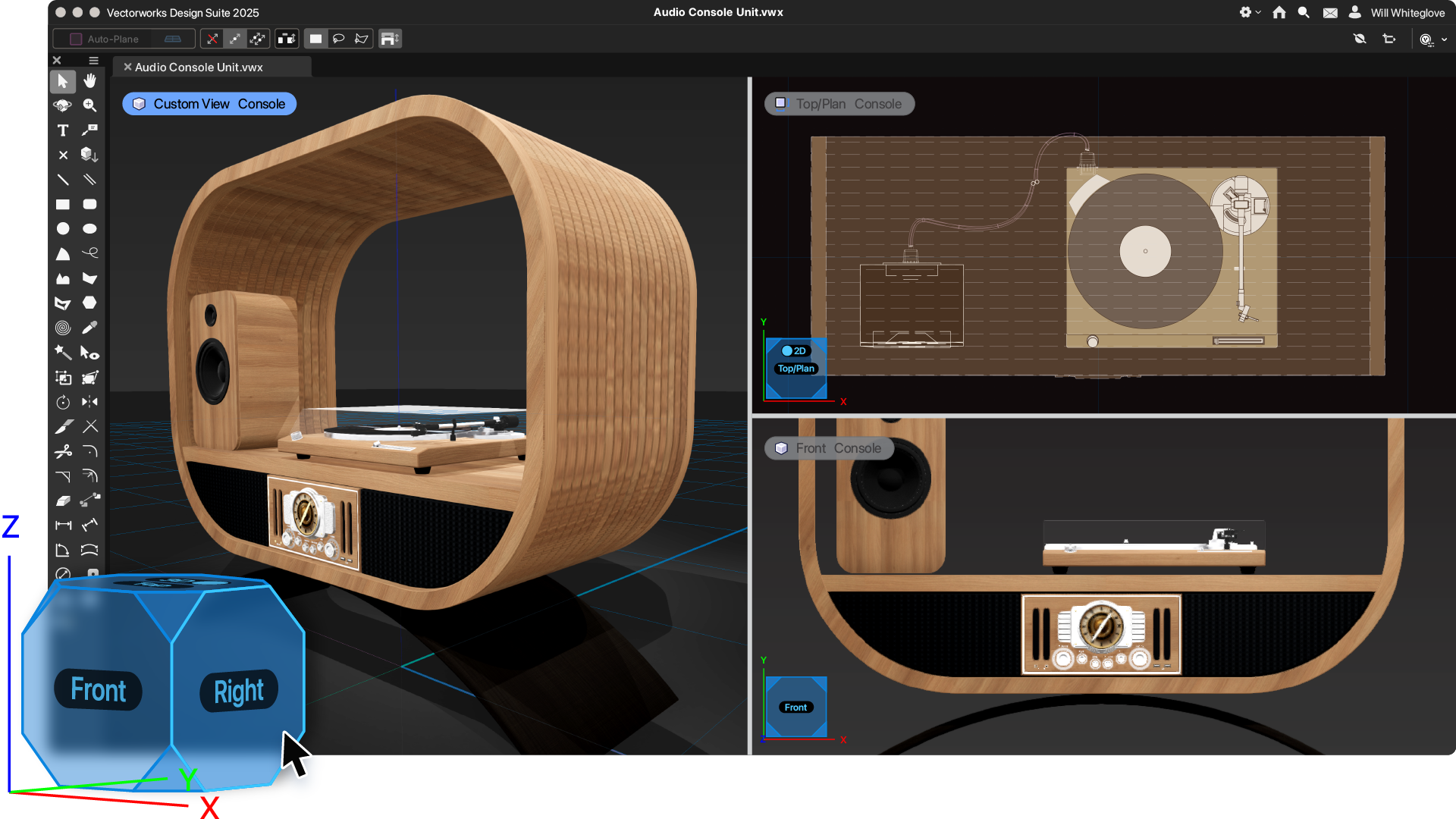
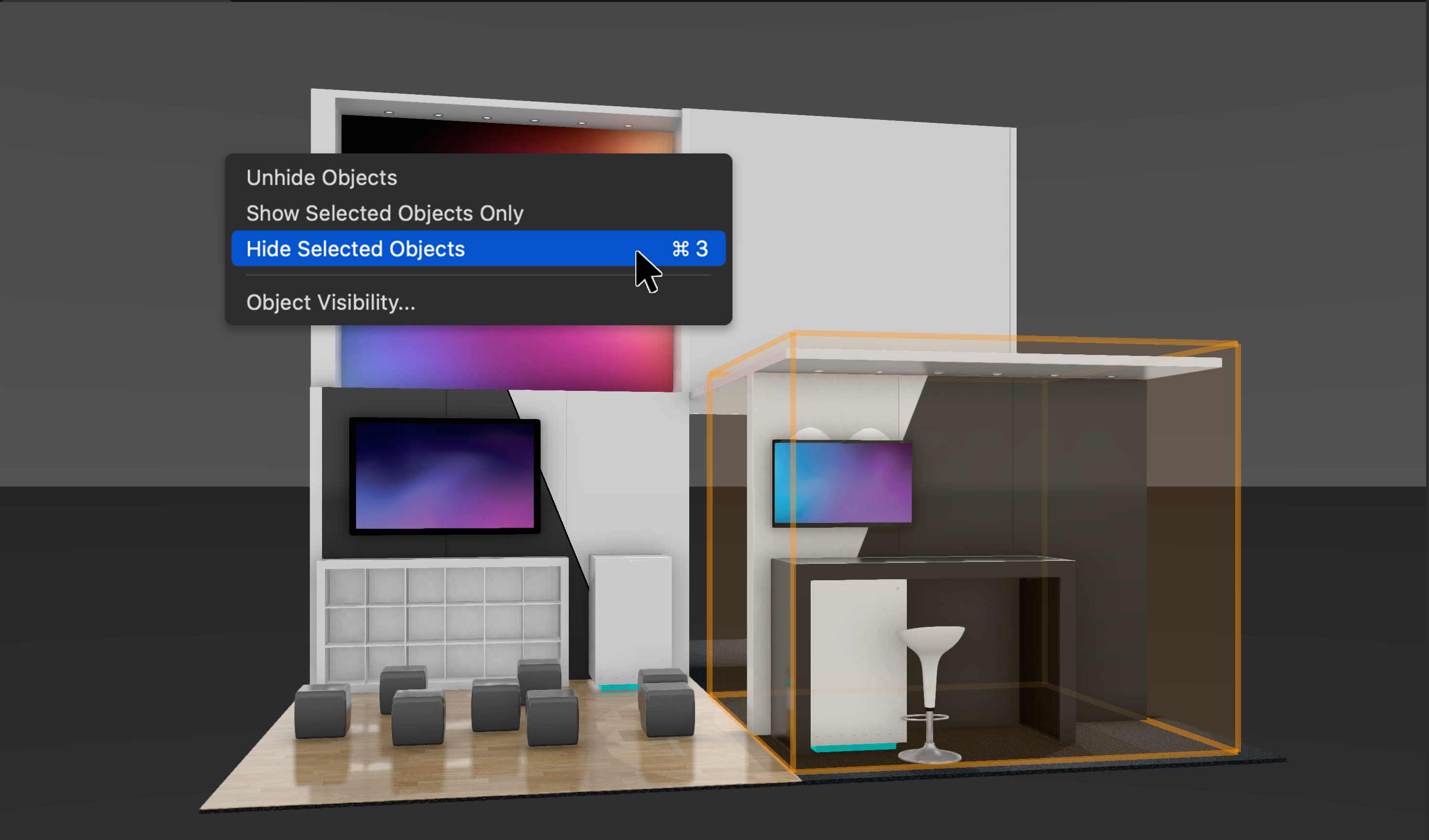
Screenshot of Vectorworks Architect 2025Screenshot of where the user has the ability to select multiple walls and apply surface finishes in a single operation. From here, users can manage, annotate, and create reports with customizable project finishes and data visualization to help streamline the documentation process.Screenshot of where to assign classifications to Vectorworks objects and sub-parts and manage them centrally with a rules-and-criteria-based system. This helps save time and reduce risk for errors with automated application of local and national classification standards in a BIM collaboration and specification writing workflow.Screenshot of a tool that balances automation with customization, used to create finely detailed countertops and achieve quality visuals and reports. Users can manage countertops across projects with customizable styles and find superior control of design features like overhangs and backsplashes. With efficient modeling and automatic hole cuts, time becomes available to create without having to worry about manual processes.Screenshot of an example of the one-click navigation that allows for instant access to all views of a model and interactive model orbiting with click-dragging. The optional display of XYZ axes, compass direction, and working planes help orient and navigate the model.Screenshot of where to show, ghost, hide, or isolate specific objects with individual visibility control. Navigate to specific parts of the model by isolating objects and create custom drawings or viewports to clearly communicate design intent. Apply object visibility directly within the design layer or save it to viewports and data visualizations. Find fast, flexible workflows, while also working harmoniously with Class and Layer visibilities.