
Palo Alto Networks Prisma Access vs. Parallels Browser Isolation
Palo Alto Networks Prisma Access vs. Parallels Browser Isolation
| Product | Rating | Most Used By | Product Summary | Starting Price |
|---|---|---|---|---|
 Palo Alto Networks Prisma Access | N/A | GlobalProtect™ delivers the protection of next-generation security platform to the mobile workforce in order to stop targeted cyberattacks, evasive application traffic, phishing, malicious websites, command-and-control traffic, and known and unknown threats. | N/A | |
 Parallels Browser Isolation | N/A | Parallels® Browser Isolation provides a secure way to access web applications, including Software as a Service (SaaS) and other cloud-based applications, from a web browser. It provides security against web-based threats by running web applications in a separate, secure browser environment in the cloud. This creates an “air gap” between the user’s web browsing and a company’s network. Parallels Browser Isolation offers a single, full… | $19 per month per user |
| Palo Alto Networks Prisma Access | Parallels Browser Isolation | |||||||||||||||
|---|---|---|---|---|---|---|---|---|---|---|---|---|---|---|---|---|
| Editions & Modules | No answers on this topic | No answers on this topic | ||||||||||||||
| Offerings |
| |||||||||||||||
| Entry-level Setup Fee | No setup fee | Optional | ||||||||||||||
| Additional Details | — | — | ||||||||||||||
| More Pricing Information | ||||||||||||||||
| Palo Alto Networks Prisma Access | Parallels Browser Isolation |
|---|
| Palo Alto Networks Prisma Access | Parallels Browser Isolation | |
|---|---|---|
| Small Businesses | No answers on this topic |  ThreatLocker Score 9.4 out of 10 |
| Medium-sized Companies | No answers on this topic | Palo Alto Networks Prisma Access Score 8.3 out of 10 |
| Enterprises |  Zscaler Internet Access Score 8.8 out of 10 | Palo Alto Networks Prisma Access Score 8.3 out of 10 |
| All Alternatives | View all alternatives | View all alternatives |
| Palo Alto Networks Prisma Access | Parallels Browser Isolation | |
|---|---|---|
| Likelihood to Recommend | 10.0 (6 ratings) | - (0 ratings) |
| Usability | 10.0 (1 ratings) | - (0 ratings) |
| Palo Alto Networks Prisma Access | Parallels Browser Isolation | |
|---|---|---|
| Likelihood to Recommend |  Palo Alto Networks
| Parallels No answers on this topic |
| Pros | Palo Alto Networks
| Parallels No answers on this topic |
| Cons | Palo Alto Networks
| Parallels No answers on this topic |
| Usability | Palo Alto Networks
| Parallels No answers on this topic |
| Alternatives Considered | Palo Alto Networks
| Parallels No answers on this topic |
| Return on Investment | Palo Alto Networks
| Parallels No answers on this topic |
| ScreenShots | Parallels Browser Isolation Screenshots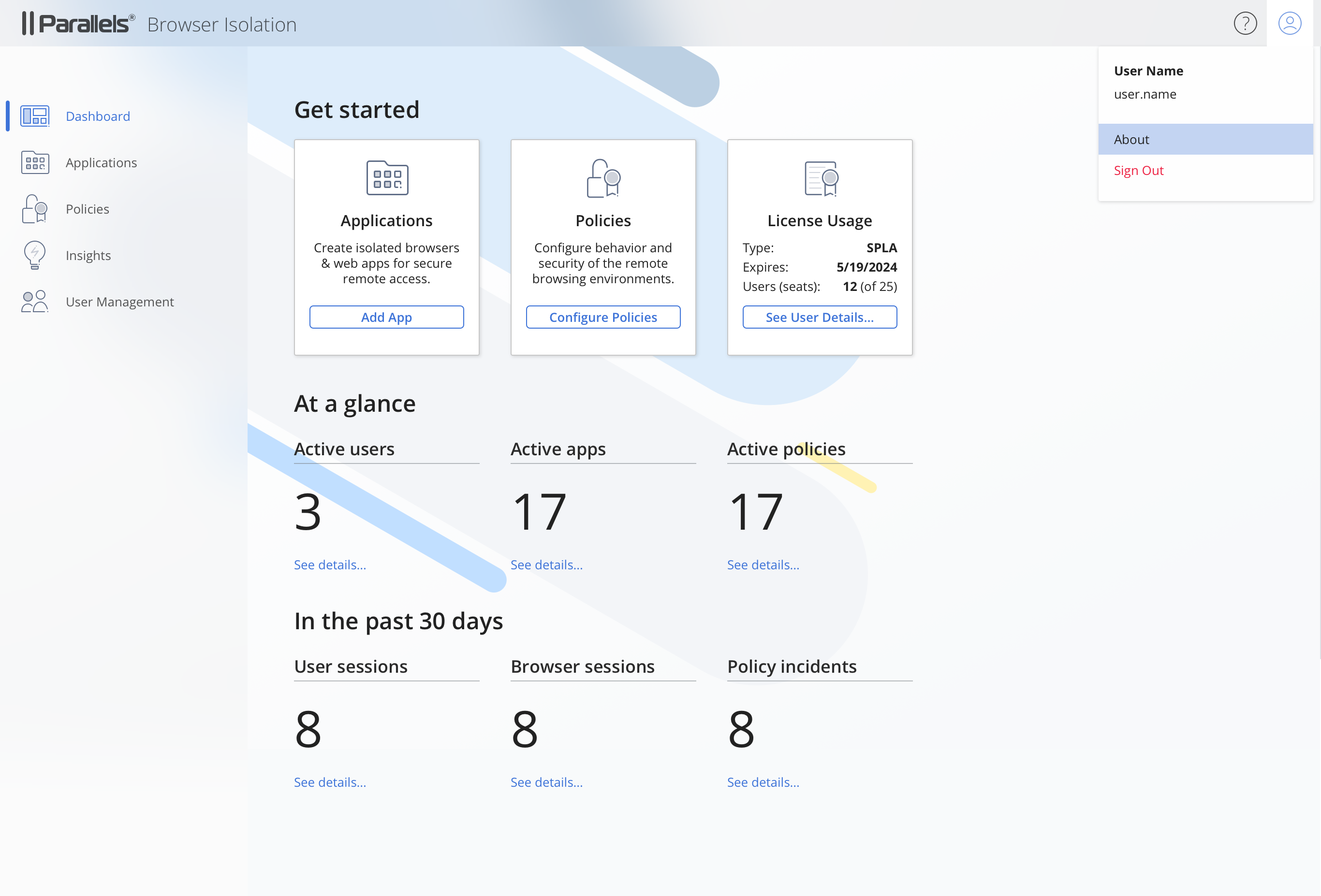 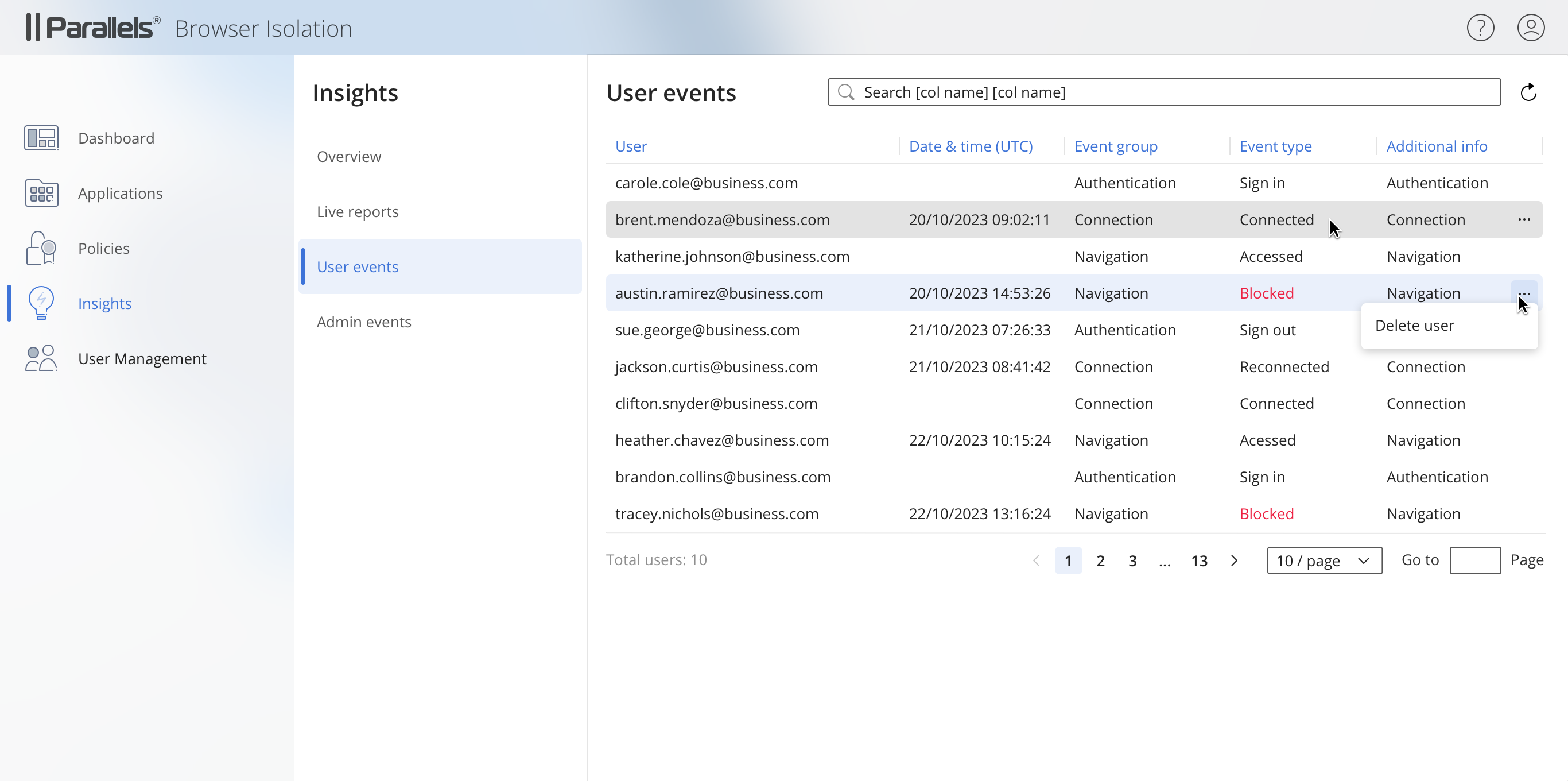 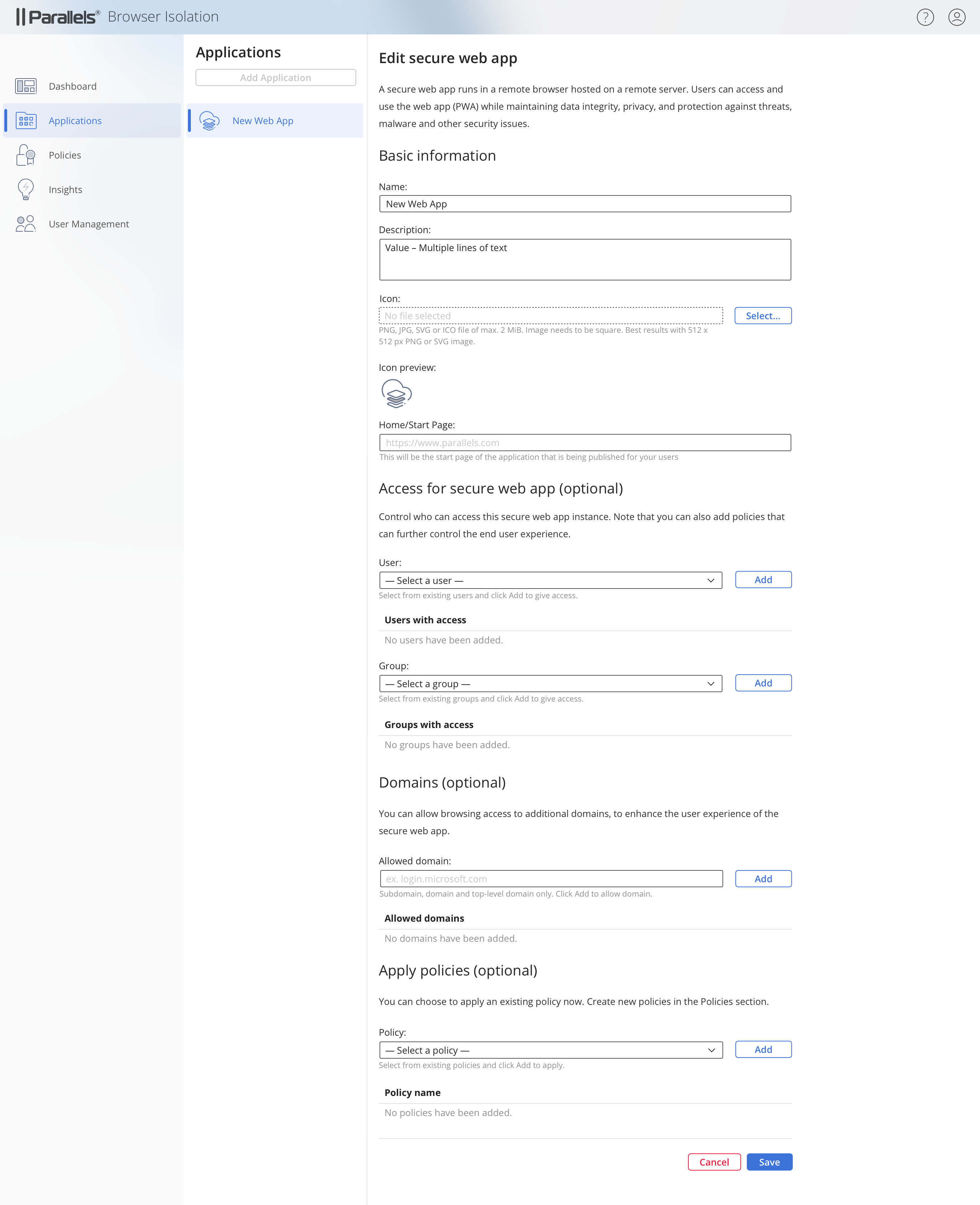 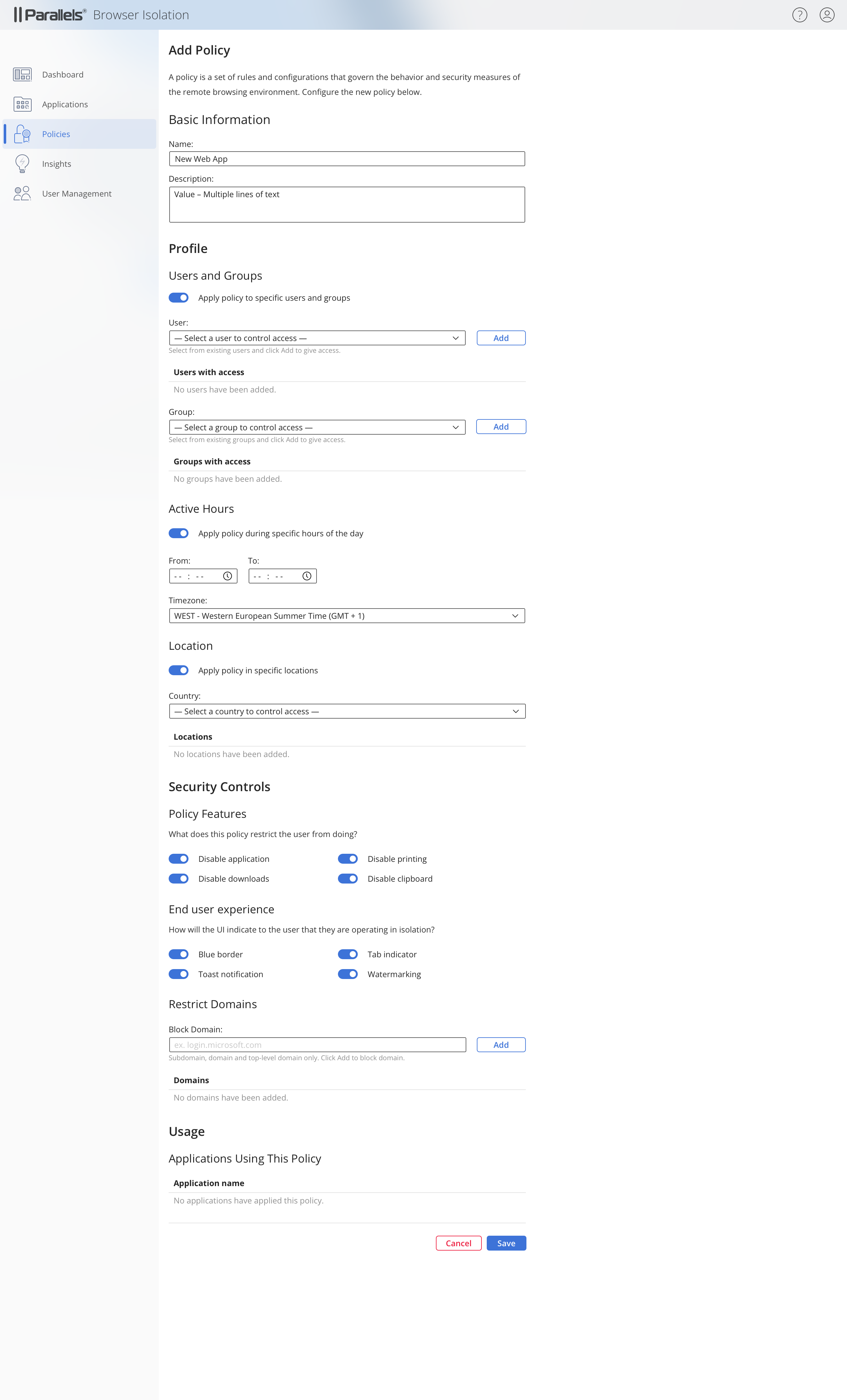 |