
Pulseway vs. TinyMDM
| Product | Rating | Most Used By | Product Summary | Starting Price |
|---|---|---|---|---|
 Pulseway | Score7 out of 10 | Mid-Size Companies (51-1,000 employees) | Pulseway is an IT monitoring and management solution that enables users to monitor, manage and control all systems and servers from a smartphone, tablet or browser. For system administrators, Pulseway sends a notification, so they can see an issue and sort it in seconds. Pulseway features: Automation: Auto-remediation workflows, so that IT issues are fixed before users even notice them. Mobile Access: Customers can monitor, manage, connect with… | $0.80 per month per installation |
 TinyMDM | N/A | N/A | TinyMDM, Android EMM Partner, is a Mobile Device Management dedicated to businesses looking for a solution to manage and secure their mobile fleet of smartphones, tablets, rugged devices. TinyMDM is approved by Android for all its management sets: Kiosk Mode Fully Managed Mode BYOD (Bring Your Own Device) WPCO (Work Profile on Company Owned Device) It offers a centralized management solution for all devices within an organization: app… | $2.30 per month per device |
| Pulseway | TinyMDM | |||||||||||||||
|---|---|---|---|---|---|---|---|---|---|---|---|---|---|---|---|---|
| Editions & Modules |
|
| ||||||||||||||
| Offerings |
| |||||||||||||||
| Entry-level Setup Fee | No setup fee | No setup fee | ||||||||||||||
| Additional Details | No hidden fees or contracts. Term-based discounts. | TinyMDM also offers quantitative discounts starting from 200 licenses. | ||||||||||||||
| More Pricing Information | ||||||||||||||||
| Pulseway | TinyMDM | |
|---|---|---|
| Considered Both Products | No answer on this topic | No answer on this topic |
| Key User Insights | ||
| Would buy again | ||
60% Would buy again 3 Answers | No answers on this topic | |
| Delivers good value for the price | ||
100% Delivers good value for the price 5 Answers | No answers on this topic | |
| Happy with the feature set | ||
80% Happy with the feature set 4 Answers | No answers on this topic | |
| Lived up to sales and marketing promises | ||
No answers on this topic | No answers on this topic | |
| Implementation went as expected | ||
100% Implementation went as expected 5 Answers | No answers on this topic | |
| Pulseway | TinyMDM | |
|---|---|---|
| Small Businesses |  Panda Systems Management Score7.2 out of 10 |  Apple Business Essentials Score8.2 out of 10 |
| Medium-sized Companies |  N-able N-sight RMM Score7.4 out of 10 |  Cisco Meraki SM Score9.6 out of 10 |
| Enterprises | No answers on this topic |  Jamf Pro Score8.7 out of 10 |
| All Alternatives | View all alternatives | View all alternatives |
| Pulseway | TinyMDM | |
|---|---|---|
| Likelihood to Recommend | 6.5 | - |
| Usability | 7.8 | - |
| Support Rating | 9.6 | - |
| Pulseway | TinyMDM | |
|---|---|---|
| Likelihood to Recommend |
| No answers on this topic |
| Pros |
| No answers on this topic |
| Cons |
| No answers on this topic |
| Usability |
| No answers on this topic |
| Support Rating |
| No answers on this topic |
| Alternatives Considered |
| No answers on this topic |
| Return on Investment |
| No answers on this topic |
| ScreenShots | Pulseway Screenshots  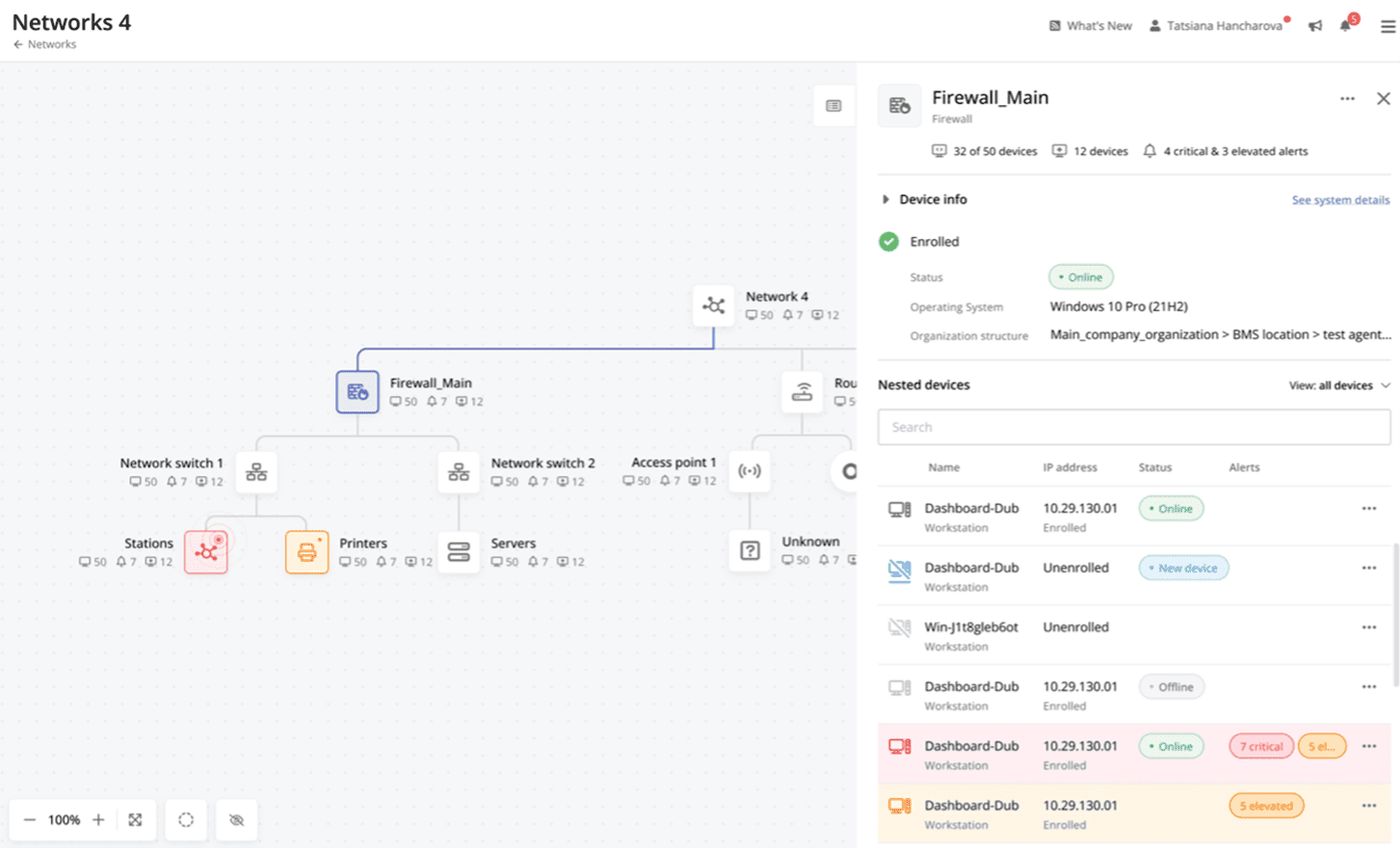 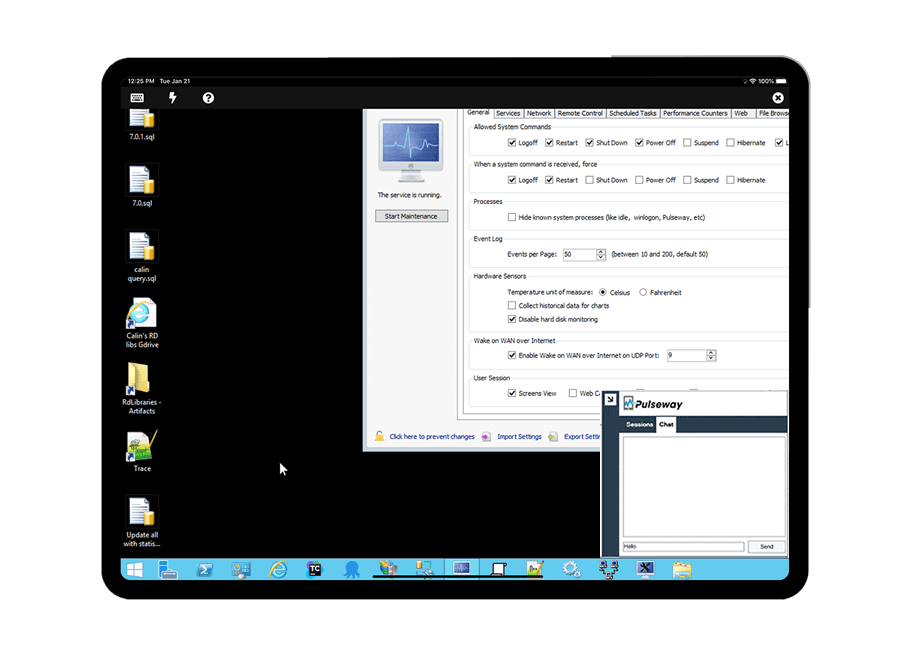   | TinyMDM Screenshots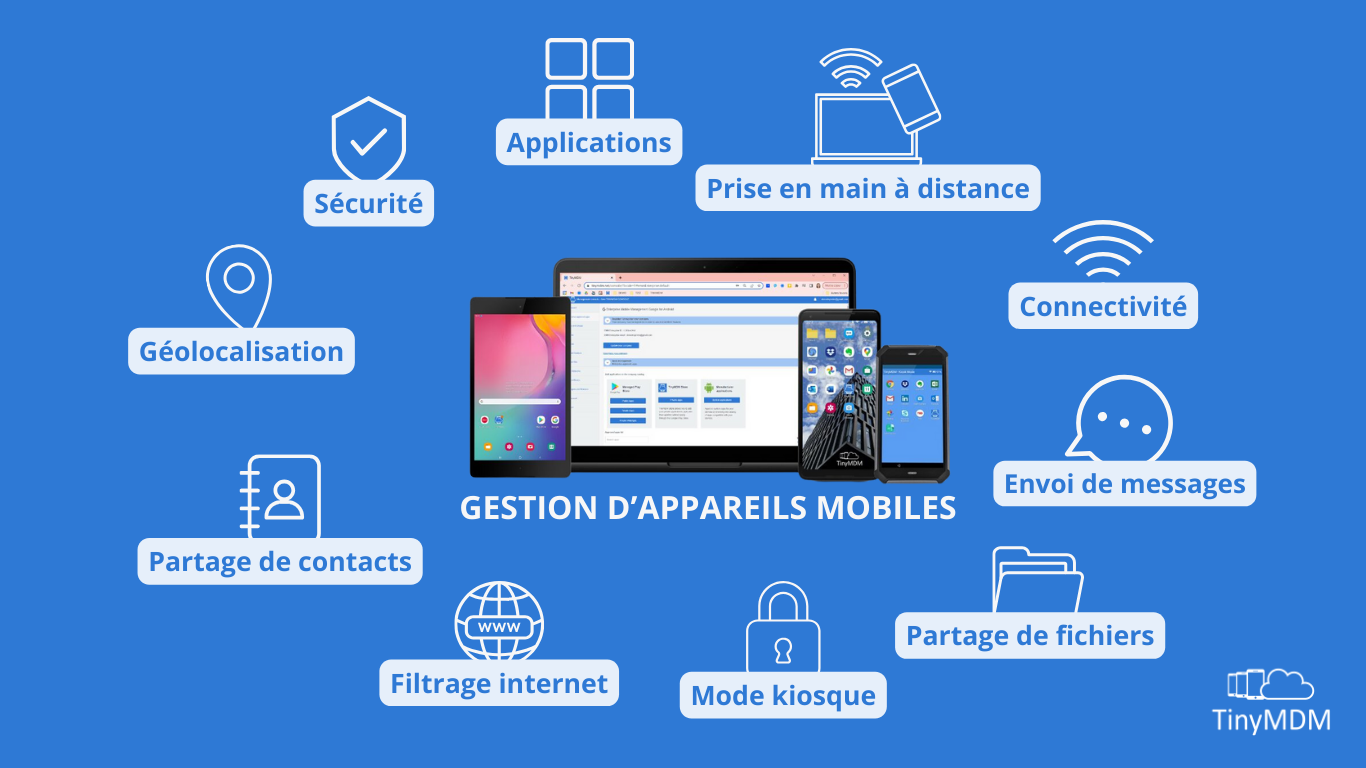    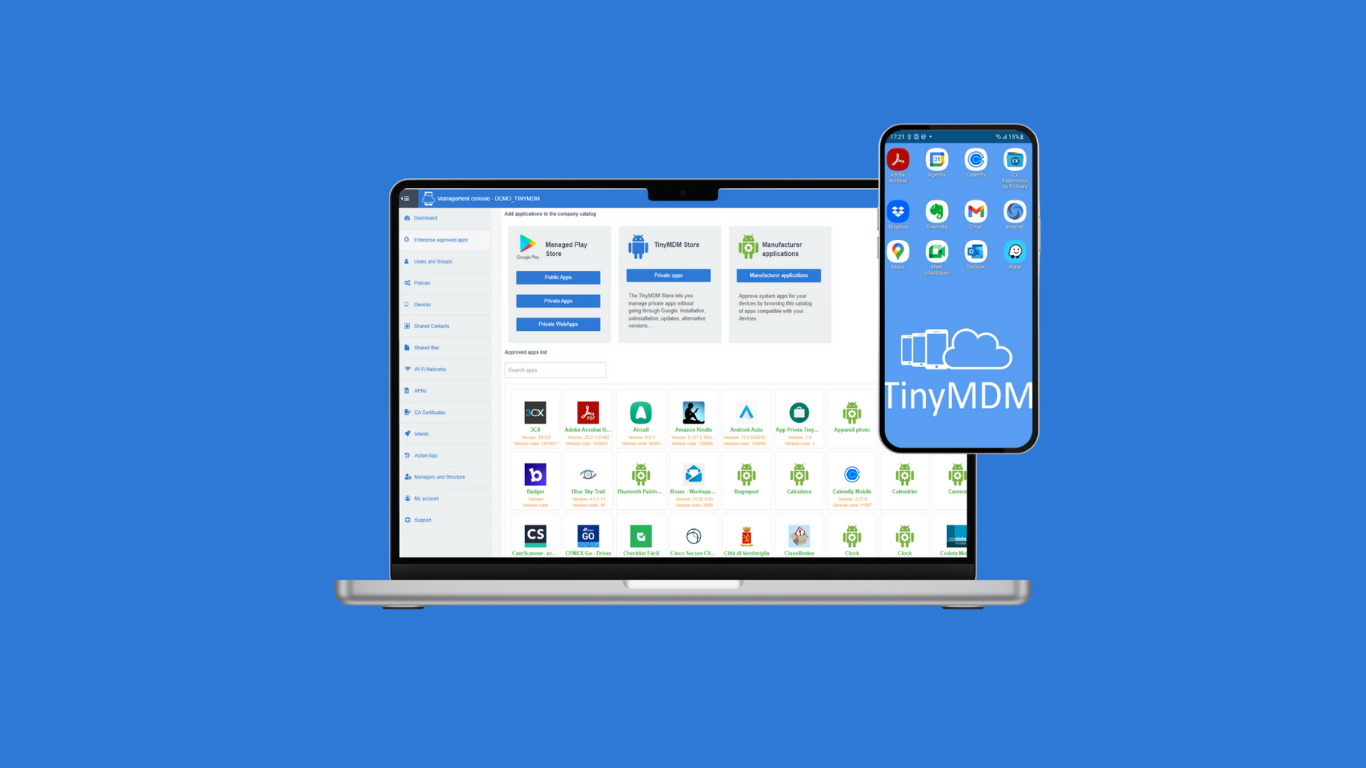 |



