Quip vs. S-Docs

Overview
ProductRatingMost Used ByProduct SummaryStarting Price
Quip
Score 8.3 out of 10
N/A
Quip is a collaboration tool, from Salesforce, that helps sales teams accelerate business in real-time with embedded documents, live Salesforce data, and other built-in collaboration features.
$120
per year per user
S-Docs
Score 8.7 out of 10
Small Businesses (1-50 employees)
S-Docs headquartered in New York offers what they present as a secure document generator and E-signature solution built on the Salesforce Platform. It aims to help users to create and e-sign sophisticated documents that improve efficiency, reduce errors and eliminate tedious work.
$65
per month per user
Pricing
QuipS-Docs
Editions & Modules
Enterprise
$25
per user per month
Starter
$120
per year per user
Plus
$300
per year per user
Advanced
$1,200
per year per user
S-Docs for Salesforce
$25
per month (billed annually) per user
S-Docs for Salesforce with e-Signature
$40
per month (billed annually) per user
S-Docs & S-Sign Bundle
$40
per month per user (Minimum contract of $8,400)
S-Docs for HubSpot Team Edition
$65
per month per installation
S-Docs for HubSpot Professional Edition
$275
per month per installation
Offerings
Pricing Offerings
QuipS-Docs
Free Trial
NoYes
Free/Freemium Version
NoYes
Premium Consulting/Integration Services
NoNo
Entry-level Setup FeeNo setup feeOptional
Additional DetailsAll editions include unlimited personal documents and folders and a custom subdomain. Paid versions include unlimited document revision history, message archive and group sharing.S-Docs for Salesforce is priced by seat. Organizations that are interested in the enterprise edition - including per-document pricing and Experience Cloud plans, can reach out to sales. S-Docs for HubSpot is priced by usage. S-Docs for HubSpot Team Edition comes with 500 documents and 250 e-Signature requests per year. S-Docs for HubSpot Professional Edition comes with 2,500 documents and 800 e-Signature requests per year. Nonprofit discounts are available.
More Pricing Information
Community Pulse
QuipS-Docs
Features
QuipS-Docs
Project Management
Comparison of Project Management features of Product A and Product B
Quip
8.1
37 Ratings
4% above category average
S-Docs
-
Ratings
Task Management8.535 Ratings00 Ratings
Gantt Charts8.121 Ratings00 Ratings
Scheduling7.524 Ratings00 Ratings
Workflow Automation7.622 Ratings00 Ratings
Mobile Access7.632 Ratings00 Ratings
Search9.534 Ratings00 Ratings
Visual planning tools8.127 Ratings00 Ratings
Communication
Comparison of Communication features of Product A and Product B
Quip
7.8
37 Ratings
3% below category average
S-Docs
-
Ratings
Chat7.536 Ratings00 Ratings
Notifications8.535 Ratings00 Ratings
Discussions8.536 Ratings00 Ratings
Surveys7.121 Ratings00 Ratings
Internal knowledgebase9.526 Ratings00 Ratings
Integrates with GoToMeeting6.110 Ratings00 Ratings
Integrates with Gmail and Google Hangouts6.112 Ratings00 Ratings
Integrates with Outlook9.011 Ratings00 Ratings
File Sharing & Management
Comparison of File Sharing & Management features of Product A and Product B
Quip
7.8
37 Ratings
3% below category average
S-Docs
-
Ratings
Versioning7.627 Ratings00 Ratings
Video files7.120 Ratings00 Ratings
Audio files7.618 Ratings00 Ratings
Document collaboration9.537 Ratings00 Ratings
Access control8.132 Ratings00 Ratings
Advanced security features8.121 Ratings00 Ratings
Integrates with Google Drive6.116 Ratings00 Ratings
Device sync8.527 Ratings00 Ratings
Best Alternatives
QuipS-Docs
Small Businesses
Stackby
Stackby
Score 8.9 out of 10
airSlate WorkFlow
airSlate WorkFlow
Score 9.9 out of 10
Medium-sized Companies
Troop Messenger
Troop Messenger
Score 9.8 out of 10
Foxit PDF Editor
Foxit PDF Editor
Score 8.7 out of 10
Enterprises
HCL Connections
HCL Connections
Score 9.0 out of 10
Conga Composer
Conga Composer
Score 8.1 out of 10
All AlternativesView all alternativesView all alternatives
User Ratings
QuipS-Docs
Likelihood to Recommend
8.7
(38 ratings)
9.0
(1 ratings)
Usability
8.7
(4 ratings)
-
(0 ratings)
Support Rating
9.1
(4 ratings)
-
(0 ratings)
User Testimonials
QuipS-Docs
Likelihood to Recommend
Salesforce
I think collaboration is probably the best use case for it allows really good drafts of documents. I think it's really good use case if you want to go track edits to documents as well. It's probably not really good for versioning control, but it's definitely, it's very, very lightweight and so you can use it on a mobile device, you can use it in any web browser. So it's very easy to use, very easily accessible. I probably wouldn't use it from a spreadsheet perspective. Well I think some of the primary functions of data sheets are there. It doesn't have some of the more complex formulas that you would typically get from Excel or something like that
Read full review
S-Docs Inc.
S-Docs would be great for anyone looking to make the process of getting signatures more seamless and less time intensive. You can get a signature in minutes no matter where the signee is located. No more having to worry about printing, scanning, and emailing over important and time-sensitive documents.
Read full review
Pros
Salesforce
  • We use it as an effective way of collaboration between teams.
  • It can be used as an online spreadsheet.
  • It helps in accessing the data by multiple teams hassle-free.
  • Can customize the action like editing or locking the spreadsheet to the other users based on the business need.
Read full review
S-Docs Inc.
  • onboarding
  • approval of marketing spend
  • approval of travel expenses
Read full review
Cons
Salesforce
  • When using Quip Desktop, it can be slow to update with content from other users
  • I think it would be cool to have a PDF proofing system integrated into Quip. Once copy has gone to design, we are basically done using Quip - I'd like to bring that all together within Quip
  • Multi -select and group export of documents would be helpful
Read full review
S-Docs Inc.
No answers on this topic
Usability
Salesforce
It is the best collaboration tool in my company. Through it, the organization has achieved better connectivity and efficiency in its communication. Primarily, the docs feature of this software is the most utilized in the company. Slowly, dash-boarding and project management features have also been utilized. Generally, it is the best tool, very easy and fairly streamlined
Read full review
S-Docs Inc.
No answers on this topic
Support Rating
Salesforce
I have never used Quip's support. To be fair, we hired someone who used to work for Quip before working at our company, and he implemented it and pushed it with the team. He was very biased toward the product, and yes it was better than Google Drive, but by how much?
Read full review
S-Docs Inc.
No answers on this topic
Alternatives Considered
Salesforce
Google Drive is an obvious choice for a collaboration suite, but it still has this old-fashioned Windows 95 feel to it, with the standard file system hierarchy and spread-sheet like lists of files. Quip has a fresh take on the user interface, and the comments and discussion on a given file or line within a file seems more integrated and seamless, rather than a bunch of boxes out in the margin away from where you're actually reading and working. Having everything just to the left of a list or paragraph makes it easier to focus and maintain context while you're working or discussing a certain point.
Read full review
S-Docs Inc.
just as easy to use as dousign. Since I do not make the purchasing decisions, I am not sure how these prices compare to each other
Read full review
Return on Investment
Salesforce
  • It is a tool that allows work teams to move forward in a centralized way and meet their objectives as efficiently as possible; this has allowed us to meet our customers and brought more work to the organization, therefore more revenue; I would say that the ROI was fast enough, as expected.
Read full review
S-Docs Inc.
  • increased efficiency
  • increased security
Read full review
ScreenShots

Quip Screenshots

Screenshot of Screenshot of Screenshot of Screenshot of Screenshot of Screenshot of

S-Docs Screenshots

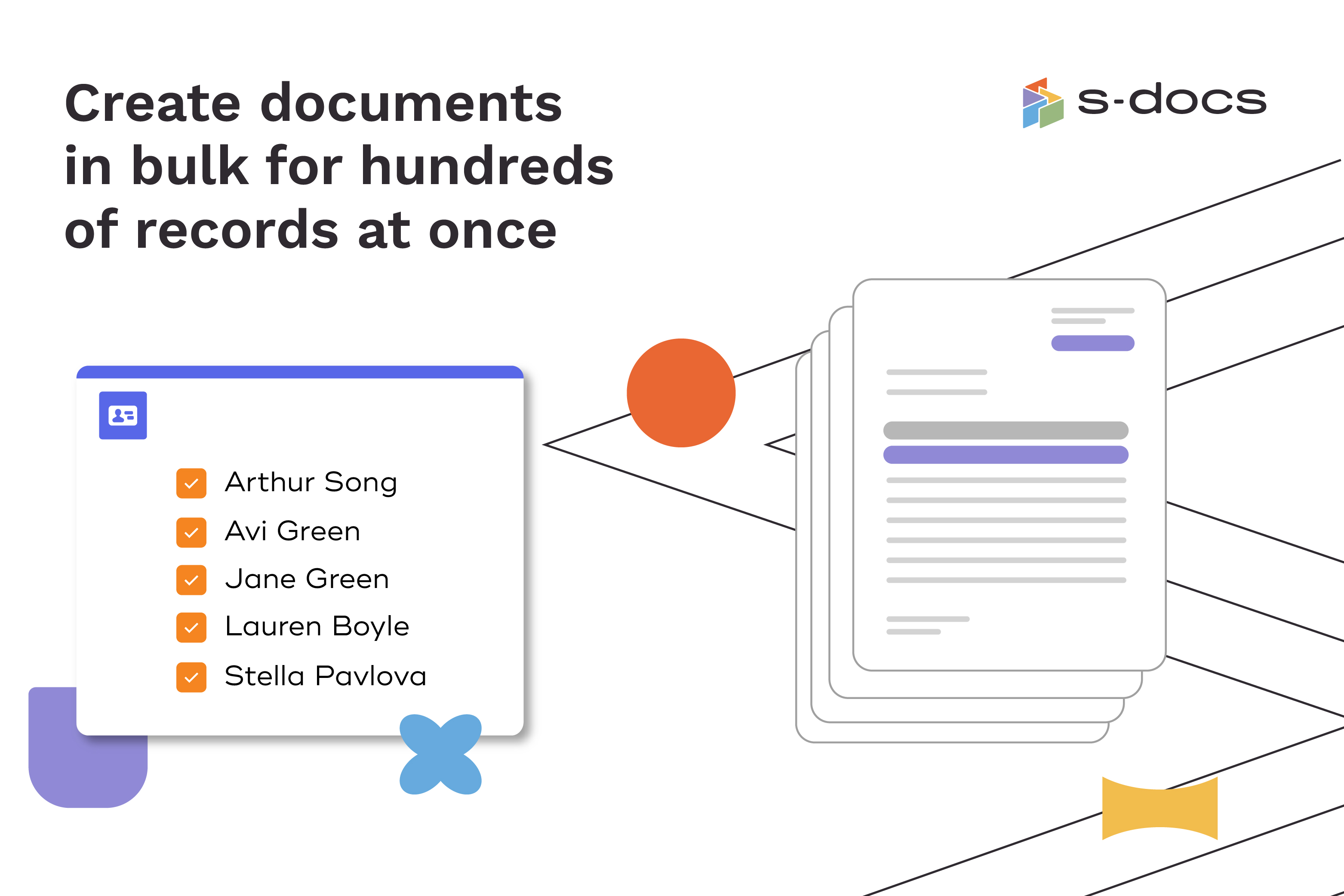
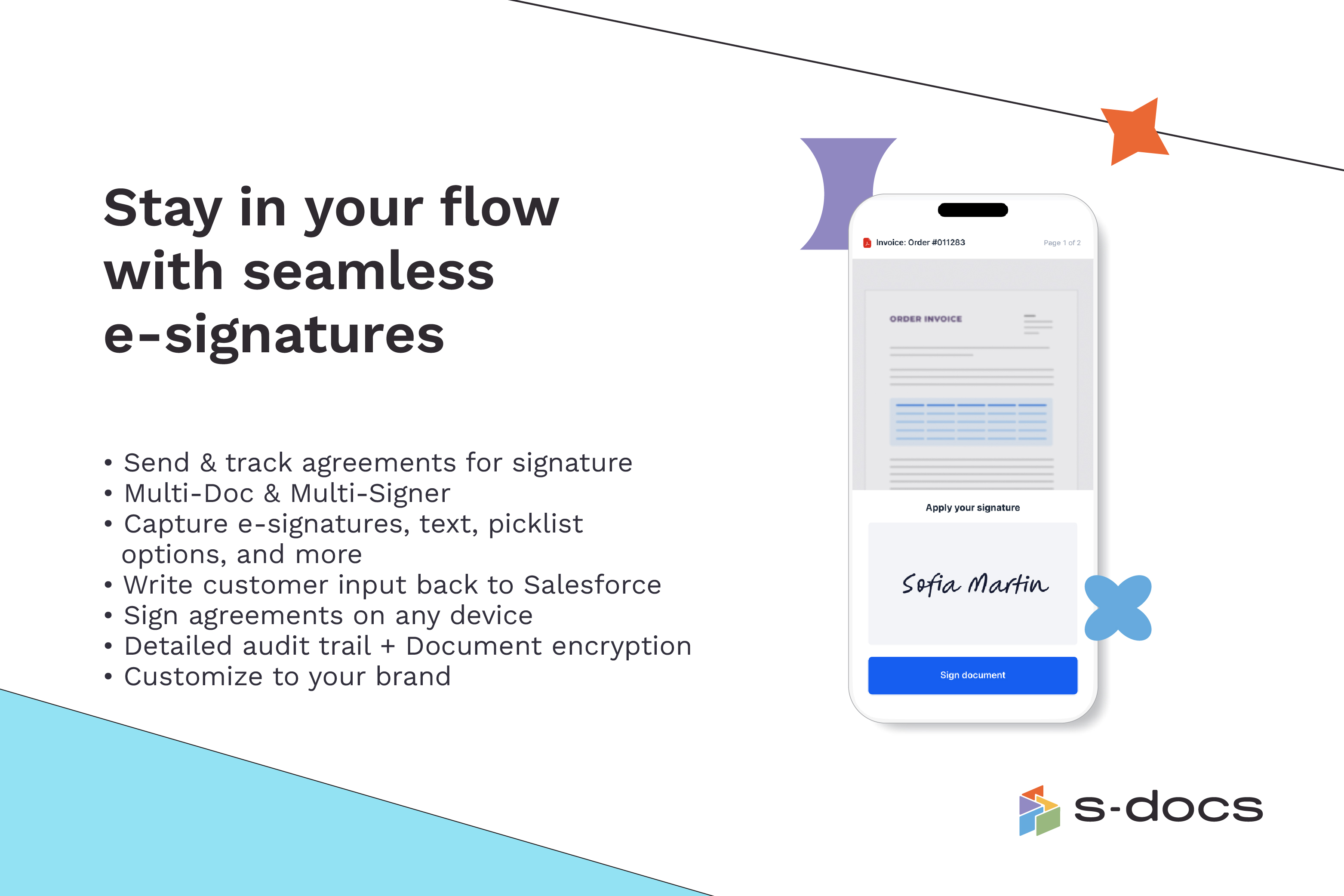
Screenshot of how to create business documents in flexible formatsScreenshot of how to create documents via clicks or automaticallyScreenshot of how to generate documents in bulk for hundreds of records at onceScreenshot of how to edit generated documents without downloading external programsScreenshot of how to request secure e-Signatures via email or in personScreenshot of how to create templates with the drag-and-drop interface