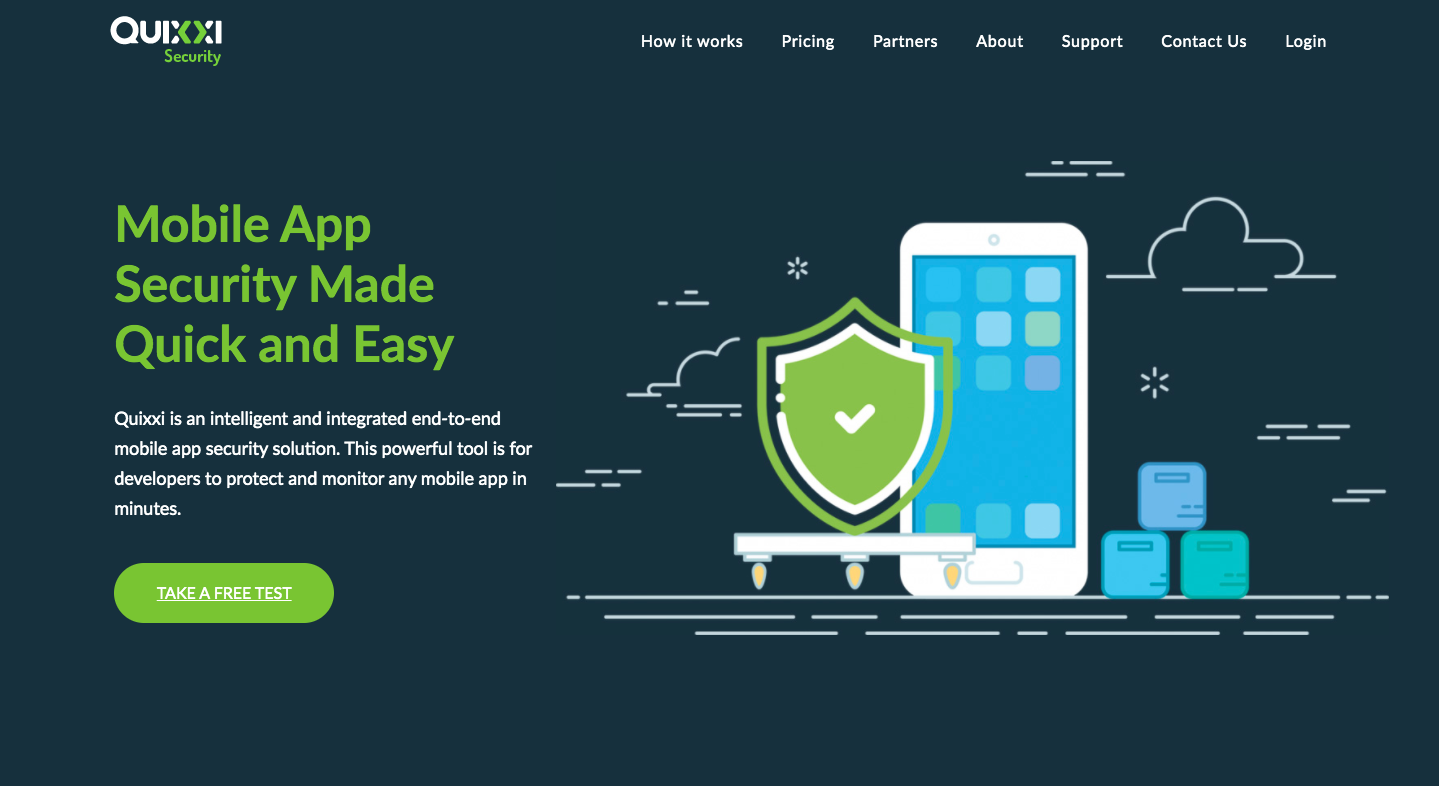
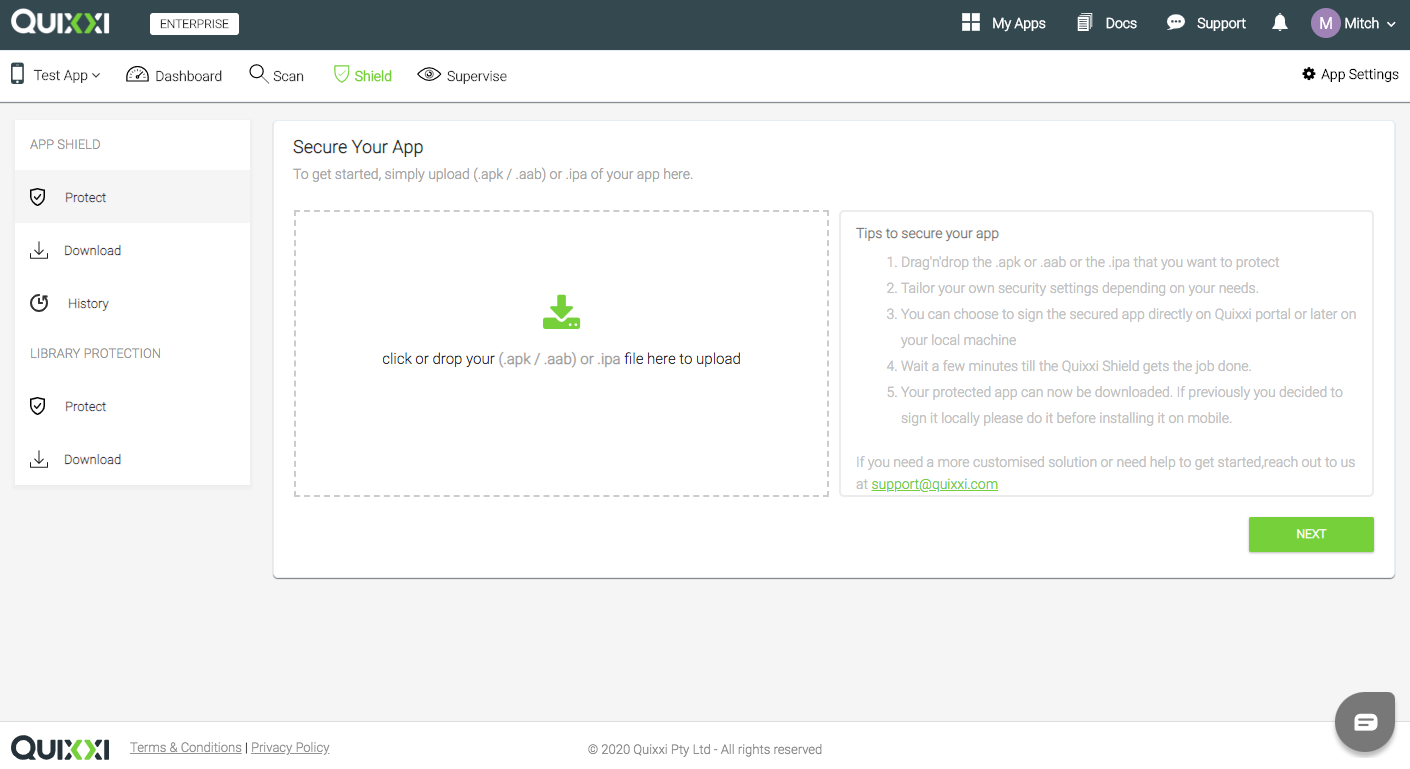
Quixxi Security provides codeless app protection against hackers looking to clone, tamper, inject malicious code, or exploit a mobile app. A simple drag & drop feature applies a sophisticated set of security layers, for quick & easy mobile app protection. Quixxi is also a monitoring tool with Licensing, Analytics & Diagnostics SDK. Allowing developers to identify illegal use & help recover associated lost revenue, detailed insights into customer engagement & advanced debugging…
$0
Per App
SonarQube
Score 8.6 out of 10
N/A
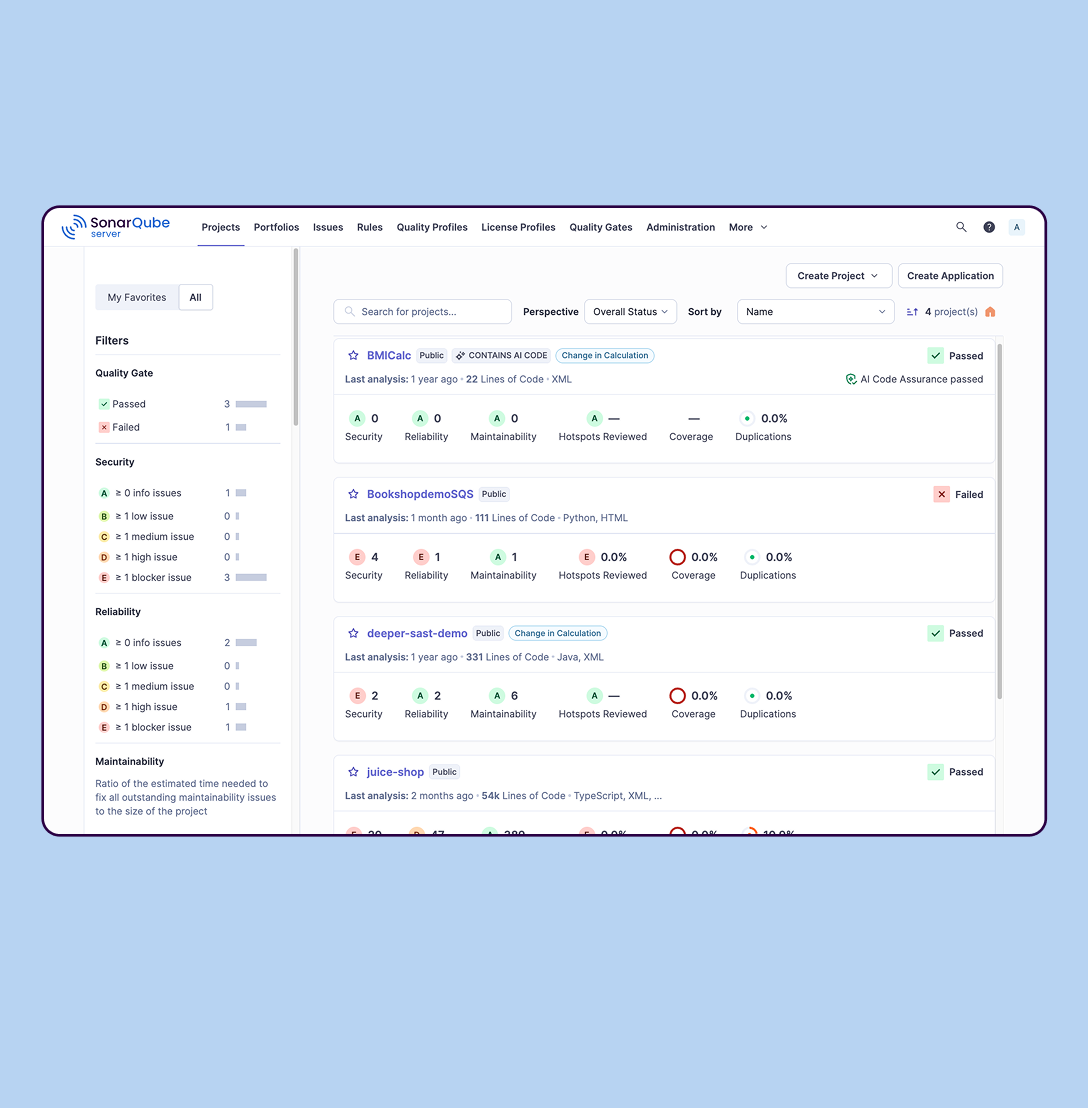
SonarQube is an automated code review solution, serving as the verification layer for code quality and SDLC security. SonarQube is used to ensure that code is secure, reliable, and maintainable. It is available through SaaS or self-managed deployment.
$34
per month Recommended for teams <50 developers
Pricing
Quixxi Security
SonarQube
Editions & Modules
Scan / Shield Lite
$0
Per App
Scan
$9
Per App
Shield
$99
1-2 Apps
Enterprise
Custom
Unlimited Apps
SonarQube Community Build
$0
(open source)
Self-managed: Developer
Starting at $720 annually
per year per installation
Self-managed: Enterprise
Contact sales for pricing
per year per installation
Cloud-based: Enterprise
Contact sales for pricing
per year per installation
Cloud-based: Teams
Starting at $34 per month
per month per installation
Self-managed: Data Center
Contact sales for pricing
per year per installation
Offerings
Pricing Offerings
Quixxi Security
SonarQube
Free Trial
Yes
Yes
Free/Freemium Version
Yes
Yes
Premium Consulting/Integration Services
Yes
No
Entry-level Setup Fee
No setup fee
No setup fee
Additional Details
Pricing based on monthly plan. Customers may save up to 15% by purchasing annual payment plan.
If you are developing mobile apps, you should be doing regular vulnerability scans. Quixxi Scan does this quickly and easily from your working app code. Furthermore, if your company requires compliance with any of the major software development or industry-standard data security standards like SOC -2, the Quixxi scan reports are ideal and can be used "as is."
SonarQube is excellent if you start using it at the beginning when developing a new system, in this situation you will be able to fix things before they become spread and expensive to correct. It’s a bit less suitable to use on existing code with bad design as it’s usually too expensive to fix everything and only allows you to ensure the situation doesn’t get worse.
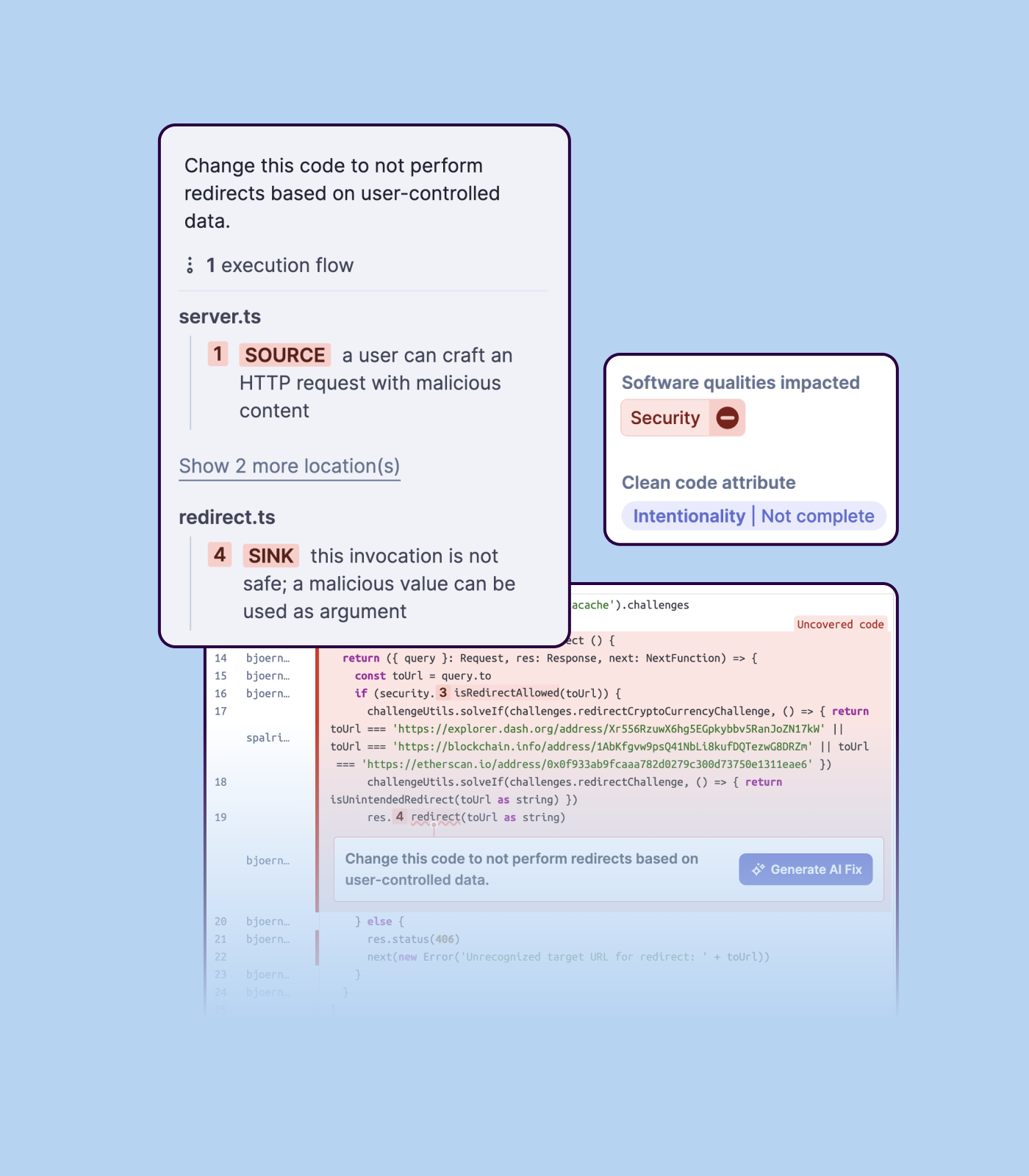
Detecting bugs and vulnerabilities: SonarQube can identify a wide range of bugs and vulnerabilities in code, such as null pointer exceptions, SQL injection, and cross-site scripting (XSS) attacks. It uses static analysis to analyze the code and identify potential issues, and it can also integrate with dynamic analysis tools to provide even more detailed analysis.
Measuring code quality: SonarQube can measure a wide range of code quality metrics, such as cyclomatic complexity, duplicated code, and code coverage. This can help teams understand the quality of their code and identify areas that need improvement.
Providing actionable insights: SonarQube provides detailed information about issues in the code, including the file and line number where the issue occurs and the severity of the issue. This makes it easy for developers to understand and address issues in the code.
Integrating with other tools: SonarQube can be integrated with a wide range of development tools and programming languages, such as Git, Maven, and Java. This allows teams to use SonarQube in their existing development workflow and take advantage of its powerful code analysis capabilities.
Managing technical debt: SonarQube provides metrics and insights on the technical debt on the codebase, enabling teams to better prioritize issues to improve the quality of the code.
Compliance with coding standards: SonarQube can check the code against industry standards like OWASP, CWE and more, making sure the code is compliant with security and coding standards.
Importing a new custom quality profile on SonarQube is a bit tricky, it can be made easier
Every second time when we want to rerun the server, we have to restart the whole system, otherwise, the server stops and closes automatically
When we generate a new report a second time and try to access the report, it shows details of the old report only and takes a lot of time to get updated with the details of the new and fresh report generated
We we easily able to integrate the SonarQube steps into our TFS process via the Microsoft Marektplace, we didn't have the need to call SonarQube support. We've used their online documentation and community forum if we ran into any issues.
SonarQube is an open-source. It's a scalable product. The costs for this application, for the kind of job it does, are pretty descent. Pipeline scan is more secured in SonarQube. Its a very good tool and its support multiple languages. Its main core competency is of static code analysis and that is why SonarQube exists and it does it exceedingly well. The quality of scan on code convention, best practices, coding standards, unit test coverage etc makes them one of the best competent tool in the market
Positive ROI from the standpoint of flagging several issues that would have otherwise likely been unaddressed and caused more time to be spent closer to launch
Slightly positive ROI from time-saving perspective (it's an automated check which is nice, but depending on the issues it finds, can take developers time to investigate and resolve)