TrustRadius: an HG Insights company

Save this comparison

Save this comparison

Add Product

Recommended Comparisons

    Overview
    ProductRatingMost Used ByProduct SummaryStarting Price

    RemoteCall PC/Mobile/Visual

    Score9.7 out of 10
    Enterprise companies (1,001+ employees)
    RemoteCall is a cloud based remote support solution bridging the agents and clients. Support client PCs, mobile devices and via camera using the cloud based service or in-house server solution. It is a solution for IT professionals and it can be used from PCs, mobile devices, websites and apps with 100% RSUPPORTs remote service technology. The vendor's flagship products, RemoteCall WebViewer boasts users among all types of companies, governments, public institutions, manufacturers, as well as…

    $30

    per installation

    SupremeViewer

    Score8.9 out of 10
    N/ASupremeViewer is a lightweight Remote Desktop Access software with a free option, that allows to connect and control a computer from a remote location. It is used for variety of purposes, including: screen sharing, file transfer, and remote desktop control. The software consist of two parts: client (SupremeViewer Client) and server (SupremeViewer Server). The users install SupremeViewer Client software on their devices to connect to host computers where the SupremeViewer Server is…

    $0

    Designed for personal and small business use (companies with less than 20 employees and revenue less than $5 million).

    Pricing
    RemoteCall PC/Mobile/VisualSupremeViewer
    Editions & Modules
    RemoteCall Server
    30k+ USD
    per installation
    RemoteCall PC
    59.90 / month
    per seat
    RemoteCall PC + visual
    74.90 / month
    per seat
    RemoteCall PC + mobile
    79.90 / month
    per seat
    RemoteCall PC + mobile + visual
    129.90 / month
    per seat
    Free
    $0
    Designed for personal and small business use (companies with less than 20 employees and revenue less than $5 million).
    Enterprise
    Contact Sales
    Designed for enterprise customers (large companies with more than 20 employees and revenue more than $5 million).
    Offerings
    Pricing Offerings
    RemoteCall PC/Mobile/VisualSupremeViewer
    Free Trial
    YesNo
    Free/Freemium Version
    NoYes
    Premium Consulting/Integration Services
    NoNo
    Entry-level Setup FeeNo setup feeNo setup fee
    Additional Details** RemoteCall Server pricing is calculated as [one-time server software fee] + [one-time per device license fee] + [optional yearly maintenance] ** SaaS plan's device can be Windows / Mac PC or Android / iOS mobile devices.—
    More Pricing Information
    Features
    RemoteCall PC/Mobile/VisualSupremeViewer
    Remote Administration
    Comparison of Remote Administration features of RemoteCall PC/Mobile/Visual and SupremeViewer
    Feature
    RemoteCall PC/Mobile/Visual
    -
    Ratings
    SupremeViewer
    9.1
    4 Ratings
    14% above category average
    Screen sharing00 Ratings9.14 Ratings
    File transfer00 Ratings9.14 Ratings
    Instant message00 Ratings9.04 Ratings
    Over-the-Internet remote session00 Ratings9.14 Ratings
    Best Alternatives
    RemoteCall PC/Mobile/VisualSupremeViewer
    Small Businesses
    LogMeIn Rescue
    Score8.2 out of 10
    N-able Take Control
    Score7.2 out of 10
    Medium-sized Companies
    BeyondTrust Remote Support
    Score8.6 out of 10
    Remote Desktop Manager
    Score9.6 out of 10
    Enterprises
    TeamViewer
    Score8.6 out of 10
    BeyondTrust Privileged Remote Access
    Score9.1 out of 10
    All AlternativesView all alternativesView all alternatives
    User Ratings
    RemoteCall PC/Mobile/VisualSupremeViewer
    Likelihood to Recommend
    10.0
    (1 ratings)
    8.9
    (4 ratings)
    User Testimonials
    RemoteCall PC/Mobile/VisualSupremeViewer
    Likelihood to Recommend
    Rsupport
    There was an engineer call due to an emergency failure at the customer. It took an hour for the engineer to move and get to the site. So, using RemoteCall, I immediately supported the problem while moving. The customer's problems were resolved before arriving on-site, and the customer was satisfied thanks to the quick handling and response. Without RemoteCall, the golden hour would have been missed.
    Incentivized
    Read full review
    SupremeViewer
    SupremeViewer is best for troubleshooting technical issues on remote computers. You can do connections all over the world without any configurations. Just run or install and connect. It is secured and works behind NAT. The easy installation process without additional configuration helps a lot when our customers need to run the server.
    Read full review
    Pros
    Rsupport
    • low cost.
    • fast access.
    • Remote mobile service.
    Incentivized
    Read full review
    SupremeViewer
    • Remote Access
    • File Transfer
    • Quick and easy to use
    • Getting Screenshots for Analysis
    • Live chat during remote sessions
    • Multiple sessions to one server
    Read full review
    Cons
    Rsupport
    • They need to invest more in advertising.
    • Fewer users than competitors.
    Incentivized
    Read full review
    SupremeViewer
    • Only email support
    Read full review
    Alternatives Considered
    Rsupport
    RemoteCall and TeamViewer are both good products. However, technical support for TeamViewer is difficult. When a problem occurred, it did not respond immediately and took a long time and it took too much time and money to customize it for the company. On the other hand, RemoteCall provided various services at a low cost. In particular, it was customized to satisfy 100% of our requirements with a demanding customer.RemoteCall is the best value for money.
    Incentivized
    Read full review
    SupremeViewer
    At the beginning we used Windows Remote Desktop service. The main problem with Remote Desktop was that the remote computer needs a publicly visible IP address which will allow us to connect to that PC. For that reason we started using TeamViewer. TeamViewer works great behind NAT and with its free option was best solution for small company as ours. I think that now they are mainly targeting corporate customers and the price of their products is too high for us. This led us to look for other solutions. That's how we discovered SupremeViewer.
    Read full review
    Return on Investment
    Rsupport
    • Saved a lot of time and money.
    • Low cost.
    Incentivized
    Read full review
    SupremeViewer
    • By using SupremeViewer we actually save on shipping costs and time.
    Read full review
    ScreenShots

    RemoteCall PC/Mobile/Visual Screenshots

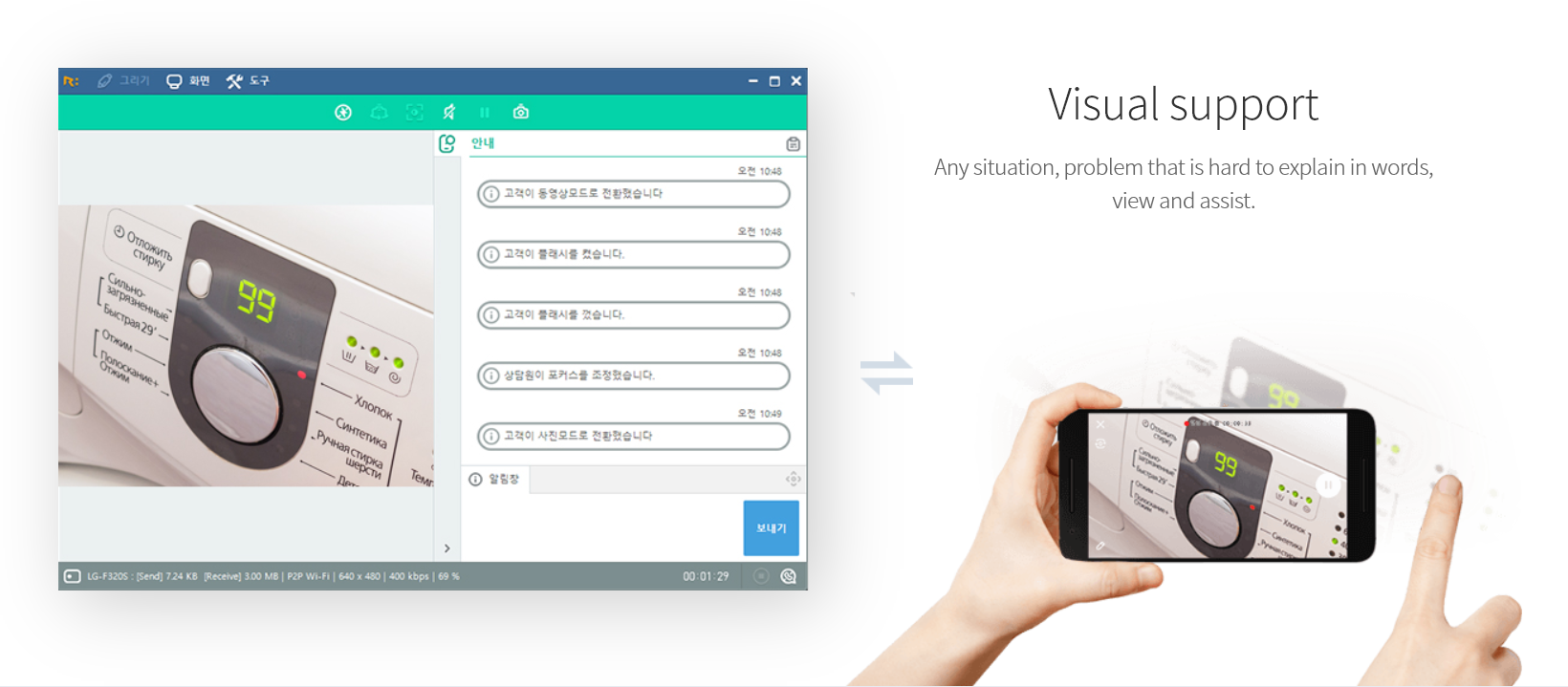
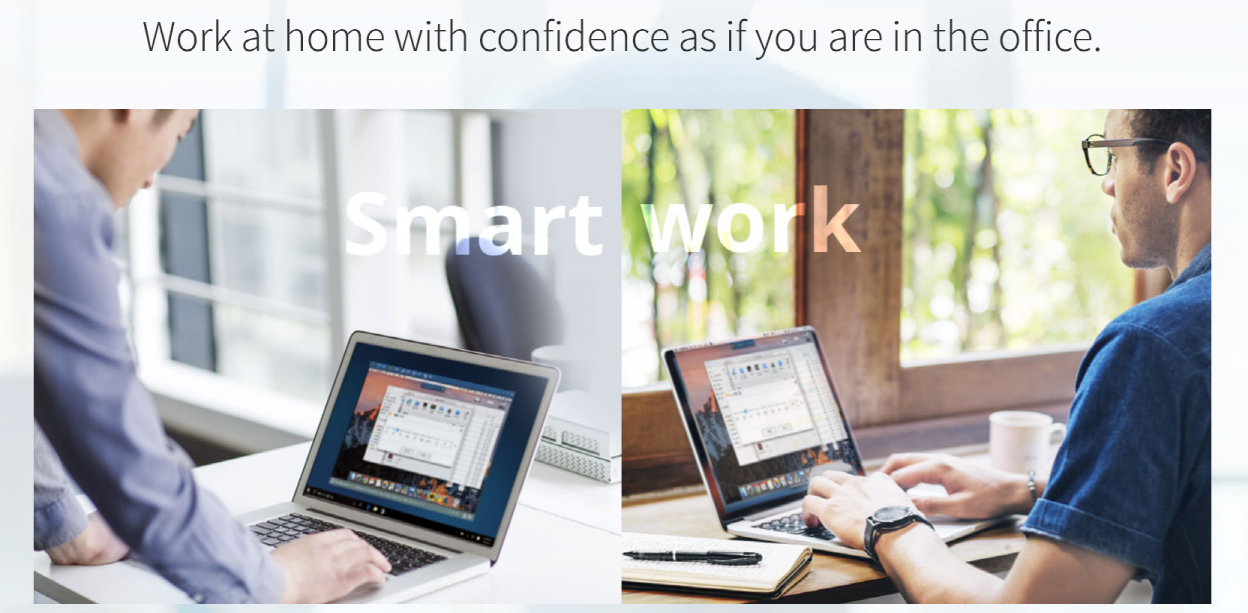
    Screenshot of PC supportScreenshot of Mobile supportScreenshot of Visual supportScreenshot of Remote support work-from-homeScreenshot of RemoteCall WebViewer

    SupremeViewer Screenshots

    Screenshot of SupremeViewer Server, which allows remote access to the computer where it is running/installed. SupremeViewer Server authenticate users by providing ID and Password. Once the remote software is installed, the users can connect and work on these computers at any time.Screenshot of SupremeViewer Client. This allows users to connect and interact with remote computers and servers located anywhere in the globe via internet. The users can install or run this application on their local computer and use it to connect to a remote computer where the SupremeViewer Server is installed.Screenshot of the Installation and setup of unattended access to the remote device — this option requires to install a lightweight application on the remote computers. Once the remote software is installed, the users can connect and work on these computers at any time.Screenshot of the "run only" option, that lets the user troubleshoot a remote computer through an on-demand remote session, with no software installation required. It allows temporary remote access, without having administrative rights on the remote computer.Screenshot of an active remote session in SupremeViewer.Screenshot of SupremeViewer - active remote session.