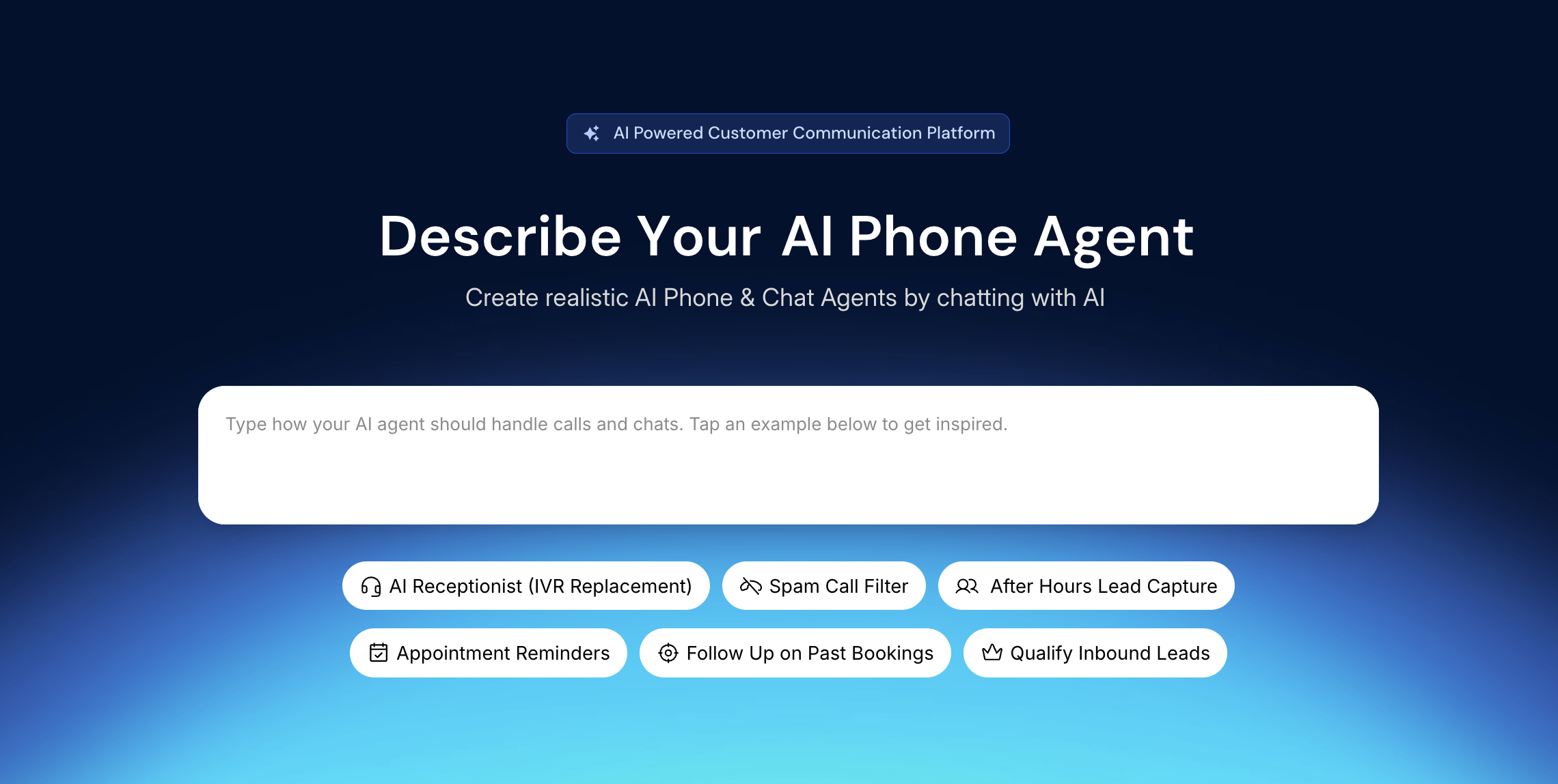
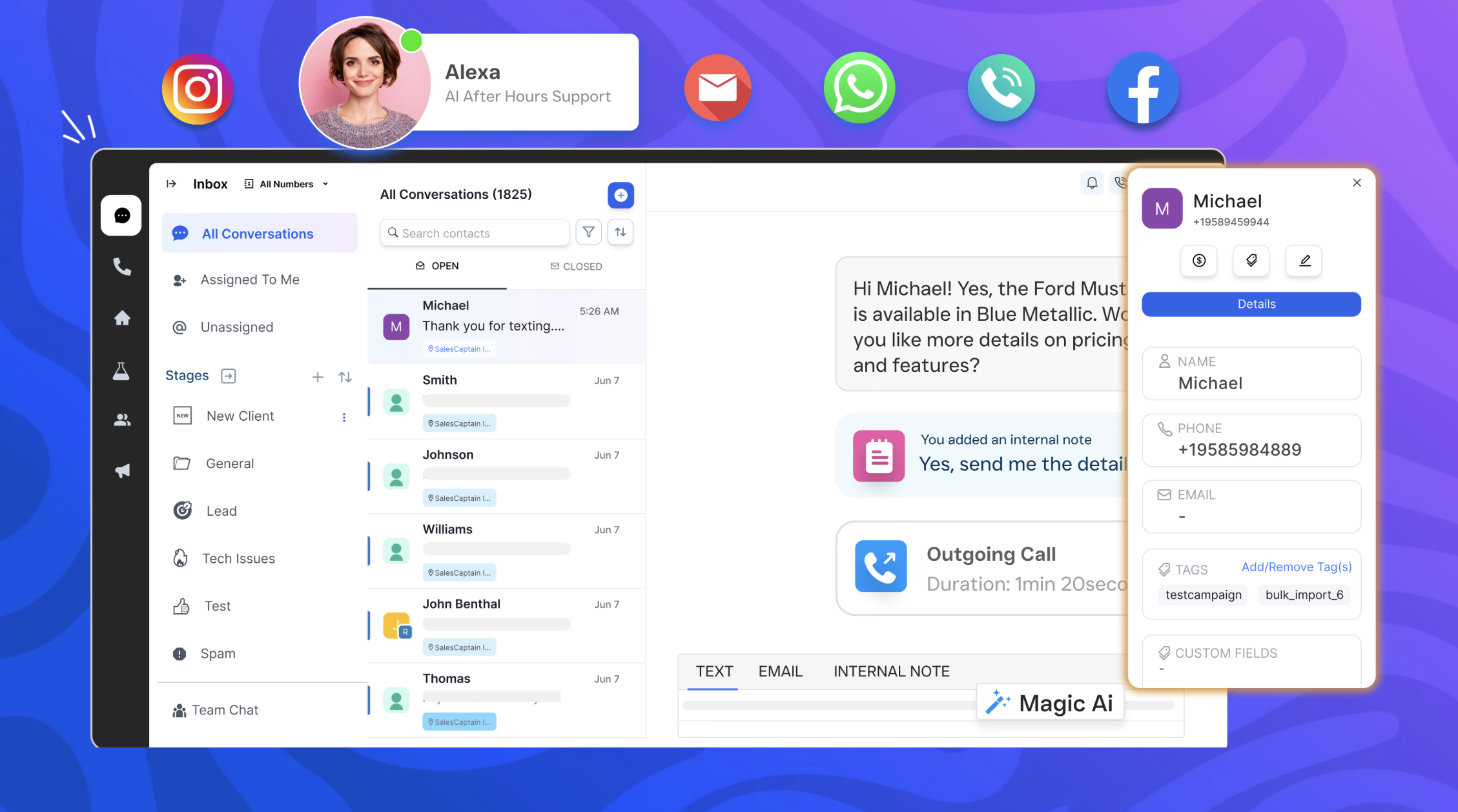
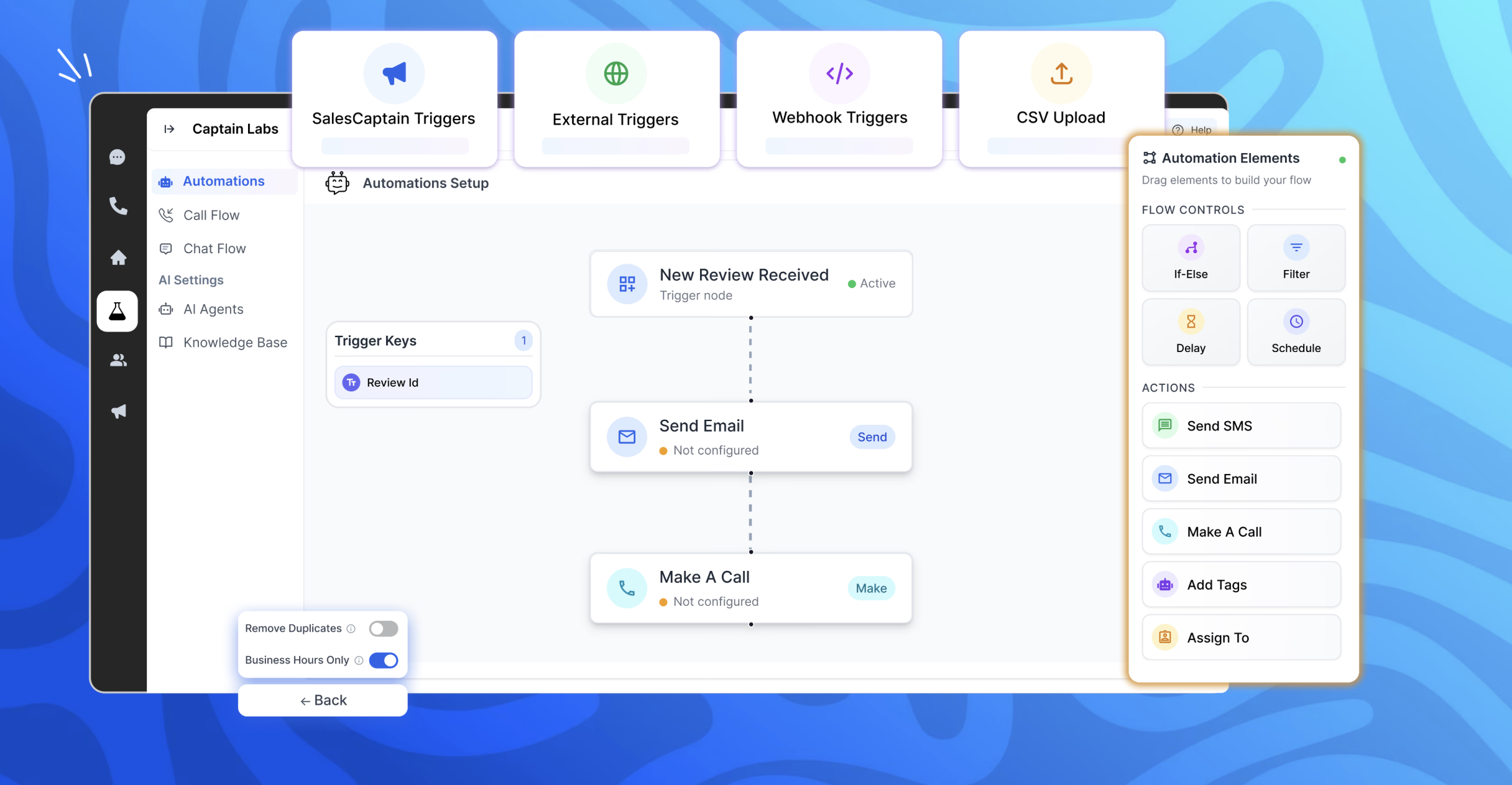
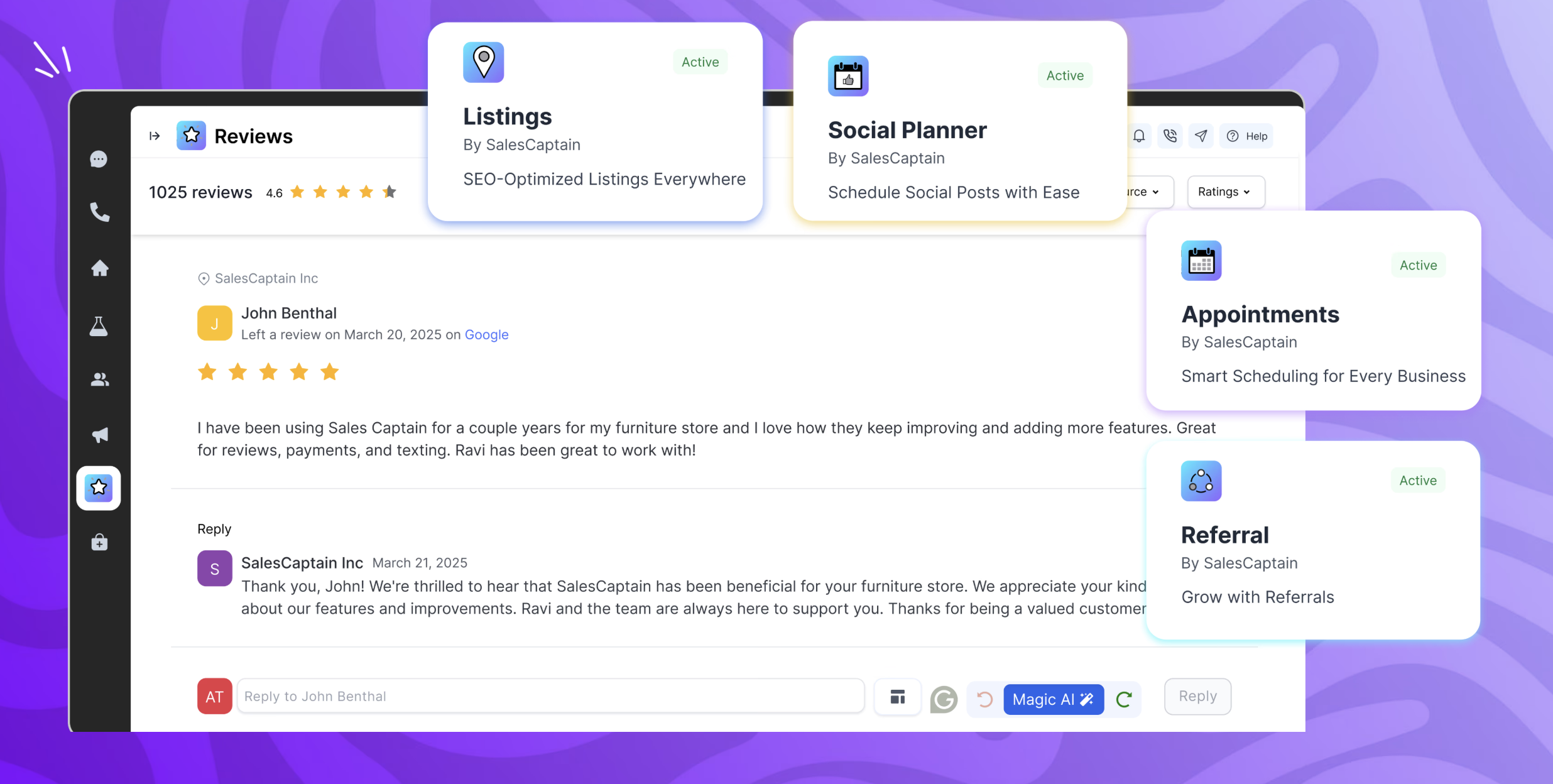
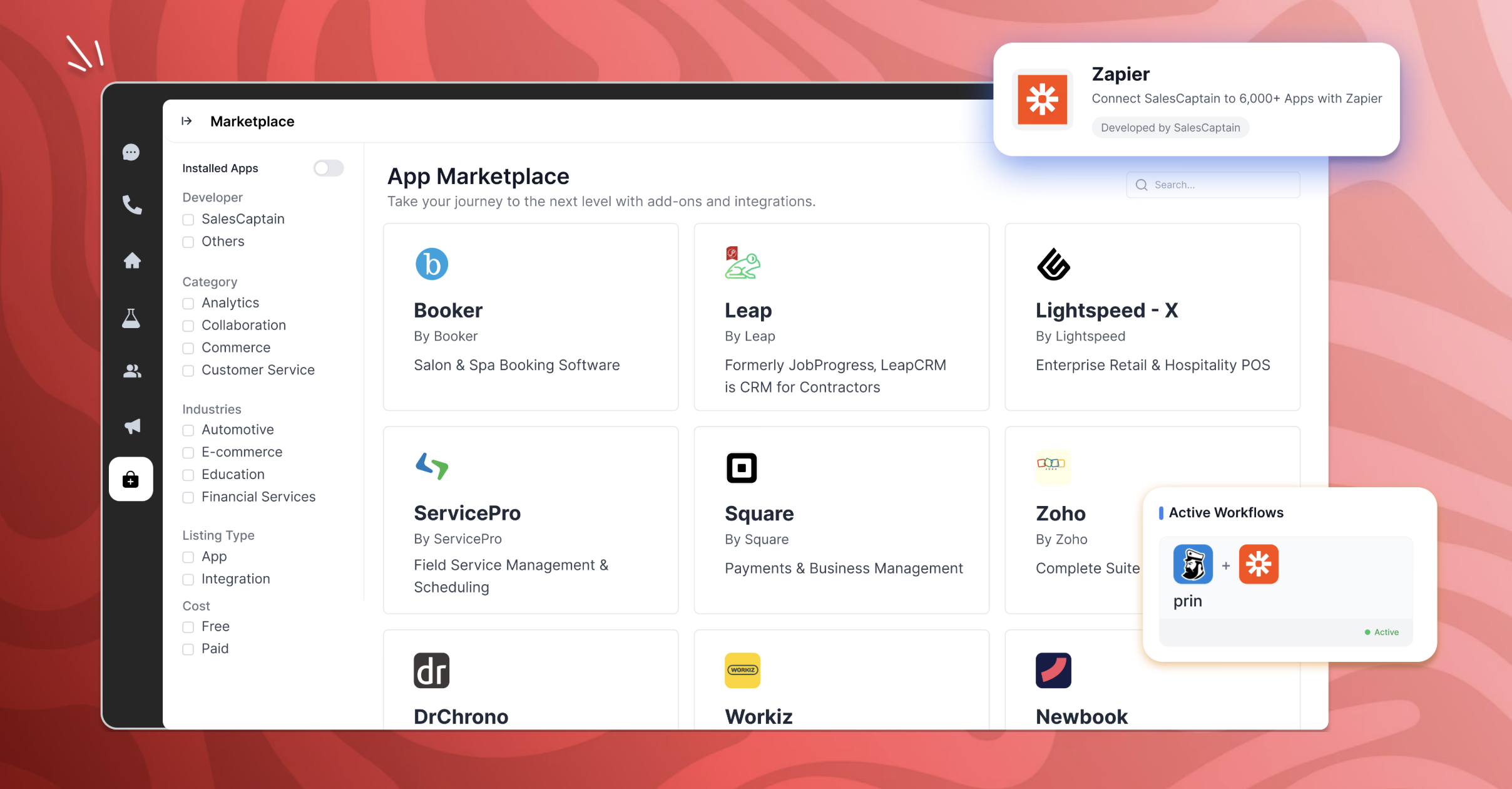
SalesCaptain is a communication platform with a chat based AI agent builder, designed for modern businesses. It unifies phone calls, texting, webchat, and social media messaging into a single collaborative inbox. SalesCaptain can be used to create AI-powered phone and text agents to handle calls, answer queries, route leads, filter spam, and automate tasks — without any technical expertise. SalesCaptain also includes a suite of built-in business apps for managing…
When several technicians are out in the field and the office is unable to respond to every call, SalesCaptain is particularly well suited for appliance service companies that manage a significant volume of calls and messages. We make extensive use of it for texting missed calls, gathering brief intake information, and keeping clients warm until we can set up a time. It’s also ideal for automated appointment confirmations/reminders, tech on the way updates, and post-service review requests, which reduces down on status-check calls and encourages repeat business. It is less suitable for really complicated diagnostic cases that necessitate a back-and-forth discussion with a senior technician, as well as edge cases where availability or pricing rely on on-site inspection, which are better managed by a human once the first data is obtained.
If all that you need is a simple read function for pdf documents, Sejda does fine. If you want to be able to highlight items or convert the pdf document into a Word document for editing and revisions, this tool does not provide strong functionality.
Because the daily workflow is simple, I would give usability an 8 out of 10. The shared inbox is easy to manage, chats are arranged by client, and once you understand the builder, setting up typical automations like missed-call texts, appointment reminders, and review requests is quick. The platform facilitates communication between techs and administrators and saves our office team a great deal of manual follow-up. I would prefer additional appliance-service templates and better contact/duplicate management to speed up onboarding and scalability. The primary reason it isn't a 10 is that certain sophisticated configuration more intricate routing, deeper reporting, and fine-tuning automations can require some understanding.
We primarily assessed Podium and Birdeye for customer messaging and reputation management. Both are good at creating reviews and handling simple conversations, but we needed more end-to-end follow-up in our appliance service workflow. Specifically, we needed to convert missed calls into scheduled jobs, automatically gather service-intake information appliance type/brand, symptoms, address, preferred time, and run regular appointment reminders and post-job follow-ups from a single shared inbox. SalesCaptain is a better fit since it supports review requests and reputation procedures while being more adaptable for creating those appliance-specific automations and keeping the complete lead-to-job dialog in one location.
Adobe has more functionality, but there have been some concerns about ongoing support. Sejda was seen as a viable alternative for the majority of our users, who only need to read pdf documents, and not do any revisions or markups.