Smooth scheduling

Use Cases and Deployment Scope
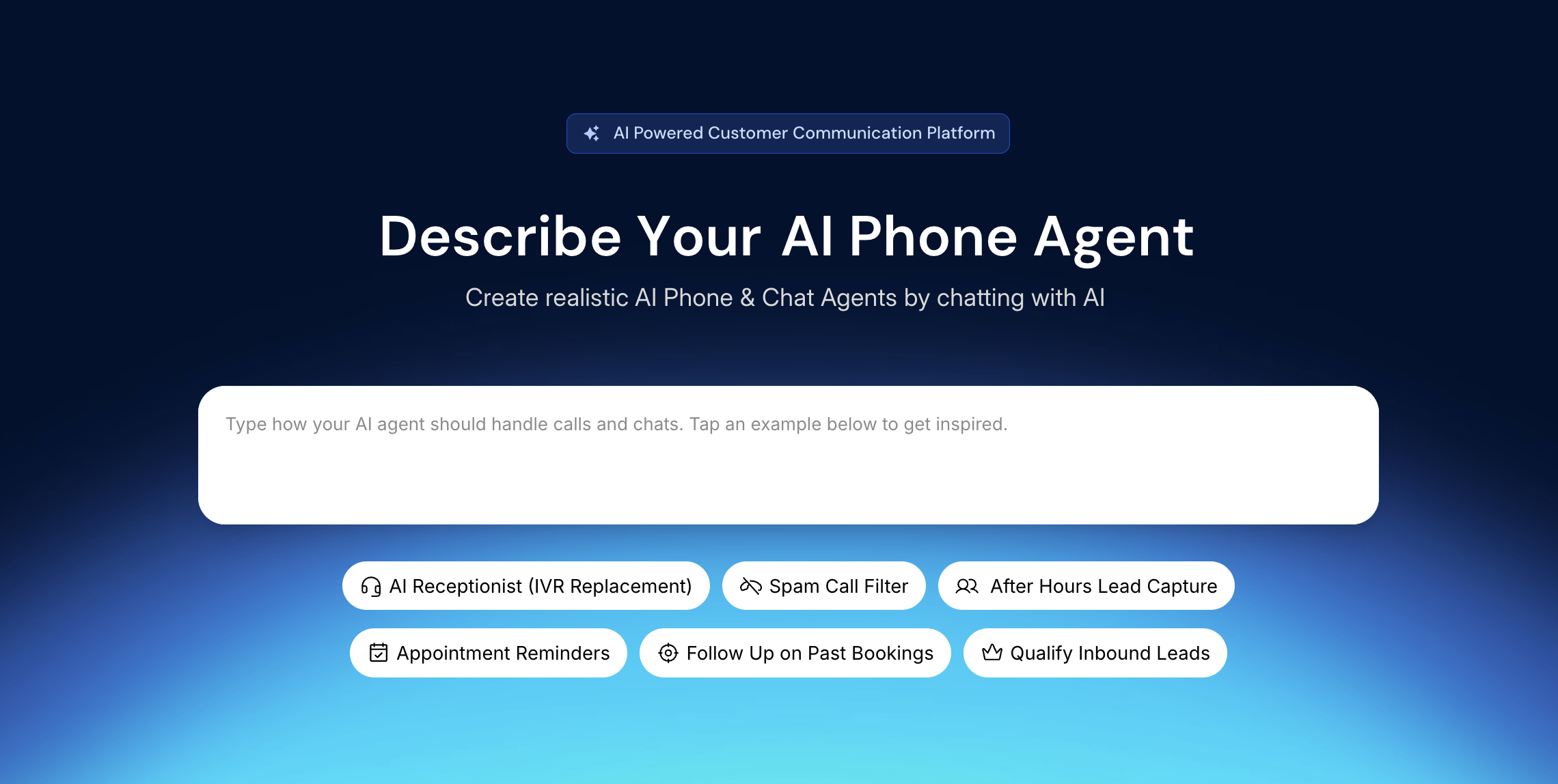
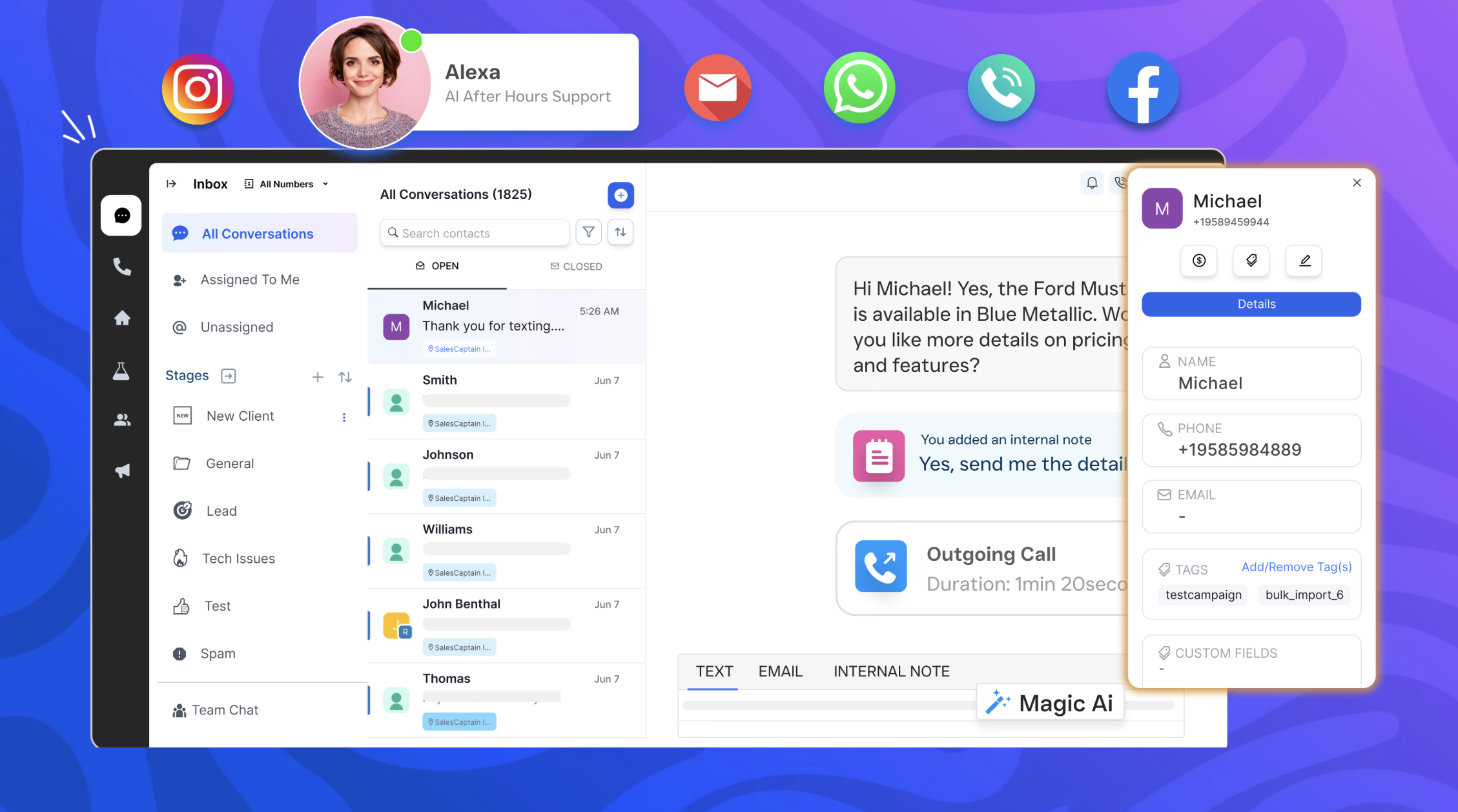
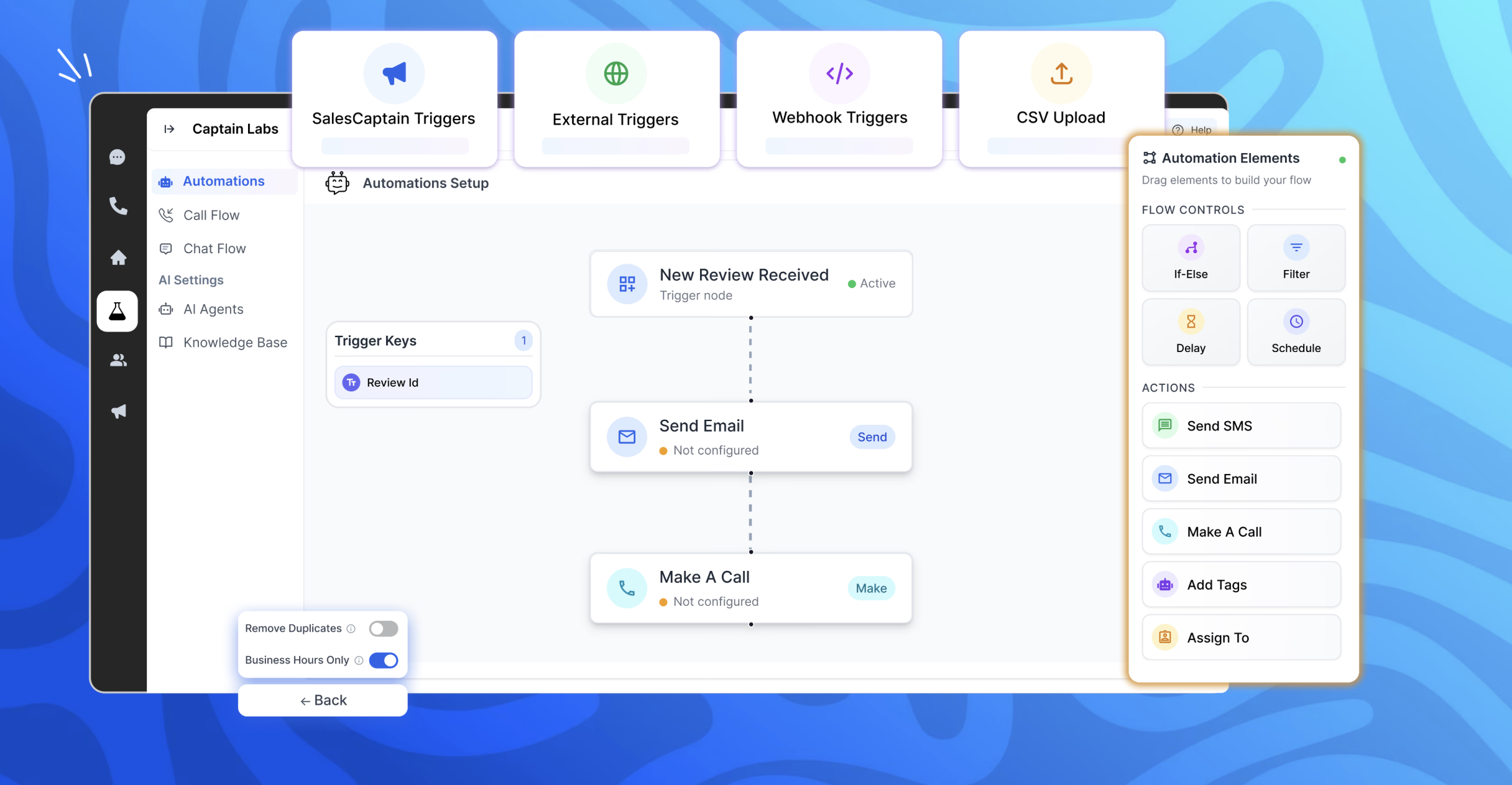
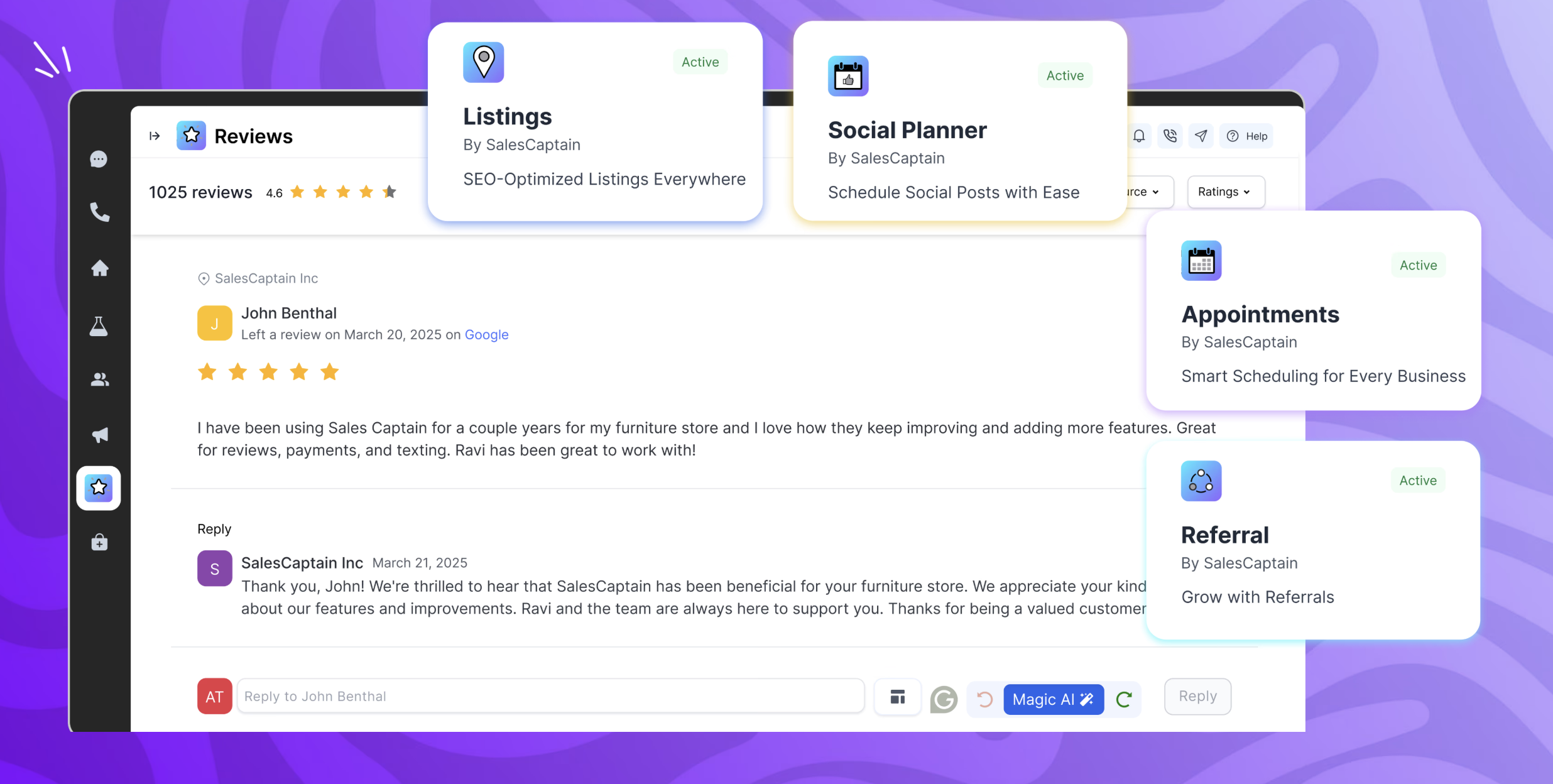
We utilize SalesCaptain as our front desk and follow-up engine for the appliance business capturing every lead from calls, internet chat, and SMS, then keeping the discussion going until the work is booked and completed. The main issues it resolves for us are uneven follow-ups following estimates or repairs, delayed responses that drive clients to rivals, and missed calls that result in lost service requests. SalesCaptain gathers important information appliance type/brand, issue symptoms, address, desired time, responds to frequently asked questions service areas, availability, pricing ranges, warranty/part timeframes, automatically texts back missed callers, and assigns urgent situations to the appropriate team member. Additionally, we utilize it for post-service review requests, appointment confirmations and reminders, and client re-engagement initiatives seasonal maintenance, repeat repairs, replacement consultations.
Pros
- Catches and converts missed calls (biggest revenue saver for us)
- Faster scheduling and better prep for technicians
- Clear customer updates that reduce inbound status check calls
- Review requests that actually match the moment
- Consistent follow-up on estimates/parts is equal to fewer lost jobs
Cons
- More appliance-specific templates out of the box
- Deeper job lifecycle automation in one view
- Smarter reporting tied to service outcomes
- Better customer data enrichment and duplicate handling
Return on Investment
- More booked jobs from missed calls
- Lower admin load and faster response times
- Reputation and repeat business impact
- Fewer no shows and last minute cancellations
- Better conversion on estimates and parts delays
Usability
Alternatives Considered
Podium and Birdeye
Other Software Used
HouseCall Pro, QuickBooks Online, Google Workspace