Solid Edge vs. Vectorworks Spotlight

Overview
ProductRatingMost Used ByProduct SummaryStarting Price
Solid Edge
Score 8.1 out of 10
N/A
Solid Edge is a software solutions for product development — 3D design, simulation, manufacturing, data management, and cloud collaboration. Solid Edge aims to combine the speed and simplicity of direct modeling with the flexibility and control of parametric design.
$110
per month
Vectorworks Spotlight
Score 10.0 out of 10
N/A
Vectorworks Spotlight is a solution used to design, document, previsualize, and produce shows and events. With an extensive suite of drawing, modeling, database, documentation, and collaboration tools, Spotlight helps users go from concept to fully created model within a single workflow. Evolved to meet the needs of entertainment industry professionals, Vectorworks Spotlight 2025 opens a new world of visual understanding and communication, delivering features implemented to address the most-used…
$153
per month per user
Pricing
Solid EdgeVectorworks Spotlight
Editions & Modules
Design and Drafting XaaS
$110.00
per month
Foundation XaaS
$267.00
per month
Classic XaaS
$335.00
per month
Premium XaaS
$481.00
per month
Annual Subscription
$127.50
per month per user
Monthly Subscription
$153
per month per user
Offerings
Pricing Offerings
Solid EdgeVectorworks Spotlight
Free Trial
NoYes
Free/Freemium Version
NoNo
Premium Consulting/Integration Services
NoNo
Entry-level Setup FeeNo setup feeOptional
Additional Details$153/M: Monthly, 2 GB of cloud storage, Basic tech support, Immediate access to new versions $128/M: $1530 billed annually | Saves $306 over monthly billing, 2 GB of cloud storage, Basic tech support, Immediate access to new versions
More Pricing Information
Community Pulse
Solid EdgeVectorworks Spotlight
Best Alternatives
Solid EdgeVectorworks Spotlight
Small Businesses
Onshape
Onshape
Score 7.4 out of 10
Onshape
Onshape
Score 7.4 out of 10
Medium-sized Companies
Onshape
Onshape
Score 7.4 out of 10
Onshape
Onshape
Score 7.4 out of 10
Enterprises
Rhino
Rhino
Score 8.3 out of 10
Rhino
Rhino
Score 8.3 out of 10
All AlternativesView all alternativesView all alternatives
User Ratings
Solid EdgeVectorworks Spotlight
Likelihood to Recommend
8.1
(16 ratings)
-
(0 ratings)
Usability
5.3
(2 ratings)
-
(0 ratings)
Support Rating
10.0
(2 ratings)
-
(0 ratings)
User Testimonials
Solid EdgeVectorworks Spotlight
Likelihood to Recommend
Siemens AG
Well Suited for:
  • Integrated designs performed by multiple designers simultaneously (designs requiring a Product Lifecycle Management system);
  • Designs requiring a high degree of parameterisation;
  • Large companies where specific standards and best practices are applied to all models and drawings created.
Not Well Suited for:
  • Personal use in designing one-off models and drawings;
  • Small business use where very few of the expensive features are actually used.
Read full review
Vectorworks, Inc.
No answers on this topic
Pros
Siemens AG
  • It has very good user interface in classic or ordered environment.
  • In 2D or drafting, you can give any Geometric tolerancing and symbols to any dimension. There is a wide range of options available.
  • You can convert any files in step file (.stp) and can open it in other designing applications easily.
  • After converting 3D drawings in 2D you can make changes in 2D drawing by converting it in the draft. You can also add details like cross-sections and detailed view.
  • You can directly make threads without creating holes.
Read full review
Vectorworks, Inc.
No answers on this topic
Cons
Siemens AG
  • Being used to 2-key and 3-key commands from the keyboard, it would be nice if this was more robust in Solid Edge. The capability of programming keystroke commands exists in Solid Edge, but it would be more user friendly in that regard.
  • Editing hatches can be a challenge.
  • I'm not a fan of the ribbon bar, but that seems to be a feature across software platforms in Windows.
Read full review
Vectorworks, Inc.
No answers on this topic
Usability
Siemens AG
As mentioned previously, Siemens Solid Edge is not the most user-friendly of products at all. It requires intense training to make sure that the basics are understood, and after that, there are numerous other training interventions needed to be able to perform expert-level CAD functions. The GUI is not intuitive, as many other packages are, and the features built-in are not well defined. The process to use many of these features is counter-intuitive and requires a mind-shift.
Read full review
Vectorworks, Inc.
No answers on this topic
Support Rating
Siemens AG
I have been involved with support and training of Solid Edge for 24 years. Given that I based my business model on support, and have been successful for all these years, I know excellent support. Siemens support for Solid Edge, "GTAC", is the definition of support for a product in every aspect.
Read full review
Vectorworks, Inc.
No answers on this topic
Alternatives Considered
Siemens AG
FreeCAD is often better than Solid Edge 2021 when converting files, but I hope this changes with 2023 NX is overall more powerful, but that is to be expected (and you cant add it above because it is too short for whatever reason).
Read full review
Vectorworks, Inc.
No answers on this topic
Return on Investment
Siemens AG
  • It took about 20 hours of use to get the basics of Synchronous Technology, and with just a basic competency I was able to make useful changes to the design. One of those changes was impossible to do our other CAD program.
  • My use lately has mostly been on personal time and self-driven, so learning other aspects and features of Solid Edge has been slower. Creating a drawing for a part required a few hours to learn and do the first time, but luckily there were YouTube videos for examples. With practice, I would expect the time to reflect what it takes in SolidWorks (about 30 minutes).
Read full review
Vectorworks, Inc.
No answers on this topic
ScreenShots

Vectorworks Spotlight Screenshots

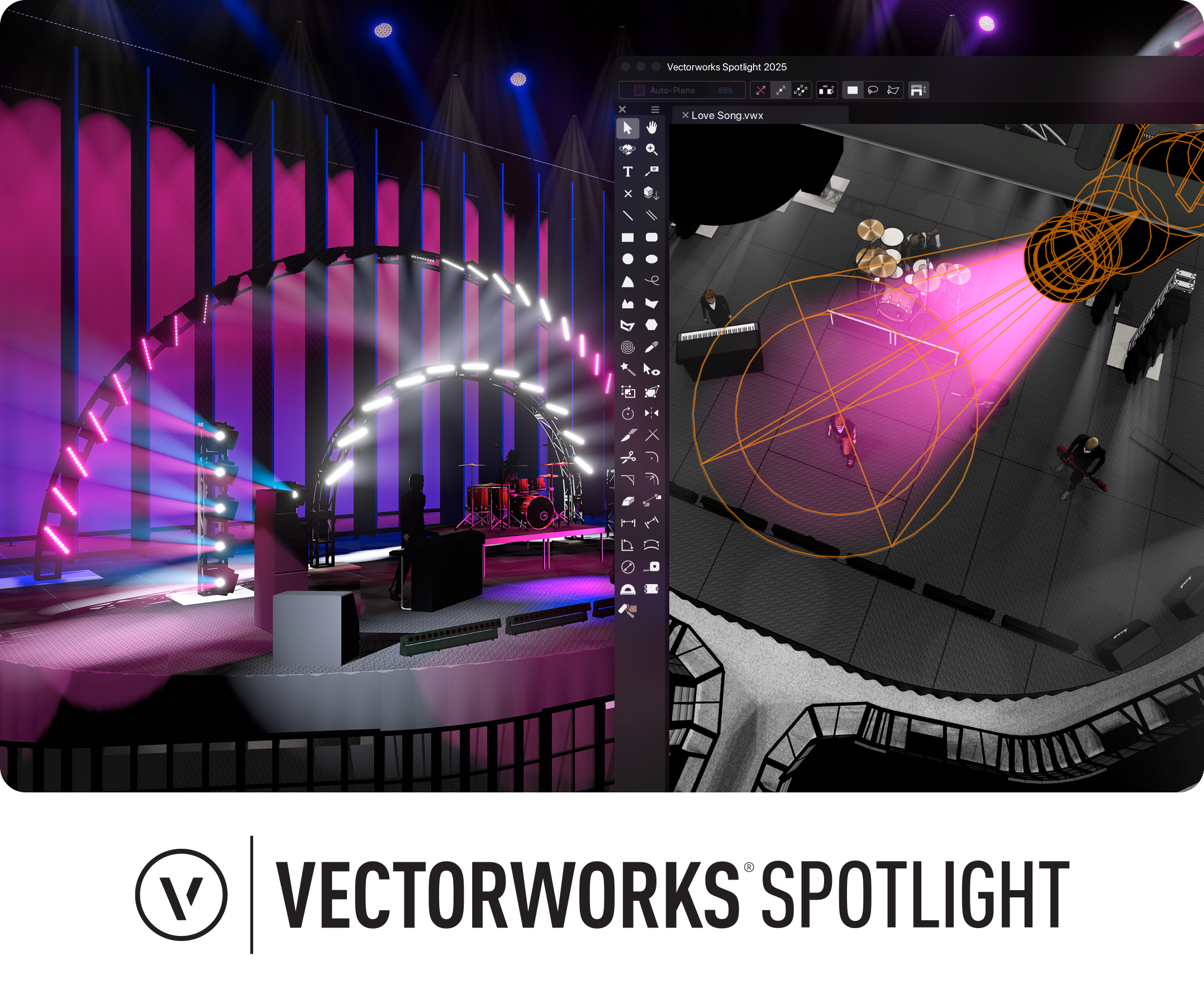
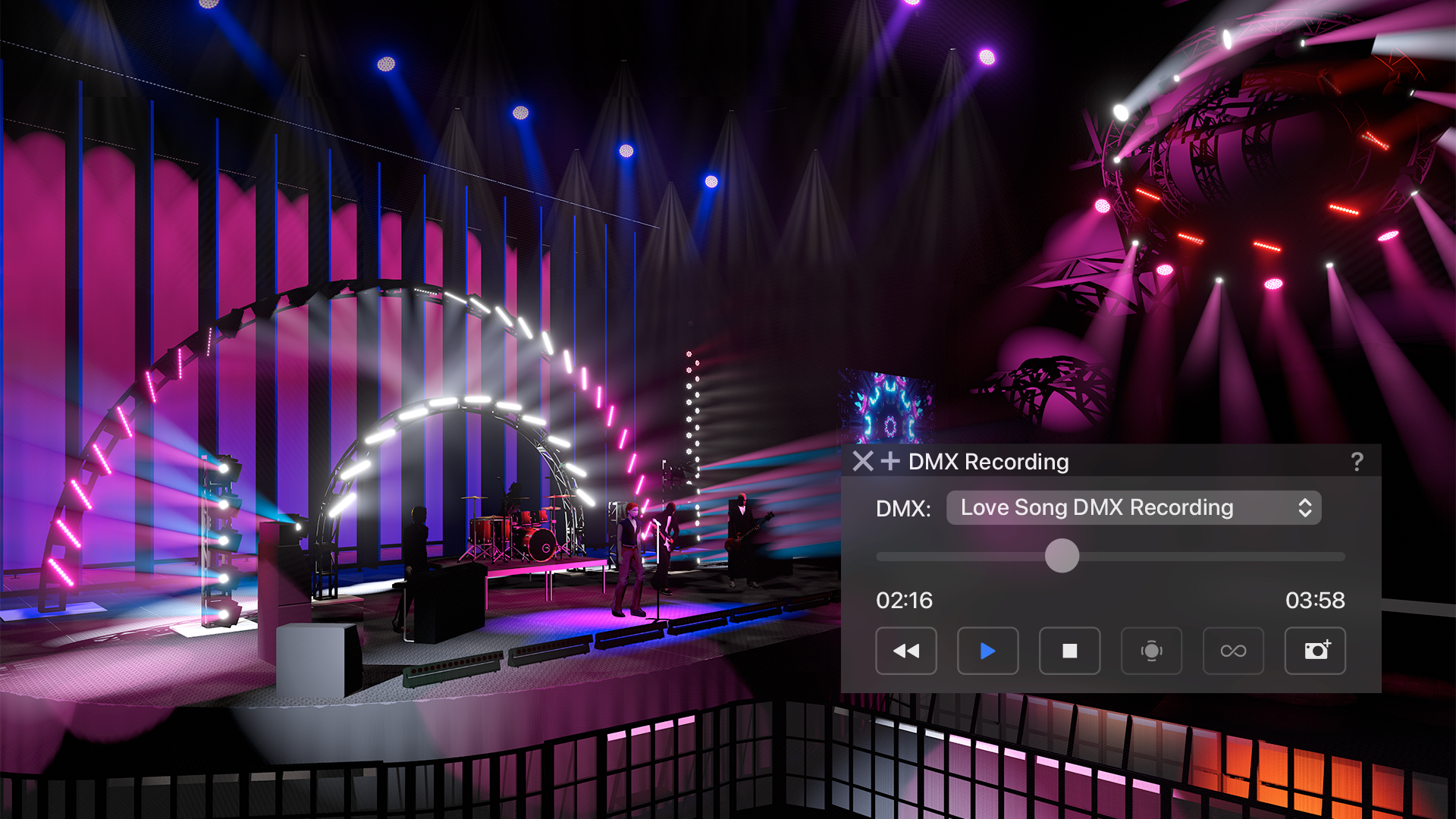
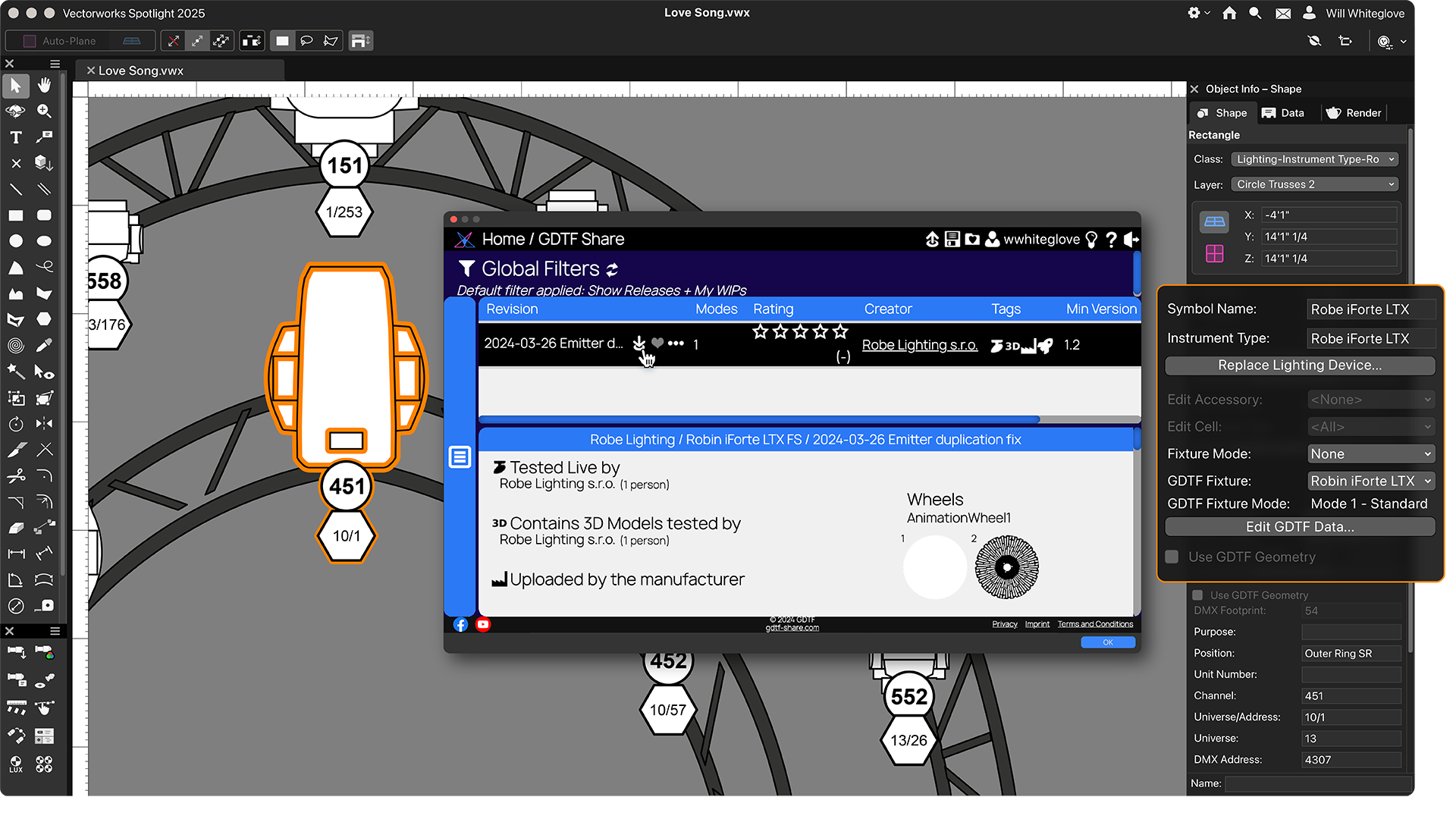
Screenshot of Vectorworks Spotlight 2025Screenshot of a real-time previsualization, available directly inside Vectorworks to bring live control of lighting fixtures and the ability to test run a show without leaving the model. Users can explore countless lighting and scenic possibilities and then experiment, edit, and adjust to based on any previsualization.Screenshot of GDTF Mapping, which gives users accurate fixture information to avoid errors. Map GDTF files to fixtures with direct access to GDTF-Share to download and import the files in one action from within Vectorworks. Automatically update all GDTF profiles with one command and store assigned GDTFs within their lighting devices