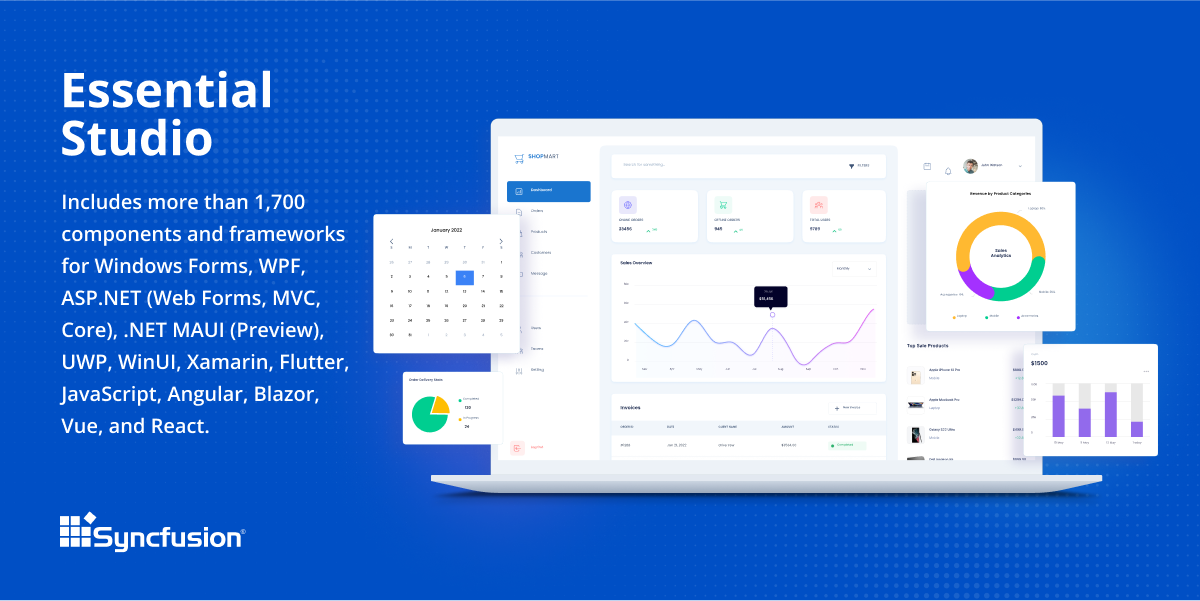
Since 2002, Essential Studio® has supported the development of software applications across industries and economic sectors, in both public and private enterprises.
$0
with the Syncfusion Essential Studio Community License. It includes free access to all 1,600+ controls and is available to companies and individuals with less than $1 million USD in annual gross revenue and 5 or fewer developers.
Visual Studio
Score8.8 out of 10
N/A
Visual Studio (now in the 2022 edition) is a 64-bit IDE that makes it easier to work with bigger projects and complex workloads, boasting a fluid and responsive experience for users. The IDE features IntelliCode, its automatic code completion tools that understand code context and that can complete up to a whole line at once to drive accurate and confident coding.
$45
per month
Pricing
Syncfusion Essential Studio
Visual Studio
Editions & Modules
1. Syncfusion Essential Studio Community License
$0
*The Syncfusion Essential Studio Community License includes free access to all 1,600+ controls and is available to companies and individuals with less than $1 million USD in annual gross revenue, 5 or fewer developers, and 10 or fewer total employees. Note: An entity or organization may not have ever received more than $3,000,000 USD in capital from an outside source, such as private equity or venture capital, in order to be eligible for the Community License.
2. Essential Studio UI Edition
Custom Quote
per year Packages to suit teams of all sizes
3. Essential Studio Document SDK
Custom Quote
per year Packages to suit teams of all sizes
5. Essential Studio Standalone Document SDKs
Custom Quote
per year PDF Viewer SDK; DOCX Editor SDK; Spreadsheet Editor SDK
4. Essential Studio Standalone UI SDKs
Custom Quote
per year Grid SDK*; Chart SDK*; Schedular SDK; Gantt SDK; Rich Text Editor SDK; Diagram SDK; File Manager SDK*
Professional
$45.00
per month
Enterprise
$250.00
per month
Offerings
Pricing Offerings
Syncfusion Essential Studio
Visual Studio
Free Trial
Yes
No
Free/Freemium Version
Yes
Yes
Premium Consulting/Integration Services
No
No
Entry-level Setup Fee
No setup fee
No setup fee
Additional Details
*Grid SDK, Chart SDK, and File Manager SDK are also included as part of the Essential Studio UI Edition.
**The Syncfusion Essential Studio Community License includes free access to all 1,600+ controls and is available to companies and individuals with less than $1 million USD in annual gross revenue, 5 or fewer developers, and 10 or fewer total employees. Note: An entity or organization may not have ever received more than $3,000,000 USD in capital from an outside source, such as private equity or venture capital, in order to be eligible for the Community License.
Co-Founder in Corporate at Igniatek Consultancy Pvt Ltd (Real Estate, 1-10 employees)
Chose Syncfusion Essential Studio
The products mentioned are not really in the same category as Syncfusion. As far similar type of products are concerned, we haven't used others. We have evaluated for sometime but did not use. The main reason was the support service.
A de minimis incentive was given to thank the reviewer for their time. The incentive was not used to bias or drive a particular response, nor was the incentive contingent on a positive endorsement. More Info
A de minimis incentive was given to thank the reviewer for their time. The incentive was not used to bias or drive a particular response, nor was the incentive contingent on a positive endorsement. More Info
Verified User
Chose Syncfusion Essential Studio
Radzen seemed like a quality product but we needed more control over the interface than they could allow. I don't recall the details about Telerik and Kendo. I think Telerik also rated high but was more expensive?
A de minimis incentive was given to thank the reviewer for their time. The incentive was not used to bias or drive a particular response, nor was the incentive contingent on a positive endorsement. More Info
CEO (Chief Executive Officer) in Professional Services at Metric d.o.o. (Computer Software, 1-10 employees)
Chose Syncfusion Essential Studio
Devexpress was late in developing Blazor controls so we refocused on Syncfusion. As I mentioned, Syncfusion has much better financial support for small businesses.
A de minimis incentive was given to thank the reviewer for their time. The incentive was not used to bias or drive a particular response, nor was the incentive contingent on a positive endorsement. More Info
Software Engineer in Professional Services at Gatoware, LLC (Computer Software, 1-10 employees)
Chose Syncfusion Essential Studio
Firstly, there is a free version for small businesses and it allows you to jump start without risk. I found one of the other products a bit short in the number of out-of-the-box supported events handlers for each control and, although you can manually add them, I feel more …
A de minimis incentive was given to thank the reviewer for their time. The incentive was not used to bias or drive a particular response, nor was the incentive contingent on a positive endorsement. More Info
Web Developer in Information Technology at Teleios Consultants (Computer Software, 1-10 employees)
Chose Syncfusion Essential Studio
Telerik is similar in content and functionality. I used it for 1 yr and switched to Syncfusion based on price. I have never considered going back to Telerik
A de minimis incentive was given to thank the reviewer for their time. The incentive was not used to bias or drive a particular response, nor was the incentive contingent on a positive endorsement. More Info
Verified User
Chose Syncfusion Essential Studio
The free community license is a major element, but it also allowed a fast start with minimal learning curve compared to adopting alternative solutions.
A de minimis incentive was given to thank the reviewer for their time. The incentive was not used to bias or drive a particular response, nor was the incentive contingent on a positive endorsement. More Info
Senior Software Developer in Information Technology at ALS (Computer Software, 1-10 employees)
Chose Syncfusion Essential Studio
They are basically on par, but the docs and in general, including support, Telerik is a bit superior. I find it to be better in terms of user-friendliness and also better polished UI wise, I mean, overall they just look better and offer somewhat better themes/skins to all the …
A de minimis incentive was given to thank the reviewer for their time. The incentive was not used to bias or drive a particular response, nor was the incentive contingent on a positive endorsement. More Info
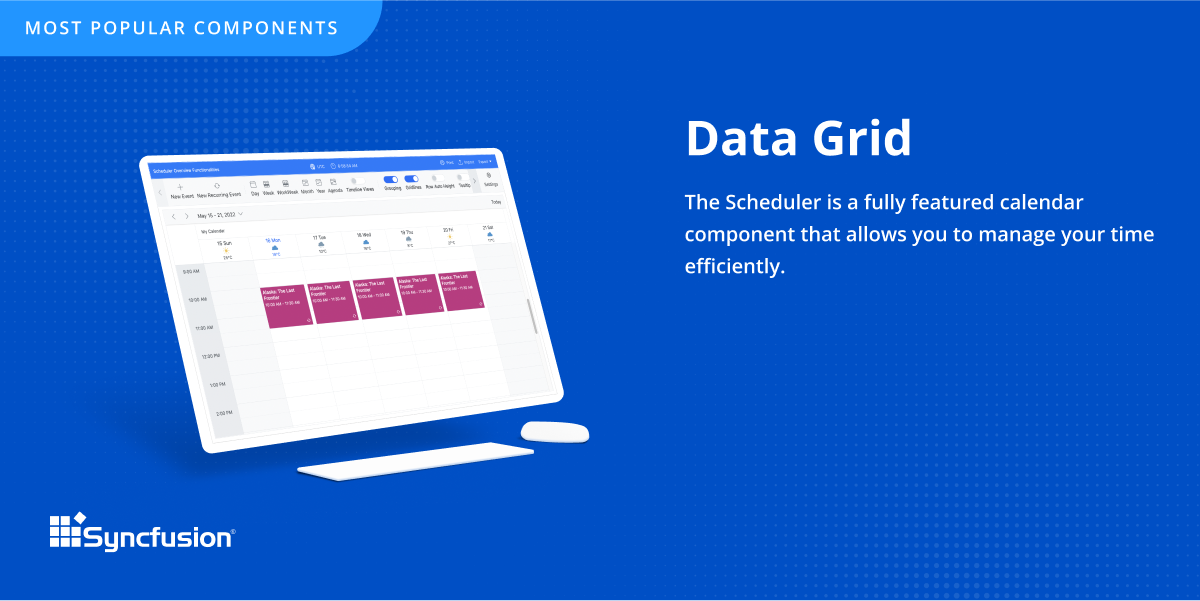
The datagrid is probably their most popular control I would think. It is so flexible and configurable. Most of mine are plain views in ASP.NET Core, but I have a whole bunch that are dynamically created at runtime in my controller. That is so powerful.
When working with base C# code for desktop and web projects, then Microsoft Visual Studio is ideal as it provides the libraries and interfaces needed to quickly create, test and deploy solutions. It is when slightly more complex scenarios are required that issues can arise. The built-in integration for things like PowerBI Paginated Reports and dashboards is far from ideal.
A de minimis incentive was given to thank the reviewer for their time. The incentive was not used to bias or drive a particular response, nor was the incentive contingent on a positive endorsement. More Info
Sometimes links point to dead addresses in the documentation.
Some components have a difficult learning curve but that is usually due to the complexity of the control.
Minor version changes introduce breaking changes, for example updating from 20.1.x to 20.2.x gives us licensing errors, which in my opinion is a kind of breaking change as it requires all users to update their licenses.
Theming with CSS variables is not possible. Access to Theme Studio code is not possible. So a fully custom solution is needed to make Syncfusion Essential Studio Enterprise Edition components themeable with CSS variables.
A de minimis incentive was given to thank the reviewer for their time. The incentive was not used to bias or drive a particular response, nor was the incentive contingent on a positive endorsement. More Info
It takes effort to include a new component library into existing software, especially in our case where we have 5 large applications that are written and maintained by about 100 developers. So changing such a core thing comes with a lot of effort. The other reason we will very likely renew our use of Syncfusion Essential Studio Enterprise Edition is that it works really well and has helped us to speed up the development process.
VS is the best and is required for building Microsoft applications. The quality and usefulness of the product far out-weight the licensing costs associated with it.
A de minimis incentive was given to thank the reviewer for their time. The incentive was not used to bias or drive a particular response, nor was the incentive contingent on a positive endorsement. More Info
I would rate Syncfusion® Essential Studio® a 10 out of 10 for overall usability. The components are intuitive to implement, with clear APIs and consistent design patterns across the suite. This makes it easy for developers to get started quickly and reduces the learning curve even when working with new controls. In addition, the documentation and sample projects provide practical guidance that helps accelerate development. The built-in customization options also allow us to adapt the components to fit our branding and business requirements without excessive effort. Overall, the usability is one of the key reasons why Syncfusion has become an essential part of our development toolset.
I love the overall usability of Microsoft Visual Studio. I’ve been using this IDE for more than 20 years, and I’ve seen it evolve by leaps and bounds. Today, with AI and code-suggestion/completion features, developers no longer need to remember countless libraries, methods, or language syntax, or invest a huge amount of programming effort to complete a project. It truly offers everything a developer needs to program, debug, test, and deploy in a single IDE.
A de minimis incentive was given to thank the reviewer for their time. The incentive was not used to bias or drive a particular response, nor was the incentive contingent on a positive endorsement. More Info
Although I have decades of software development experience, I had never created a website from scratch before, and my html and css skills are not particularly strong. Between documentation and incredible dedication from the support team they helped me overcome all of my challenges. It's amazing that they typically create sample code for most of the issues that I submitted. On rare occasions where I uncovered a defect they kept me informed as to its status, and typically resolved it in a short-term release, and/or gave me a reasonable workaround. They hopped on zoom calls with me on multiple occasions when necessary.
There are many resources available supporting Visual Studio IDE. Microsoft whitepapers, forum posts, and online Visual Studio documentation. There are countless demonstration videos available, as well. If users are having issues, they can call Microsoft Support, but depending on the company's agreement with Microsoft, the number of included support calls will vary from organization to organization. I've found that Microsoft support calls can be hit or miss depending on who you get, but they can usually get you with the right support person for your issue.
A de minimis incentive was given to thank the reviewer for their time. The incentive was not used to bias or drive a particular response, nor was the incentive contingent on a positive endorsement. More Info
IT is very complicated to understand all the functions that the environment has if you are not familiar with this type of development environments. It is important to select a good in-person training to achieve to understand all the possibilities and the capacity of the application. In this case, you will be able to develop a lot type of different applications.
A de minimis incentive was given to thank the reviewer for their time. The incentive was not used to bias or drive a particular response, nor was the incentive contingent on a positive endorsement. More Info
If you are not accustomed to develop in this type of development environments it would be complicated to follow all the parts of the course because if the course does not include a great tour with all the concepts to develop you will not have the option to understand all the functions.
A de minimis incentive was given to thank the reviewer for their time. The incentive was not used to bias or drive a particular response, nor was the incentive contingent on a positive endorsement. More Info
Firstly, there is a free version for small businesses and it allows you to jump start without risk. I found one of the other products a bit short in the number of out-of-the-box supported events handlers for each control and, although you can manually add them, I feel more comfortable to just have them ready. After using the free version I just felt in love with Syncfusion Essential Studio Enterprise Edition controls and decided to stay with them; they have all I need and more. The usage of Syncfusion Essential Studio Enterprise Edition controls is straightforward and intuitive. Support is world-class even for the free version; you get answers in 24 hours at most. Also, the support team is ready to remotely connect to your project in case it is needed; we have had one situation like this, and the issue was solved.
I personally feel Visual Studio IDE has [a] better interface and [is more] user friendly than other IDEs. It has better code maintainability and intellisense. Its inbuilt team foundation server help coders to check on their code then and go. Better nugget package management, quality testing and gives features to extract TRX file as result of testing which includes all the summary of each test case.
First of all, I think the best positive impact is the reduce of time development. I do not know exactly how much time, but certainly, using the framework we save a lot of effort and time.
About negative impact, sometimes using the controls of the framewrok have a signifcant impact in the execution time and page load.
And of course, the use of Syncfusion Essential Studio Enterprise Edition has a significant impact of the learning of javascript and JQUERY.
Using the integration between Visual Studio and our source control service, the cost of re-work and losing code is drastically reduced.
Paid versions of Visual Studio enable developers to be so much more productive than hacked-together open source solutions that it's hard to imagine developing in Windows without it.
When combined with support subscriptions and the vast array of free online help options available, Visual Studio saves our developers time by keeping them coding and testing, not wasting their time trying to guess their way out of problems or spend endless hours online hoping to find answers.
A de minimis incentive was given to thank the reviewer for their time. The incentive was not used to bias or drive a particular response, nor was the incentive contingent on a positive endorsement. More Info