
TidyCal vs. TouchCopy
TidyCal vs. TouchCopy
| Product | Rating | Most Used By | Product Summary | Starting Price |
|---|---|---|---|---|
 TidyCal | N/A | A tool to make scheduling the next meeting easier with calendar integrations, booking pages, and customization. Trying to schedule a meeting can lead to the hassle of back-and-forth emailing to find a time that works. (“Next month is a no-go, too. Should we try for 3 p.m. CT after the next solar eclipse?”) Also coordinating between time zones and tracking availability across personal and work calendars can be a challenge. TidyCal is presented as an… | $39 one-time fee per user | |
 TouchCopy | N/A | TouchCopy — iPhone & iPad Content Transfer and Backup Software Overview TouchCopy is a desktop application for Windows and macOS that enables users to transfer, back up, and manage content from iPhone, iPad, and iPod devices to a computer. Designed as a practical alternative to iTunes and cloud-based backups, TouchCopy provides direct access to iOS data so users can export, print, and archive important content locally. It supports all… | $30 one-time fee |
| TidyCal | TouchCopy | |||||||||||||||
|---|---|---|---|---|---|---|---|---|---|---|---|---|---|---|---|---|
| Editions & Modules |
| No answers on this topic | ||||||||||||||
| Offerings |
| |||||||||||||||
| Entry-level Setup Fee | No setup fee | No setup fee | ||||||||||||||
| Additional Details | — | — | ||||||||||||||
| More Pricing Information | ||||||||||||||||
| TidyCal | TouchCopy |
|---|
| TidyCal | TouchCopy | |
|---|---|---|
| Small Businesses |  CoSchedule Marketing Suite Score 10.0 out of 10 |  SugarSync Score 4.2 out of 10 |
| Medium-sized Companies | CoSchedule Marketing Suite Score 10.0 out of 10 |  M‑Files Score 8.9 out of 10 |
| Enterprises |  Google Calendar Score 9.4 out of 10 | M‑Files Score 8.9 out of 10 |
| All Alternatives | View all alternatives | View all alternatives |
| TidyCal | TouchCopy | |
|---|---|---|
| Likelihood to Recommend | 10.0 (10 ratings) | - (0 ratings) |
| Usability | 10.0 (1 ratings) | - (0 ratings) |
| TidyCal | TouchCopy | |
|---|---|---|
| Likelihood to Recommend | AppSumo Originals
| Wide Angle Software No answers on this topic |
| Pros | AppSumo Originals
 Samira Islam Resmi Assistant Professor | Wide Angle Software No answers on this topic |
| Cons | AppSumo Originals
 Tammy Schaefer Owner | Wide Angle Software No answers on this topic |
| Usability | AppSumo Originals
| Wide Angle Software No answers on this topic |
| Alternatives Considered | AppSumo Originals
| Wide Angle Software No answers on this topic |
| Return on Investment | AppSumo Originals
 Jaime Maña Business Developer / Advisor | Wide Angle Software No answers on this topic |
| ScreenShots | TidyCal Screenshots | TouchCopy Screenshots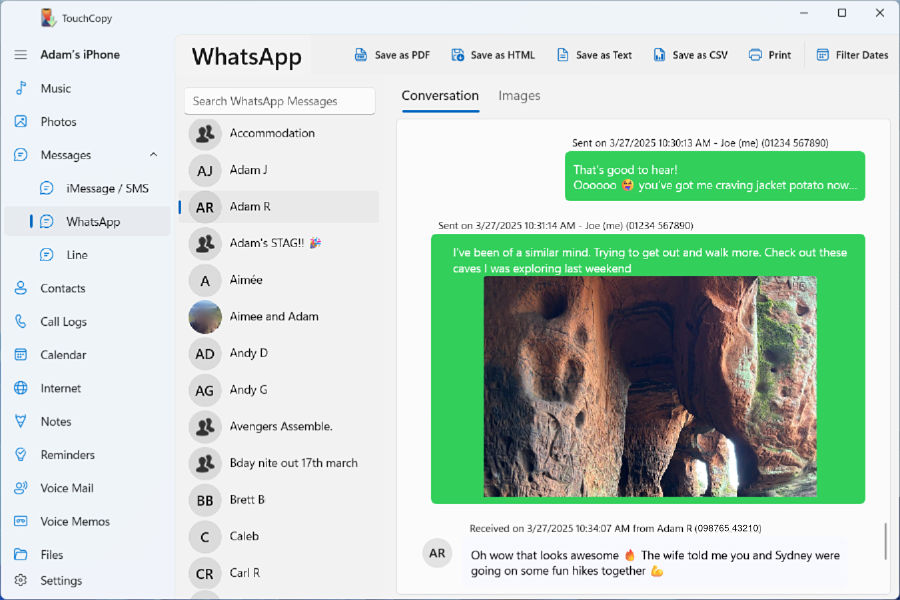 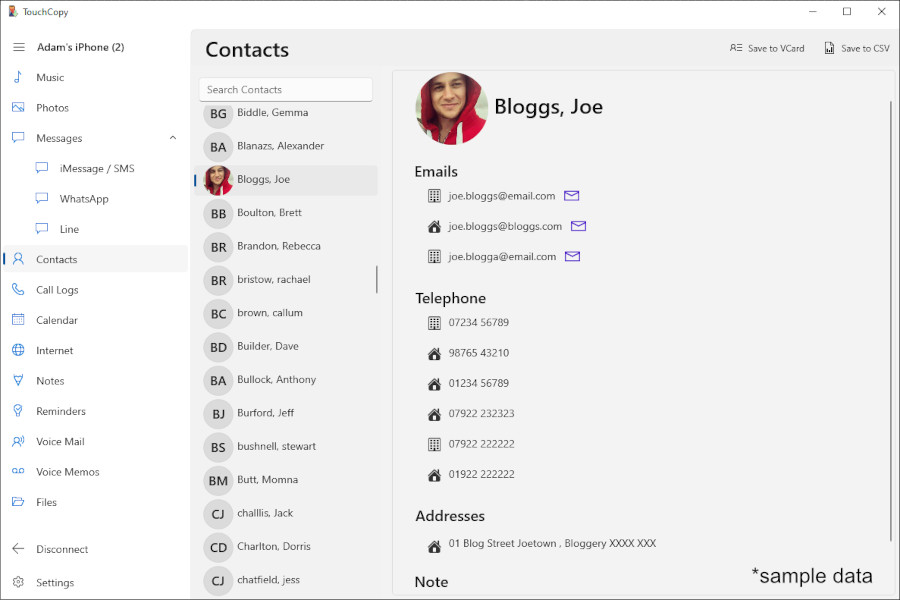 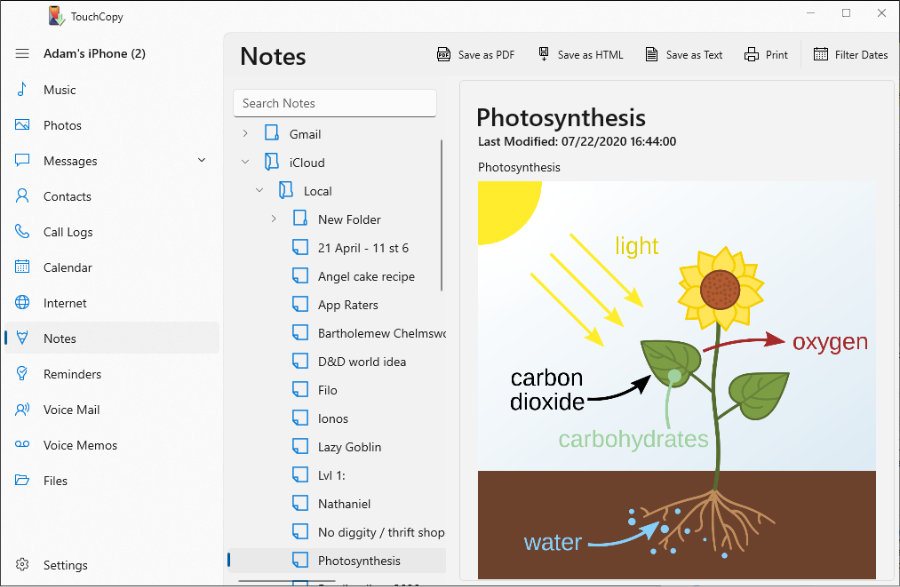 |
