
Twingate vs. Zscaler Private Access
| Product | Rating | Most Used By | Product Summary | Starting Price |
|---|---|---|---|---|
 Twingate | Score9.9 out of 10 | N/A | Twingate allows businesses to secure remote access to their private applications, data, and environments, whether they are on-premise or in the cloud. Built to make the lives of DevOps teams, IT teams, and end users easier, it replaces outdated corporate VPNs which were not built to handle a world in which "work from anywhere" and cloud-based assets are increasingly the norm. Twingate’s modern zero trust-based approach to securing remote access focuses on improving security,… | $0 |
 Zscaler Private Access | Score9.4 out of 10 | N/A | Zscaler Private Access™ (ZPA) gives users secure access to private apps and OT devices while enabling zero trust connectivity for workloads. | N/A |
| Twingate | Zscaler Private Access | |||||||||||||||
|---|---|---|---|---|---|---|---|---|---|---|---|---|---|---|---|---|
| Editions & Modules |
| No answers on this topic | ||||||||||||||
| Offerings |
| |||||||||||||||
| Entry-level Setup Fee | No setup fee | No setup fee | ||||||||||||||
| Additional Details | An Enterprise Plan with customized pricing is also available. | — | ||||||||||||||
| More Pricing Information | ||||||||||||||||
| Twingate | Zscaler Private Access | |
|---|---|---|
| Considered Both Products | No answer on this topic | No answer on this topic |
| Key User Insights | ||
| Would buy again | ||
No answers on this topic | 99% Would buy again 84 Answers | |
| Delivers good value for the price | ||
No answers on this topic | 100% Delivers good value for the price 67 Answers | |
| Happy with the feature set | ||
No answers on this topic | 99% Happy with the feature set 84 Answers | |
| Lived up to sales and marketing promises | ||
No answers on this topic | 95% Lived up to sales and marketing promises 59 Answers | |
| Implementation went as expected | ||
No answers on this topic | 91% Implementation went as expected 68 Answers | |
| Twingate | Zscaler Private Access | ||||||||||||||||||||||||||||
|---|---|---|---|---|---|---|---|---|---|---|---|---|---|---|---|---|---|---|---|---|---|---|---|---|---|---|---|---|---|
| Identity Management |
| ||||||||||||||||||||||||||||
| Endpoint Security |
| ||||||||||||||||||||||||||||
| Threat Intelligence |
| ||||||||||||||||||||||||||||
| Zero Trust Security |
| ||||||||||||||||||||||||||||
| Twingate | Zscaler Private Access | |
|---|---|---|
| Small Businesses | No answers on this topic | No answers on this topic |
| Medium-sized Companies | No answers on this topic | No answers on this topic |
| Enterprises |  Forescout Vistaro Platform Score6.7 out of 10 | Forescout Vistaro Platform Score6.7 out of 10 |
| All Alternatives | View all alternatives | View all alternatives |
| Twingate | Zscaler Private Access | |
|---|---|---|
| Likelihood to Recommend | 9.5 | 9.4 |
| Likelihood to Renew | - | 8.4 |
| Usability | 10.0 | 9.0 |
| Support Rating | 9.5 | - |
| Twingate | Zscaler Private Access | |
|---|---|---|
| Likelihood to Recommend |
|
|
| Pros |
|
|
| Cons |
|
|
| Likelihood to Renew | No answers on this topic |
|
| Usability |
|
|
| Support Rating |
| No answers on this topic |
| Alternatives Considered | No answers on this topic |
|
| Return on Investment |
|
|
| ScreenShots | Twingate Screenshots 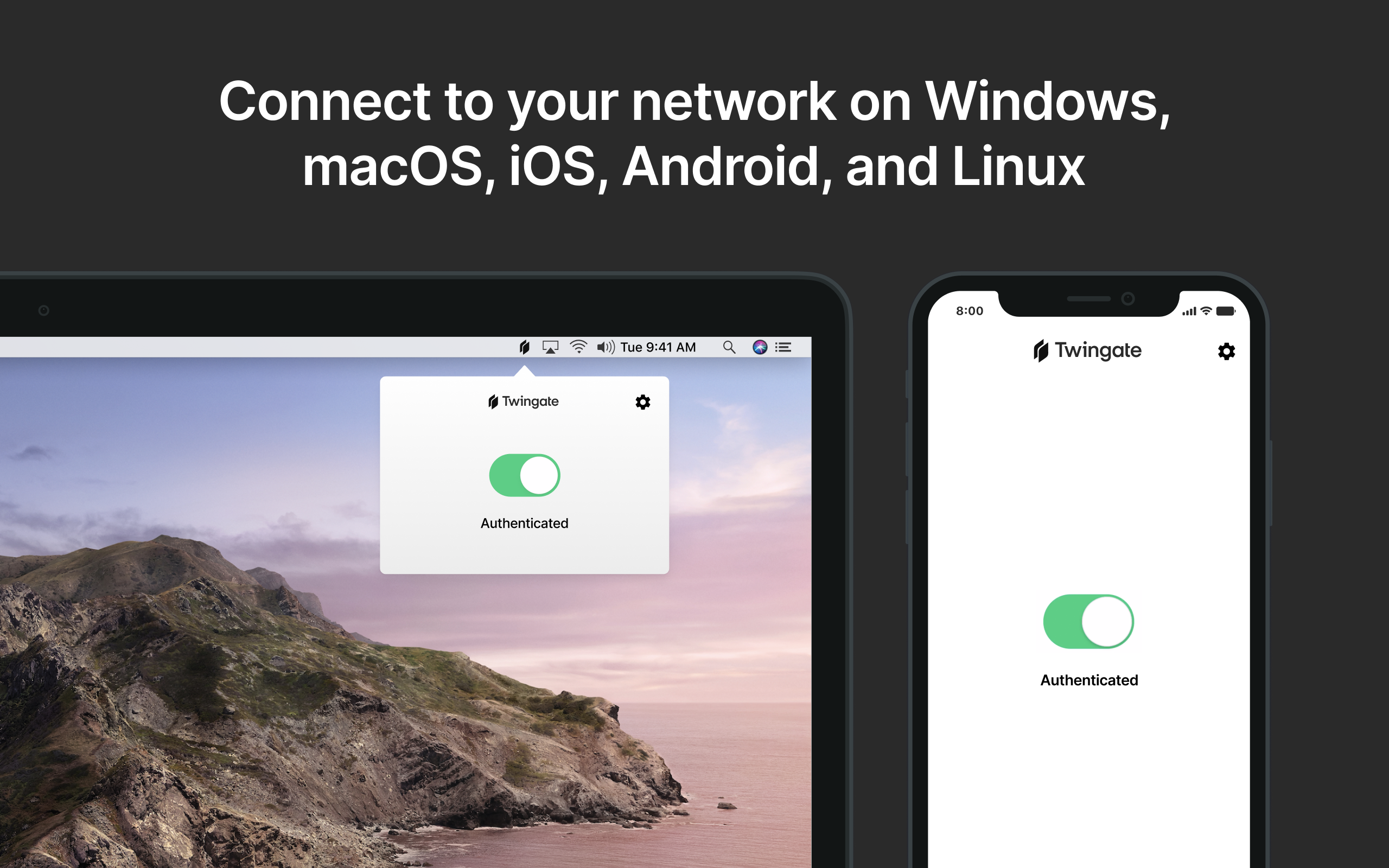 | Zscaler Private Access Screenshots |


