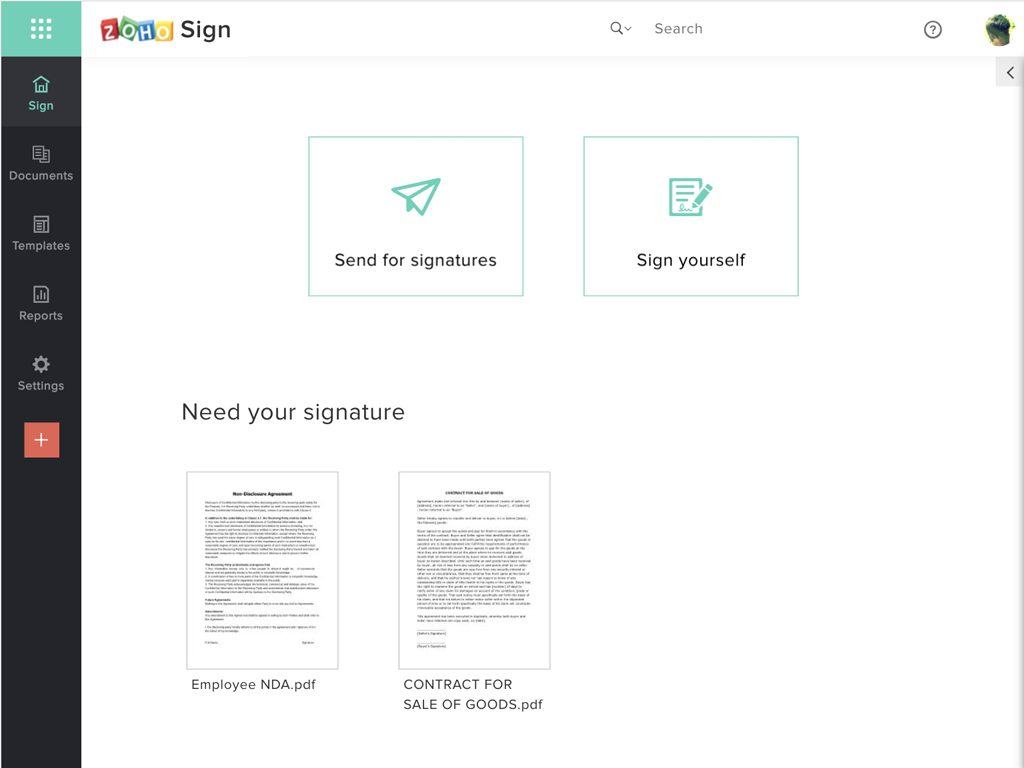
Zoho Sign is a digital signing service that lets you execute contracts quickly without the hassles of transporting paper documents while ensuring security and legality. It works completely on cloud and integrates readily with your everyday apps. According to the vendor, Zoho Sign is perfect for anyone who needs to sign business documents but widely used for HR, legal, finance, HR, and sales functions. Documents that can be signed include:…
$0
per user
Zynyo
Score 0.0 out of 10
N/A
N/A
N/A
Pricing
Zoho Sign
Zynyo
Editions & Modules
Free
$0.00
per user
Standard
$10.00
per user/ month
Professional
$15.00
per user/ month
No answers on this topic
Offerings
Pricing Offerings
Zoho Sign
Zynyo
Free Trial
No
No
Free/Freemium Version
Yes
No
Premium Consulting/Integration Services
No
No
Entry-level Setup Fee
$10 per user
No setup fee
Additional Details
—
—
More Pricing Information
Community Pulse
Zoho Sign
Zynyo
Considered Both Products
Zoho Sign
Verified User
Anonymous
Chose Zoho Sign
Price is important but it has all the same features as some of the main brand names on the market which makes this package ideal for small businesses and larger ones looking at costs. The advantage we find is that we can edit forms with drop-down boxes and preset answers for …
Before using Zoho Sign, we simply send out PDFs and had our partners and clients sign them and send them back. Obviously, Zoho Sign stacks pretty high against that because of how professional it is, how much simpler it is for us to use, and how much time it saves us.
I was a paid subscriber to Adobe prior to using Zoho, and found their solution expensive and inflexible. DocuSign may be the market leader, but Zoho fits better into our overall needs, especially since it integrates well with our other Zoho products.
I think Zoho is great for a smaller organization that needs a few documents signed. A larger organization that would use it on a daily basis may not like it because they would want an easier to use and more professional setup. For example:
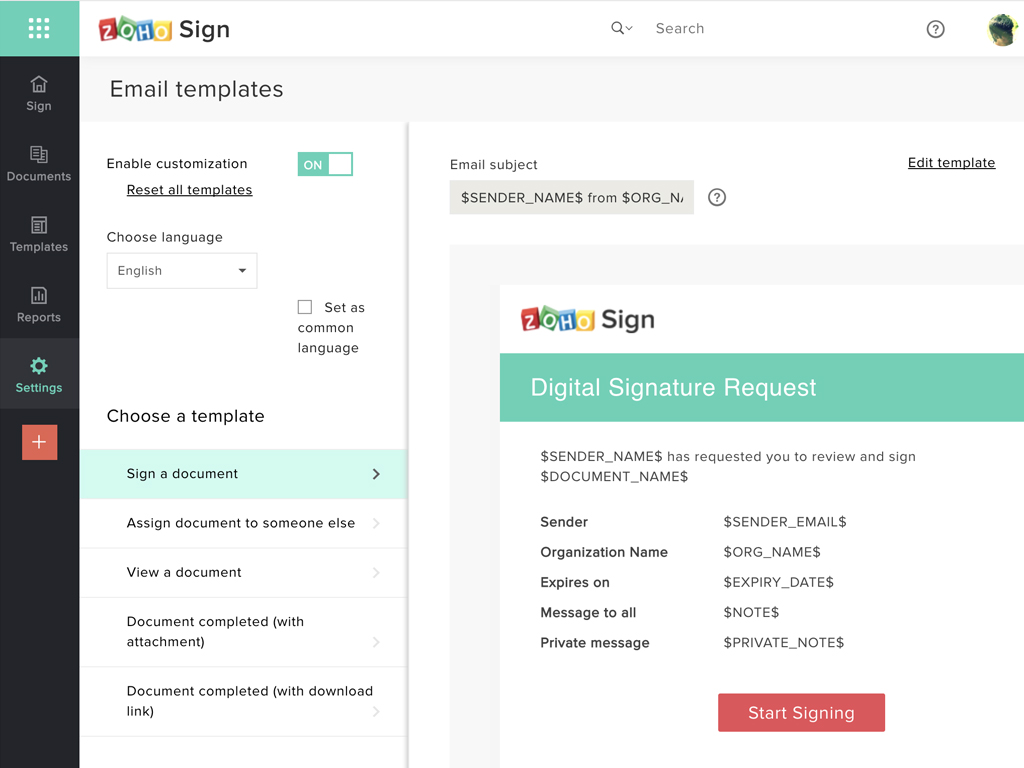
The document shows up as coming from Zoho Sign, which is not a professional look.
There is no way to create a document within Zoho Sign. A document needs to be uploaded (or you can use a pre-uploaded template).
Price is important but it has all the same features as some of the main brand names on the market which makes this package ideal for small businesses and larger ones looking at costs. The advantage we find is that we can edit forms with drop-down boxes and preset answers for the forms. Each entry field can be customized by data type and length or allow the client to enter their own answers.