
TrustRadius: an HG Insights company

Adobe Express

Score8.7 out of 10

438 Reviews and Ratings

What is Adobe Express?

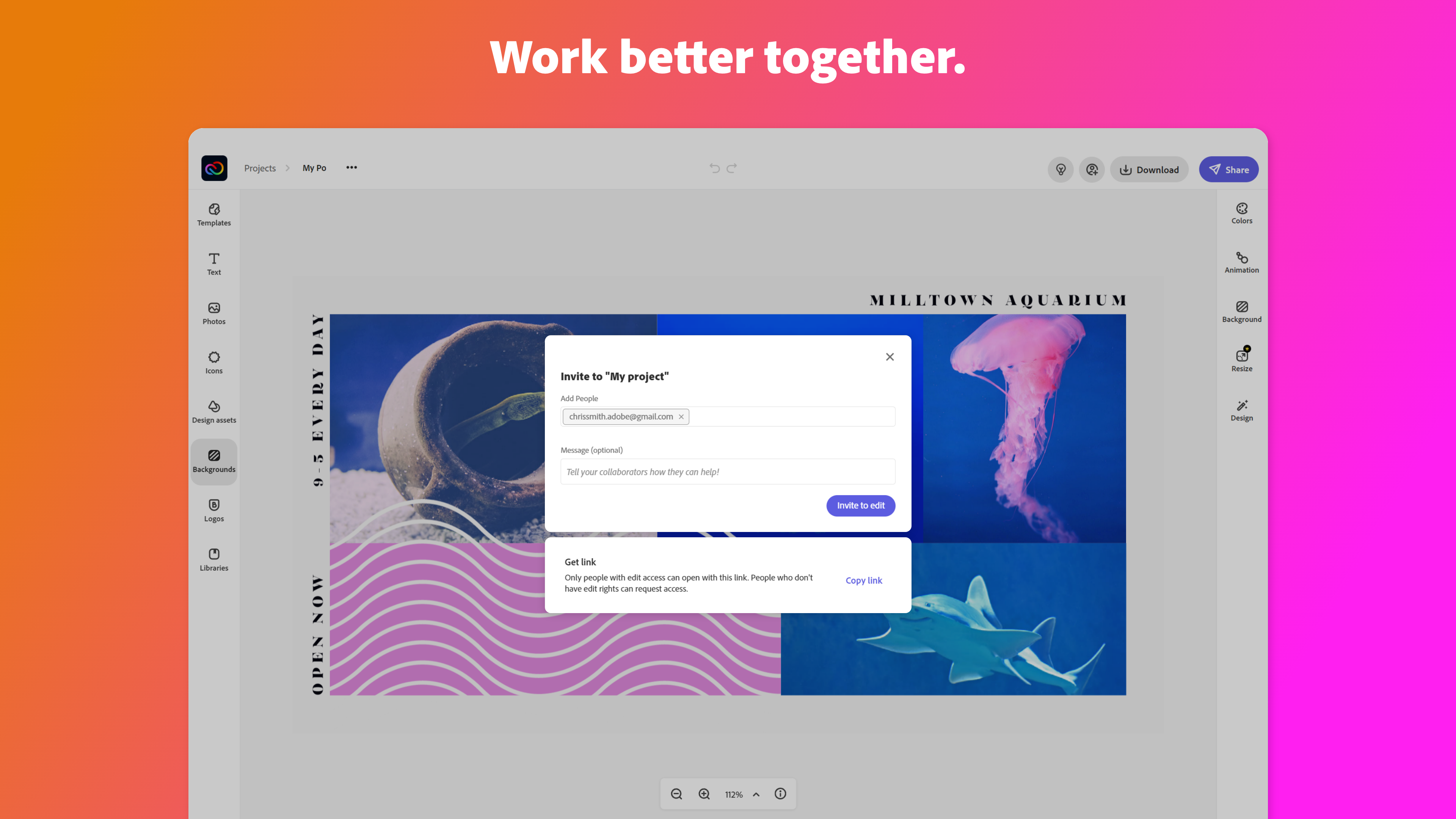
Adobe Creative Cloud Express (formerly Adobe Spark) is a task-based, web and mobile product used to create and share rich multimedia content – from social media posts and stories to invitations to marketing materials like logos, flyers and banners.

Media

Adobe Express
Adobe Express
Adobe Express
Adobe Express
Adobe Express
Adobe Express
Adobe Express
Adobe Express
Adobe Express

1 / 9

There are many hidden gems in Adobe Express for Marketers.

Use Cases and Deployment Scope

The one thing no one talks about. Adobe may have forgotten that it even exists. The Calendar. I like to use Adobe Express every day in the web and mobile app creating the social media graphics, posts, videos, shorts for my platforms, but what I really love is how easy it is to schedule posts only one or two days a week. It saves a lot of time and is easy to use for posting to multiple platforms at once, as it integrates with Facebook, Instagram, Twitter, LinkedIn, and TikTok!

Pros

  • Scheduling posts. OMG, it is one place on the web and app for me to schedule upcoming posts.
  • Posting to several platforms at one time. From FB, to IG, to TikTok, and LinkedIn. It's a great assistant to have by your side every day.
  • Editing on the go with the app on my phone, capturing and editing content in real time.

Cons

  • Loading projects. When producing content on the go, speed is very necessary. We need our projects to load fast so we can create, edit, and post right away.
  • Stop changing the UI layout. We get used to a workflow and from web to app and even back on the web, there are slight differences that slow our tempo.
  • Sometimes projects are created by other apps, like Project Aqua and Squirrel. Why are they in Express as a project?

Return on Investment

  • Fortunately for us, we work with many nonprofits, so the ROI is all return. The focus is on education and impact, and we can accomplish both.
  • The onboarding for Adobe Express is easy: it gets someone into the ecosystem and into creating right away, so it saves time and is a great return on investment.
  • We can hit business objectives effectively when everyone can see the designs, templates, and AI-assisted tools to create.

Alternatives Considered

Canva, Affinity Designer and Affinity Publisher

Other Software Used

Canva, Affinity Designer, Affinity Publisher

Multimedia Specialist

Pros

  • I have used Adobe Express to help maintain my creative catalogs and files, brand management by saving my color scheme palettes, to have full access to its free assets and huge template library.
  • The main business issue is brand consistency and accessibility, and Adobe Express helps greatly with both of those by providing an option to create brand libraries for various projects, and it has a huge Adobe font catalog to accommodate basically every brand and project scope.
  • I like how I am able to create a project folder for storing various iterations of a graphic or logo, and being able to view thumbnails of each iteration below the current graphic that I am working on. Plus, it also allows for easy thumbnail rearrangement for exporting selected images in the order of my choice. And it has many editing tools such as a generative AI tool using prompts to help create original art, and both the Effects and Animation tools have many options for colorations and animations. Plus other awesome and easy to use tools such as the Quick Action tool that easily removes backgrounds, and other tools like the Resizing, Quick Replace, Translate, Bulk Create.
  • Another feature of Adobe Express that I like is its ability for video creation and editing which is available via a mobile device or desktop computer. The footage editing process is very easy and allows for only one track for both video and audio.
  • Adobe Express allows for the project assets to be either imported via ones on file systems or straight from the Adobe Royalty-Free assets which includes; videos, audio/music, graphics, photos and even a voice overs capability using a "Text-to-Voice" option. And after the video has been created Adobe offers its very easy "Download" option, where you can select what file type that you want the project to export as.

Cons

  • The only improvement that I wish that Adobe Express could make would be to increase the number of video and audio tracks their Video application could have. Even adding one extra track for both would totally increase the overall professional output of the video, while allowing for a more engaging and memorable product.

Return on Investment

  • The positive impact of using Adobe Express was its ease of use and which helped in my fast delivery of products to my clients.

Alternatives Considered

Canva

Other Software Used

Adobe Premiere Pro, Adobe Illustrator CC, Adobe PhotoShop

Made for Speed

Use Cases and Deployment Scope

Working as a brand manager, Adobe Express has given my team the ability to have access to quick solutions. It's very helpful to be able to have a tool like Adobe Express that is there any time you feel stuck, or in a time crunch. For example, developing ads, adding animation to engage your audience.

Pros

  • Ad designs
  • QR codes
  • Templates
  • Animations

Cons

  • I would love to see a way that Adobe Express can implement a way to see what other competitors are doing (tailoring them by industry) when it comes to seeing their ads, hooks, etc, that are performing the best.

Return on Investment

  • I design so many pamphlets and marketing collateral that always include QR codes, I know this is a simple feature but it gives my team the ability to have a way to book our demos

Other Software Used

Adobe PhotoShop, Adobe Illustrator CC, Adobe Acrobat

An Honest Review from an Adobe Community Expert

Use Cases and Deployment Scope

I primarily use Adobe Express for quick content creation. I do a lot of social media advertising, and the time it takes to prep a template in Express is way faster than in other programs. I also love the scheduling tool integrations that are included with Premium, as they make prepping and posting my content way easier. The scope of my use case is mostly for B2B sales, and small business owners, so I mainly use it for smaller projects.

Pros

  • Template Creation
  • Brand Cohesiveness
  • Scheduling tool
  • Google Drive add ons

Cons

  • User interface
  • Social Media video assets
  • Template variety

Return on Investment

  • Time on construction of templates is faster
  • Easier to send to other users to collaborate
  • Ease of creation and story boarding
  • Increase in total brand coherency

Alternatives Considered

Canva and InShot

Other Software Used

Adobe InDesign, Canva, Adobe Illustrator CC

Design your next Masterpiece

Use Cases and Deployment Scope

I use Adobe Express for most of my graphic design needs. From building restaurant menus to social media posts, Adobe Express speeds the rate in which I can get stuff done. I especially like that you can group multiple designs under a single file and then download them to a single folder. This makes campaign creation really easy and less opportunity for confusion when passing it along.

Pros

  • Graphic design
  • Social Media design
  • Access to Adobe Stock

Cons

  • More shape building options
  • Updates to Auto-animation
  • Dark Mode!

Return on Investment

  • The ROI is outstanding (there's a FREE version, too)
  • Improved workflow
  • 300% increase in daily graphic output

Alternatives Considered

Canva

Other Software Used

Adobe PhotoShop, Adobe Illustrator CC, Adobe Firefly
