

Fenêtre Capture Tool
What is Fenêtre Capture Tool?
The Fenêtre Capture Tool offers features to use in making professional screenshots and screen recordings. It is presented as ideal for anyone, but especially for people who are looking for an advanced function oriented Capture Tool, and because it can be connected with Microsoft Teams it is also functional in the office as well.
Features of the Fenêtre Capture Tool include:
Features of the Fenêtre Capture Tool include:
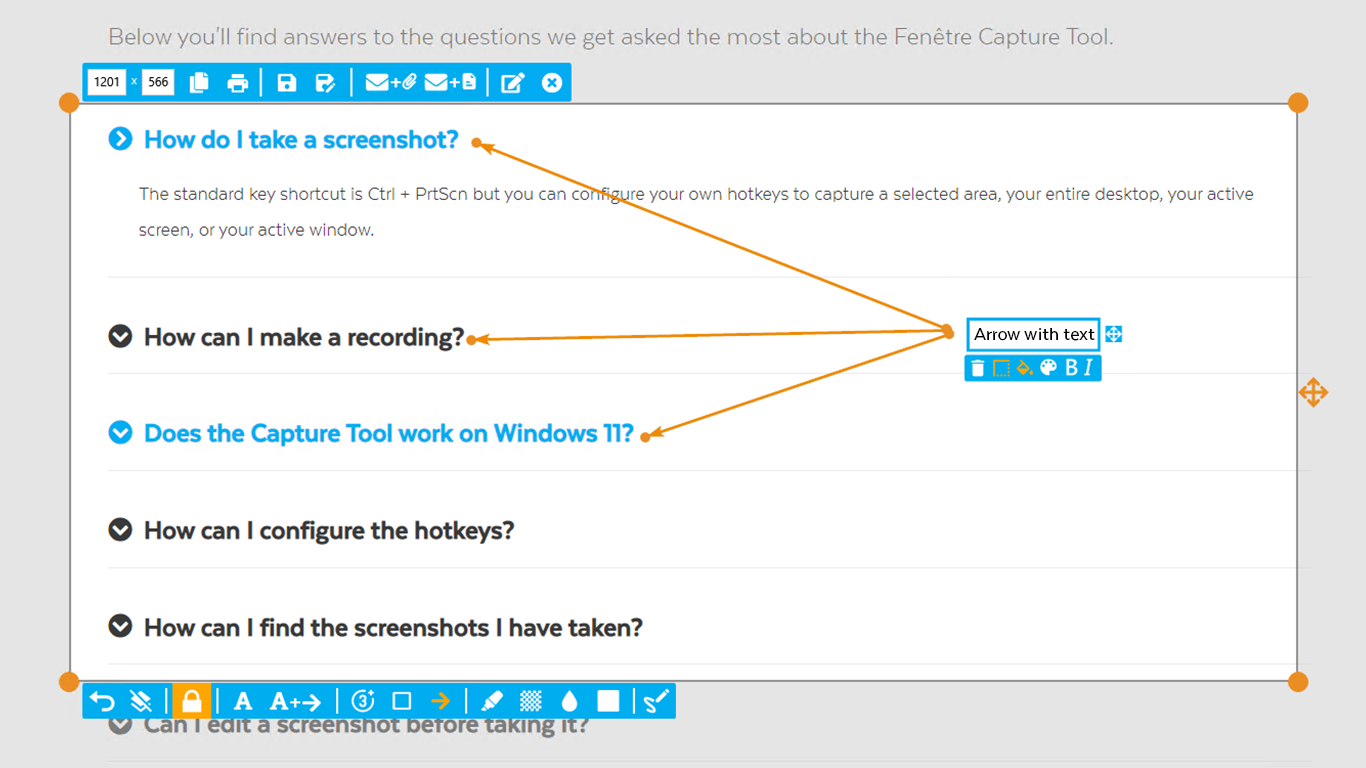
- Screenshot annotation
- Precise recording areas by pixels
- Arrow with text annotation
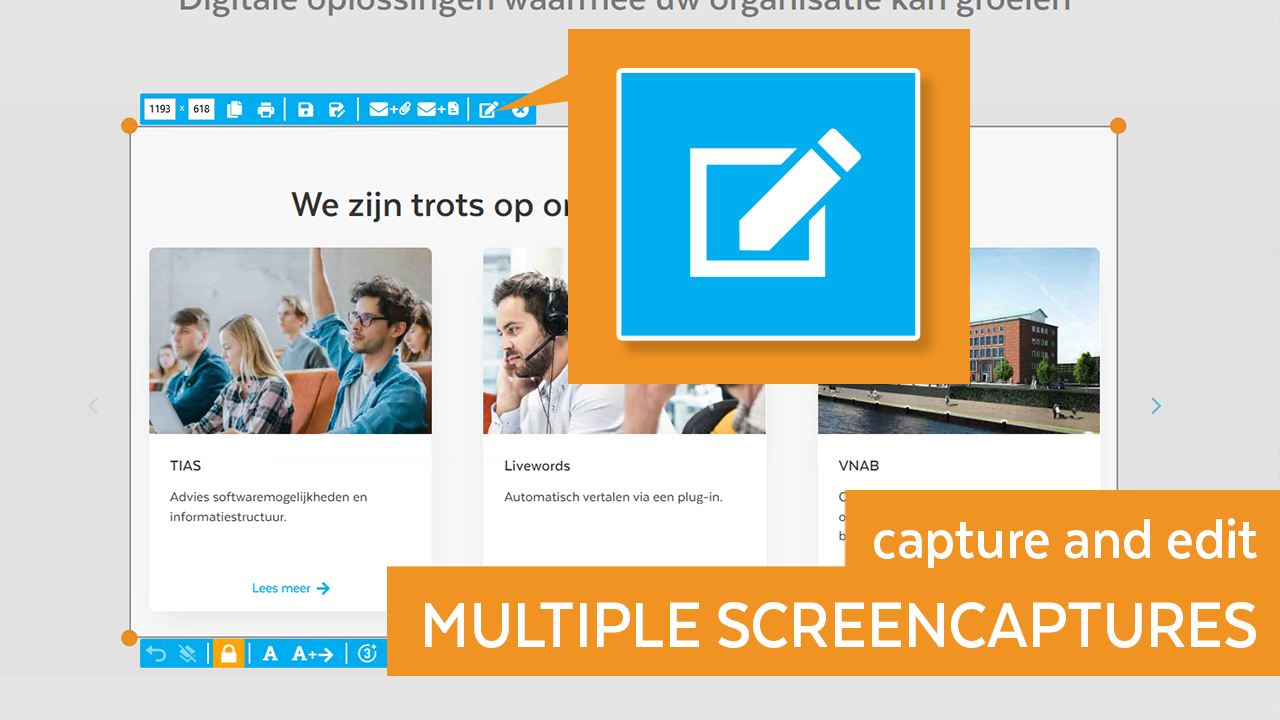
- Multiple edit windows
- Customizable recording area
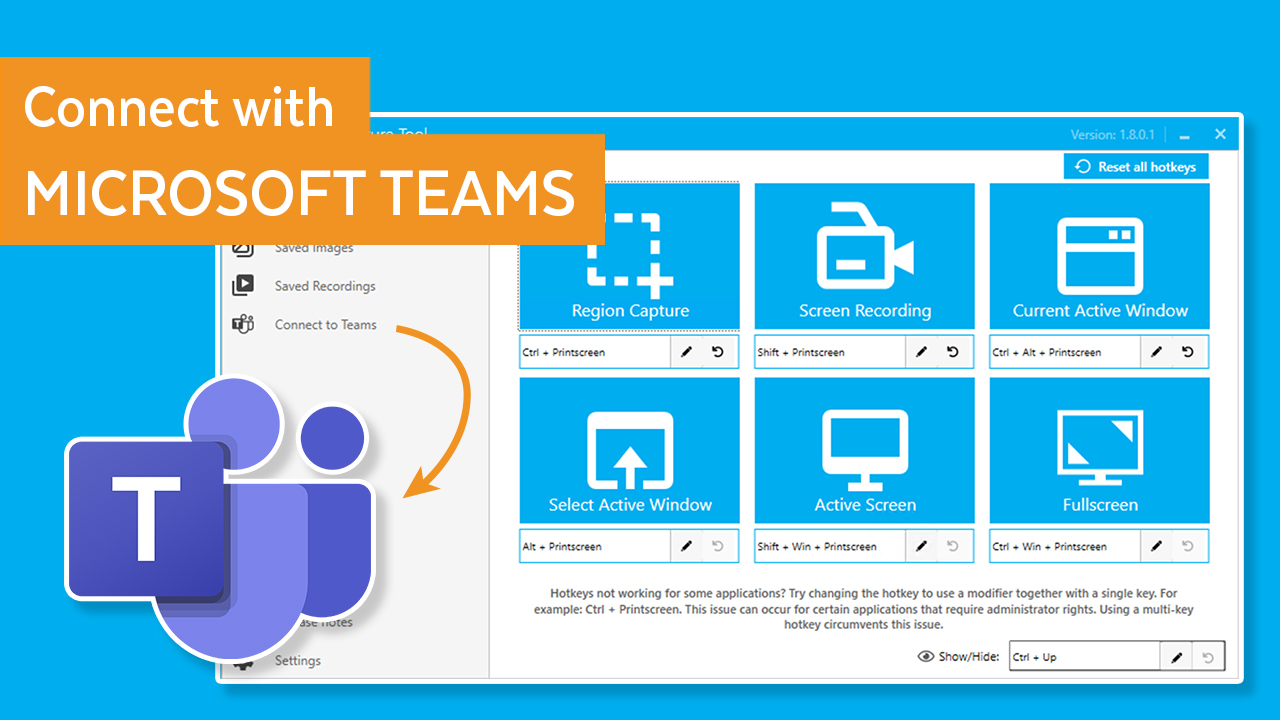
- Shareable recordings with Outlook and Teams
- Recordings can be exported to multiple formats like GIF and MP4
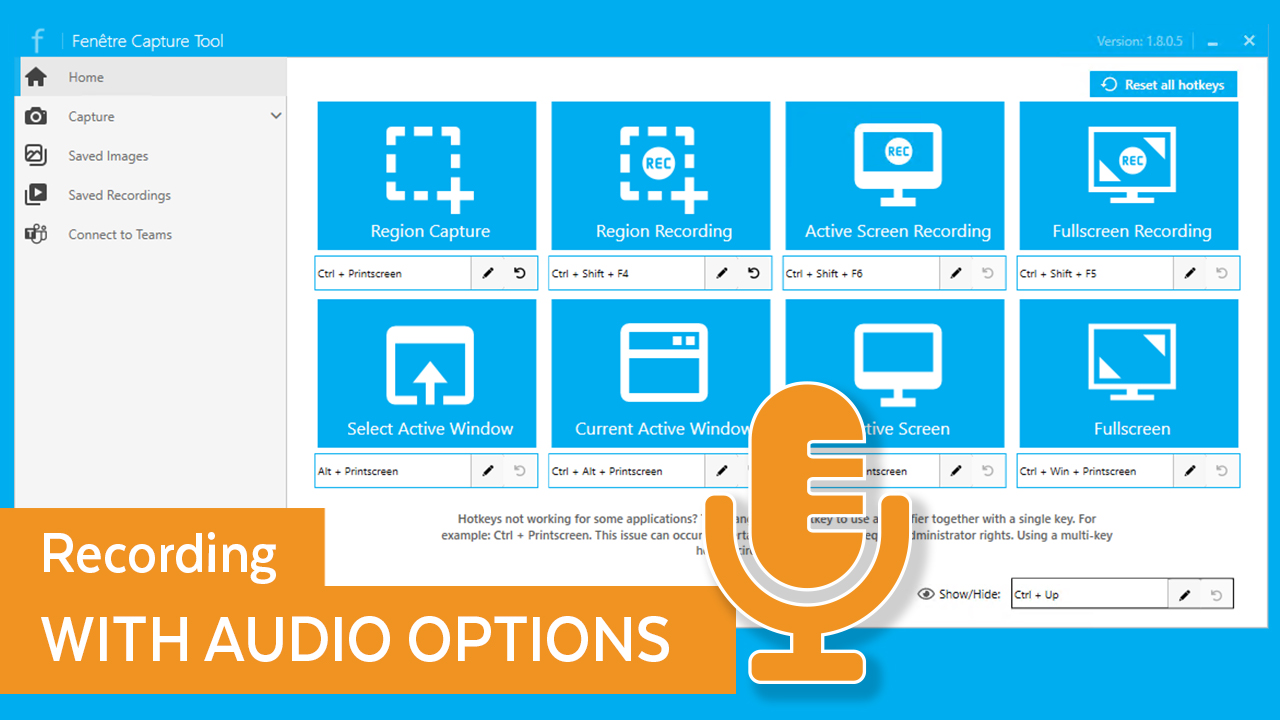
- Configurable hotkeys
Categories & Use Cases
Videos
Screenshots


1 / 6
Screenshot of The interface of the app
Technical Details
| Deployment Types | On-Premise |
|---|---|
| Operating Systems | Windows |
| Mobile Application | No |
| Supported Countries | Worldwide |
| Supported Languages | english |
FAQs
How much does Fenêtre Capture Tool cost?
Fenêtre Capture Tool starts at $0.
What are Fenêtre Capture Tool's top competitors?
ShareX, Greenshot, and Lightshot are common alternatives for Fenêtre Capture Tool.