TrustRadius: an HG Insights company

Genially

Score7.6 out of 10

16 Reviews and Ratings

What is Genially?

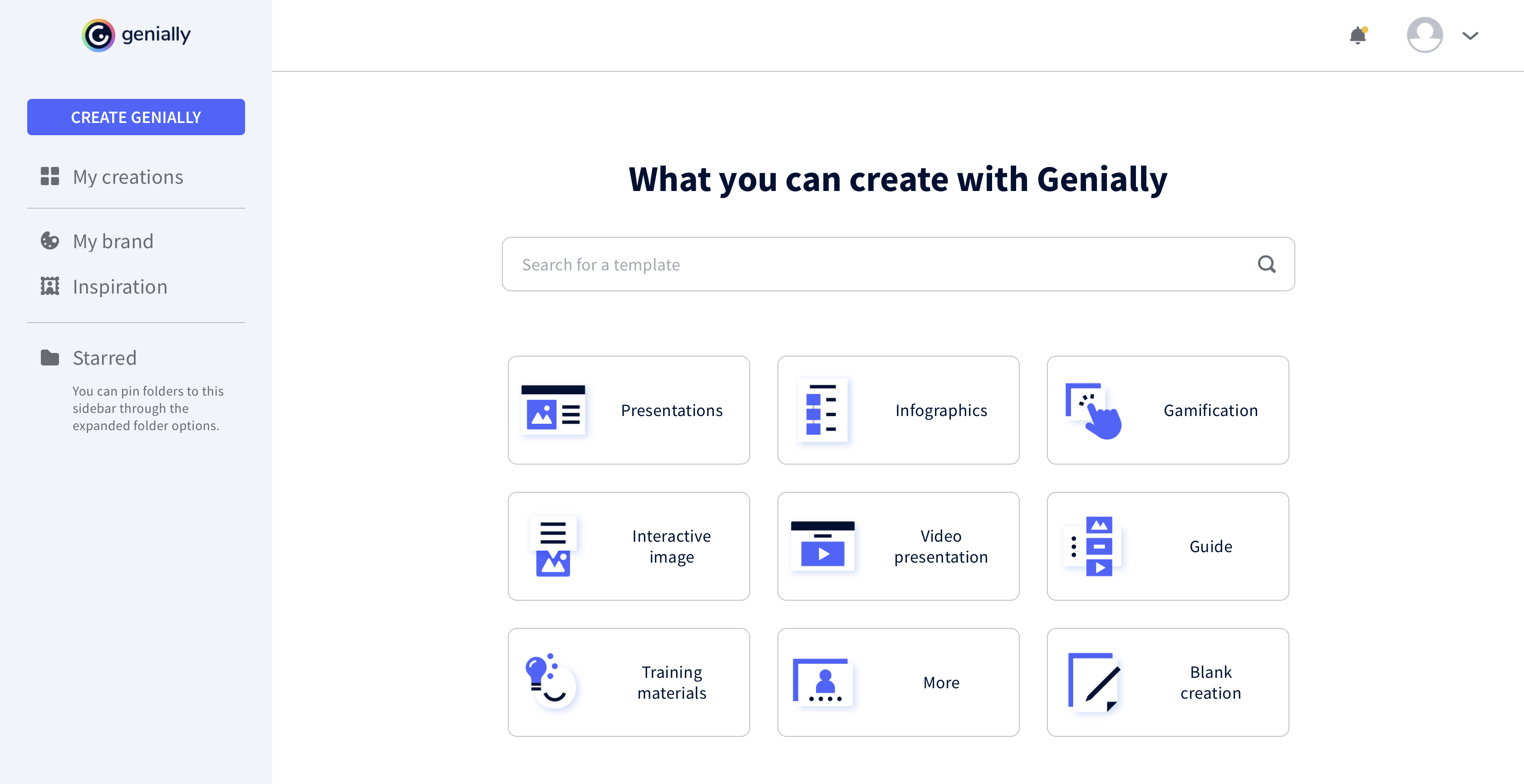
Genially is a provider of interactive visual communication and an online tool to create presentations, interactive images, infographics, dossiers, quizzes, resumes, etc. and enrich them with interactivity and animation effects.

Read more details.

Categories & Use Cases

Media

Genially
Genially
Genially
Genially

1 / 4

Who Buys & Uses Genially

Genially in Higher Ed

Use Cases and Deployment Scope

We are using Genially to create multimedia self-learning modules. Our modules are distributed in the SCORM format through various LMS to thousands of students. The features that we particularly appreciate are the interactive questions allowing the institutions using our modules to grade their students. The integration of various media: images, sounds, videos and texts is very useful too. The connection to a large database of free images is great too. Recently, we tried some of the AI tools such as summary, translation and image generation. They blend smoothly in the workflow and are convenient.

Pros

  • Interactive questions
  • AI content generation
  • AI summary
  • Multimedia integration

Cons

  • Newest version of SCORM export
  • The possibility to create and manage variables that could be used across a group of modules
  • PDF integration without using Google Drive

Return on Investment

  • The possibility to generate dynamic SCORMS is the most important feature. Once our modules are distributed to multiple institutions, we can update them from one single file.
  • Interactive questions and the possibility to create and automate consistent grading across various LMSs.
  • The licence does not include limits to the number of students suing our modules.

Usability

Alternatives Considered

Didask and iSpring Suite

Other Software Used

Miro, Microsoft Powerpoint, Canva, Adobe PhotoShop, Adobe Audition

Straightforward and easy to create slick presentations.

Use Cases and Deployment Scope

In general, we use Genially for enablement, both internal (e.g., revenue enablement) and external (customer education). I personally use it to build SCORM files for our customer academy courses that are more concept-based (rather than our software instructional videos).

Pros

  • Lets you build interactive presentations.
  • Helps you design good-looking presentations easily.
  • Lets you easily collaborate with teammates on projects.

Cons

  • Branching capabilities.
  • Accessibility compliance.
  • Light video editing for media embeds (like changing the thumbnail).

Return on Investment

  • We unfortunately don't measure this.

Usability

Other Software Used

Notion, Camtasia, Descript

Genially

Use Cases and Deployment Scope

My company purchased Genially, but it didn't meet the need I was trying to address. What I really needed was a tool that could build an assessment with questions grouped into categories and automatically generate a report showing results for each category.

Pros

  • interactive elements
  • templates

Cons

  • more learning opportunities to better use the product

Return on Investment

  • I had other tools that provided me similar experiences; therefore I needed to removed tools I wasn't using for budget purposes.

Usability

Alternatives Considered

Articulate 360

Other Software Used

Articulate 360, Canva, Vyond

Genially creates designs that allow you to interact with your audience!

Use Cases and Deployment Scope

We use Genially for multiple purposes. We use it to create presentations that are interactive and also flyers and infographics. This software is the only one that allows you to add information in a certain way so those reviewing the material need to interact with it. Also, the templates are very nicely crafted.

Pros

  • Presentations for Conferences and Classes.
  • Infographics to guide students.
  • Timetables

Cons

  • It would be nice to be able to save images and have them available on Genially.
  • More free templates.
  • Figure out a way to make editing less time consuming.

Most Important Features

  • Interactivity
  • Cool designs.
  • Easy to use.

Return on Investment

  • Different members of our team use Genially and some find it difficult to use.
  • Genially allowed us to create interactive flyer that are great for our audience.
  • We have created very nice presentations on Genially that we can later share with the audience.

Alternatives Considered

Canva

Other Software Used

Canva, Moodle, Google Slides, Prezi

The only way to impress your audience is by creating stunning content using Genially

Pros

  • Use of animations and visual effects to bring presentations to life.
  • Enables adding multiple layers of information to a slide for extra interactivity.
  • Lets us measure the impact we have made on our audiences.

Cons

  • We have to consistently save our work to avoid losing it.
  • The tool is web-based

Most Important Features

  • Animation & visual effects
  • Templates
  • Resource Library
  • Content performance measurement

Return on Investment

  • Encourages development of creativity
  • Delivers content in compelling ways
  • Connecting with audience

Alternatives Considered

Prezi

Other Software Used

DataGrail