

GnuCash
1 Reviews and Ratings
What is GnuCash?
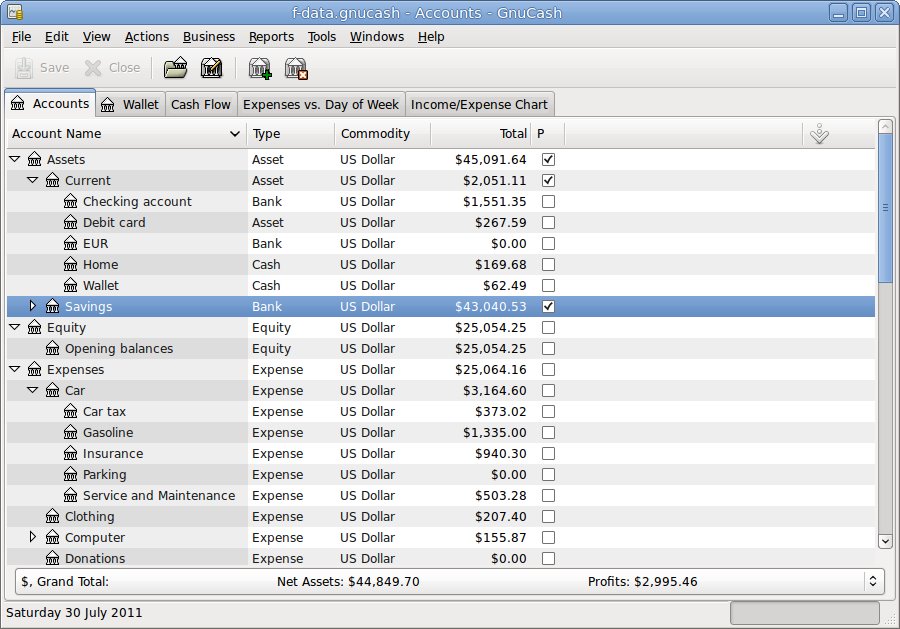
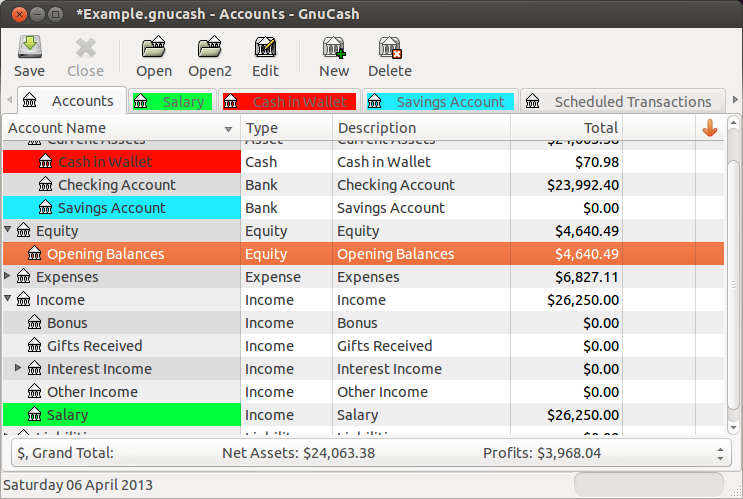
GnuCash is a personal and small-business financial-accounting software designed to meet the needs of freelancers, self-employed individuals, small business owners, nonprofit organizations, accountants, bookkeepers, and consultants. GnuCash follows the double-entry accounting method, allowing users to record both debit and credit transactions for accurate financial records. The software offers features such as stock/bond/mutual fund account management, small-business accounting tools, customizable reports and graphs, import capabilities, scheduled transactions, and built-in financial calculations.
Key Features
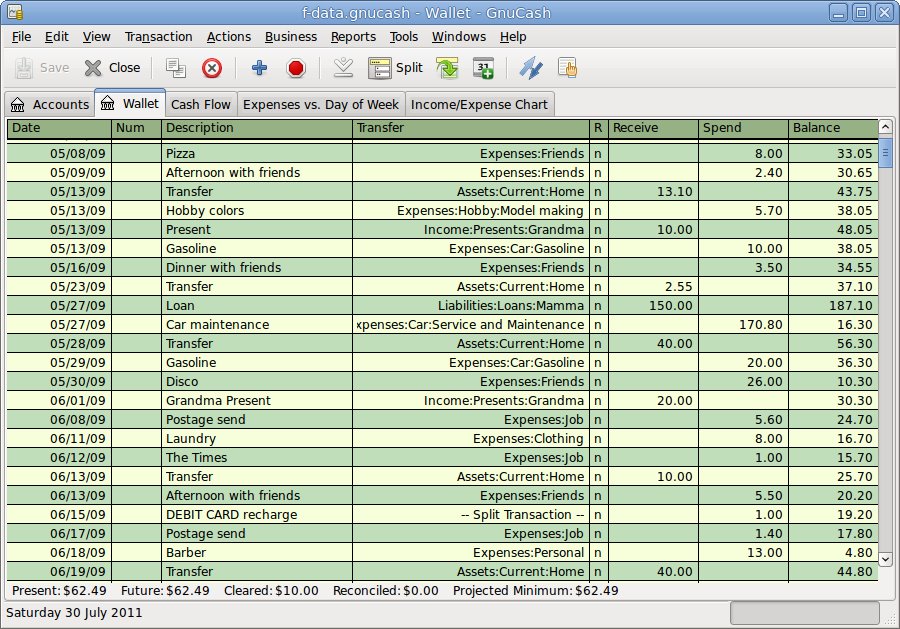
Double-Entry Accounting: GnuCash follows the double-entry accounting method, ensuring accurate and balanced books. Users can record both debit and credit transactions, maintaining the integrity of financial records. The software automatically updates account balances based on transaction entries.
Stock/Bond/Mutual Fund Accounts: GnuCash allows users to track and manage stock, bond, and mutual fund accounts. Users can record purchases, sales, and dividends related to these investments. The software provides tools for monitoring portfolio performance and generating investment reports.
Small-Business Accounting: GnuCash is designed to meet the accounting needs of small businesses. It offers features for managing income, expenses, invoices, and payments. Users can generate financial statements, such as profit and loss reports and balance sheets, to assess the financial health of their business.
Reports, Graphs: GnuCash provides a range of reporting options to analyze financial data. Users can generate customizable reports, including income statements, balance sheets, and cash flow statements. The software also offers graphical representations of financial data, such as bar charts and line graphs.
QIF/OFX/HBCI Import, Transaction Matching: GnuCash supports importing financial data in QIF, OFX, and HBCI formats. Users can easily import bank statements, credit card statements, and other financial data into the software. GnuCash includes a transaction matching feature to reconcile imported data with existing records.
Scheduled Transactions: GnuCash allows users to set up recurring transactions, such as monthly bills or salary payments. Users can create templates for scheduled transactions, saving time and effort in data entry. The software automatically generates and records scheduled transactions based on user-defined criteria.
Financial Calculations: GnuCash includes built-in financial calculations to assist with budgeting and planning. Users can perform calculations related to loan payments, interest rates, and depreciation.
Categories & Use Cases
Videos
Screenshots




1 / 7
Screenshot of a GnuCash chart
Product Demos
Technical Details
| Deployment Types | On-Premise |
|---|---|
| Operating Systems | Windows, Linux, Mac |
| Mobile Application | No |