











A Reliable and Easy-to-Use Accounting Solution for Growing Business

Use Cases and Deployment Scope
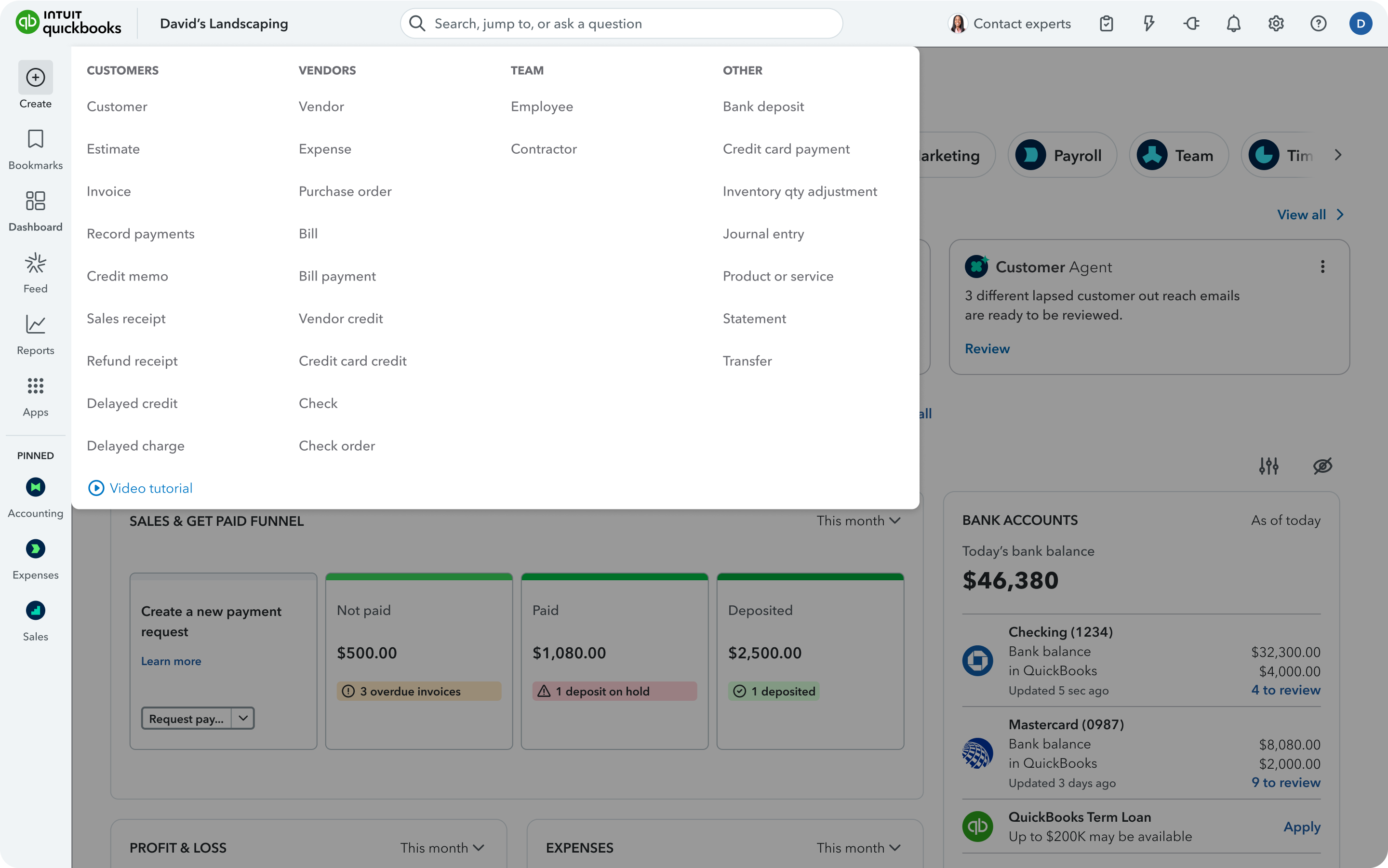
We use QuickBooks Online as our primary accounting and financial management system. It centralizes our bookkeeping and helps us manage income and expenses, invoicing, accounts payable and receivable, bank reconciliation, financial reporting and tax-related records. The main business problems it addresses are reducing manual bookkeeping, improving the accuracy and consistency of financial records, saving time on reconciliation and reporting and providing better visibility into cash flow and overall financial performance. The scope of use of QuickBooks Online is primarily our organization's core accounting and financial reporting processes with QuickBooks Online serving as the central system for maintaining our financial records.
Pros
- Bank and credit card reconciliation automation with QuickBooks Online connecting with financial institutions and pulling automatically transactions reducing manual data entry.
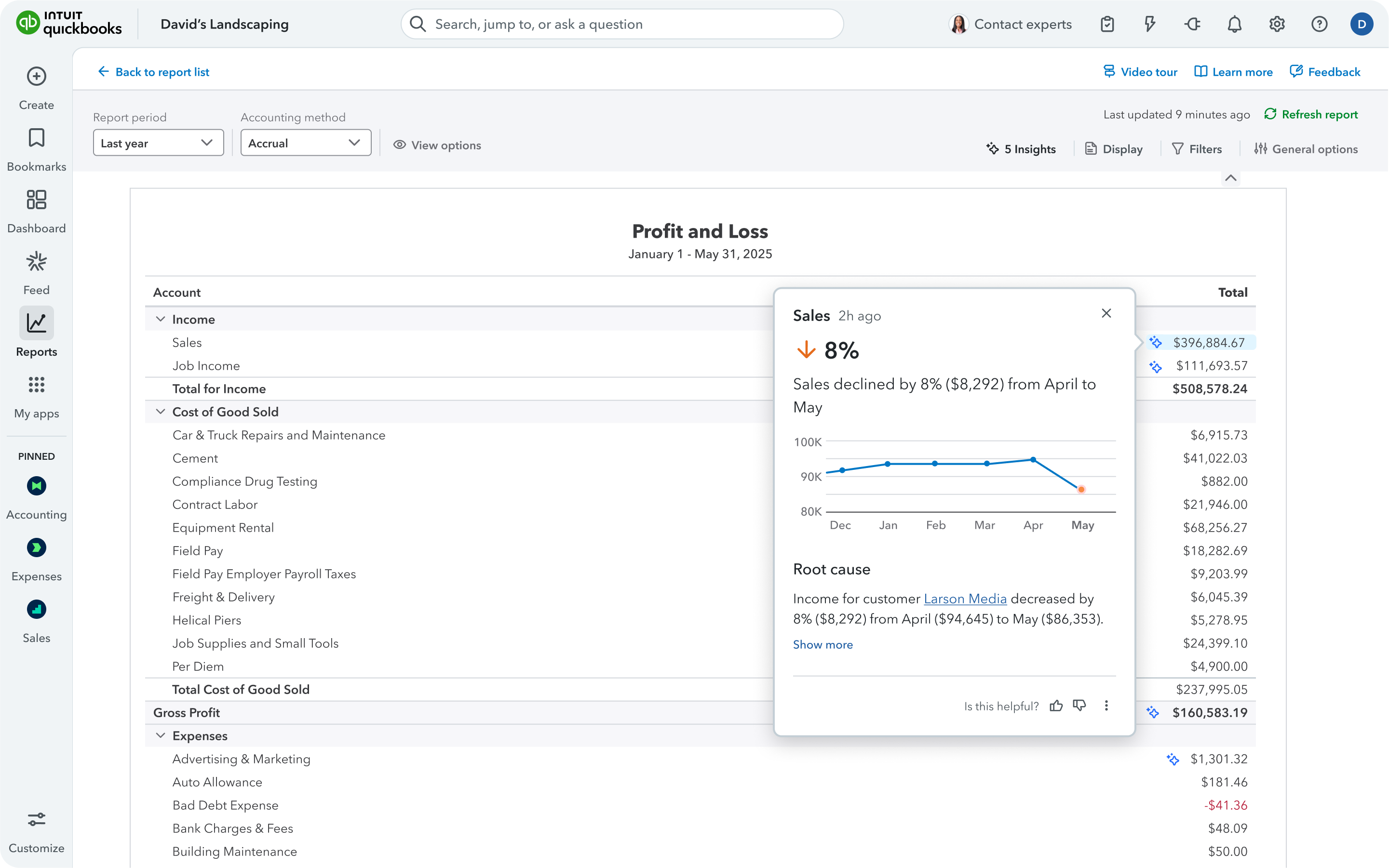
- Financial reporting, as it is one of its strongest capabilities to generate financial reports from the underlying accounting data without having to manually consolidate data from multiple spreadsheets.
- Audit trail as QuickBooks Online keeps financial activity organized within a structured accounting system making it easier to trace transactions, review changes and support month-end close and tax preparation.
Cons
- Improve bank reconciliation for rejected payments, while the bank statement shows money out then in, QuickBooks Online would consider it a double expense, and needs a manual adjustment to record the rejected payment.
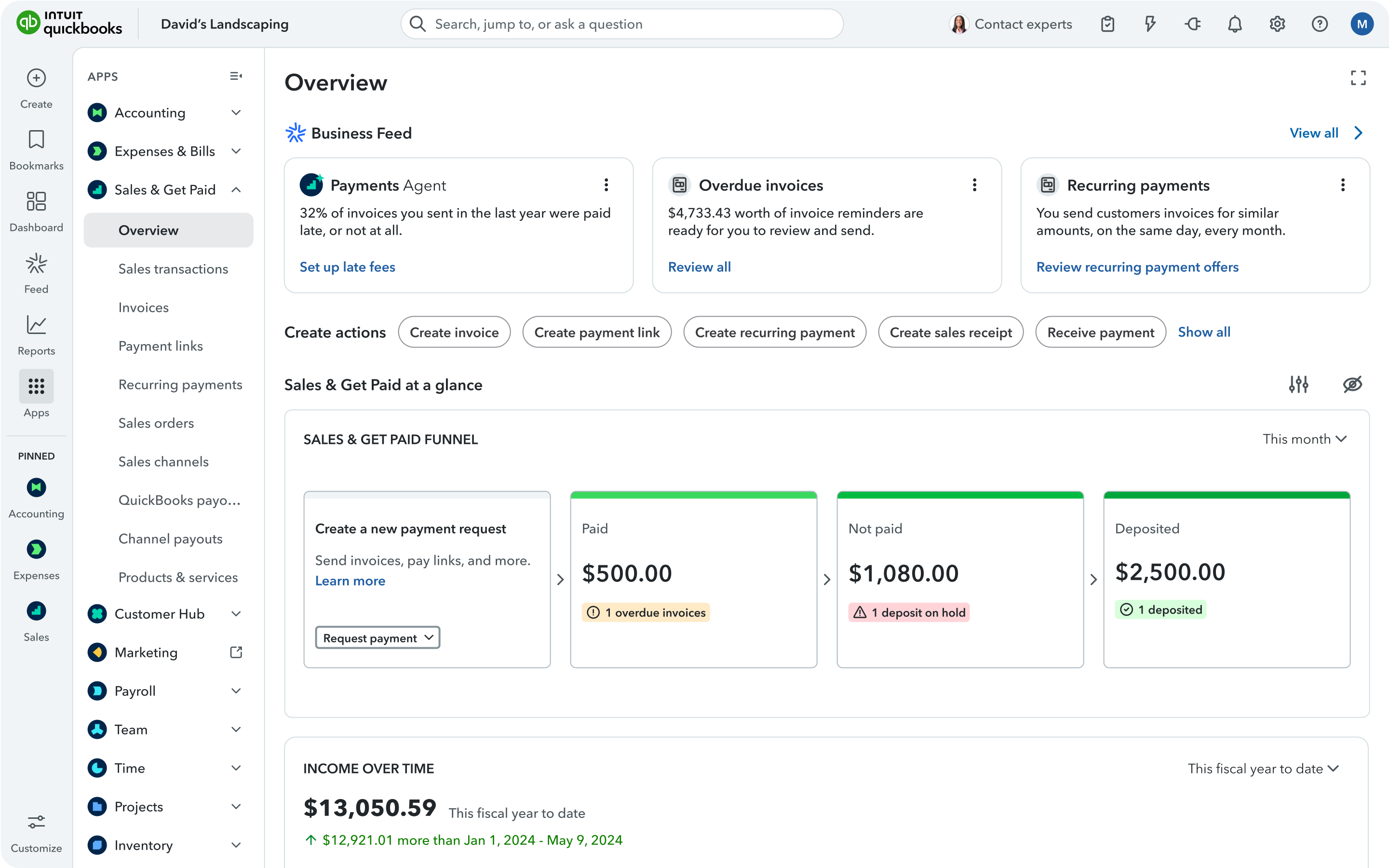
- The user interface and navigation in QuickBooks Online seems to be not easy to use and require navigating through several screens to find what I am looking for and this can lead in spending more time than it should.
- Some issues with integrations could be noticed when it duplicates data with third party applications.
Return on Investment
- Operational efficiency (Automation in categorization, reconciliation, invoicing, recurring accounting tasks) reducing manual data entry
- Ability to access financial information in real time
- Improving financial visibility and decision making
- Ability to coordinate accounting activities for authorized employees in separate geographic location due to being cloud based system
Usability
Alternatives Considered
AppFolio Property Manager
Other Software Used
BILL, Ramp, AppFolio Property Manager


