

Lightning Tools Data Viewer
1 Reviews and Ratings
What is Lightning Tools Data Viewer?
The Data Viewer provides data visualization in the form of reports or charts that can be created and customized to suit a business's needs. Silos of data exist in most organizations and yet contain valuable insights into how well the organization is performing and where action is needed. Those silos often include Microsoft Excel workbooks, Microsoft SQL Azure databases, On-Premises data sources accessible through OData or Business Connectivity Services and even SharePoint Lists. These data sources can be connected to, to produce reports displayed in SharePoint or Teams.
Categories & Use Cases
Videos
Screenshots




1 / 7
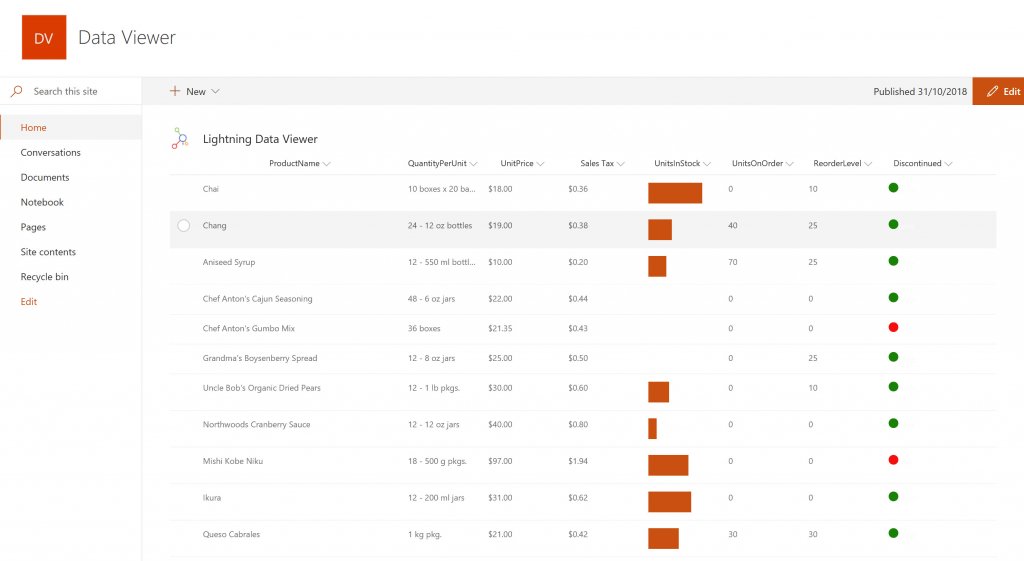
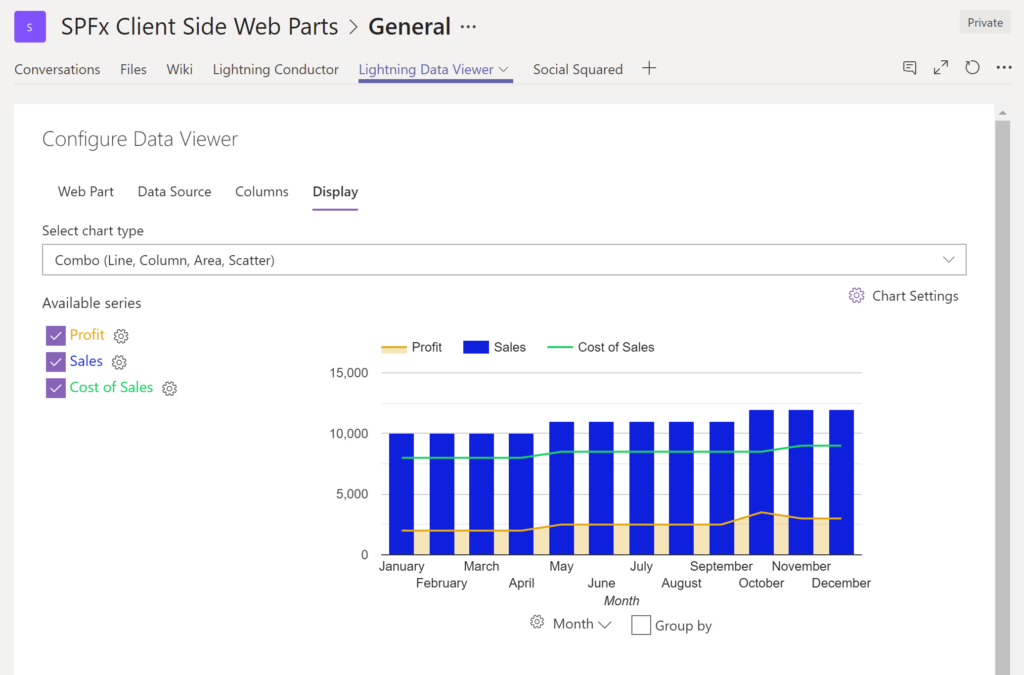
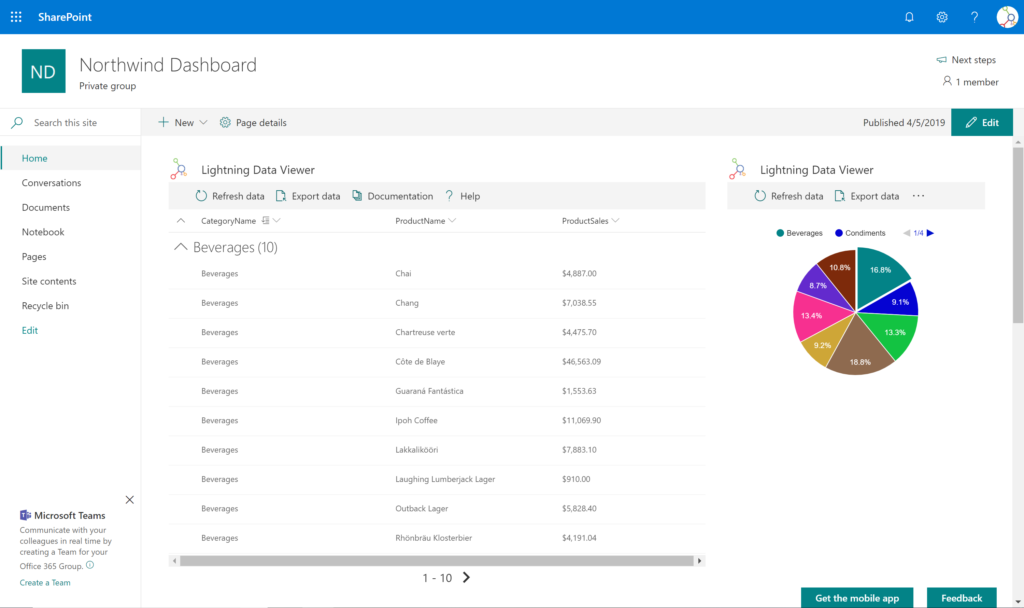
Screenshot of DISPLAYING EXTERNAL DATA WITHIN SHAREPOINT OR MICROSOFT TEAMS The Data Viewer Client Side Web Part can be configured by Business Users within a few minutes to display Line of Business Data from Data Sources such as Excel, SQL Azure, Business Connectivity Services, OData and SharePoint Lists. Connections to an organizations data such as Customer Relationship Management Systems, Accounting Systems, or Custom Databases can be connected, giving business users a live up-to-date view of business information within the context of their SharePoint Team Sites or Microsoft Teams Tabs.
Technical Details
| Deployment Types | On-Premise, SaaS |
|---|---|
| Operating Systems | Windows, Microsoft SharePoint And Teams |
| Mobile Application | No |
| Supported Countries | Global |
| Supported Languages | English, French, German, Spanish, Dutch, Japanese |
FAQs
How much does Lightning Tools Data Viewer cost?
Lightning Tools Data Viewer starts at $2200.
What are Lightning Tools Data Viewer's top competitors?
Layer2 Cloud Connector are common alternatives for Lightning Tools Data Viewer.
Who uses Lightning Tools Data Viewer?
The most common users of Lightning Tools Data Viewer are from B2C.