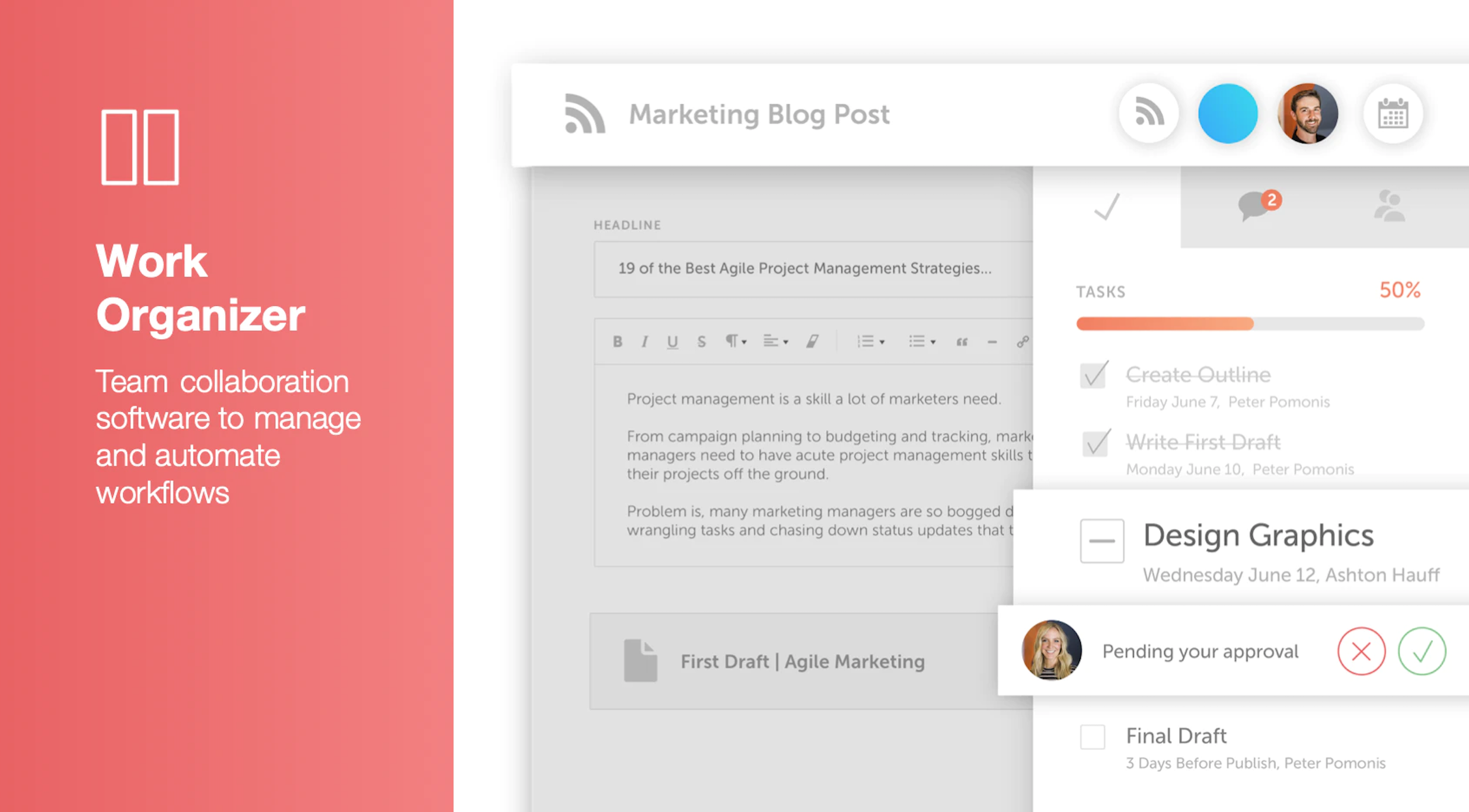
CoSchedule provides a content calendar, content optimization, and contentmarketing products, with users among 50,000 marketers worldwide, helping them organize their work, deliver projects on time, and prove marketing team value.
$39
per month
Pricing
AddEvent
CoSchedule
Editions & Modules
Basic
$19
per month
Starter
$39
per month
Professional
$59
per month
Custom
Starting at $69
per month
Offerings
Pricing Offerings
AddEvent
CoSchedule
Free Trial
Yes
No
Free/Freemium Version
No
Yes
Premium Consulting/Integration Services
No
No
Entry-level Setup Fee
No setup fee
No setup fee
Additional Details
—
—
More Pricing Information
Best Alternatives
AddEvent
CoSchedule
Small Businesses
Google Calendar
Score9.1 out of 10
Sendible
Score6.9 out of 10
Medium-sized Companies
Google Calendar
Score9.1 out of 10
Emplifi
Score8.9 out of 10
Enterprises
Google Calendar
Score9.1 out of 10
Salesforce Marketing Cloud Social Studio (discontinued)
I'd land at 8.5/10 overall, please, or a B/B+. Based on the prior question where I can spot 4/four potentialities for ongoing improvement, yet I came up with more 'you're doing this well/very well', the grade/ranking is earned. It's great in situations were: An organization is creating/promoting MANY events, like we do. There are VARIOUS/VARIED types of events, esp cadence. Not everyone is using (thanktully) the exact same calendaring apps/sites ( a mix, of O365 and G-Workspace, et al. )
A de minimis incentive was given to thank the reviewer for their time. The incentive was not used to bias or drive a particular response, nor was the incentive contingent on a positive endorsement. More Info
CoSchedule is great for businesses or agencies who need an overview of all their marketing efforts, and who want to establish collaboration between multiple departments. The calendar view is one of the best we've worked with and makes it easy to see exactly what's happening. There is some slight clunkiness when it comes to admin-related tasks, and a few things aren't easy to find, but there's great support.
A de minimis incentive was given to thank the reviewer for their time. The incentive was not used to bias or drive a particular response, nor was the incentive contingent on a positive endorsement. More Info
A de minimis incentive was given to thank the reviewer for their time. The incentive was not used to bias or drive a particular response, nor was the incentive contingent on a positive endorsement. More Info
The platform seems sluggish as of late, likely as a result of the robust amount of data we are entering and the number of filters we're creating.
Social media scheduling exists, but we do run into publishing errors more often then we'd like.
Task templates when updated are not retroactive, so when you create projects for an entire year and then change a template, you need to go back and change them manually.
A de minimis incentive was given to thank the reviewer for their time. The incentive was not used to bias or drive a particular response, nor was the incentive contingent on a positive endorsement. More Info
"The next logical step" was easy to understand. Everything was simple and straightforward. I appreciate how there wasn't a bunch of extra capabilities -- the ux was very focused on the main problem it was solving. I signed up and created the first event in minutes without reading any help docs or needing any extra training.
A de minimis incentive was given to thank the reviewer for their time. The incentive was not used to bias or drive a particular response, nor was the incentive contingent on a positive endorsement. More Info
The interface is very intuitive, from setting up social profiles, to posting, to tags, to optimizing for best day/time to post. It's super easy to scan the aggregate analytics. The calendar is very easy to grok at a glance, and the more advanced functionality is intuitive to set up.
A de minimis incentive was given to thank the reviewer for their time. The incentive was not used to bias or drive a particular response, nor was the incentive contingent on a positive endorsement. More Info
I didn't have to use their official support, but I can say that they put out a lot of content online to help users. Their YouTube page has quite an array of tutorial videos explaining how things work and how to get the most out of their tools. If you're struggling, before picking up a phone or blasting off an email, try searching for your problem on YouTube or their forums.
A de minimis incentive was given to thank the reviewer for their time. The incentive was not used to bias or drive a particular response, nor was the incentive contingent on a positive endorsement. More Info
The only two/2 which I can point to autentically are the two primarily calendaring options ( GWorkspace/Calendar; O365/MS Calendar ). We were ever so briefly -- less than a 1/2 mos -- considering some research in mid 2024 on add't alternatives, yet that open discussion didn't take hold. AddEvent was already the default for ~1y (if not a bit longer) by then, so it had to be knocked aside by something quite good, and we never got to the deeper analysis part.
A de minimis incentive was given to thank the reviewer for their time. The incentive was not used to bias or drive a particular response, nor was the incentive contingent on a positive endorsement. More Info
CoSchedule provides collaborative planning of projects. The calendar view is very well designed. Meetings and tasks can be scheduled and tracked easily. Whatever is being done, no matter how big the task/project is, it gives a bird-eye view of everything. Additionally, it also integrated very well with WordPress. Their customer service team is also very helpful.
A de minimis incentive was given to thank the reviewer for their time. The incentive was not used to bias or drive a particular response, nor was the incentive contingent on a positive endorsement. More Info
It has saved me about 1 hour per day to keep things organized from Asana to WordPress.
By not having a functioning Google Doc import feature, it costs me about 30 minutes for each blog post to copy paste all the content, images, etc.
By bundling too many features into their plans, many of which we don't use (e.g. social media scheduling), we lose a little ROI because we are not using the full feature set. We use and prefer Buffer for social media, so when CoSchedule raised their price $40+ per month on features we would not be using, that hurt.
A de minimis incentive was given to thank the reviewer for their time. The incentive was not used to bias or drive a particular response, nor was the incentive contingent on a positive endorsement. More Info