Calc is the spreadsheet application associated to the open source OpenOffice productivity suite. Developers say professional data miners and number crunchers will appreciate the comprehensive range of advanced functions.
N/A
Zoho Tables
Score 8.2 out of 10
N/A
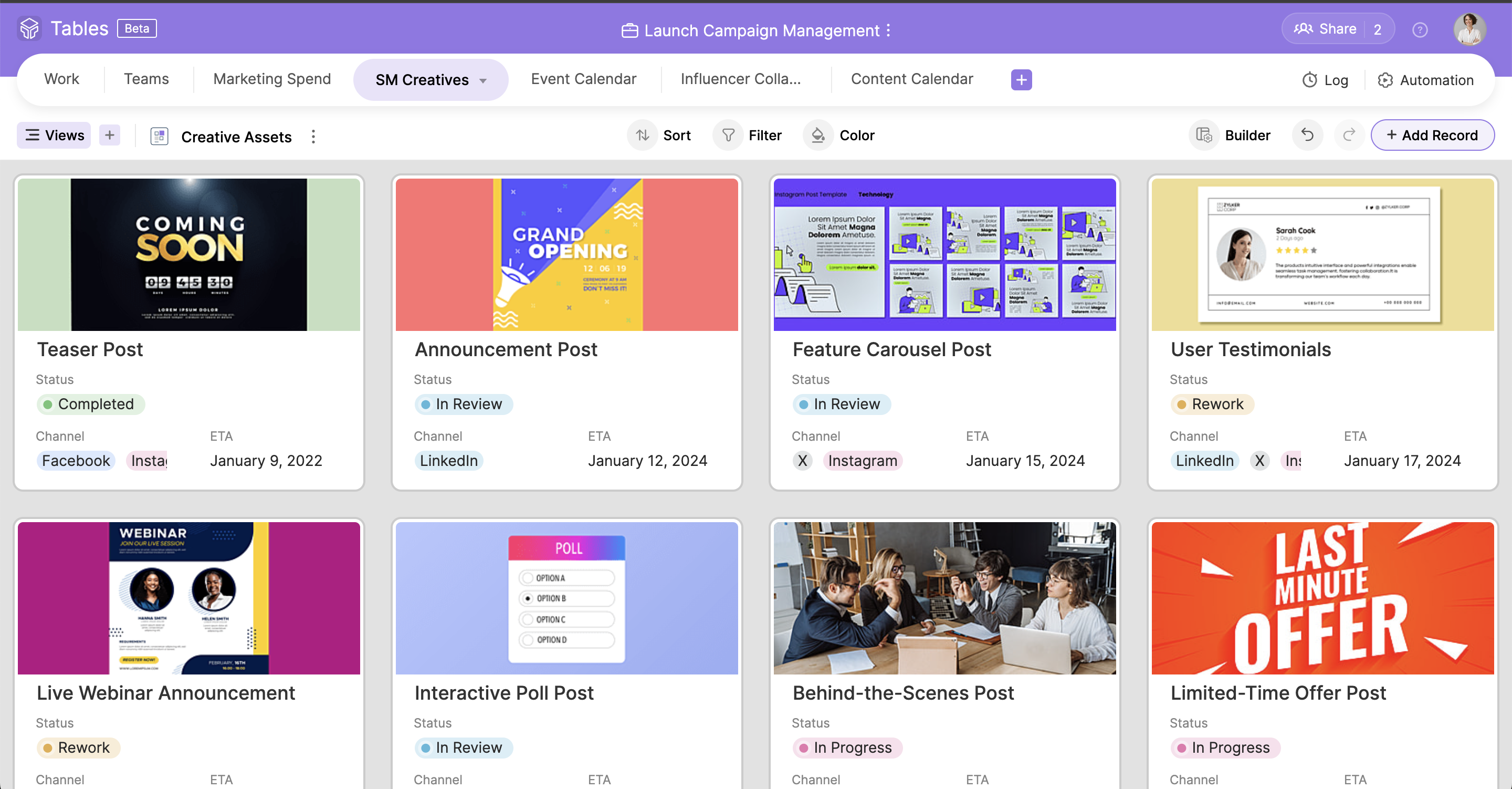
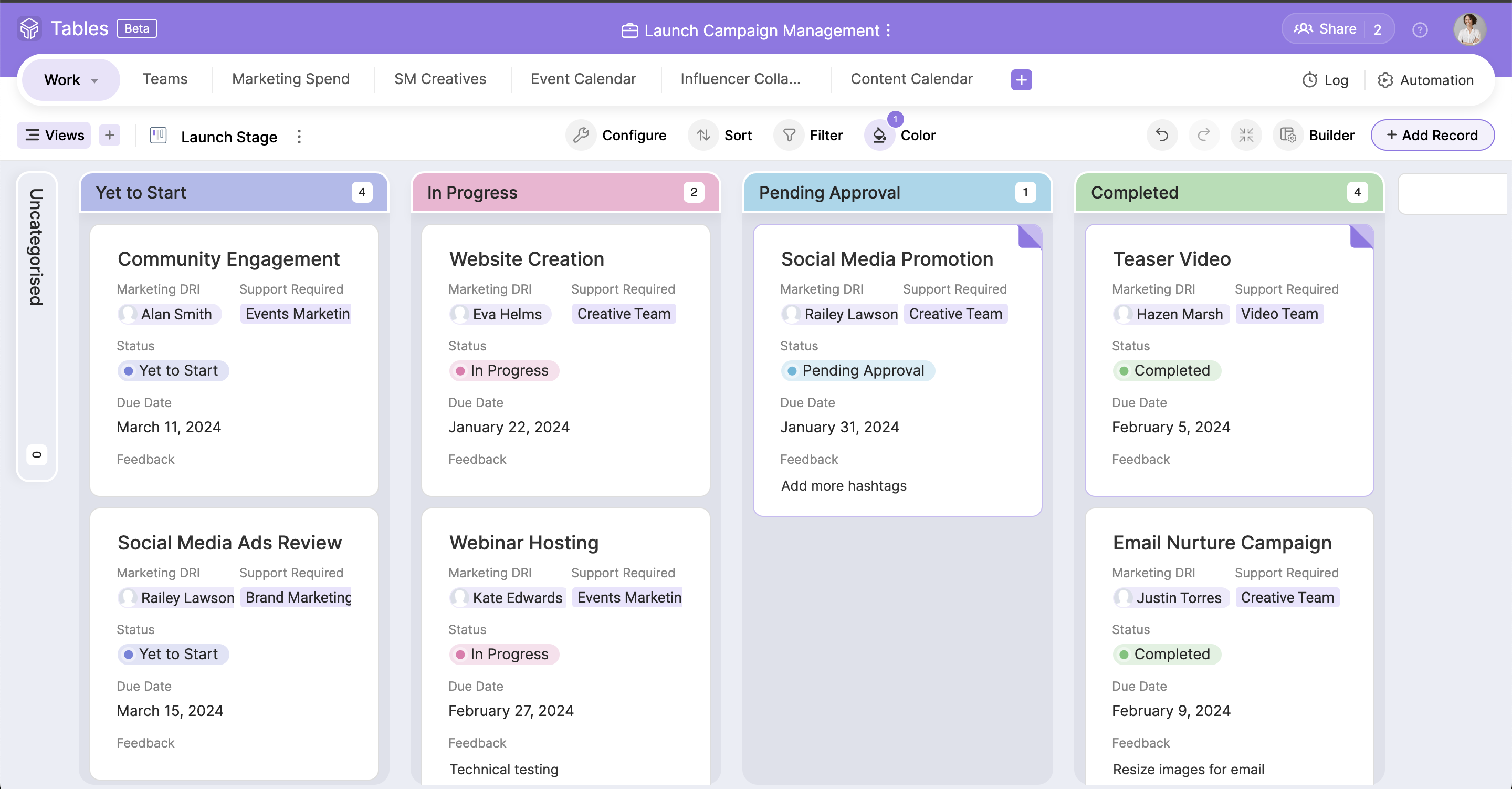
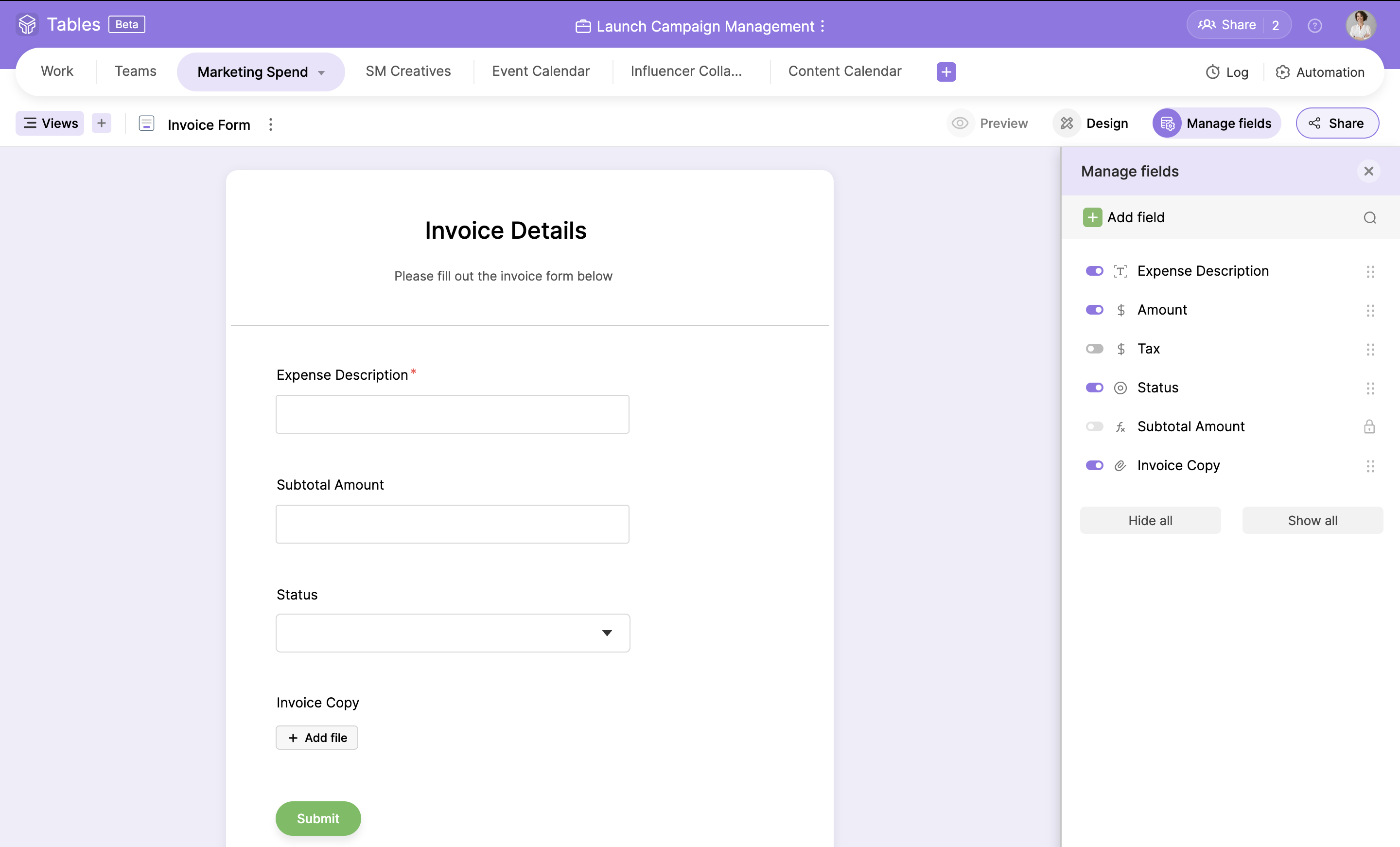
Zoho Tables is a no-code spreadsheet-and-database hybrid, combining familiar spreadsheet workflows with the advanced capabilities of a relational database. With five distinct views—Grid, Gallery, Kanban, Calendar, and Form—Zoho Tables allows users to visualize data in the way that best suits the task. It can also be used to build interactive dashboards to bring key metrics together, monitor progress, and gain valuable insights at a glance. Beyond…
The software is not a paid ones and usually helps to do all the work you need to do on Microsoft office spread sheet. You can easily download it without worrying about activating and remembering the key if you change your laptop or workstation. Because it has almost all formulas and basic features, an average user can use this.
Zoho Tables has been great! I have outlined many of my descriptions in my previous answers. It works great for many things, and could do with just a bit more refinement in the ability to customize what it can turn into. However, the best part of Zoho Tables is the simplicity of its original "blank" state. With the right pre-made User-defined automations for primary zoho apps such as projects and CRM, this would become our commonly used tool as a central hub for all our operations.
Ability to create subgroups in a simple fashion in the Zoho Tables. That allows for drop downs. Does not change the formatting of any cells unless specifically addressed by user. But a light column is added at the start of the table with a button to dropdown each row.
Ability to fill a cell with color without reason or specific selection of field options, add an option for a simple color bucket fill.
It would be great to have an efficient way of updating tasks, projects, etc all on one table easily set up by the user! (Ie. When column "Next Action" equals "Add Task to Project 1" without using deluge)
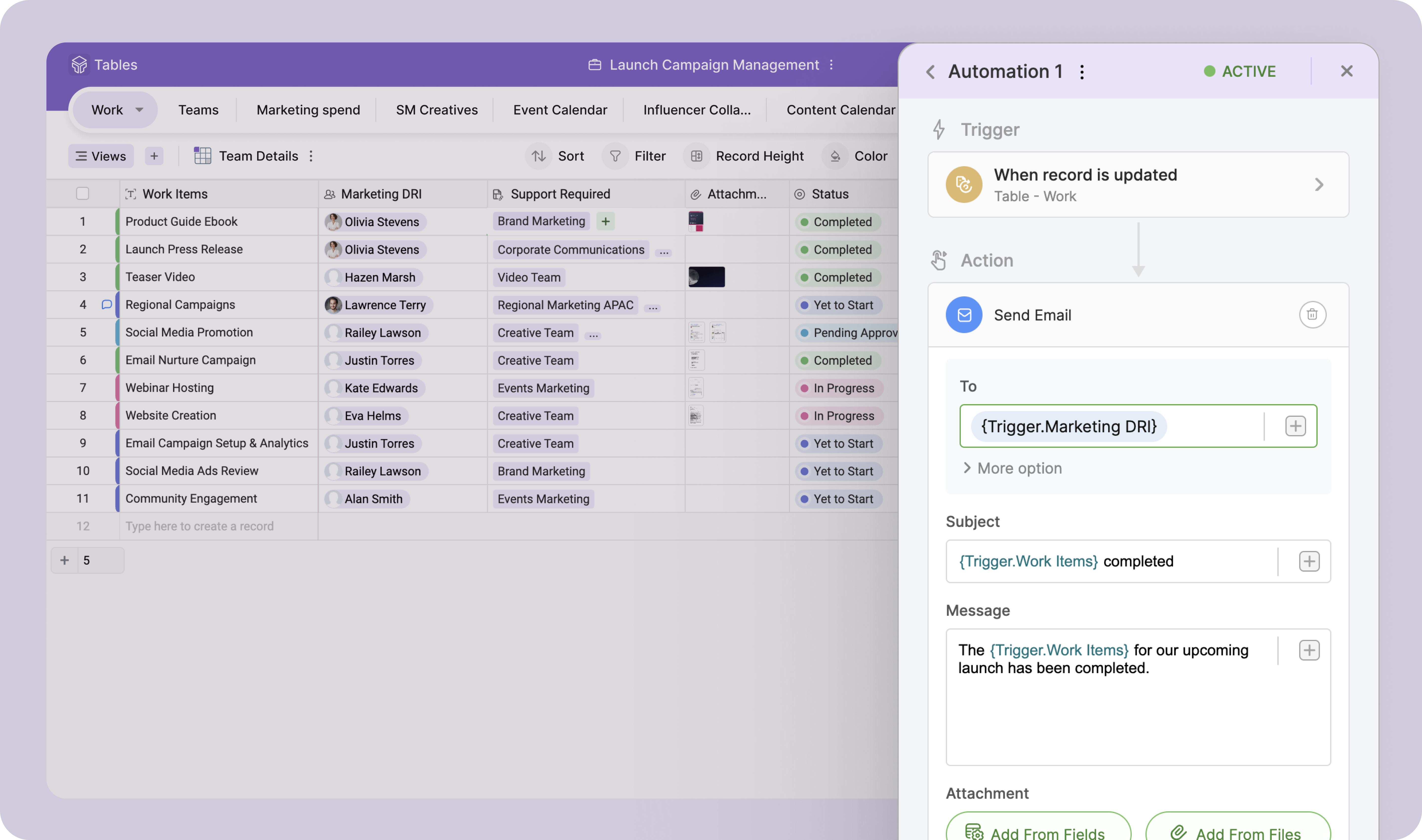
The best pre-made automations for Zoho Tables would be with all {} being user defined selections:
- Update {Selected Task Field} on {Task} when {Column}...
- When {Row} on table is created or edited: Add {Column} as a Task on {Project} in {Task List} then map {Related Table Columns} to {Project Columns}
Simple to use and as a Zoho user, for over a year, I had no issues whatsoever implementing tables almost within minutes to replace Airtable and other databases that were being used as intermediaries, without the automation. Highly recommend (note: in very early stages of testing)
Zoho Projects is great for it's intended use to track and manage projects, and the CRM is also great for it's intended use. However, when you are managing operations, everything essentially "ties" together when you are needing to make next decisions. This really comes into play for meetings, and to do lists, etc. Sometimes, all of the detail does not matter when you are trying to operate efficiently. For example, during a meeting, many times we will review KPIs (comes from CRM but in Analytics), then projects, and then general topics. At all points throughout the meeting, tasks are coming up which need to be added, etc. All range vastly resulting in a lot of different places. With Zoho Tables, I am basically working on a blank canvas of cells that can pull data from where I need it too and the more user friendly the ability to set up automations and workflows to be a central hub/home base type tool, the better it would be!
I have not had much ROI on this specific tool just yet. But I do foresee the ability to streamline a lot of our operations as we are beginning to scale.