Appcues vs. Warpdrive

Overview
ProductRatingMost Used ByProduct SummaryStarting Price
Appcues
Score 7.5 out of 10
N/A
Appcues is online software for creating in-product experiences such as user onboarding, feature announcements, etc. without writing any code. (The vendor believes it's the non-technical people who oftentimes have the best information about a software user's needs and desires.) The goal of using Appcues is to improve product engagement within the user's own customer base.
$299
per month/billed monthly
Warpdrive
Score 0.0 out of 10
N/A
Warpdrive aims to turn teams' processes into instant, shareable desktop automations. It can be used to onboard new employees, and standardize processes. Warpdrive gives teams a new way to capture and share process knowledge through automations. The vendor describes its key differentiators: Capture process knowledge as automations. Works across any website or desktop app. No coding, configuration, or IT setup…N/A
Pricing
AppcuesWarpdrive
Editions & Modules
Essentials
$299
per month/billed monthly
Growth
$879
per month/billed annually
Enterprise
Contact sales team
No answers on this topic
Offerings
Pricing Offerings
AppcuesWarpdrive
Free Trial
NoYes
Free/Freemium Version
NoNo
Premium Consulting/Integration Services
NoYes
Entry-level Setup FeeNo setup feeOptional
Additional Details
More Pricing Information
Community Pulse
AppcuesWarpdrive
User Ratings
AppcuesWarpdrive
Likelihood to Recommend
7.7
(7 ratings)
-
(0 ratings)
User Testimonials
AppcuesWarpdrive
Likelihood to Recommend
Appcues
It is well suited for SaaS products or services that have a highly complex user interface. Through Appcues, you can ensure that people discover all the existing and new features and make them understand the value of your product as soon as possible to address the evergreen issue of churn. But if your user interface is really messed up, you should change the product itself instead of using a tool like Appcues to explain everything on the screen.
Read full review
Warpdrive
No answers on this topic
Pros
Appcues
  • As a whole, Appcues is very easy to use.
  • You can build templates to easily style future modal windows and tooltips.
  • They have great customer service! Any time I've had a question our support rep always gets back to me with solutions.
Read full review
Warpdrive
No answers on this topic
Cons
Appcues
  • We were extremely surprised that there are not any Appcues used in Appcues. The app is pretty easy to use, once you figure out how to use it. There were not any type of tutorials when we logged in that quickly walked through how to setup a flow.
  • Appcues has lots of support articles, however they are almost so numerous that it was hard to find simple onboarding documentation that we found useful.
  • The different tooltips and product actions are great, but being able to customize the different cues a little bit more by changing sizes and aspect ratios could be an improvement.
Read full review
Warpdrive
No answers on this topic
Alternatives Considered
Appcues
It has a much, much better user interface, better customer care, and of course better pricing. This along with the fact that they were very accommodating for our use case ensured we went ahead with Appcues.
Read full review
Warpdrive
No answers on this topic
Return on Investment
Appcues
  • Appcues has allowed us to quickly deploy user help features that target specific users, audiences, even customers with very little effort.
  • Appcues has helped gain user traction by providing helpful tooltips, tours, and other rich content, reducing the first-time user learning curve.
Read full review
Warpdrive
No answers on this topic
ScreenShots

Warpdrive Screenshots

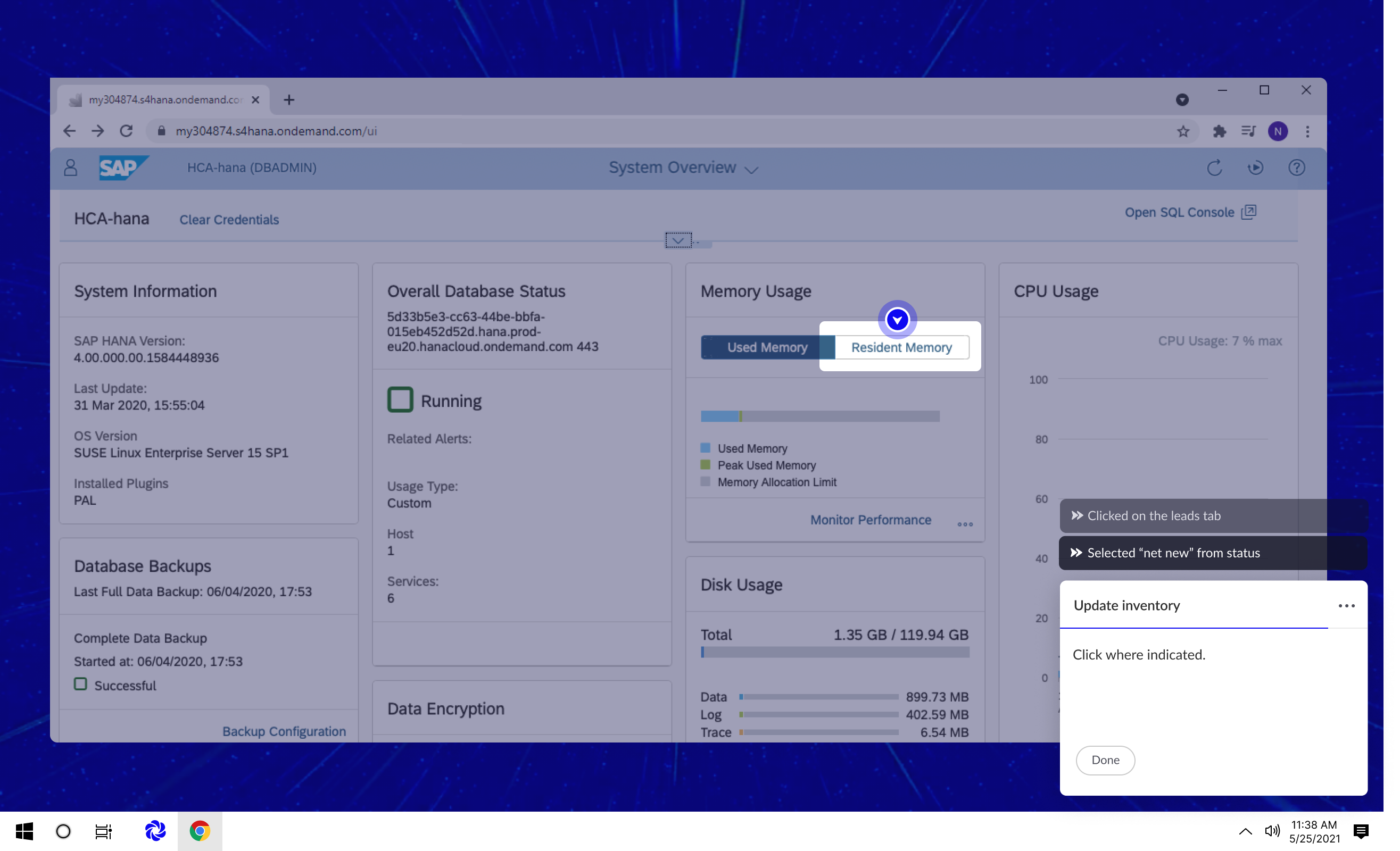
Screenshot of Warpdrive runs from your desktop. All your team's processes are instantly available as guided automations.Screenshot of Warpdrive layers on-screen, guided instructions for your processes. Press "warp" and Warpdrive will complete your process automatically.