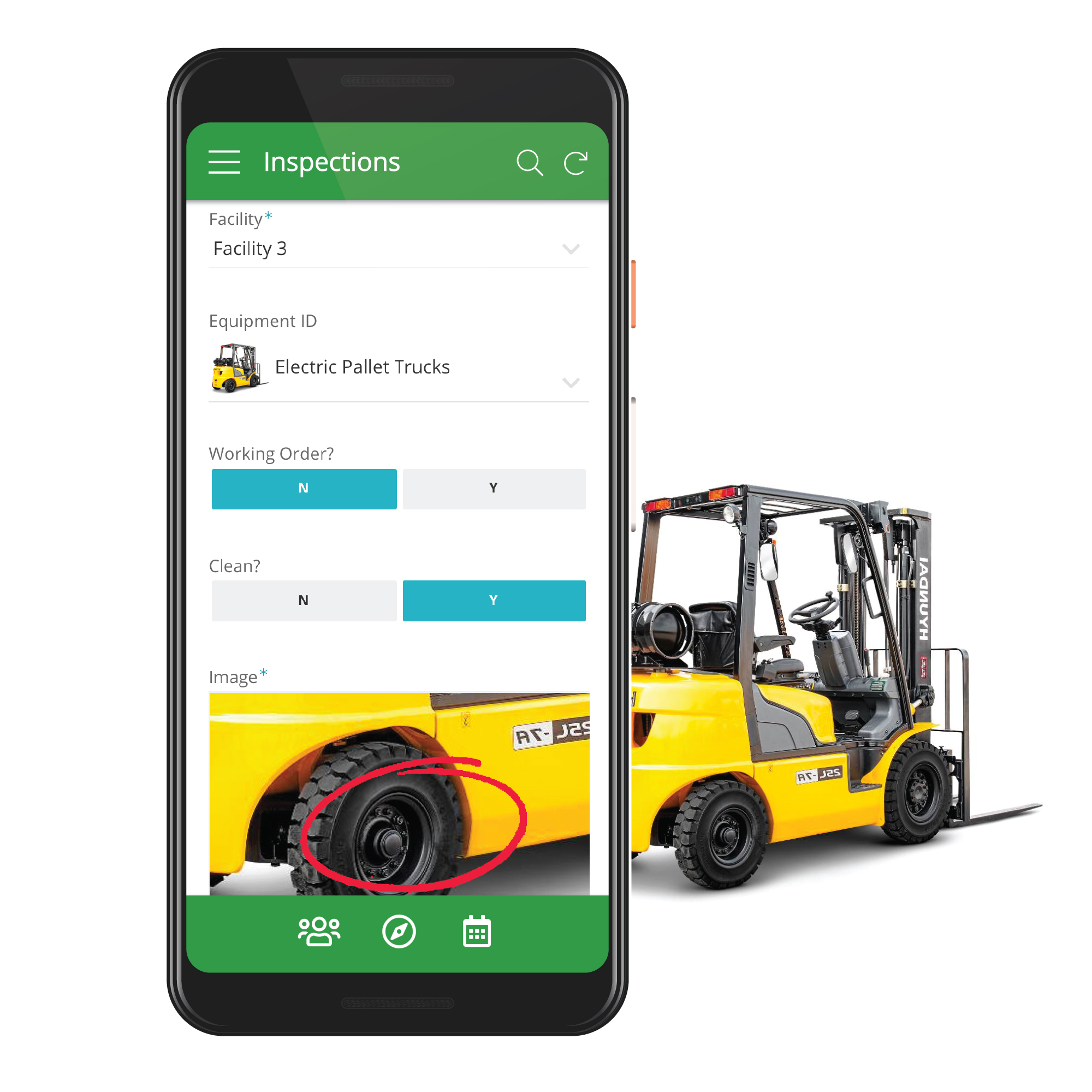
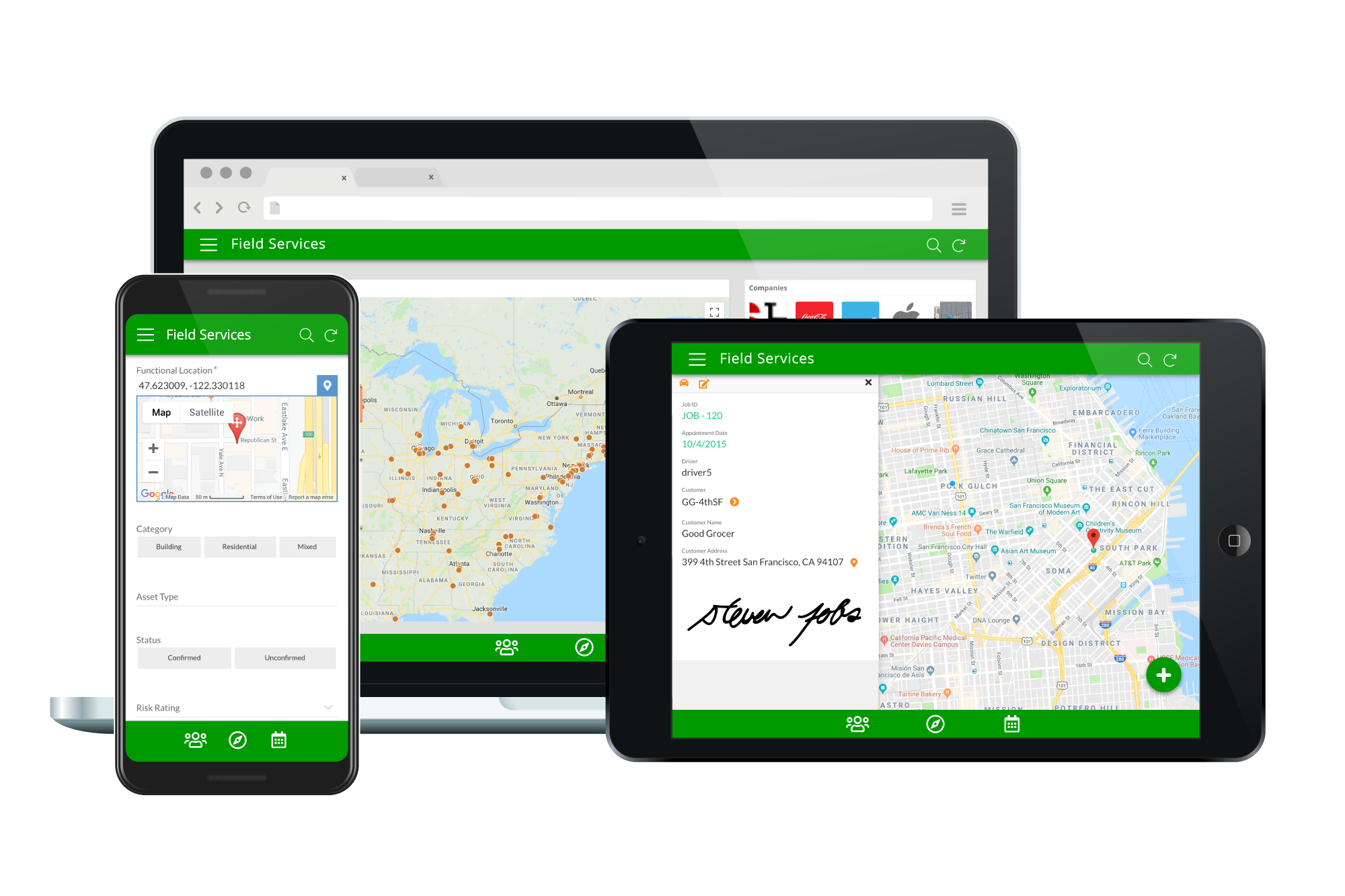
Acquired by Google in Spring 2020, AppSheet is an intelligent, no-code app platform for everyone. Users can create apps to transform the workplace. Common use cases include field service, transportation, customer surveys, incident reports, field data capture, compliance reports, delivery tracking, and property surveys. Used by the Fortune 500 & Industry Leaders Customers include Clearlink, Enterprise Holdings, ESPN, Pepsi, the University of Michigan, and the State of…
$5
per user/per month
Claris FileMaker
Score 7.7 out of 10
N/A
Claris' FileMaker is presented as a Workplace Innovation Platform, and is used to create a custom app. Manual processes can be automated with Claris FileMaker Pro, and apps can be created to manage contacts, track inventory, organize projects, etc.
$21
per month per user
SAS Viya
Score 10.0 out of 10
N/A
An end-to-end platform for AI, data science, and analytics, used for modeling, as well as management and deployment of AI models.
N/A
Pricing
AppSheet
Claris FileMaker
SAS Viya
Editions & Modules
Premium
$5.00
per user/per month
Pro
$10.00
per user/per month
Business
Contact sales team
Enterprise
Contact sales team
Platform Subscription
$21
per month per user
Individual desktop license
$594
one-time fee
No answers on this topic
Offerings
Pricing Offerings
AppSheet
Claris FileMaker
SAS Viya
Free Trial
Yes
No
Yes
Free/Freemium Version
Yes
No
No
Premium Consulting/Integration Services
Yes
No
No
Entry-level Setup Fee
No setup fee
No setup fee
No setup fee
Additional Details
Personal apps and prototype are always free to build. Don't pay until you're ready to deploy.
What can I do for free?
Use the complete set of AppSheet features for free while building one or many app prototypes (for as long as you like). Invite up to 10 users for free to use your apps & share feedback.
How do Business Subscription pricing work?
Business Subscriptions enable a suite of performance & management features for organizations with cross-departmental app creators, and pricing is based on each unique requirements. Connect with the AppSheet team at solutions.appsheet.com/contact to learn more.
—
—
More Pricing Information
Community Pulse
AppSheet
Claris FileMaker
SAS Viya
Features
AppSheet
Claris FileMaker
SAS Viya
Low-Code Development
Comparison of Low-Code Development features of Product A and Product B
If you need to manage special assets with unique characteristics and keep data in spreadsheets, Appsheet is ideal for replacing these sheets with a system. Once you start using it, you find yourself trying to move everything into Appsheet. It is perfect for generating internal software that would otherwise never be developed due to programming costs.
If your company is really small, I can understand the need for a product like this. However, I would go for MS Access... FileMaker Pro can not be integrated with other systems (like MS Access can at least be handled by C# for instance, and can be integrated with MS Excel or even SQL server). I'm really not sure in what scenario one would choose for FileMaker Pro. If your application or company grows bigger, you're going to have a problem to move to another environment. Also, the fact that only one person can work with the backend at any given time is a problem in a somewhat larger company.
SAS Advance Analytics is well suited for data that is visual. Data where you want to see multiple graphs and models are good for this software. However, if your data is more descriptive this may not be the best program. SAS is well suited for data where you need to make comparisons on the feasibility of two different programs. Data that can be compared is perfect for this software.
Calculations - I have several apps that do some pretty complicated calculations, and decision making to build things like Shopping Lists for a Kanban assembly team, where the app will help a stocker determine whats low in a kanban assembly line stock box.
Document generation and record keeping - I have an app that users digitally sign and receive PDF contracts, and the system automatically records all records from the transaction. Everything is held in files on YOUR OWN DRIVE (Google Drive) so when you're done with the project or AppSheet you DONT loose your data.
Client/Customer Management - I follow the old school "Swimming with Sharks" model for client retention and customer engagement, and have built several small customer tracking tools for local businesses. This tool is limited ONLY by your imagine and desire to learn.
The relational database management system makes the program highly customizable to fit the needs of any product. You can add a ton of information to each record and update your inventory on a regular basis with an Excel import or manually inside of the record. It has the capability to incorporate barcoding, which can manage your available inventory with ease.
The scripting language allows FileMaker to automatically calculate complex algorithms automatically or generate report outs with the click of a button. This allows for greater UI, especially with active users who are not familiar with writing code. Almost all of our internal data is linked to the FileMaker database
The server license allows many users to update the database in real time, which is handy if your inventory is constantly changing. We have users with Macs, PCs, iPhones and handheld tablets linked to our FileMaker database and they are updating the information constantly throughout the day.
If you invest some time into formatting and scripting the database, there is a high ease of use for users without knowledge of any programming or FileMaker itself.
Once the tables / UX Views get way too many in number, it can become a little daunting to manage. This part of the UX may need something really smarter.
Ability to Undo.
Could provide more UI Look and Feel options. BTW, the new Graphs look great, but have some bugs, while the new INPUT() feature is a great addition too.
Developer features need to be beefed up - namely adding the ability to search code for a phrase or keyword and the ability to do the same in the "relationship graph" in the database.
Add ability for users to edit the same table record at the same time by version control.
Allow Filemaker Server to use more than 1 core; currently multi-processing is not supported and it can be tricky to find just the right server to support the application you've built to the fullest capacity.
SAS Analytics does not have very good graphic capabilities. Their advanced graphics packages are expensive, and still not very appealing or intuitive to customize.
SAS Analytics is not as up-to-date when it comes to advanced analytical techniques as R or other open-source analytics packages.
It it not really up to me but my opinion does have some weight in the decision and the reason I would renew my use FileMaker Pro 8.5 is because I am finally getting used to it! Now that I have been working with the program, tasks have become quicker and projects are getting done faster. File Maker Pro 8.5 really is a versatile tool and I think we are just scratching the surface with it's abilities.
Not only does SAS become easier to use as the user gets more familiar with its capabilities, but the customer service is excellent. Any issues with SAS and their technical team is either contacting the user via email, chat, text, WebEx, or phone. They have power users that have years of experience with SAS there to help with any issue.
It's just great. The usability is the best thing about Appsheet. You must choose which things will really be used later. You have to be careful of not generating something too big and then it feels like something that need to be learned. This is something that resolve problems, but you had to be able to think before doing. It will not solve problems itself. You need to find the problem, think a solution, and then use appsheet to make this solution a reality
It's almost what it should be after so may years and with Apple's longevity and strength behind it. For people who earn their living based on efficiency I think there are too many developer obstacles that waste time and therefore money.
If SAS Enterprise Guide is utilized any beginning user will be able to shorten the learning curve. This is allow the user a plethora of basic capabilities until they can utilize coding to expand their needs in manipulating and presenting data. SAS is also dedicated to expanding this environment so it is ever growing.
SAS probably has the most market saturation out of all of the analytics software worldwide. They are in every industry and they are knowledgable about every industry. They are always available to take questions, solve issues, and discuss a company's needs. A company that buys SAS software has a dedicated representative that is there for all of their needs.
Although nothing is perfect, SAS is almost there. The software can handle billions of rows of data without a glitch and runs at a quick pace regardless of what the user wants to perform. SAS products are made to handle data so performance is of their utmost important. The software is created to run things as efficiently as SAS software can to maximize performance.
AppSsheet has a support group and they show videos to help app builders. Though I have truck drivers' hours and can't join the webinars. Support groups with better assists me on a Saturday evening or a Sunday that I have time off. It's hard to watch videos driving down the highway.
The forums are great with lots of helpful experts and the staff monitor them to provide help where needed. There have been a couple of unique technical issues I've had to deal with that I haven't been able to get resolved so I chose to score this a 9 instead of a 10.
SAS is generally known for good support that's one of the main reasons to justify the cost of having SAS licenses within our organization is knowing that customer support is just a quick phone call away. I've usually had good experiences with the SAS customer support team it's one of the ways in which the company stands out in my view.
SAS has regional and national conferences that are dedicated to expanding users' knowledge of the software and showing them what changes and additions they are making to the software. There are user groups in most of the major cities that also provide multi-day seminars that focus on specific topics for education. If online training isn't the best way for the user, there is ample in-person training available.
There are online videos, live classes, and resource material which makes training very easy to access. However, nothing is circumstantial so applying your training can get tricky if the user is performing complex tasks. When purchasing software, SAS will also allocate education credits so the user(s) can access classes and material online to help expand their knowledge.
Suggest you use an iterative R.A.D. or AGILE development approach. (i.e. rather than writing a gigantic spec for a system, then building it). FileMaker facilitates quick prototypes. Developing an example, then allowing users to "try it out" is a snap.
Ask as many questions you can before the install to understand the process. Since a third party does the installation your company is sort of a passanger and it is easy to get lost in the process. It also helps to have all users and IT support involved in the install to help increase the knowledge as to how SAS runs and what it needs to perform correctly.
The ease that AppSheet provides to the developer is limitless. Before starting with AppSheet I used other software, but they didn't give me the tools at my fingertips. When I learned about AppSheet and everything it could do, I understood that it was what I was looking for, the ease with which everything is related within the app with a few clicks is impressive.
FileMaker is still the quickest way to go from zero to having a minimum viable working solution. Simple solutions can be built in as little as a afternoon of development. It is the only tool I am aware of which allows tech savy end users with domain knowledge to build bespoke apps for their businesses without undertaking professional software development training.
SAS was the incumbent tool, and what the team knew. We did look into using Revolution Analytics enterprise version of R, but the learning curve on that caused us to stick with SAS. In my current position, I've opted for WPS over SAS. I can still leverage my SAS experience, but the price is about 15% of what SAS charges, with extra functionality, such as direct database access. I can supplement WPS with free software, such R for anything that it might be missing.
It all depends on the type of SAS product the user has. Scaleability differs from product to product, and if the user has SAS Office Analytics the scaleability is quite robust. This software will satisfy the majority of the company's analytic needs for years to come. In addition, if SAS is not meeting the users needs the company can easily find SAS solutions that will.
A good impact in general at the beginning since the free version allows great development so the investment in the implementation is of knowledge and time.
As a consultant I have expanded my services through this platform including new low code application building services.
We are a more agile company because of FileMaker. A few of us who are tech-savvy enough to manage the database (but are not professional developers) can make needed adjustments to our database without having to employ an in-house developer or contract with a 3rd party. As our business processes evolve and change, it's easy to update the database to accommodate those changes.