AutoCAD is a CAD product from Autodesk. It allows designers to work in 2D and 3D, and is available on Windows and Mac, but with extensive online collaboration tools.
$245
per month
AutoCAD LT
Score7.9 out of 10
N/A
AutoCAD LT computer-aided design (CAD) software that architects, engineers, construction professionals, and designers rely on to produce solely 2D drawings, drafts, and documentation.
AutoCAD LT is a CAD software used for 2D drawing, drafting, and documentation whereas AutoCAD is a CAD software used to create 2D drawings and 3D models.
While AutoDesk's AutoCAD includes industry-specific toolsets that can provide productivity gains, both AutoCAD and AutoCAD LT include the AutoCAD web and…
$58
per month
Pixpro
N/A
N/A
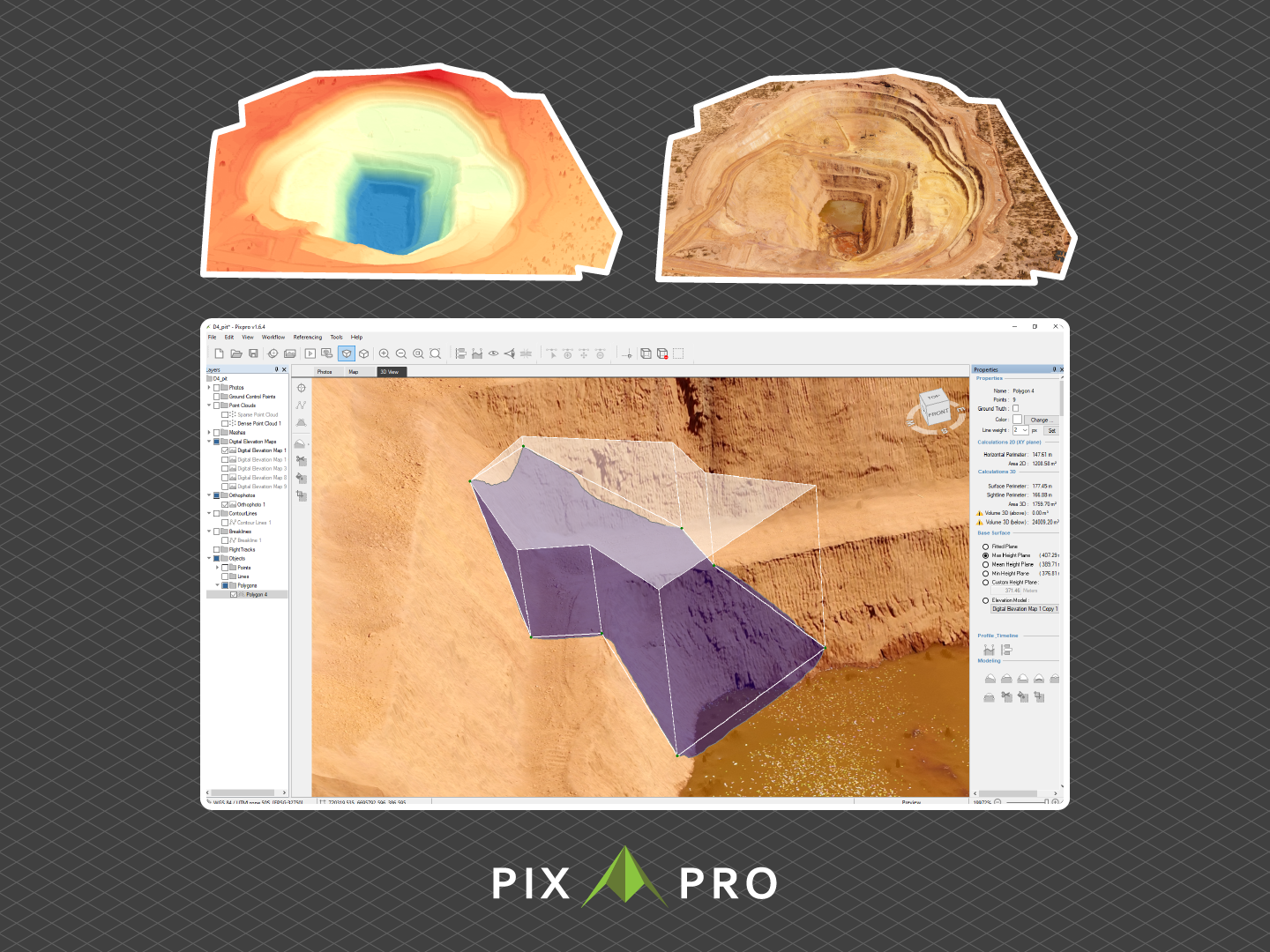
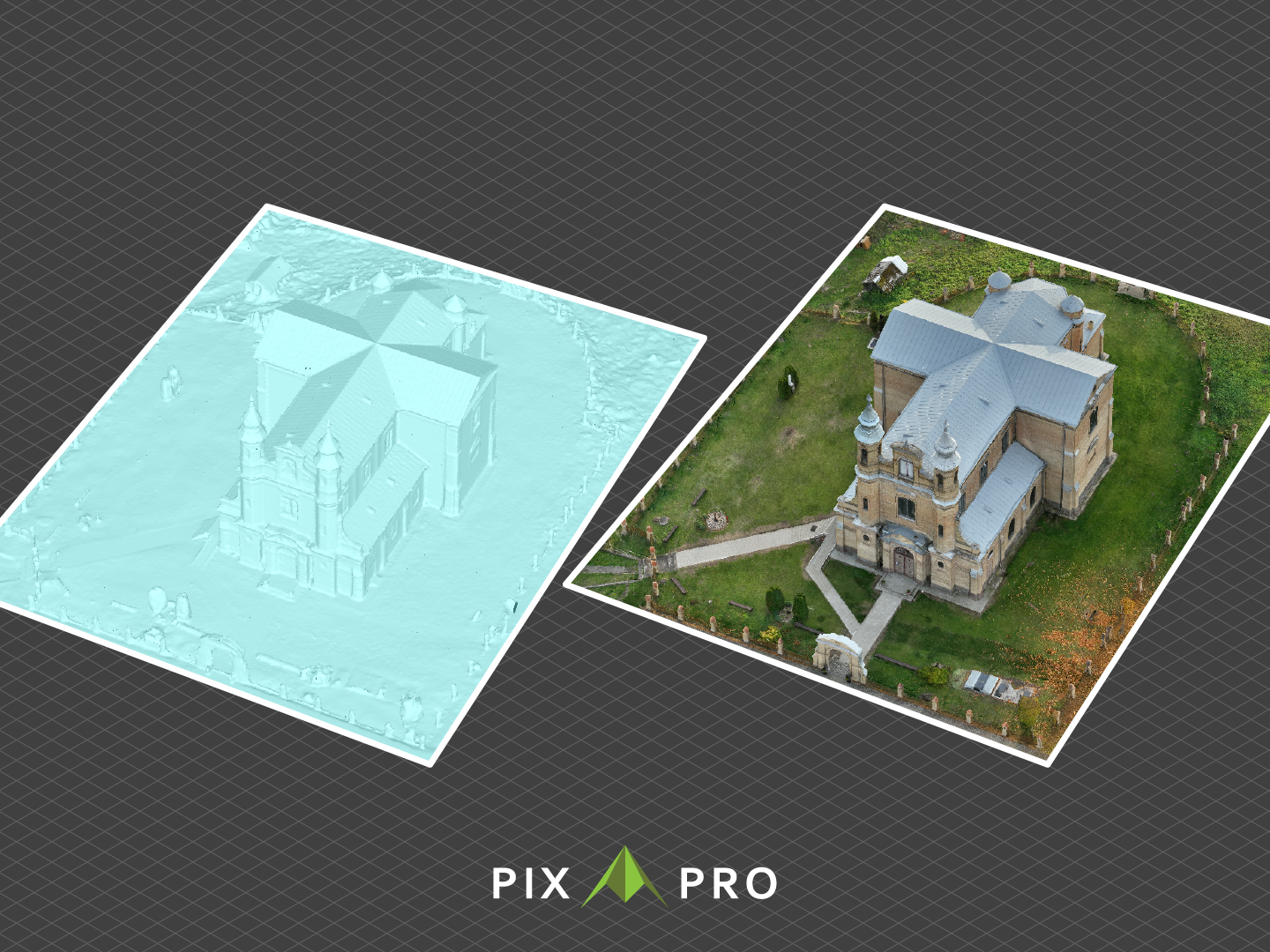
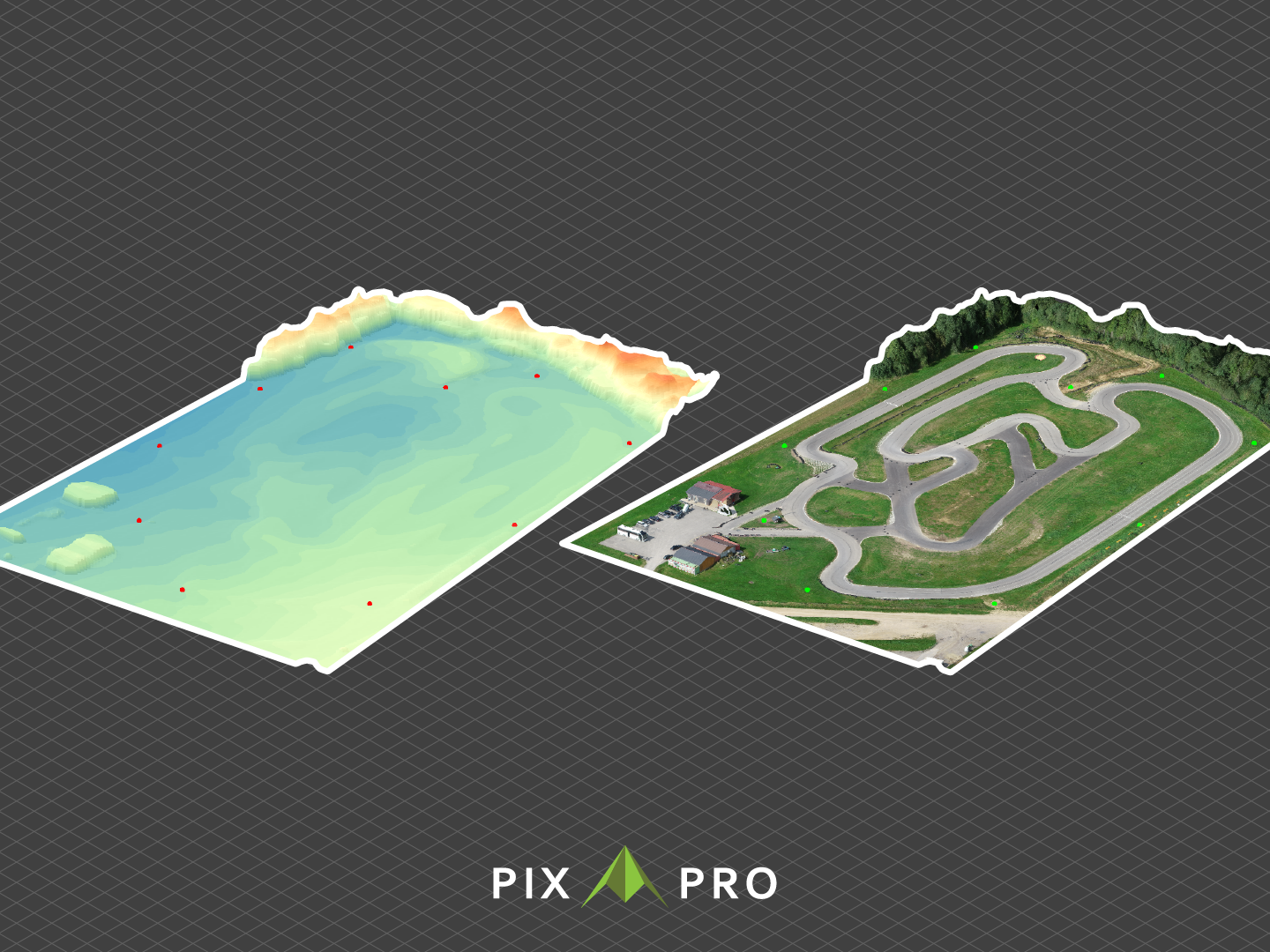
Pixpro is enterprise photogrammetry software that converts drone and camera imagery into 3D models for measurement, terrain modeling, and spatial analysis. The platform supports engineering, surveying, construction, infrastructure, mining, renewable-energy, and environmental projects that require geospatial data. Pixpro provides a workflow from flight planning with Waypoints through image processing, 3D reconstruction, measurement, analysis, and reporting.…
Architectural Surveyor in Professional Services at HLM Group (Design, 1-10 employees)
Chose AutoCAD
We have always used AutoCAD for 2D drafting. AutoCAD LT is great for working on 2D projects, especially in the field. We do need full AutoCAD on the workstations to interface with point cloud and support 3D modeling programs.
A de minimis incentive was given to thank the reviewer for their time. The incentive was not used to bias or drive a particular response, nor was the incentive contingent on a positive endorsement. More Info
Floor Manager in Engineering at lasertech cutting solution (Mechanical Or Industrial Engineering, 51-200 employees)
Chose AutoCAD
AutoCAD is improving day by day and update by update. Making their [features] smooth and more [efficient] with every update and it is very efficient in the things that it does. [The] functions that they provide are very useful and easy to use. [The] interface of AutoCAD is …
A de minimis incentive was given to thank the reviewer for their time. The incentive was not used to bias or drive a particular response, nor was the incentive contingent on a positive endorsement. More Info
Autodesk
Verified User
Chose AutoCAD LT
Although AutoCAD LT is the lite software when compared to standard AutoCAD, it does all the work when it comes to 2D modeling and issuing design drawings. When comparing it to BricsCAD, AutoCAD LT shines, as it works without freezing and is usually more responsive than BricsCAD,…
A de minimis incentive was given to thank the reviewer for their time. The incentive was not used to bias or drive a particular response, nor was the incentive contingent on a positive endorsement. More Info
Once again, for jobs/companies where you are doing a lot of design and modelling of tanks, pipework or filling machine or basic electronics its fantastic as a 3D and 2D modelling tool, however once again when it comes to testing these actual products in the real world, I feel like AutoCAD is let down by its clunky fitting and spec management and also in very limited in-house engineering simulations.
AutoCAD LT is suitable for engineers that uses DWG formats casually and don't rely on AutoCAD as the main tool to issue drawings in the workflow. AutoCAD LT is best suited for firms that do not use LISP functions in AutoCAD and do not care about 3D modeling. Although AutoCAD LT has other missing functions when compared to standard AutoCAD, these features are of less importance and can't be noticed.
A de minimis incentive was given to thank the reviewer for their time. The incentive was not used to bias or drive a particular response, nor was the incentive contingent on a positive endorsement. More Info
A de minimis incentive was given to thank the reviewer for their time. The incentive was not used to bias or drive a particular response, nor was the incentive contingent on a positive endorsement. More Info
User Interface Customisation: AutoCAD's user interface could benefit from more robust customisation options. Allowing users to rearrange toolbars, menus, and panels according to their specific workflows and preferences would enhance productivity.
Enhanced 3D Modeling Tools: While AutoCAD is capable of 3D modeling, it's not as intuitive or feature-rich as dedicated 3D modeling software. Streamlining the process and adding more advanced modeling tools would be a welcome improvement.
Enhanced Collaboration and Version Control: AutoCAD could improve its collaboration tools, such as real-time editing and version tracking, to facilitate smoother teamwork, especially in multi-disciplinary projects.
Intelligent Object Libraries: AutoCAD could benefit from an expanded and more intelligent library of standard objects and components. This would save time for designers who often have to create custom components from scratch.
The differences between the Mac and PC versions are quite difficult to navigate. It would be better to have a more streamlined experience between the two platforms
It would be nice to have feature like geolocation on the online or mac version and not just the PC version
Make it more compatible with other AutoCAD formats so that I can at least view things when they are coming from Civil 3D
A de minimis incentive was given to thank the reviewer for their time. The incentive was not used to bias or drive a particular response, nor was the incentive contingent on a positive endorsement. More Info
Because rarely we [would] rather wait for a whole year to update, sometimes the new updates don't bring many new features and we are still ok with the current version. Also the change of interface is always something that takes time for every partner in the company to get comfortable with. So those are the main reasons we may want to keep the same version.
A de minimis incentive was given to thank the reviewer for their time. The incentive was not used to bias or drive a particular response, nor was the incentive contingent on a positive endorsement. More Info
It is very usable once you understand the program. I believe there is room for improvement in the 2D to 3D modeling capability. We have to use other apps to 3D model and that can be time consuming and sometimes AutoCAD doesn't transfer work that well between apps. They can improve there.
It’s easy to use, easy to customize, easy to understand on the logic behind it and the guides provides everything to improve further. the buttons are well displaced and easy to use and remember. everything seems really well fought to make it easier to use. in a single word: polished.
A de minimis incentive was given to thank the reviewer for their time. The incentive was not used to bias or drive a particular response, nor was the incentive contingent on a positive endorsement. More Info
AutoCAD has the issue of crashing or slowing down the design procedure once a heavy design that includes several disciplines or multiple families/blocks is involved. Customer services gets the feedback from the crash reports but this issue seems like it has never been addressed in the software updates past several years.
A de minimis incentive was given to thank the reviewer for their time. The incentive was not used to bias or drive a particular response, nor was the incentive contingent on a positive endorsement. More Info
the implementation was realy easy , to set up our workstation we pay for the licenses we are about to use , there was a little bit of delay to get the payment processed to receive the serial but after that the install runs without any problem , so you can fell secure there will be not issue with the implementation.
A de minimis incentive was given to thank the reviewer for their time. The incentive was not used to bias or drive a particular response, nor was the incentive contingent on a positive endorsement. More Info
I use Revit far more than I use AutoCAD. AutoCAD is great for simple linework, but even then I will often create the lines in Revit and then export to AutoCAD for final touches and printing. AutoCAD is a bit easier for large-format prints, which is why I almost always end up using it after starting in Revit.
A de minimis incentive was given to thank the reviewer for their time. The incentive was not used to bias or drive a particular response, nor was the incentive contingent on a positive endorsement. More Info
Although AutoCAD LT is the lite software when compared to standard AutoCAD, it does all the work when it comes to 2D modeling and issuing design drawings. When comparing it to BricsCAD, AutoCAD LT shines, as it works without freezing and is usually more responsive than BricsCAD, it just outclasses it.
A de minimis incentive was given to thank the reviewer for their time. The incentive was not used to bias or drive a particular response, nor was the incentive contingent on a positive endorsement. More Info
A de minimis incentive was given to thank the reviewer for their time. The incentive was not used to bias or drive a particular response, nor was the incentive contingent on a positive endorsement. More Info
The impact is always positive in my case when I use AutoCAD LT, because I provide intelligent lessons with few resources
The negative impact usually happens with professionals who don't like to innovate, study, or put a little more effort into their work. AutoCAD LT enables the enchantment at the end of the project by the public and at the beginning by the students that are delighted with so many tools