Axify vs. Jenkins

Overview
ProductRatingMost Used ByProduct SummaryStarting Price
Axify
Score 0.0 out of 10
N/A
Axify is a platform to observe all the metrics that help improve development and delivery processes. Data is collected in real-time from tools already in use and aggregated in dashboards designed to inspire meaningful conversations to elevate teamwork and collaboration among developers. The vendor states Axify was created in 2020 after a workload increase shed light on growing pains, notably the difficulty of having constant visibility on all projects, considering the large amount…
$20
per month per user
Jenkins
Score 8.2 out of 10
N/A
Jenkins is an open source automation server. Jenkins provides hundreds of plugins to support building, deploying and automating any project. As an extensible automation server, Jenkins can be used as a simple CI server or turned into a continuous delivery hub for any project.N/A
Pricing
AxifyJenkins
Editions & Modules
Start-up
$0
Pro
$20
per month per user
No answers on this topic
Offerings
Pricing Offerings
AxifyJenkins
Free Trial
YesNo
Free/Freemium Version
YesYes
Premium Consulting/Integration Services
YesNo
Entry-level Setup FeeNo setup feeNo setup fee
Additional DetailsFeatures included in any plan Onboarding First, we'll help you add your team (both Axify users and developers who will receive daily surveys) to your organization. Then, we'll guide you in activating various integrations to begin data synchronization. Once these two components are in place, you're ready to analyze and improve your processes. Integrations and metrics along our 3 axes Keep using your favourite tools such as Slack, Microsoft Teams, Jira, Azure DevOps, GitHub, and GitLab to gather team morale, processes, and execution metrics. Daily Digest and dashboards Start the day off right with Daily Digest! Use our tool to optimize your workflow daily and help your team close tasks quicker. Plus, get all the info you need with our real-time dashboards. Forecasting tool Use a proven algorithm based on your project's history to predict future delivery dates with a high level of confidence or estimate your team's capacity to deliver a number of items over a period of time. 24/7 Help Center Get full access to our knowledge base curated by our software delivery and engineering experts. We keep adding new content regularly to keep up with best practices in the industry! Contact via email and chat Your success means the world to us. Our Product Specialists are available to help you get the best out of Axify, connect you to more resources, and update you on our roadmap. And that's not all! We're probably working on awesome new features and integrations as you read these lines. Visit our Help Center for our roadmap and regular updates!
More Pricing Information
Community Pulse
AxifyJenkins
Best Alternatives
AxifyJenkins
Small Businesses
GitHub
GitHub
Score 9.2 out of 10
GitLab
GitLab
Score 8.9 out of 10
Medium-sized Companies
GitHub
GitHub
Score 9.2 out of 10
GitLab
GitLab
Score 8.9 out of 10
Enterprises
Perforce P4
Perforce P4
Score 7.5 out of 10
GitLab
GitLab
Score 8.9 out of 10
All AlternativesView all alternativesView all alternatives
User Ratings
AxifyJenkins
Likelihood to Recommend
-
(0 ratings)
6.8
(74 ratings)
Usability
-
(0 ratings)
6.5
(8 ratings)
Performance
-
(0 ratings)
8.9
(6 ratings)
Support Rating
-
(0 ratings)
6.6
(6 ratings)
Implementation Rating
-
(0 ratings)
6.0
(1 ratings)
User Testimonials
AxifyJenkins
Likelihood to Recommend
Axify
No answers on this topic
Open Source
Jenkins is a highly customizable CI/CD tool with excellent community support. One can use Jenkins to build and deploy monolith services to microservices with ease. It can handle multiple "builds" per agent simultaneously, but the process can be resource hungry, and you need some impressive specs server for that. With Jenkins, you can automate almost any task. Also, as it is an open source, we can save a load of money by not spending on enterprise CI/CD tools.
Read full review
Pros
Axify
No answers on this topic
Open Source
  • Automated Builds: Jenkins is configured to monitor the version control system for new pull requests. Once a pull request is created, Jenkins automatically triggers a build process. It checks out the code, compiles it, and performs any necessary build steps specified in the configuration.
  • Unit Testing: Jenkins runs the suite of unit tests defined for the project. These tests verify the functionality of individual components and catch any regressions or errors. If any unit tests fail, Jenkins marks the build as unsuccessful, and the developer is notified to fix the issues.
  • Code Analysis: Jenkins integrates with code analysis tools like SonarQube or Checkstyle. It analyzes the code for quality, adherence to coding standards, and potential bugs or vulnerabilities. The results are reported back to the developer and the product review team for further inspection.
Read full review
Cons
Axify
No answers on this topic
Open Source
  • The UI could be slightly better, it feels kind of like the 90s, but it works well.
  • An easier way to filter jobs other than views on the dashboard.
  • An easier way to read the console logs when tests do fail.
Read full review
Likelihood to Renew
Axify
No answers on this topic
Open Source
We have a certain buy-in as we have made a lot of integrations and useful tools around jenkins, so it would cost us quite some time to change to another tool. Besides that, it is very versatile, and once you have things set up, it feels unnecessary to change tool. It is also a plus that it is open source.
Read full review
Usability
Axify
No answers on this topic
Open Source
Jenkins streamlines development and provides end to end automated integration and deployment. It even supports Docker and Kubernetes using which container instances can be managed effectively. It is easy to add documentation and apply role based access to files and services using Jenkins giving full control to the users. Any deviation can be easily tracked using the audit logs.
Read full review
Performance
Axify
No answers on this topic
Open Source
No, when we integrated this with GitHub, it becomes more easy and smart to manage and control our workforce. Our distributed workforce is now streamlined to a single bucket. All of our codes and production outputs are now automatically synced with all the workers. There are many cases when our in-house team makes changes in the release, our remote workers make another release with other environment variables. So it is better to get all of the work in control.
Read full review
Support Rating
Axify
No answers on this topic
Open Source
As with all open source solutions, the support can be minimal and the information that you can find online can at times be misleading. Support may be one of the only real downsides to the overall software package. The user community can be helpful and is needed as the product is not the most user-friendly thing we have used.
Read full review
Implementation Rating
Axify
No answers on this topic
Open Source
It is worth well the time to setup Jenkins in a docker container. It is also well worth to take the time to move any "Jenkins configuration" into Jenkinsfiles and not take shortcuts.
Read full review
Alternatives Considered
Axify
No answers on this topic
Open Source
Overall, Jenkins is the easiest platform for someone who has no experience to come in and use effectively. We can get a junior engineer into Jenkins, give them access, and point them in the right direction with minimal hand-holding. The competing products I have used (TravisCI/GitLab/Azure) provide other options but can obfuscate the process due to the lack of straightforward simplicity. In other areas (capability, power, customization), Jenkins keeps up with the competition and, in some areas, like customization, exceeds others.
Read full review
Return on Investment
Axify
No answers on this topic
Open Source
  • Faster Time-to-Market: Jenkins automate the build, testing, and deployment process, enabling faster feedback and continuous improvement.
  • Improved Quality: Jenkins automatically run unit tests and integration tests, ensuring that code changes meet the necessary quality standards.
  • Cost Savings: Jenkins is an open-source tool that is free to use
Read full review
ScreenShots

Axify Screenshots

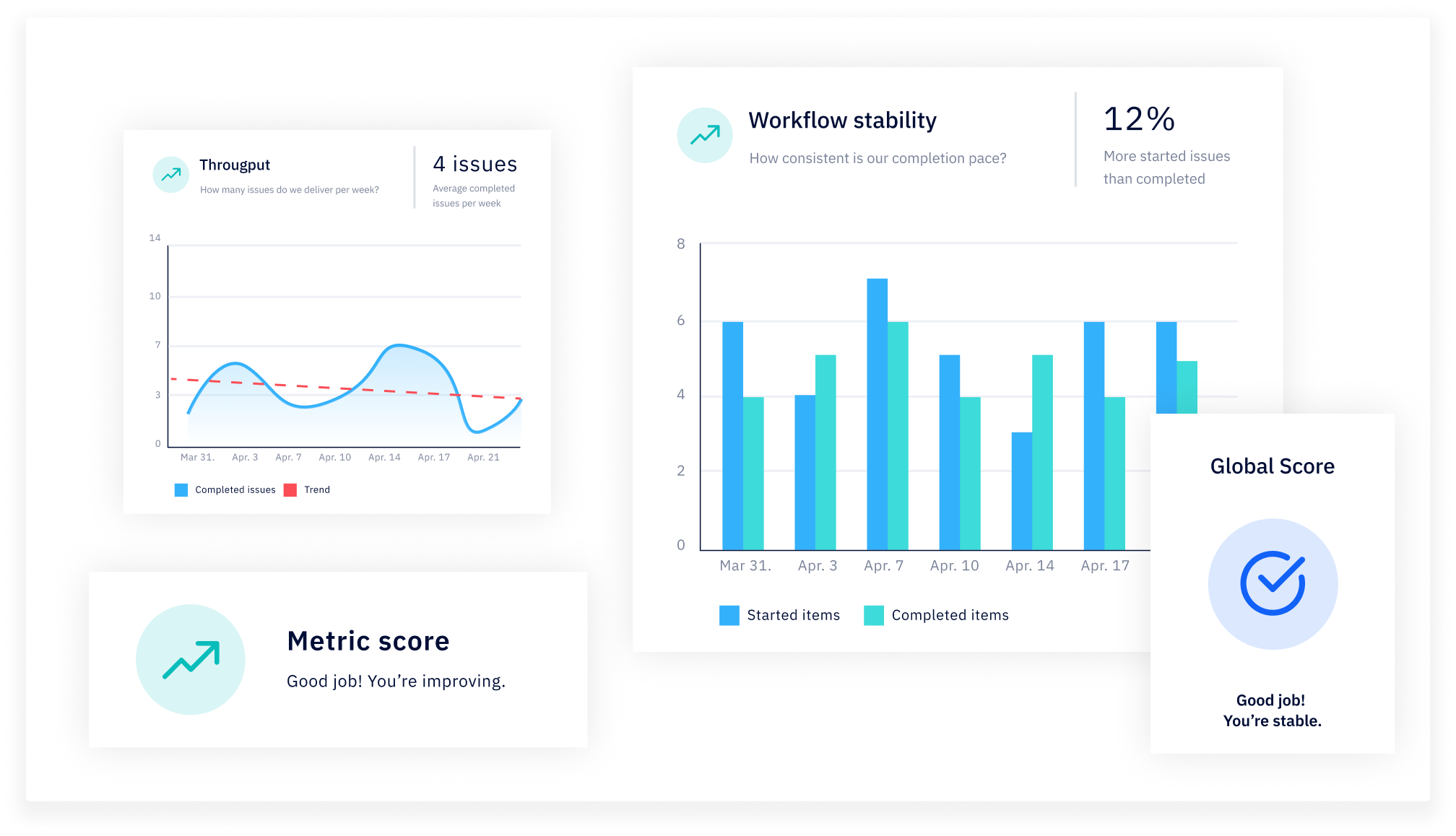
Screenshot of Discover our trustworthy morale chatbot! Automatically and anonymously ask team members development-specific morale questions to quickly identify potential conflicts and foster vulnerability. Daily prompts are sent to answer short and simple questions.Screenshot of Start the day off right with Daily Digest! Observe the state of your sprint at a glance and identify the most urgent tasks to discuss as a team. Working with Kanban? No problem! Optimize your workflow daily and help your team close tasks quicker.Screenshot of Our forecasting tool relies on multiple simulations based on the team's historical data to either predict how many items your team can deliver over a period of time or when you will deliver a set number of items. And in real-time! Pretty cool, right?Screenshot of Get an overview of everything going on in the team with our easy-to-read dashboards. Since Axify collects data in real-time, you'll be able to address issues as they arise. Plus, we focus on team performance rather to foster true collaboration.Screenshot of To improve, you need to know what you're working with. Axify gives you everything you need to figure out where you are so you can start measuring progress. In addition, our Product Specialists and Agile Coaches are available to help you find solutions.Screenshot of Discover our trustworthy morale chatbot! Single sign-on (SSO), survey along five dimensions (stress, motivation, inclusion, security, alignment), questions explicitly designed for development teams and anonymized answers.