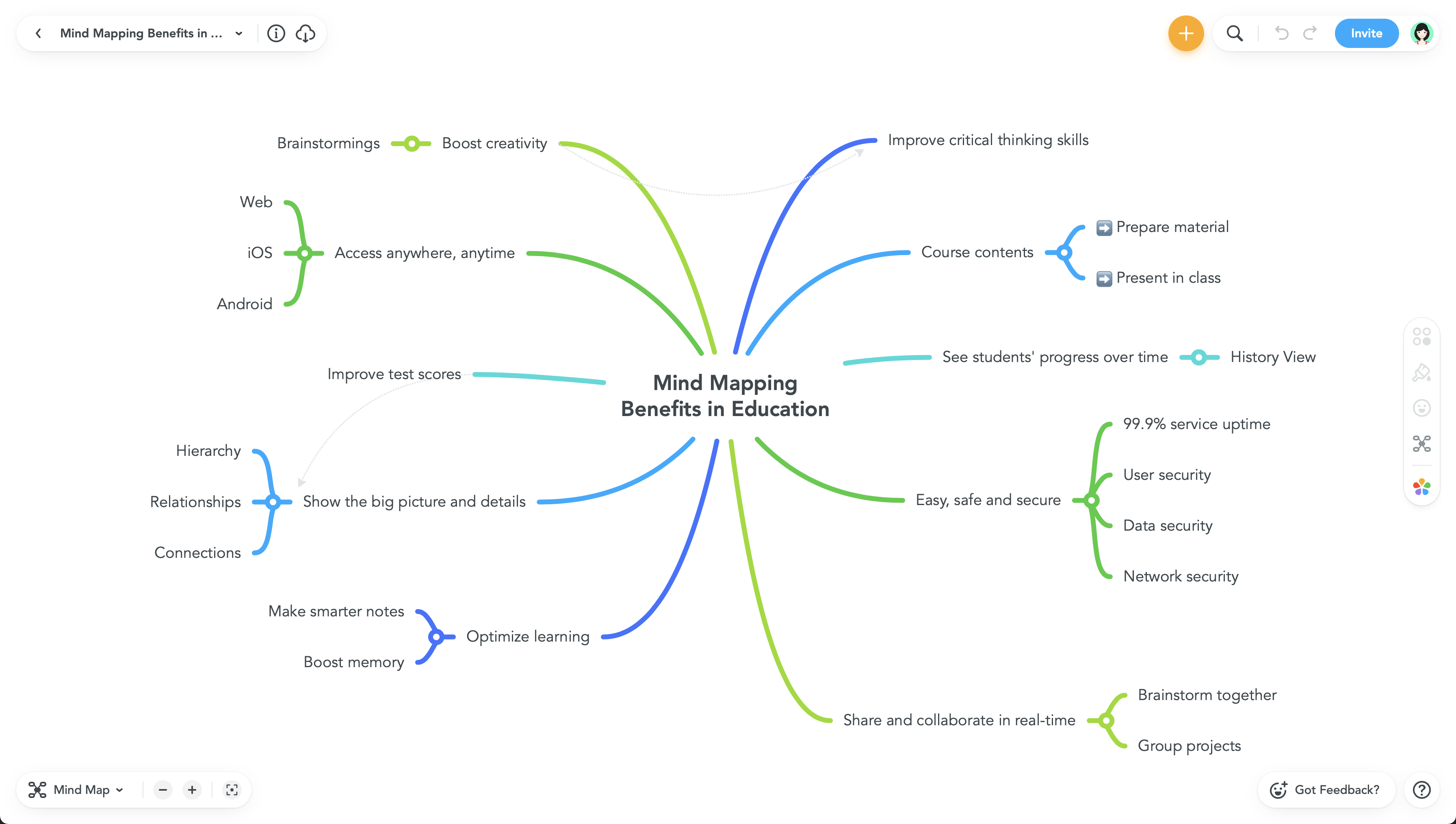
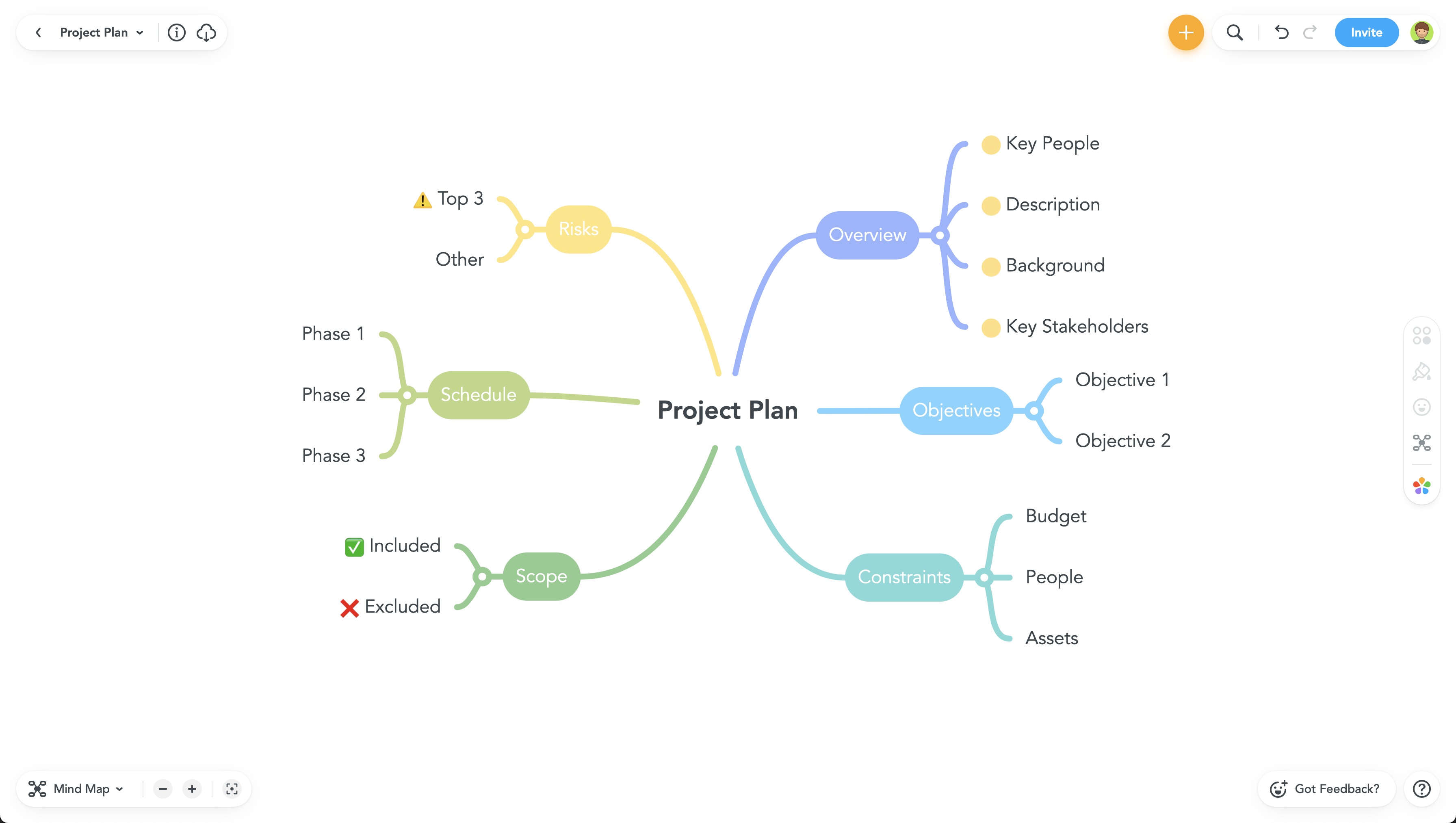
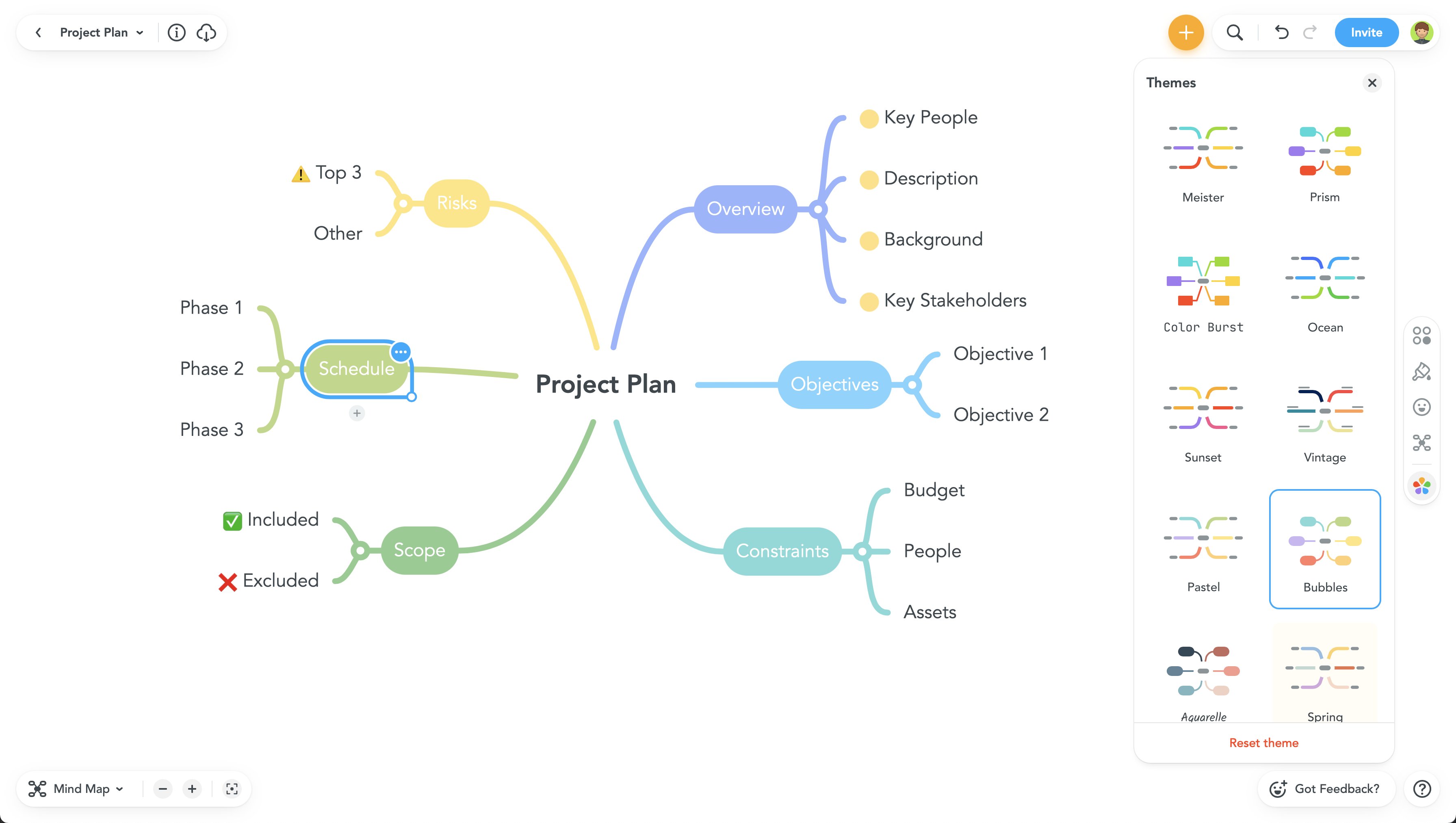
Ayoa is presented as a collaborative whiteboard software where users can brainstorm ideas, work together & get things done, from OpenGenius in Wales. Ayoa is available free, and paid plans add task assignment, Gantt view, file storage, and integrations with Zoom and Google Calendar.
$120
per year per user
EdrawMind
Score 10.0 out of 10
N/A
EdrawMind is a cross-platform, multi-functional mind mapping software from Wondershare Edrawsoft. Available in free and professional versions, EdrawMind provides a variety of intelligent layouts, diverse display modes and combines design elements with pre-defined theme styles in a strive to create an efficient tool for users. Since the release of version V10.6.0, EdrawMind has integrated artificial intelligence with new AI-driven…
$39
semi-annual
MindMeister
Score 3.2 out of 10
N/A
MindMeister is an online mind mapping tool that lets users share maps with an unlimited number of users and collaborate with them in real-time. MindMeister is used to brainstorm ideas, plan projects, take meeting minutes, develop business strategies, and create presentations. MindMeister runs in any standard web-browser as well as on iOS and Android devices, so users can access, edit and present their mind maps anytime, wherever they are. With MindMeister, users…
$45
every 6 months per user
Pricing
Ayoa
EdrawMind
MindMeister
Editions & Modules
Mind Map
$120
per year per user
Task
$120
per year per user
Ayoa Ultimate
$156
per year per user
No answers on this topic
Personal
$45
per 6 months per user
Pro
$75
per 6 months per user
Business
$114
per 6 months per user
Offerings
Pricing Offerings
Ayoa
EdrawMind
MindMeister
Free Trial
Yes
No
No
Free/Freemium Version
No
No
Yes
Premium Consulting/Integration Services
No
No
No
Entry-level Setup Fee
No setup fee
No setup fee
No setup fee
Additional Details
—
—
MindMeister offers 6-monthly and yearly subscriptions. Discounts for educational users and non-profit organizations are also available. Up to 22% discount for yearly pricing.
More Pricing Information
Community Pulse
Ayoa
EdrawMind
MindMeister
Considered Multiple Products
Ayoa
No answer on this topic
EdrawMind
Verified User
Director
Chose EdrawMind
I've used Xmind, MindMeister, Mindly, Coggle, MindMup, Mindmap Maker, SimpleMind, and a few other applications to see what they offered. I chose EdrawMind after carefully consider all the available options on the market. EdrawMind came out on top for me in terms of platform …
It's great for small to medium business where you need to have tracked communication and conversations that can have milestones, deadlines, supporting files, and the ability to pass the task around to multiple individuals for completion. It's not exactly useful but with some work and maintenance can be used for issue tracking and work delegation
I love it and that is all I can say. Once you are taking notes or need to make a logical argument case, it's the tool to use. It's may not so easy to use when taking when you need to dictate by voice because the voice taking gesture doesn't work well for me
MindMeister is ideally suited for building mind maps, site maps, or similar types of data maps in the cloud without needing to install extra software. I find that it isn't quite as ideal for other types of diagrams (ERDs, flowcharts, etc) as some other tools, though it definitely can handle those things as well.
The UI is well laid out and easy to use. The workflow makes perfect sense and makes creating tasks a breeze.
The collaboration features make brainstorming not only easy but fun! Everyone enjoys using the tool, which was not the case with other collaboration software we used.
I love being able to get all of my thoughts and ideas on the screen to see them and then be able to connect them in a logical way.
Have a method to travel from one end of the relationship line to the other end
When printing the mindmap, have option to format the fit image to one page rather than tile it across the page multiple times
Improve the dictation feature when writings in the mindmap. It does not work so well
need more varied options for branching: have lightning looking branches, with a cloud being at the main start;
have tree looking branch types, with a seed at the main start; have a river tributary looking branch types, with a spring/dam/lake at the main start; have a solar system type branching, with a sun/star at the main start; have a electron system type branching, with a nucleus at the main start; in essence some type of fractals. I can send sketch examples if you want
Have option to include voice recording by directly recording into the branches
Never had an issue with customer support, though we never really needed anything major as far as technical help. I do not believe they offer 24 hour customer support but we don't need it as MindMeister is not the type of tool we need need 24 hour a day support for. Overall, very happy with the level of support.
I've just started evaluating Planner with out recent upgrade to Business Premium but I'm finding that it could easily be used to replace Ayoa and would help offset the cost from the MS365 Business Premium upgrade by replacing another SaaS cost. It does almost all the same things, integrates in our already existing MS365 ecosystem, and is backed by Microsoft... it's just not as 'pretty' as the bubble boards
I've used Xmind, MindMeister, Mindly, Coggle, MindMup, Mindmap Maker, SimpleMind, and a few other applications to see what they offered. I chose EdrawMind after carefully consider all the available options on the market. EdrawMind came out on top for me in terms of platform support, cloud storage, aesthetics, functionality, features, customer support and ease-of-use
I have also used LucidChart and Google Draw to create mind maps and concept maps in the past. I think that MindMeister is by far the cleanest and most user friendly of the three. Google Draw does not have anywhere near the same functionality. LucidChart tends to be clunky and the options to create your map are not always clear and intuitive.
Communication and follow-up has gone way up since we started using Ayoa.
Accountability has also improved considerably since we started with Ayoa.
It has unfortunately caused some burn out on some users because it had made it much easier to 'punt' work over to someone else without any prior communication.