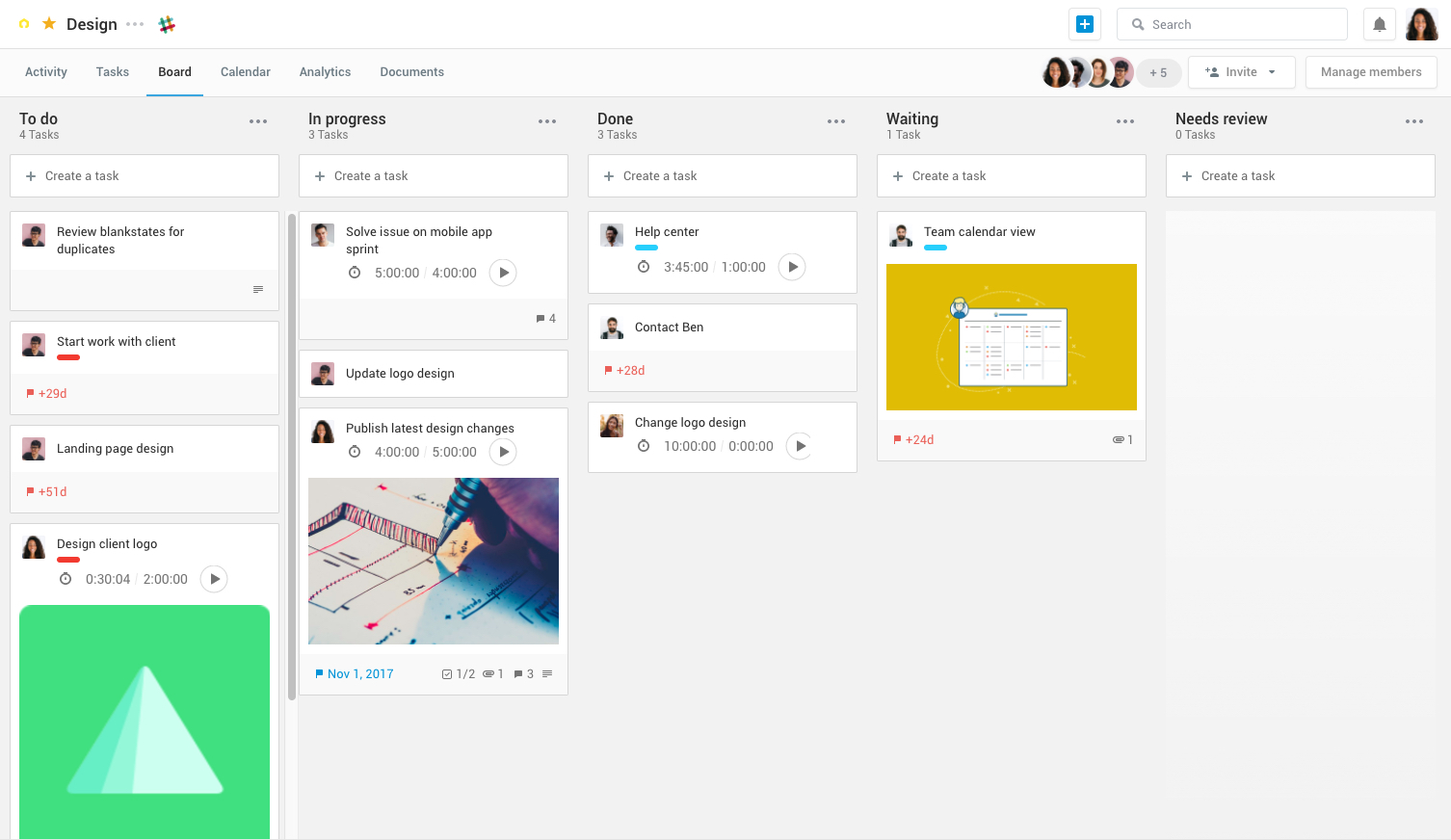
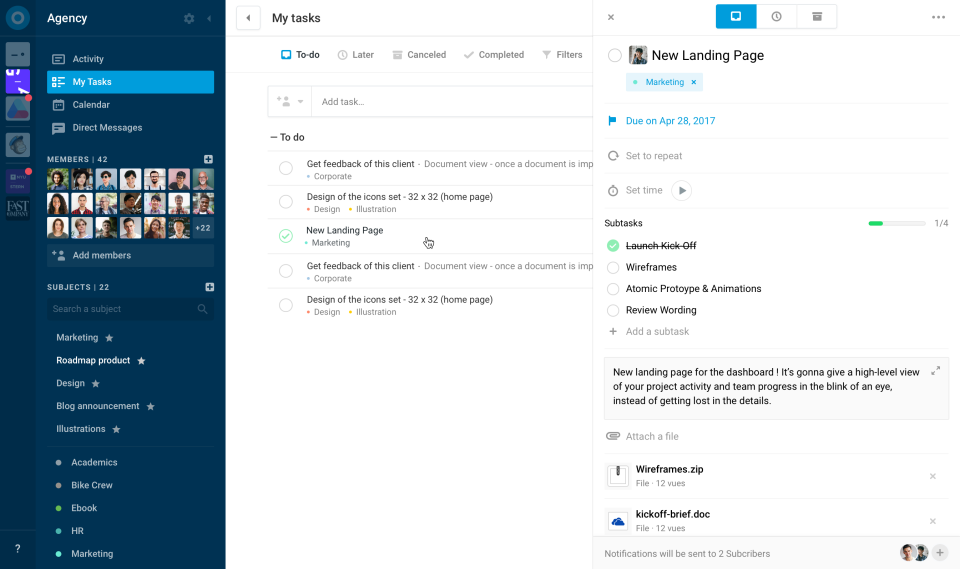
Azendoo is a work management application to help teams work more effectively by giving them the tools to communicate, plan and execute together. Azendoo is designed to make teams collaborate in a more transparent and positive way while making work more enjoyable. Conversations are held in threads shared on projects to see through every piece of information and eventually take action by creating a task based on a conversation. Tasks allow team members to see all of their work in one…
$7.50
per user
Rocketlane
Score 8.5 out of 10
N/A
As per the information provided by the vendor, Rocketlane is
a platform specifically designed to cater to onboarding, implementation, and
professional services teams. The primary objective of this platform is to
enhance collaboration with customers, optimize project delivery efficiency, and
augment customer experience and accountability. Its target audience primarily
includes industries such as CS (Customer Success) and Professional Services. It
emphasizes its capability to expedite time-to…
N/A
Pricing
azendoo
Rocketlane
Editions & Modules
Team plan
$7.50
per user
Business plan
$14.00
per user
Enterprise plan
custom pricing
per user
No answers on this topic
Offerings
Pricing Offerings
azendoo
Rocketlane
Free Trial
Yes
Yes
Free/Freemium Version
No
No
Premium Consulting/Integration Services
No
No
Entry-level Setup Fee
$7.50 per user
No setup fee
Additional Details
Add some time tracking: +$5.00 user/month
Scheduled and accumulated time per task
Azendoo, unlike Trello, is a tool that provides a much more organized interface and features that provide more effective project management and direct communication. Trello is based on a slightly older interface and still requires different tools to be ideal for carrying out …
azendoo has a very easy-to-understand interface, allows for scaling in a way that Basecamp doesn't, and is constantly reinventing the platform (and appears to take customer feedback very seriously). Overall, while many project management platforms seem very similar, and I've …
azendoo is a different tool, meant for a different project type. While it's a good program on its own, Evernote ultimately had all I needed as a single employee/student is the only person within my workspaces. I did not need to network and as such, I did not find it applicable. …
The older one was no as good as Rocketlane because the User interface and UI are most important to use any software for the end user. Because more easy to understand, and easier to adapt the software. Thanks, Rocketplane I really like rocketplane because of its features and …
Rocketlane was extremely easy to stand up and get running. Both our internal teams and customers have been fans of the process so far. We had our first projects set up, with our Salesforce sync and white-labeled branding all live within the first week.
For our specific needs, Rocketlane fits the bill perfectly. It had just the right amount of features without it being overly complicated to teach the client. The pricing also worked out well: just pay monthly licenses per user.
Rocketlane is more robust for onboarding than monday.com with better customer interface. However, Rocketlane does not have some of the advanced features of ChurnZero or GUIDEcx. However, Rocketlane's pricing is aligned well with the features they offer.
Large organizations can really benefit from azendoo due to its ability to segment into teams. The various levels of organization are helpful for organizations with many coexisting initiatives, and I find that it has been instrumental in our success building out large campaigns or product launches. In general, azendoo is just an excellent project management tool, with little-to-no learning curve.
There is project management tracking from the start till the end (onboarding till hypercare). The bifurcation of project stages and pre-built templates is good; you can assign client tasks. Less appropriate: Raising tickets for developers because there is no escalation management option. Let’s say the developer didn’t reply in 24 hours for a high-priority task; this should be automatically escalated to their senior.
Status updates can be published, which can be seen by external stakeholders/clients even though they are not on Rocketlane or they have not taken Rocketlane subscriptions.
Timesheets can be easily tracked through which resource utilization can be planned.
Search Function - I consistently find it difficult to find old tasks where I don't immediately know the subject to which it belongs. I would appreciate more advanced search capabilities and a stronger search function in general.
Message Feature - We just don't use this feature at our organization, because it's not very robust. We'd prefer more of a "chat" like function, with a pop-up window (something similar to Slack).
azendoo is a different tool, meant for a different project type. While it's a good program on its own, Evernote ultimately had all I needed as a single employee/student is the only person within my workspaces. I did not need to network and as such, I did not find it applicable. Later down the road in a shared office, I might feel differently.
Azendoo has really been an advantage to our company because, thanks to its features that make communication much more feasible and direct, business productivity has increased.
The support team is really very attentive so we have not had any problems left unsolved. That has prevented us from delays in project deliveries.
As an admin and end-user, Rocketlane has saved me at least four hours of work every week. Multiply that across the entire team, and we're saving two full days of work by removing all the manual tasks.