
Azure DevOps Services vs. Orangescrum
Azure DevOps Services vs. Orangescrum
| Product | Rating | Most Used By | Product Summary | Starting Price |
|---|---|---|---|---|
 Azure DevOps Services | N/A | Azure DevOps (formerly VSTS, Microsoft Visual Studio Team System) is an agile development product that is an extension of the Microsoft Visual Studio architecture. Azure DevOps includes software development, collaboration, and reporting capabilities. | $2 per GB (first 2GB free) | |
 Orangescrum | Mid-Size Companies (51-1,000 employees) | Orangescrum is an enterprise project & operations management platform purpose-built for organizations that demand compliance, secure execution, high workforce efficiency, and full delivery control — including PSUs, Government departments, Manufacturing units, Construction companies, ITES, and Shared Services organizations. By digitizing processes, approvals, and reporting in one secure workspace, Orangescrum strengthens accountability, eliminates delays, and ensures every program stays… | $4.99 per month per user |
| Azure DevOps Services | Orangescrum | |||||||||||||||
|---|---|---|---|---|---|---|---|---|---|---|---|---|---|---|---|---|
| Editions & Modules |
|
| ||||||||||||||
| Offerings |
| |||||||||||||||
| Entry-level Setup Fee | No setup fee | Optional | ||||||||||||||
| Additional Details | — | — | ||||||||||||||
| More Pricing Information | ||||||||||||||||
| Azure DevOps Services | Orangescrum |
|---|
| Azure DevOps Services | Orangescrum | |||||||||||||||||||||||||||||||||||||||
|---|---|---|---|---|---|---|---|---|---|---|---|---|---|---|---|---|---|---|---|---|---|---|---|---|---|---|---|---|---|---|---|---|---|---|---|---|---|---|---|---|
| Project Management |
|
| Azure DevOps Services | Orangescrum | |
|---|---|---|
| Small Businesses |  GitHub Score 9.1 out of 10 |  Stackby Score 9.0 out of 10 |
| Medium-sized Companies | GitHub Score 9.1 out of 10 |  InEight Score 9.5 out of 10 |
| Enterprises |  Perforce P4 Score 6.9 out of 10 | InEight Score 9.5 out of 10 |
| All Alternatives | View all alternatives | View all alternatives |
| Azure DevOps Services | Orangescrum | |
|---|---|---|
| Likelihood to Recommend | 8.4 (70 ratings) | 5.0 (1 ratings) |
| Likelihood to Renew | 10.0 (3 ratings) | - (0 ratings) |
| Usability | 7.6 (9 ratings) | - (0 ratings) |
| Support Rating | 8.1 (11 ratings) | - (0 ratings) |
| Implementation Rating | 10.0 (1 ratings) | - (0 ratings) |
| Azure DevOps Services | Orangescrum | |
|---|---|---|
| Likelihood to Recommend |  Microsoft
 Chris Studebaker Technical Architect | Andolasoft
 Miroslav Bobryshev 3D artist |
| Pros | Microsoft
| Andolasoft
Miroslav Bobryshev 3D artist |
| Cons | Microsoft
| Andolasoft
Miroslav Bobryshev 3D artist |
| Likelihood to Renew | Microsoft
 Raylene Wall, PMP Business Analyst | Andolasoft No answers on this topic |
| Usability | Microsoft
 Kyle Kochtan Technical Lead | Andolasoft No answers on this topic |
| Support Rating | Microsoft
| Andolasoft No answers on this topic |
| Implementation Rating | Microsoft
| Andolasoft No answers on this topic |
| Alternatives Considered | Microsoft
| Andolasoft
Miroslav Bobryshev 3D artist |
| Return on Investment | Microsoft
 Amy Liston Product Owner | Andolasoft
Miroslav Bobryshev 3D artist |
| ScreenShots | Orangescrum Screenshots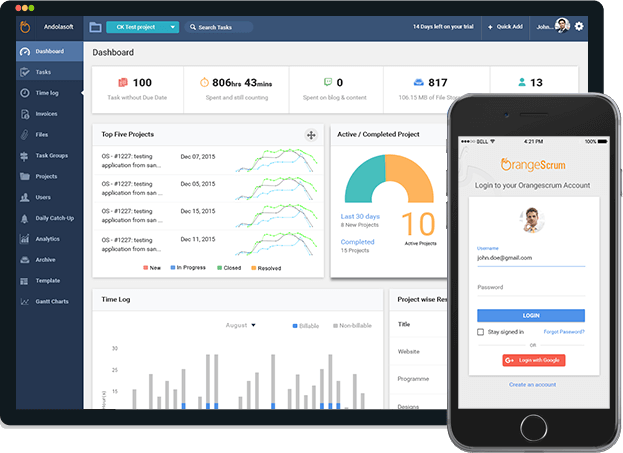   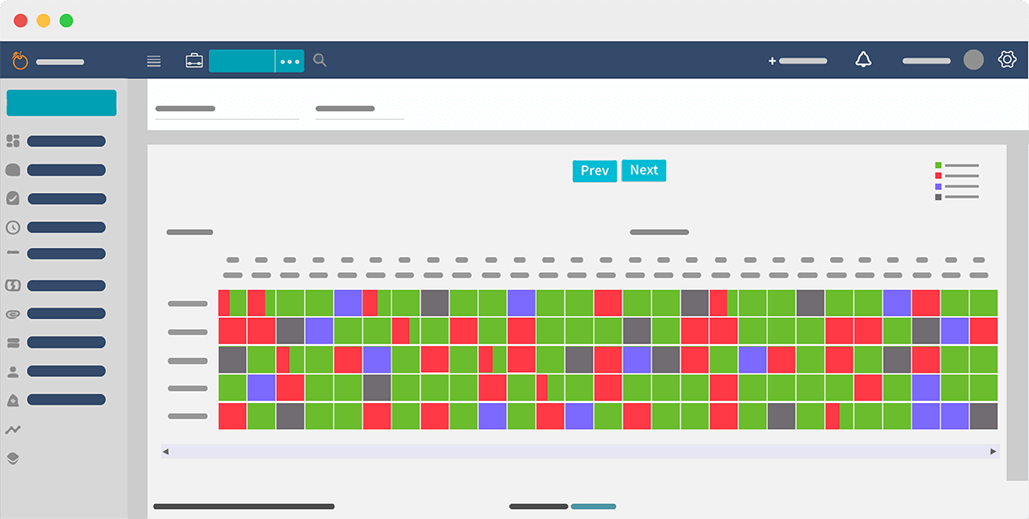  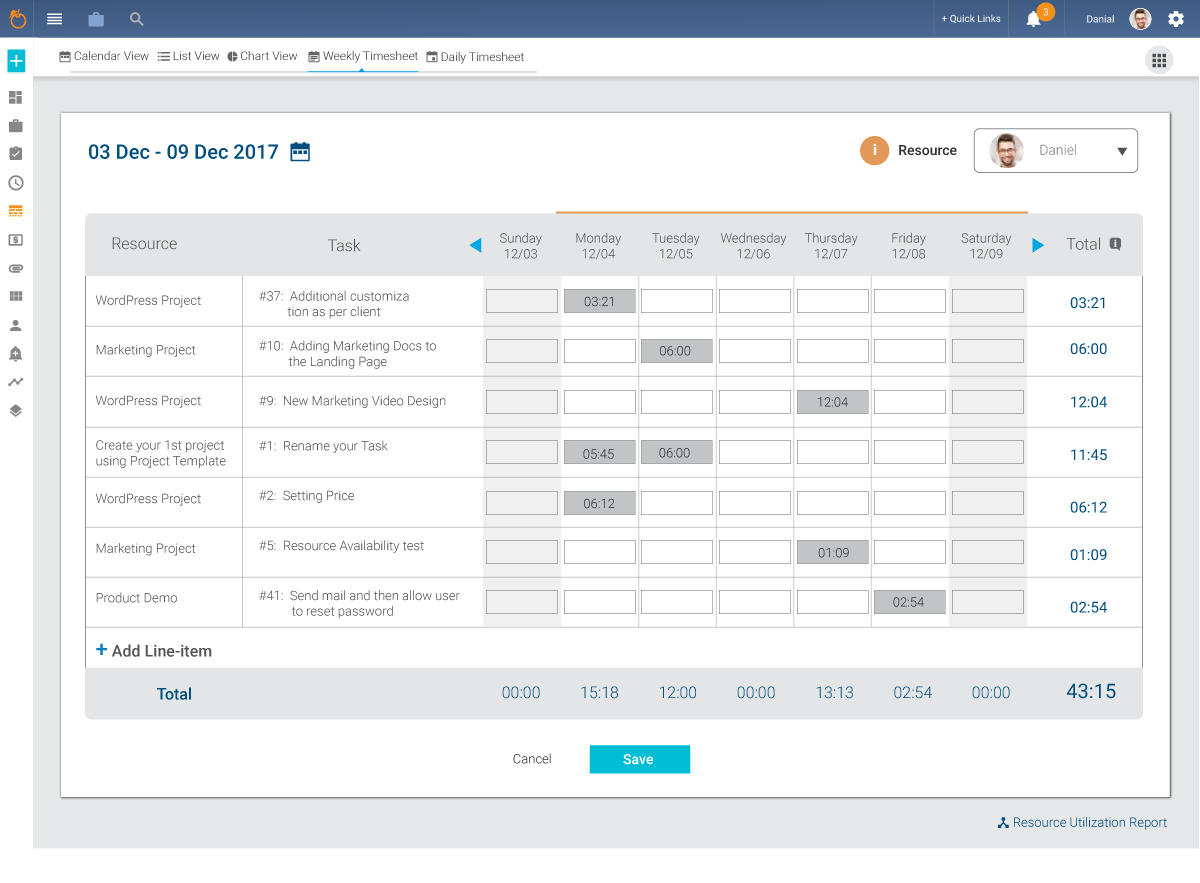 |