Azure DevOps (formerly VSTS, Microsoft Visual Studio Team System) is an agile development product that is an extension of the Microsoft Visual Studio architecture. Azure DevOps includes software development, collaboration, and reporting capabilities.
$2
per GB (first 2GB free)
SonarQube
Score 8.1 out of 10
N/A
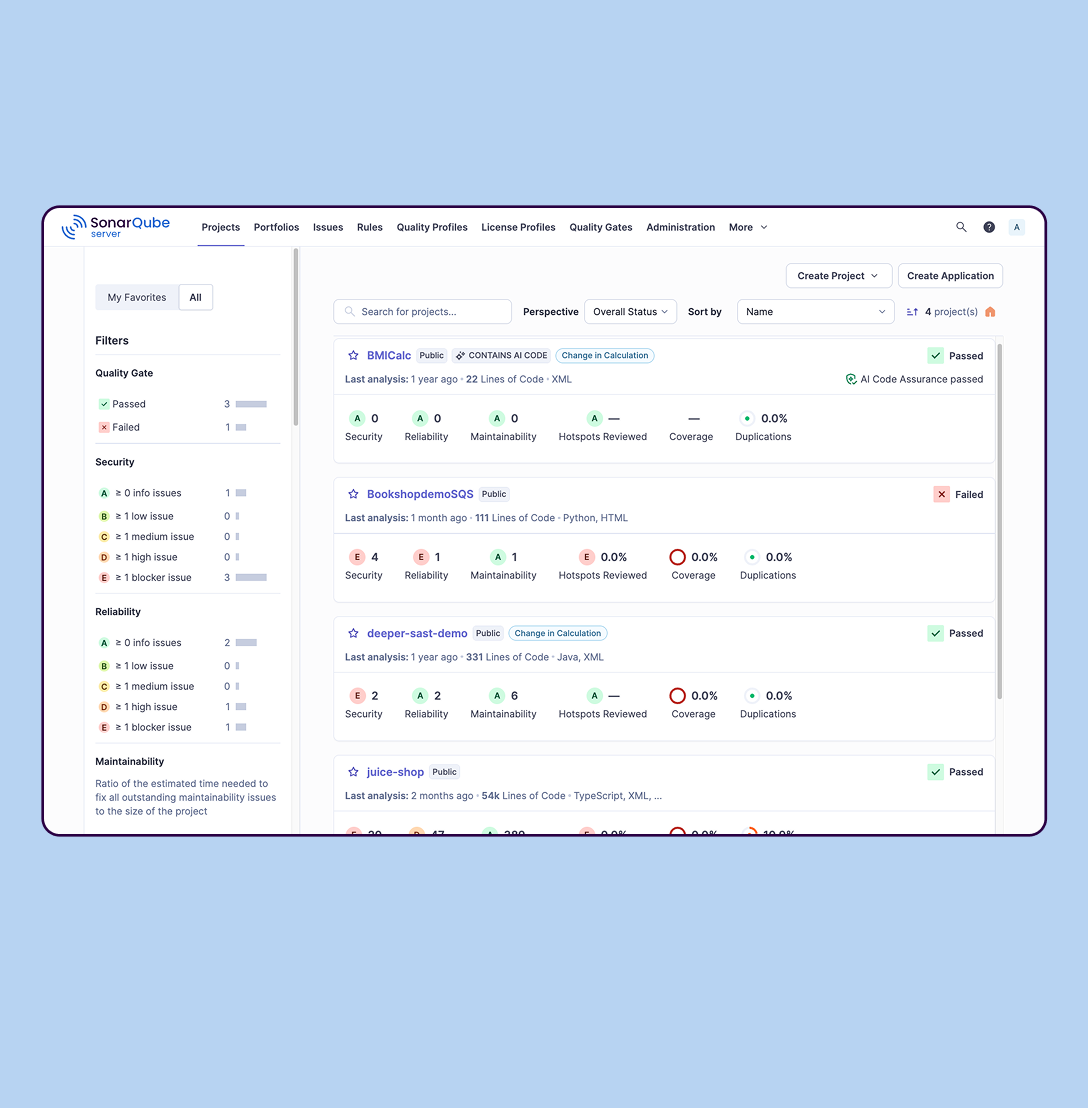
SonarQube is an automated code review solution, serving as the verification layer for code quality and SDLC security. SonarQube is used to ensure that code is secure, reliable, and maintainable. It is available through SaaS or self-managed deployment.
$0
Veracode
Score 8.8 out of 10
Mid-Size Companies (51-1,000 employees)
Veracode provides advanced application security solutions, trusted by enterprises to develop and maintain secure software. Its platform identifies exploitable risks, speeds up vulnerability remediation, and reduces security debt at scale using a proprietary AI-assisted remediation engine.
N/A
Pricing
Azure DevOps
SonarQube
Veracode
Editions & Modules
Azure Artifacts
$2
per GB (first 2GB free)
Basic Plan
$6
per user per month (first 5 users free)
Azure Pipelines - Self-Hosted
$15
per extra parallel job (1 free parallel job with unlimited minutes)
Azure Pipelines - Microsoft Hosted
$40
per parallel job (1,800 minutes free with 1 free parallel job)
Sonar Qube doesn't do as good of a job of finding security vulnerabilities as dedicated SAST software, but it does more for code quality that the developers want to see. A comparison of Sonar Qube to something like Veracode or Fortify isn't apples to apples since they're not …
SonarQube is more focused on code quality, whereas Veracode does a better job of finding security vulnerabilities. We lean towards SonarQube because we are looking for quality.
SonarQube or Sonar Cloud focuses on scanning for coding good practice and code security is not covered as extensively as Veracode. SonarQube is free but required installation on an on-prem server. Subscription to Sonar Cloud (Saas version of Sonar Qube) is cheaper but does not …
Earlier in our organisation, Fortify was used (formerly from HP but now owned by Micro Focus). The general consensus was that there was too much noise (false positives), taking a lot of time to find and then fix the real issues.
SonarQube is also used in our organisation but not …
I have used SonarQube for code quality and security analysis in the past, but Veracode's Software Composition Analysis analysis makes a big difference in terms of identifying vulnerabilities in dependencies. It would make it a lot easier if the IDE plugin could show the …
Sonar cube was quicker, but not as thorough. Both integrated into our CI/CD pipeline, however the integration for Veracode is more straight forward.
Verified User
Engineer
Chose Veracode
SonarQube is faster and can be free, but the security scanning capabilities are a joke compared to Veracode. Unlike SonarQube, Veracode goes deeper into finding a very wide variety of vulnerabilities and best practices that should be applied to software and provides reporting …
Veracode takes compiled code, so integration, regression based test cases can be evaluated well. Now, it has lot of features ranging from API sec to DAST, so have a code which is well working in live env is very essential to setup and hence giving us an edge over other tools. …
The maturity of the Veracode and the continuous improvements in its products it's one of the principal characteristics of chosee it, Veracode it's a SaaS platform and was born in the cloud, so this is a great option for our clients to be quick to implement also the easy of …
Once we learn how to use Veracode, its simple and very efficient tool to include in any of your devops environments like Dev, QA, Staging , UAT etc. The configuration is much simpler compared to others. The Enterprise license cost is also competitive compared to others. The …
I used AppScan for dynamic scanning when it was IBM, but it was too clunky and hard to use. Developers and testers needed to spend quite a bit of time configuring scans. I also used Checkmarx for static scanning and it was faster, but it requires you to install on your own …
Veracode has a very good integration within its products, which makes it easy for a developer. Veracode helps in providing support both actively and through resources on their platform to remediate and fix the issues found in one's application. The reporting section being …
Veracode stands out for trusted community results, vendor relationship, and partner channels to support and provide a close relationship. Integration capacity is a good point when deciding to integrate with DevOps framework.
Azure DevOps works well when you’ve got larger delivery efforts with multiple teams and a lot of moving parts, and you need one place to plan work, track it properly, and see how everything links together. It’s especially useful when delivery and development are closely tied and you want backlog items, code and releases connected rather than spread across tools. Where it’s less of a fit is for small teams or simple pieces of work, as it can feel like more setup and process than you really need, and non-technical users often struggle with the interface. It also isn’t great if you want instant, easy programme-level views or a very visual planning experience without putting time into configuration.
SonarQube is excellent if you start using it at the beginning when developing a new system, in this situation you will be able to fix things before they become spread and expensive to correct. It’s a bit less suitable to use on existing code with bad design as it’s usually too expensive to fix everything and only allows you to ensure the situation doesn’t get worse.
Veracode is well suited for development applications that can be made more secure right from the beginning. There is an excellent extension in Visual Studio that scans code from the IDE. However, it is less appropriate or incompatible with scanning SOAP or WSDL APIs. It supports only REST APIs.
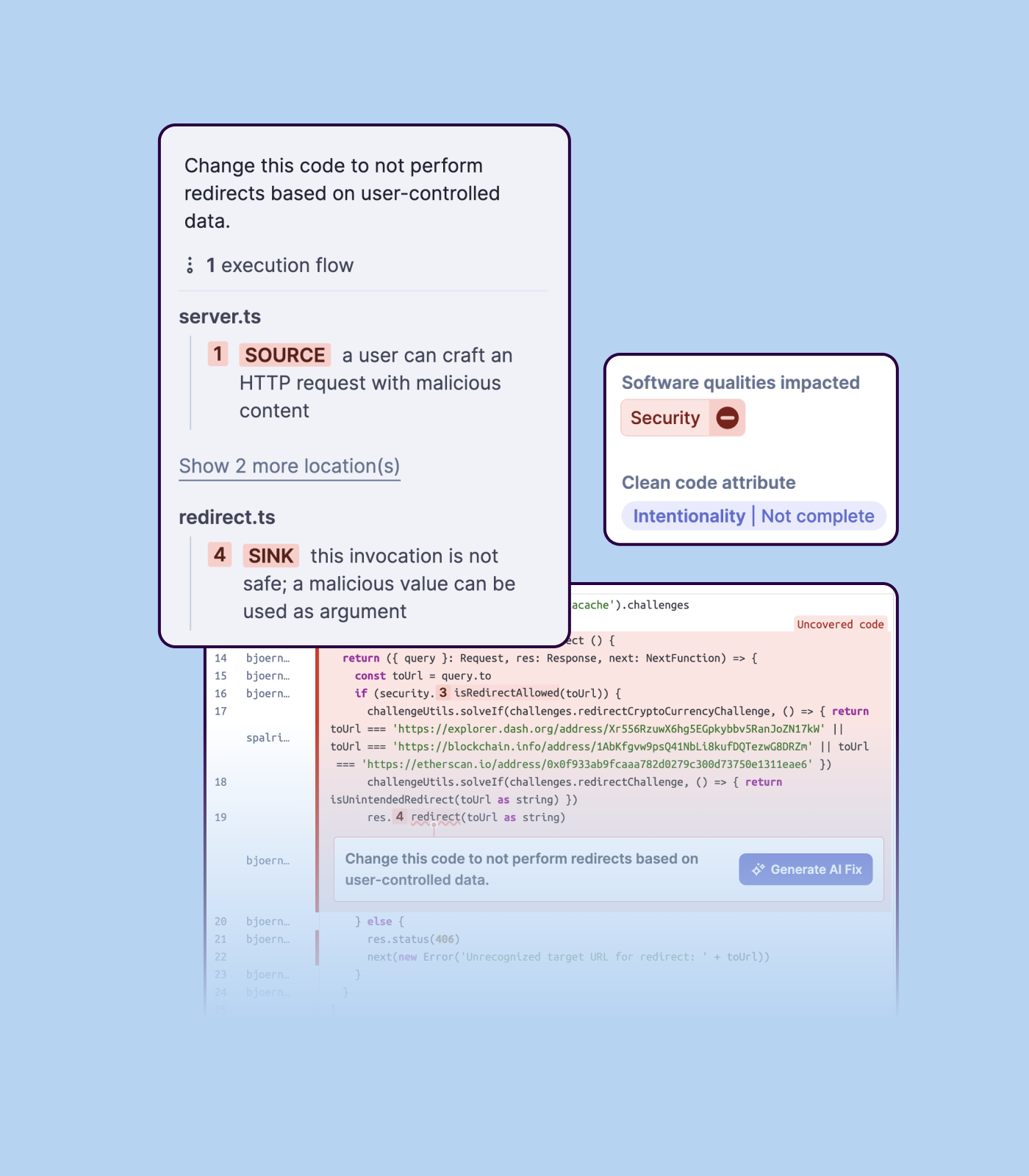
Detecting bugs and vulnerabilities: SonarQube can identify a wide range of bugs and vulnerabilities in code, such as null pointer exceptions, SQL injection, and cross-site scripting (XSS) attacks. It uses static analysis to analyze the code and identify potential issues, and it can also integrate with dynamic analysis tools to provide even more detailed analysis.
Measuring code quality: SonarQube can measure a wide range of code quality metrics, such as cyclomatic complexity, duplicated code, and code coverage. This can help teams understand the quality of their code and identify areas that need improvement.
Providing actionable insights: SonarQube provides detailed information about issues in the code, including the file and line number where the issue occurs and the severity of the issue. This makes it easy for developers to understand and address issues in the code.
Integrating with other tools: SonarQube can be integrated with a wide range of development tools and programming languages, such as Git, Maven, and Java. This allows teams to use SonarQube in their existing development workflow and take advantage of its powerful code analysis capabilities.
Managing technical debt: SonarQube provides metrics and insights on the technical debt on the codebase, enabling teams to better prioritize issues to improve the quality of the code.
Compliance with coding standards: SonarQube can check the code against industry standards like OWASP, CWE and more, making sure the code is compliant with security and coding standards.
Veracode performs Static Application Security Testing (SAST) very well by finding flaws in the code using entry points so that it tests for everything a user can interact with in the application. This approach is very helpful for avoiding a lot of false positives early on.
Veracode performs SCA automatically on every SAST scan, so that we don't have to manually scan the application again for SCA scans.
Veracode integrates very well with the ticketing tools, so that it becomes very easy to track every finding and its status within our ticketing tool.
I did mention it has good visibility in terms of linking, but sometimes items do get lost, so if there was a better way to manage that, that would be great.
The wiki is not the prettiest thing to look at, so it could have refinements there.
Importing a new custom quality profile on SonarQube is a bit tricky, it can be made easier
Every second time when we want to rerun the server, we have to restart the whole system, otherwise, the server stops and closes automatically
When we generate a new report a second time and try to access the report, it shows details of the old report only and takes a lot of time to get updated with the details of the new and fresh report generated
I don't think our organization will stray from using VSTS/TFS as we are now looking to upgrade to the 2012 version. Since our business is software development and we want to meet the requirements of CMMI to deliver consistent and high quality software, this SDLC management tool is here to stay. In addition, our company uses a lot of Microsoft products, such as Office 365, Asp.net, etc, and since VSTS/TFS has proved itself invaluable to our own processes and is within the Microsoft family of products, we will continue to use VSTS/TFS for a long, long time.
At this time, and we just renewed a month ago, I dont see any products out there overall that can offer what Veracode does. Yes, its not cheap by any means, but for the money its the best application security scanning tool out there.
It's a great help to get more information about new feature release and stay updated on what the dev team is working on. I like how easy it is to just login and read through the work items. Each work item has basic details: Title, Description, Assigned to, State, Area (what it belongs to), and iteration (when it’s worked on). See image above.They move through different states (New → Discovery → Ready for Prod → etc.).
- Almost no setup required and easy to configure - Very easy to use, intuitive UI with integrated analytics and learning portals. - Seamless to review the results, triage them, generate reports. - Security progression of the product/application is tracked via successive scans. - Privileges/Roles nicely fine grained and tightly controlled to let teams "view" only their products.
When we've had issues, both Microsoft support and the user community have been very responsive. DevOps has an active developer community and frankly, you can find most of your questions already asked and answered there. Microsoft also does a better job than most software vendors I've worked with creating detailed and frequently updated documentation.
We we easily able to integrate the SonarQube steps into our TFS process via the Microsoft Marektplace, we didn't have the need to call SonarQube support. We've used their online documentation and community forum if we ran into any issues.
Overall, Veracode support is helpful, community support is great, and documentation is available for self-service. Our Customer Success Manager is very helpful and reaches out regularly to see if we need assistance. We have not utilized many of the other resources offered by Veracode, however, in the future we would like to leverage secure coding training for our Development teams.
We use it as a SAS service, so really just getting our teams to mold the use of Veracode into their SDLC has been a process of years in the making. It comes down to what your teams are ready and willing to accept and change. Management is key in getting their groups on board with using it regularly. If it doesnt have management backing, your security teams have little to no influence in getting this process off the ground fully.
Microsoft Planner is used by project managers and IT service managers across our organization for task tracking and running their team meetings. Azure DevOps works better than Planner for software development teams but might possibly be too complex for non-software teams or more business-focused projects. We also use ServiceNow for IT service management and this tool provides better analysis and tracking of IT incidents, as Azure DevOps is more suited to development and project work for dev teams.
SonarQube is an open-source. It's a scalable product. The costs for this application, for the kind of job it does, are pretty descent. Pipeline scan is more secured in SonarQube. Its a very good tool and its support multiple languages. Its main core competency is of static code analysis and that is why SonarQube exists and it does it exceedingly well. The quality of scan on code convention, best practices, coding standards, unit test coverage etc makes them one of the best competent tool in the market
Veracode is slower with scan results however the flaws discovered and sites crawled are almost the same. Rapid7 InsightAppSec only does dynamic scans. Veracode did find more links on a site crawl. Rapid7 InsightAppSec has more out of the box reports than Veracode. Both integration to DevOps tools were striaghtforward.
We have saved a ton of time not calculating metrics by hand.
We no longer spend time writing out cards during planning, it goes straight to the board.
We no longer track separate documents to track overall department goals. We were able to create customized icons at the department level that lets us track each team's progress against our dept goals.
Positive ROI from the standpoint of flagging several issues that would have otherwise likely been unaddressed and caused more time to be spent closer to launch
Slightly positive ROI from time-saving perspective (it's an automated check which is nice, but depending on the issues it finds, can take developers time to investigate and resolve)
Veracode's platform has had a very positive impact on our security posture, paving the path towards having coverage monitored automatically on hundreds of internal applications throughout the development lifecycle.
Veracode's platform has also had a very positive impact on improving the security knowledge of our development team, providing meaningful feedback as well as training options to reduce mitigation time and help to prevent flaws before they are created.