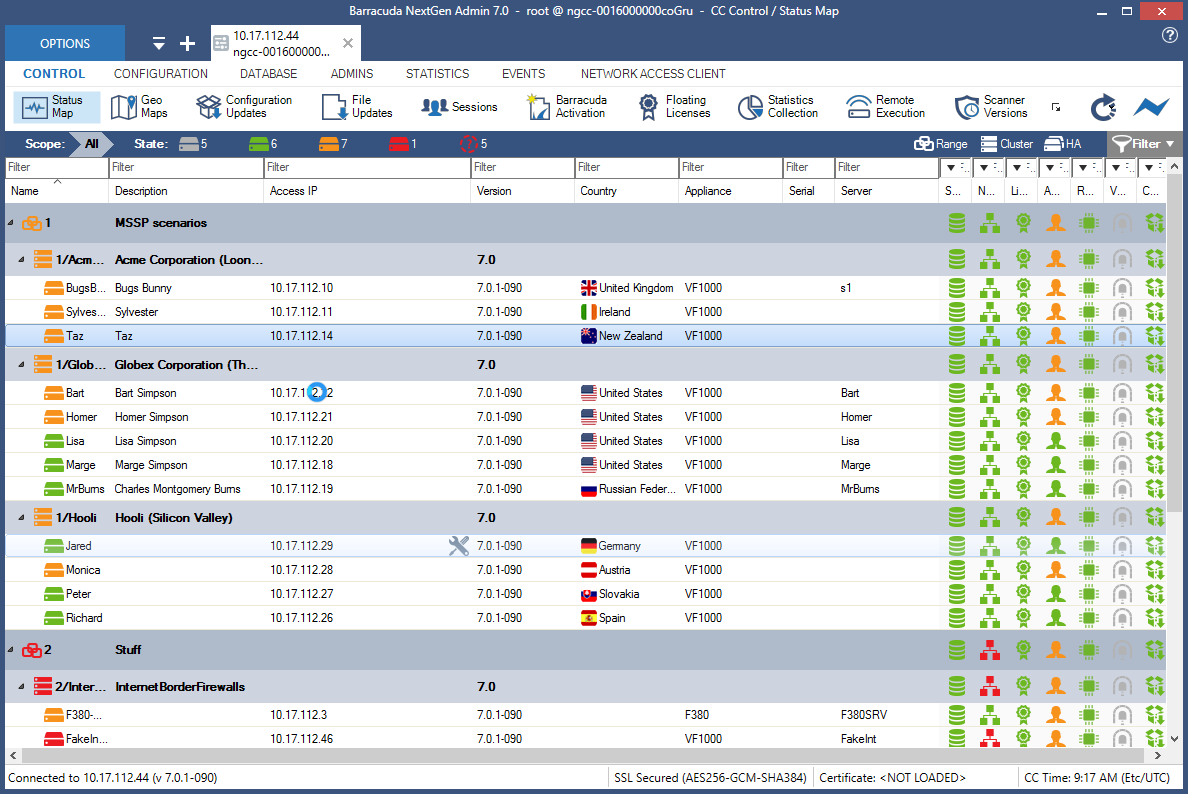
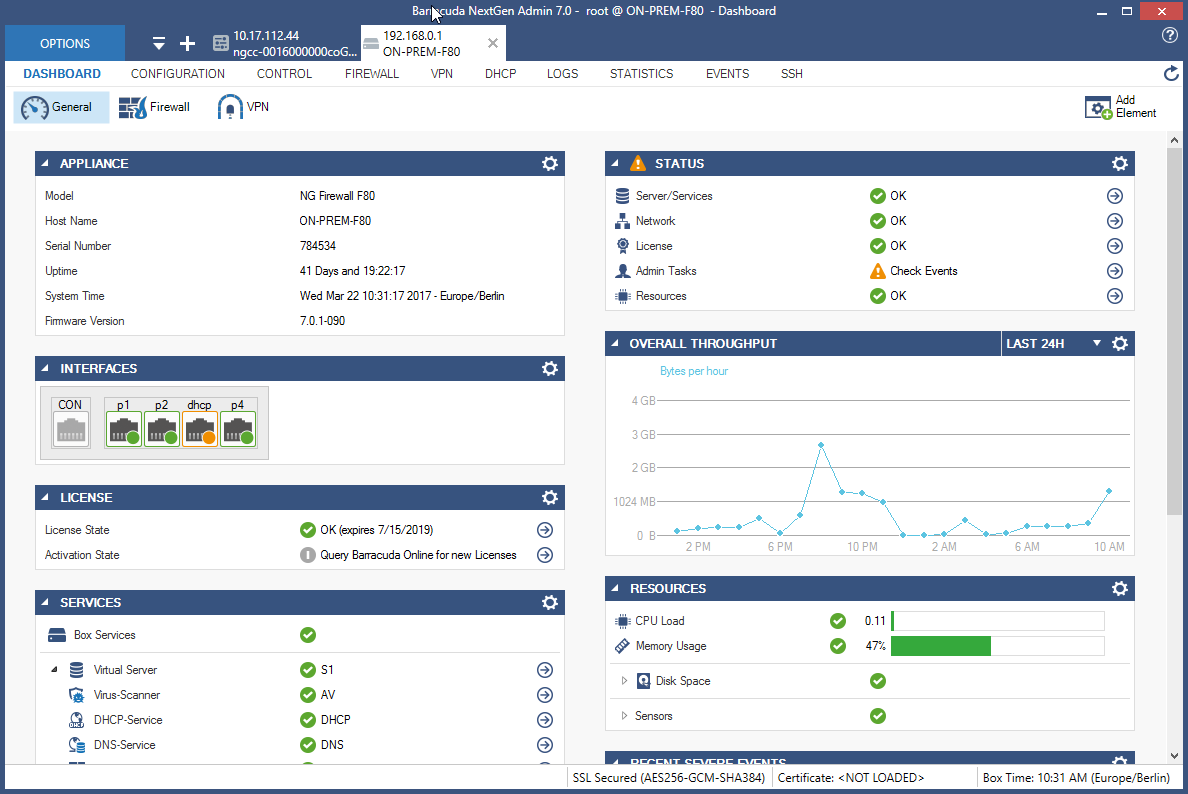
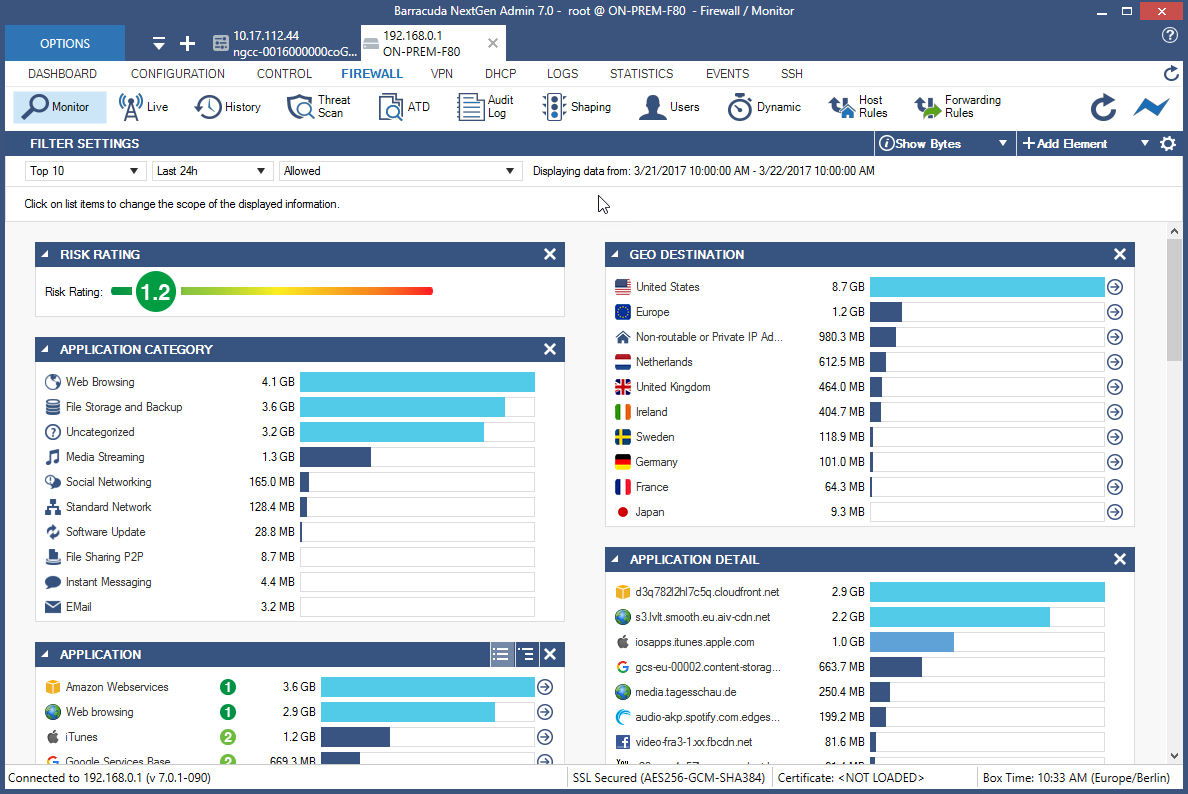
Barracuda Web Application Firewall, from Barracuda Networks in Campbell, California, protects web applications from bots, DDoS attacks, and other advanced threats to enterprise apps.
N/A
Imperva Web Application Firewall (WAF)
Score8.7 out of 10
N/A
The Imperva Web Application Firewall (WAF) is based on technology acquired with Incapsula and the former WebSphere WAF.
Easy to use and reliable, with very little maintenance required and zero downtime to date. For the education sector, ease of use is hugely important as IT Managers/Technicians are often "Jack of all trades" with a good, broad general knowledge but perhaps lacking specific expertise in certain aspects. Being provided with easy-to-follow tutorials and instructions has been very useful in setting up and configuring the firewall, especially as my background is more in desktop support.
A de minimis incentive was given to thank the reviewer for their time. The incentive was not used to bias or drive a particular response, nor was the incentive contingent on a positive endorsement. More Info
I recommend Imperva specially if you have a big environment with thousand of websites because of its ease to use and availability. Imperva delivers a reliable solution with great capability to contain cyber attacks and even fraud preventions in some cases. The only scenario it's less appropriate is if your focus is anti fraud instead of a solution to block cyber attacks.
A de minimis incentive was given to thank the reviewer for their time. The incentive was not used to bias or drive a particular response, nor was the incentive contingent on a positive endorsement. More Info
STM crashes sometimes happen due to unusual traffic pattern
Obfuscation on the client side user credentials which appears in the developer tools of browser
URL Profiles redundancy during the learning of traffic needs to be fixed
Dos Protection should be more granular like escalation period to throw JS challenge, Captcha and rate limit when escalation period hits until the WAF stops the attack
Client Fingerprinting should work as expected when verifying the clients as in rare some scenarios, it creates issues
Attack Correlation Validation - This specific policy produces a lot of false positives as well as the SQL injection policies. Of course it is difficult to tell what a legitimate query is on a public facing web app.
Profiling - I tend to spend more time than any other feature tuning the Web App Profiles. Plugins are used to help cope with this, but on extremely large web apps we are forced to turn off the profiling feature.
A de minimis incentive was given to thank the reviewer for their time. The incentive was not used to bias or drive a particular response, nor was the incentive contingent on a positive endorsement. More Info
-User friendly interface for quick learning -Quick deployment for deploying applications -Easy to manage for naive -System components and upgradation of the WAF is very easy go with -Back restoration is very to make it up and ready anytime -Seperate JSON and XmL profiles for each URLs of the application is plus -Amazing and world class support engineer in comparison other vendors and always available to support -Quick resolution on bugs with their patch applying process
A de minimis incentive was given to thank the reviewer for their time. The incentive was not used to bias or drive a particular response, nor was the incentive contingent on a positive endorsement. More Info
The Barracuda Web Application Firewall is easy to use. Support from Barracuda is great also. Load Balancing of the Web Application Firewall is also nice. This allows you to do maintenance or have large loads for the end-user. Threat monitoring of our network and traffic coming into our services within our cloud solution.
A de minimis incentive was given to thank the reviewer for their time. The incentive was not used to bias or drive a particular response, nor was the incentive contingent on a positive endorsement. More Info
We haven't needed support from Imperva since implementation. But during that time, their personnel were very quick to respond to questions. Since then, it's been largely doing its thing for us (which is exactly what we'd hoped).
We have been using their Backup products especially Backup Appliances and legacy products like Intronis. We are also using their Cloud Backup Solutions for O365. This is the reason we opted for this product.
I believe there's no comparison as Imperva is a much more reliable and powerfull WAF. AWS WAF lacks of several features Imperva have and is not that simple to configure neither have a clean web console. I consider Imperva WAF a whole superior level of cyber security solution and it's consider to be one of the leader in this segment.
A de minimis incentive was given to thank the reviewer for their time. The incentive was not used to bias or drive a particular response, nor was the incentive contingent on a positive endorsement. More Info
A de minimis incentive was given to thank the reviewer for their time. The incentive was not used to bias or drive a particular response, nor was the incentive contingent on a positive endorsement. More Info
Better Insight into web application - Absolutely great, checks all the traffic against RFC standards and will alert on common development mistakes that duplicate application traffic or provide attack vectors for potential attackers.
Have had several issues blocking a customer without producing alerts, while it happened only one week out of 2 years of working with the devices, it did produce a lot of headaches.
A de minimis incentive was given to thank the reviewer for their time. The incentive was not used to bias or drive a particular response, nor was the incentive contingent on a positive endorsement. More Info