TrustRadius: an HG Insights company

Barracuda Web Application Firewall

Score8.6 out of 10

21 Reviews and Ratings

What is Barracuda Web Application Firewall?

Barracuda Web Application Firewall, from Barracuda Networks in Campbell, California, protects web applications from bots, DDoS attacks, and other advanced threats to enterprise apps.

Categories & Use Cases

Media

1 / 4

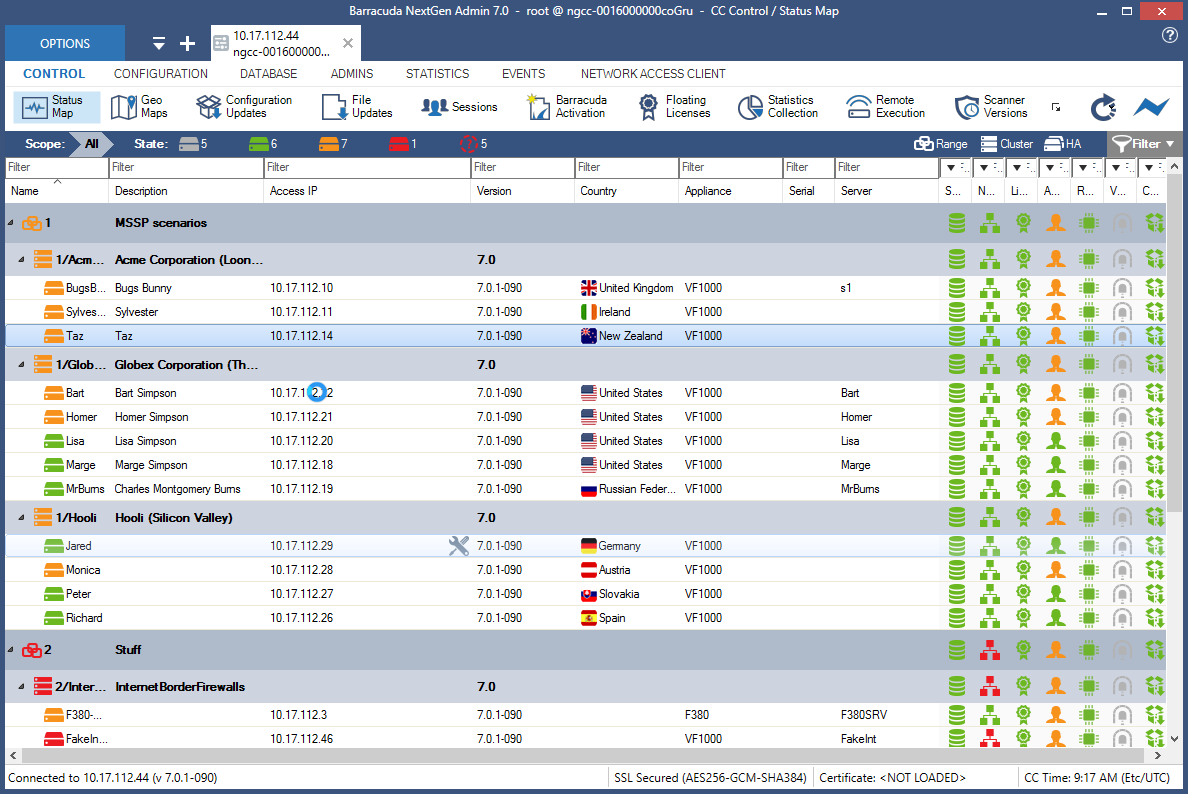
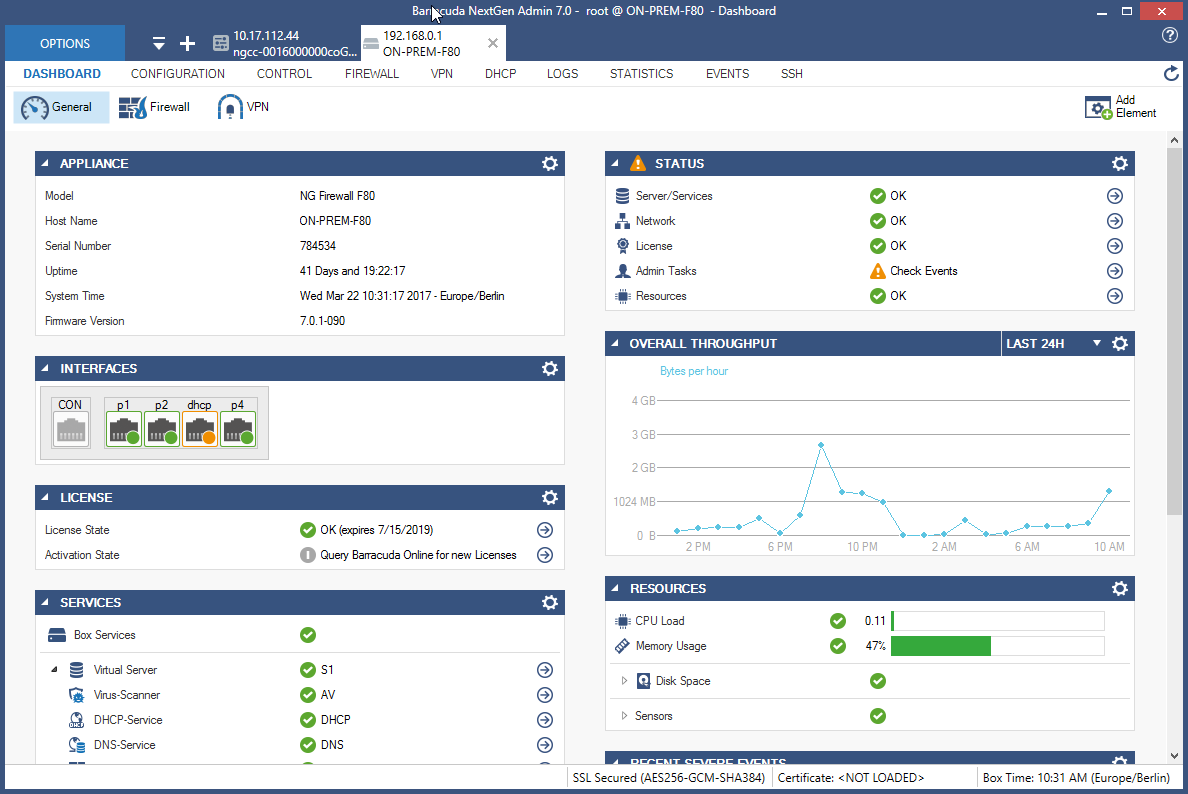
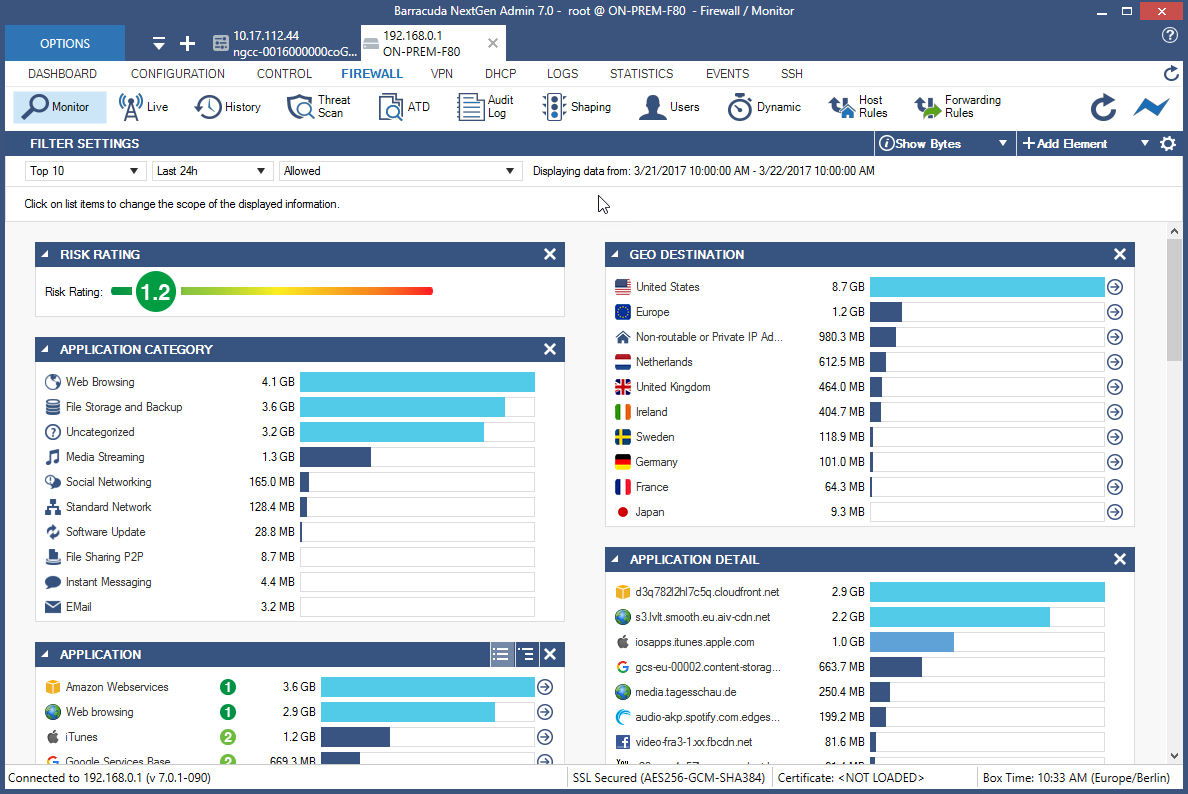
Barracuda Web Application Firewall decide in just few minutes

Use Cases and Deployment Scope

-Barracuda Web Application Firewall is being used to protect all our on prem applications -It protects against all layer 7 web attacks like SQL injection, XSS, etc -It provides protection against top ten Owasp as well -It provides protection against bot attacks -It provides protection against Dos attacks, - It mitigates Dos attacks as well, - It has a content updates as well that provides mitigates against zero day attacks, - the URL and Parameter profile has a very granularity to mitigate false positives, -learning if the traffic also provides easy to make an application ready to enforce in blocking

Pros

  • Attack patterns are regularly updates through contents via Barracuda Web Application Firewall update servers
  • Bot Protection has a good line feature to verify between the genuine clients like browsers and bots
  • Dos Protection also good level of protection to mitigate Layer 7 attacks
  • Allow Deny Rules provides a lot of granular controls to allow and deny the traffic
  • URL profiles has a very granular control to mitigate false positives
  • Parameter profiles has a very granular control to mitigate false positives
  • Risk score feature for the clients to mitigate attacks is also very good feature
  • Client fingerprint module can be used against malicious user to enhance security
  • Separate XML and JSOn profile for all the URL profiles of the application is plus
  • API security is very much effective and shadow API can also be identified

Cons

  • STM crashes sometimes happen due to unusual traffic pattern
  • Obfuscation on the client side user credentials which appears in the developer tools of browser
  • URL Profiles redundancy during the learning of traffic needs to be fixed
  • Dos Protection should be more granular like escalation period to throw JS challenge, Captcha and rate limit when escalation period hits until the WAF stops the attack
  • Client Fingerprinting should work as expected when verifying the clients as in rare some scenarios, it creates issues

Return on Investment

  • Enhanced Visibility & Response
  • Improved Compliance Posture
  • Low latency in the application functionalities
  • Less consumption of resources like CPU, memory etc
  • Availability and integration with other authentication services, log tools etc

Usability

Alternatives Considered

F5 Big-IP Advanced WAF

Other Software Used

CheckPoint, Palo Alto Networks Cortex XSOAR, Cisco Umbrella

Easy To Navigate!!

Pros

  • Web application security.
  • Blocks emails that could be spam.
  • Blocks websites we don't people on here at the school district.

Cons

  • Reports could be somewhat confusing.
  • The initial setup was a little difficult for our Security Admin team.

Return on Investment

  • Easy for our IT team to use.
  • We just ran it as a pilot for a few months but it was the cheapest solution at the time.

Other Software Used

AWS WAF, Cloudbric, Imperva Application Delivery (formerly Incapsula Load Balancer)

An excellent, reliable solution for Education

Use Cases and Deployment Scope

Previously used a virtualised TMG server that slowed our internet connection as it didn't have the required throughput. Switching to a dedicated solution improved throughput and provided more granular control over the Firewall. It also gave us a failover for the web-filter, allowing us to maintain our dedicated web-filter whilst the Barracuda unit provided continuity of service.

Pros

  • Easy to use management interface
  • Granular control of processes
  • Excellent reliability - have had zero downtime over the last 5 years

Cons

  • Reporting can be a little difficult
  • Quick block/unblock is hidden away
  • Live view of traffic shows lots of web 'furniture'

Most Important Features

  • Ease of use
  • Low maintenace
  • Online support

Return on Investment

  • Provided additional safeguarding robustness
  • Higher throughput for web traffic
  • Additional web-filtering for guest users

Other Software Used

Microsoft 365, Smoothwall SWG

Best Product for Email Security

Pros

  • Email Filtering and Inspection
  • Web-based intrusions and attacks
  • Traffic Patterns

Cons

  • More features in Web UI
  • Integrated Control
  • Allow user feedback before newer firmware versions

Most Important Features

  • Advanced Bot Protection
  • Application-layer denial of service (DoS) attacks
  • Protect your APIs and mobile apps

Return on Investment

  • Reduction in DDos attacks
  • Reduced Phishing attempts
  • Granular access control

Other Software Used

Barracuda Cloud-to-Cloud Backup, Barracuda Backup, Barracuda Essentials

Barracuda Web Application Firewall: The Watchdog you want!

Pros

  • We can block entire countries.
  • Support is Awesome.
  • Setup is straightforward and adding licenses is easy.

Cons

  • Some ports are open by default which if not caught can leave us wide open for attacks.

Most Important Features

  • The ability to easily add our server licensing.
  • Blocking is Key.

Return on Investment

  • Negative impact: a default port was open and missed by one of our techs.
  • Positive impact: it protects us everyday now that we have it locked down.

Other Software Used

Korber Warehouse Edge (formerly HighJump / AccellosOne), Microsoft Teams, Zoom