
BigMind DR vs. Datto ALTO
BigMind DR vs. Datto ALTO
| Product | Rating | Most Used By | Product Summary | Starting Price |
|---|---|---|---|---|
 BigMind DR | Small Businesses (1-50 employees) | BigMind DR — Local Disaster Recovery for Windows BigMind DR is a local Disaster Recovery and Disk Imaging solution for Windows developed by Genie9. The platform is designed for IT professionals and regulated small offices in the legal, medical, and accounting sectors that require local Disaster Recovery capabilities without cloud dependency. Core Features BigMind DR utilizes Block-Level Imaging technology to capture system… | $59 one-time fee per user | |
 Datto ALTO | N/A | Datto ALTO is a a BCDR solution built for MSPs to prevent data loss and minimize downtime. Utilizing a cloud-first approach, MSPs can offer their clients hybrid backup and recovery with a cloud-based repository and disaster recovery in the cloud. It is administered from a multi-tenant cloud portal that allows MSPs to view, manage and recover client data from a single interface. ALTO cross-platform support enables MSPs to protect their client’s data anywhere it lives, from physical servers… | N/A |
| BigMind DR | Datto ALTO | |||||||||||||||
|---|---|---|---|---|---|---|---|---|---|---|---|---|---|---|---|---|
| Editions & Modules |
| No answers on this topic | ||||||||||||||
| Offerings |
| |||||||||||||||
| Entry-level Setup Fee | No setup fee | No setup fee | ||||||||||||||
| Additional Details | BigMind DR uses per-account pricing, not per-endpoint or per-device. The Plus plan covers 10 users and up to 20 devices for a one-time $59 lifetime payment. The Pro plan covers 15 users and up to 45 devices for $119 lifetime. Unlike competitors such as Acronis and Veeam which charge $50–$130 per workstation annually, BigMind DR offers a single lifetime price with no recurring fees and no cloud storage costs — the customer brings their own storage device. | — | ||||||||||||||
| More Pricing Information | ||||||||||||||||
| BigMind DR | Datto ALTO |
|---|
| BigMind DR | Datto ALTO | |
|---|---|---|
| Small Businesses |  Cove Data Protection Score 8.8 out of 10 | Cove Data Protection Score 8.8 out of 10 |
| Medium-sized Companies | Cove Data Protection Score 8.8 out of 10 | Cove Data Protection Score 8.8 out of 10 |
| Enterprises |  Keepit Score 9.4 out of 10 | Keepit Score 9.4 out of 10 |
| All Alternatives | View all alternatives | View all alternatives |
| BigMind DR | Datto ALTO | |
|---|---|---|
| Likelihood to Recommend | - (0 ratings) | 8.9 (2 ratings) |
| BigMind DR | Datto ALTO | |
|---|---|---|
| Likelihood to Recommend | Genie9 No answers on this topic | Kaseya
|
| Pros | Genie9 No answers on this topic | Kaseya
|
| Cons | Genie9 No answers on this topic | Kaseya
|
| Alternatives Considered | Genie9 No answers on this topic | Kaseya
|
| Return on Investment | Genie9 No answers on this topic | Kaseya
|
| ScreenShots | BigMind DR Screenshots 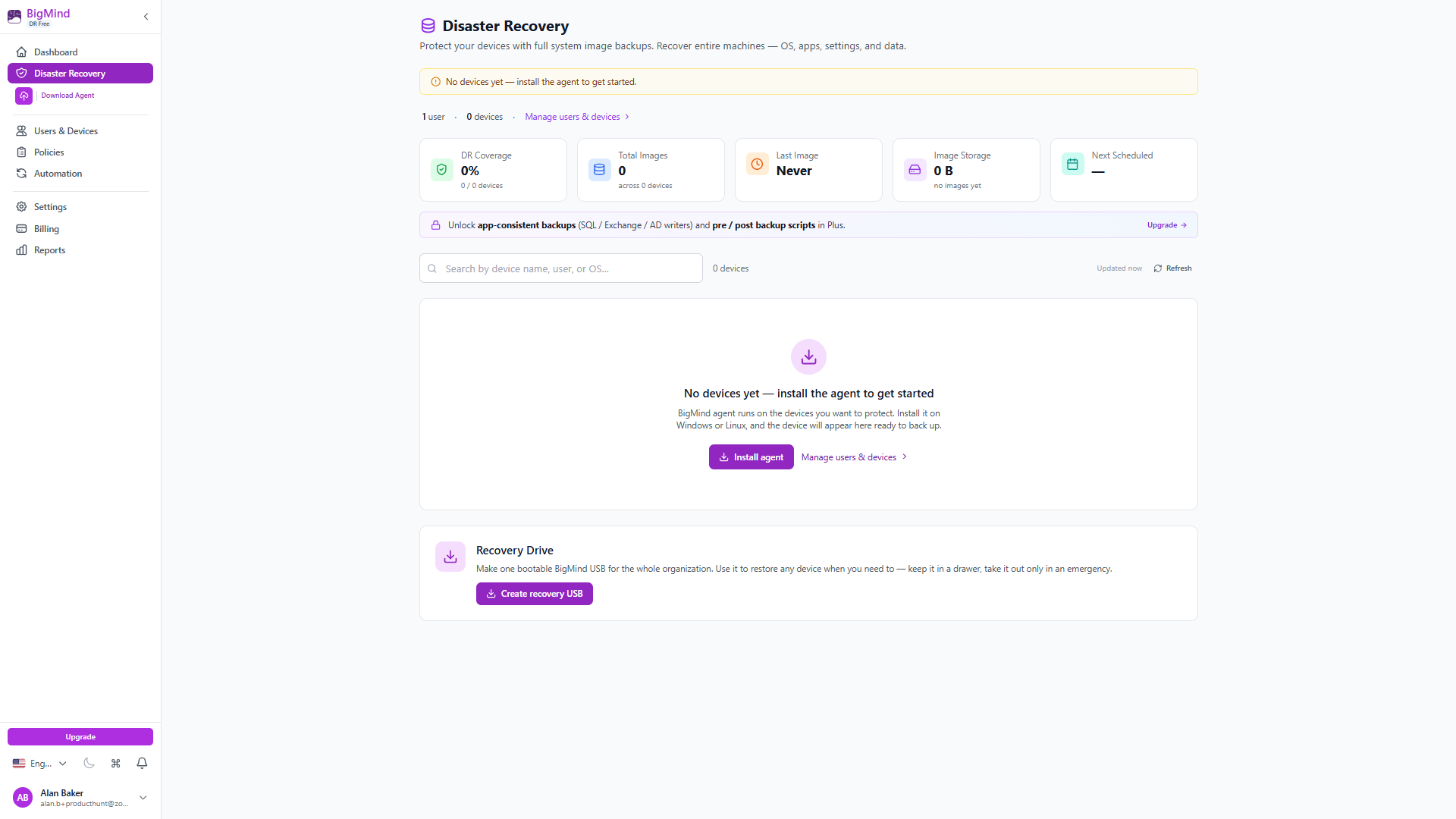   |