Chose On-Screen Takeoff®
I have only used On-Screen Takeoff. I have not had the opportunity or desire to use a different product. We also use their sister software called Quick Bid, so we are locked in with the On Center Suite.

| Product | Rating | Most Used By | Product Summary | Starting Price |
|---|---|---|---|---|
 Bimx | N/A | BIMx is a mobile app for Building Information Modeling, provided by GRAPHISOFT. It aims to bridge the gap between the design studio and the construction site, by providing integrated 2D and 3D building project navigation with data access from any device. | N/A | |
 On-Screen Takeoff® | N/A | On-Screen Takeoff is a construction takeoff and estimating solution. It is intended to streamline takeoff, RFI, and bidding processes. | N/A | |
Quick Bid | N/A | Quick Bid is a construction and estimation software offering from On Center Software, Inc. | N/A |
| Bimx | On-Screen Takeoff® | Quick Bid | ||||||||||||||||||||||
|---|---|---|---|---|---|---|---|---|---|---|---|---|---|---|---|---|---|---|---|---|---|---|---|---|
| Editions & Modules | No answers on this topic | No answers on this topic | No answers on this topic | |||||||||||||||||||||
| Offerings |
| |||||||||||||||||||||||
| Entry-level Setup Fee | No setup fee | No setup fee | No setup fee | |||||||||||||||||||||
| Additional Details | — | On-Screen Takeoff® pricing varies based on licensing options and specific business needs. The annual subscription plans are designed to scale with project and team size. Available Subscription Options: •On-Screen Takeoff •On-Screen Takeoff with Takeoff Boost™ •On-Screen Takeoff and Quick Bid® •On-Screen Takeoff with Takeoff Boost and Quick Bid Each subscription is customized to match the subscriber's workflow requirements. A 14-day free trial is available. | — | |||||||||||||||||||||
| More Pricing Information | ||||||||||||||||||||||||
| Bimx | On-Screen Takeoff® | Quick Bid | |
|---|---|---|---|
| Considered Multiple Products |  Bimx No answer on this topic |  On-Screen Takeoff® | Quick Bid No answer on this topic |
| Bimx | On-Screen Takeoff® | Quick Bid | |||||||||||||||||||||||||||||||||||||||||||||||||||||||||||||||
|---|---|---|---|---|---|---|---|---|---|---|---|---|---|---|---|---|---|---|---|---|---|---|---|---|---|---|---|---|---|---|---|---|---|---|---|---|---|---|---|---|---|---|---|---|---|---|---|---|---|---|---|---|---|---|---|---|---|---|---|---|---|---|---|---|---|
| Human Resource Management |
| ||||||||||||||||||||||||||||||||||||||||||||||||||||||||||||||||
| Payroll Management |
| ||||||||||||||||||||||||||||||||||||||||||||||||||||||||||||||||
| Reporting & Analytics |
| ||||||||||||||||||||||||||||||||||||||||||||||||||||||||||||||||
| Construction Project & Field Management |
| ||||||||||||||||||||||||||||||||||||||||||||||||||||||||||||||||
| Estimating |
|
| Bimx | On-Screen Takeoff® | Quick Bid | |
|---|---|---|---|
| Small Businesses |  FollowUp CRM Score 1.9 out of 10 |  Bluebeam Score 9.2 out of 10 | Bluebeam Score 9.2 out of 10 |
| Medium-sized Companies |  InEight Score 8.3 out of 10 | InEight Score 8.3 out of 10 | InEight Score 8.3 out of 10 |
| Enterprises | InEight Score 8.3 out of 10 | InEight Score 8.3 out of 10 | InEight Score 8.3 out of 10 |
| All Alternatives | View all alternatives | View all alternatives | View all alternatives |
| Bimx | On-Screen Takeoff® | Quick Bid | |
|---|---|---|---|
| Likelihood to Recommend | 9.0 (2 ratings) | 9.0 (15 ratings) | 7.5 (5 ratings) |
| Likelihood to Renew | 8.0 (1 ratings) | 10.0 (1 ratings) | - (0 ratings) |
| Usability | - (0 ratings) | 6.0 (1 ratings) | - (0 ratings) |
| Support Rating | - (0 ratings) | 8.2 (5 ratings) | 10.0 (2 ratings) |
| Implementation Rating | - (0 ratings) | 7.0 (1 ratings) | - (0 ratings) |
| Bimx | On-Screen Takeoff® | Quick Bid | |
|---|---|---|---|
| Likelihood to Recommend | Graphisoft
 Stefan Boeykens sr. BIM Manager | ConstructConnect
| ConstructConnect
|
| Pros | Graphisoft
 Luiz Alexandre Viana Magno Professor | ConstructConnect
 christian Maxwell Project Engineer | ConstructConnect
|
| Cons | Graphisoft
Stefan Boeykens sr. BIM Manager | ConstructConnect
| ConstructConnect
|
| Likelihood to Renew | Graphisoft
Stefan Boeykens sr. BIM Manager | ConstructConnect
| ConstructConnect No answers on this topic |
| Usability | Graphisoft No answers on this topic | ConstructConnect
| ConstructConnect No answers on this topic |
| Support Rating | Graphisoft No answers on this topic | ConstructConnect
christian Maxwell Project Engineer | ConstructConnect
|
| Implementation Rating | Graphisoft No answers on this topic | ConstructConnect
| ConstructConnect No answers on this topic |
| Alternatives Considered | Graphisoft
Stefan Boeykens sr. BIM Manager | ConstructConnect
| ConstructConnect
 Emilio Armenta Anning Johnson |
| Return on Investment | Graphisoft
Luiz Alexandre Viana Magno Professor | ConstructConnect
| ConstructConnect
|
| ScreenShots | On-Screen Takeoff® Screenshots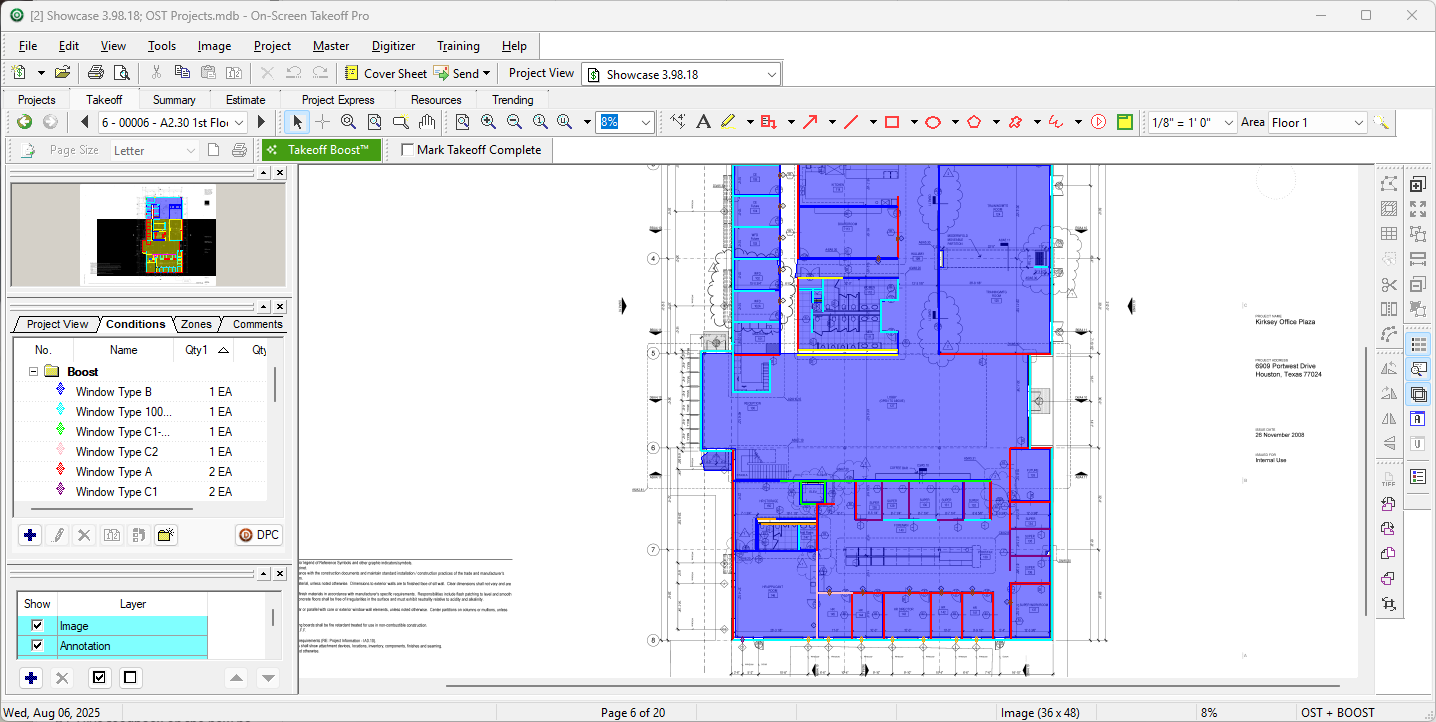 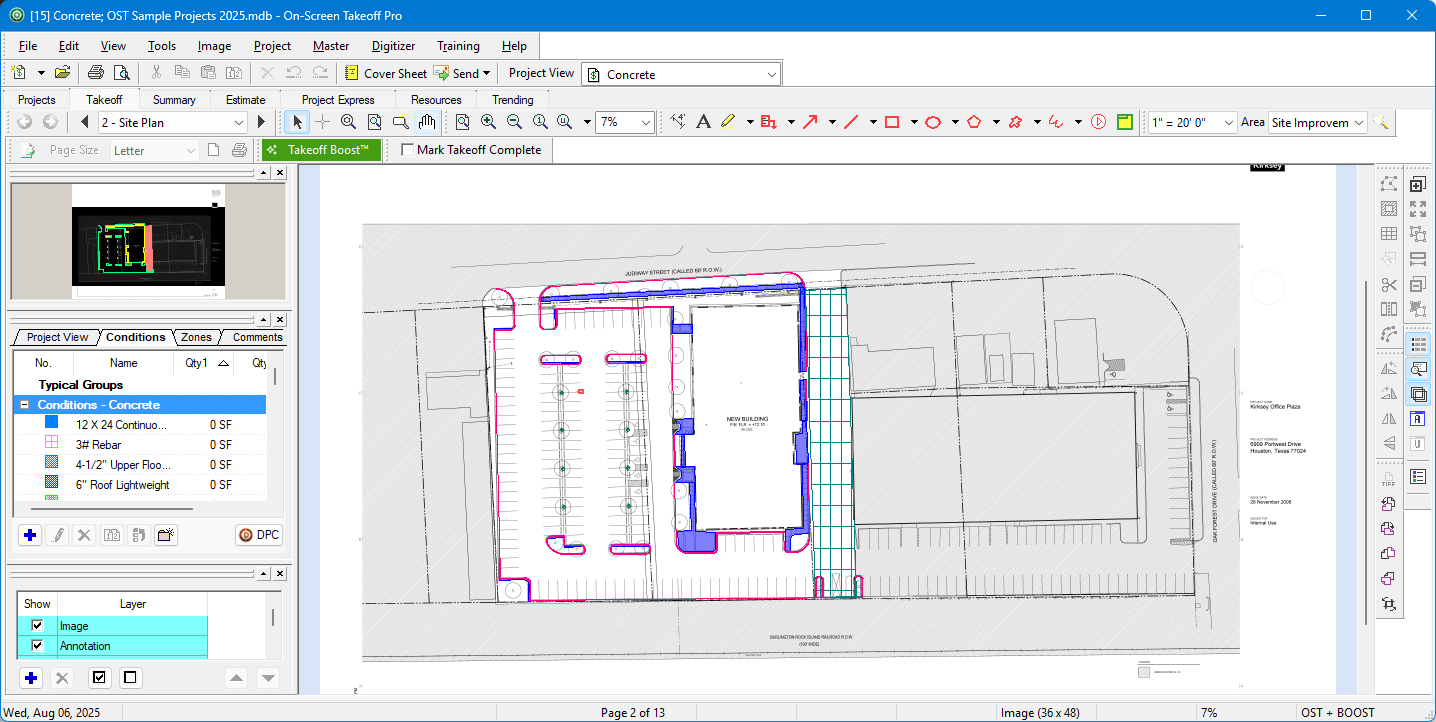 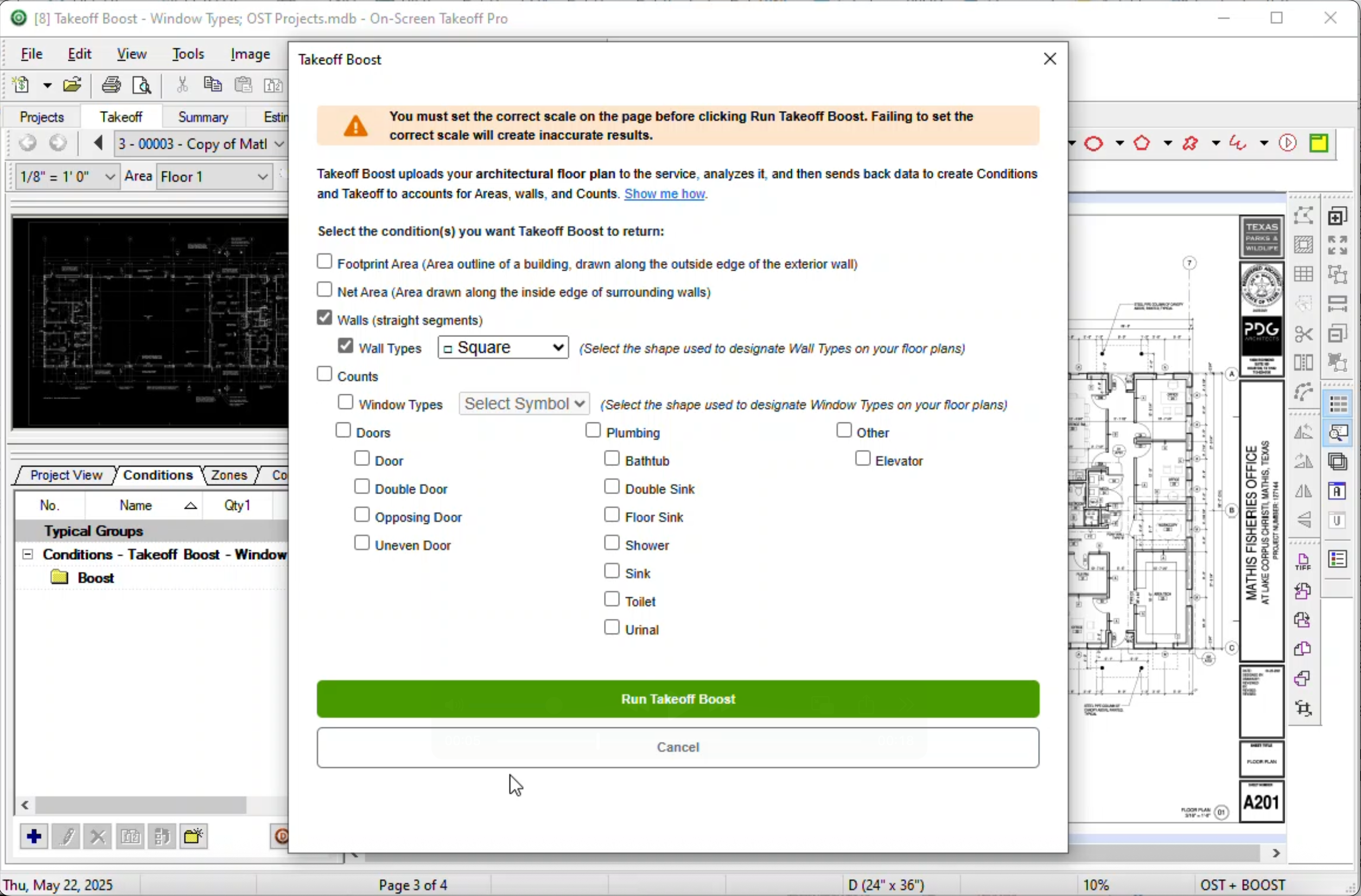 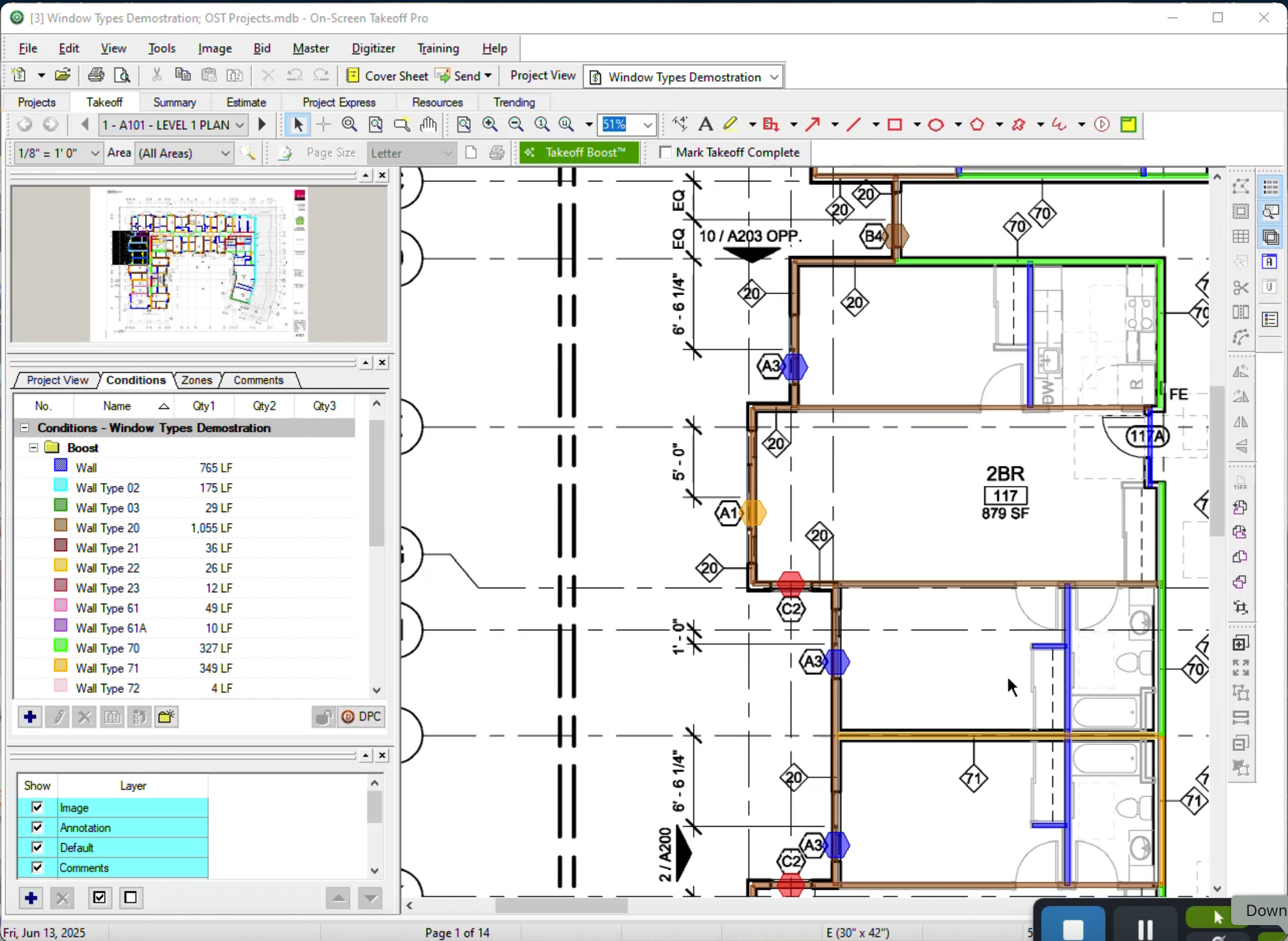 |