
Buddy vs. CircleCI vs. MicroStrategy Mobile
Buddy vs. CircleCI vs. MicroStrategy Mobile
| Product | Rating | Most Used By | Product Summary | Starting Price |
|---|---|---|---|---|
 Buddy | N/A | Buddy (formerly Springloops) is a SVN/Git source code management tool focused on web development teams. It allows users to code in parallel and share code safely concentrating on results, not on lost changes or overwritten files. With quick deployments, users get rapid collaboration in protected space. | $75 per month | |
 CircleCI | N/A | CircleCI is a software delivery engine from the company of the same name in San Francisco, that helps teams ship software faster, offering their platform for Continuous Integration and Continuous Delivery (CI/CD). Ultimately, the solution helps to map every source of change for software teams, so they can accelerate innovation and growth. | $0 for up to 6,000 build minutes and up to 5 active users per month | |
 MicroStrategy Mobile | N/A | MicroStrategy Mobile enables users to bring analytics, transactions, mapping, multimedia, and business workflows to life in custom mobile apps, personalized for any industry or any role. Users can convert any information system or web application into a user-friendly, highly-performant native mobile app—optimized for both iOS and Android. Users can scale to the most demanding enterprise needs in terms of user numbers and data volume. With multi-factor and biometric… | N/A |
| Buddy | CircleCI | MicroStrategy Mobile | ||||||||||||||||||||||
|---|---|---|---|---|---|---|---|---|---|---|---|---|---|---|---|---|---|---|---|---|---|---|---|---|
| Editions & Modules |
|
| No answers on this topic | |||||||||||||||||||||
| Offerings |
| |||||||||||||||||||||||
| Entry-level Setup Fee | No setup fee | No setup fee | No setup fee | |||||||||||||||||||||
| Additional Details | — | — | — | |||||||||||||||||||||
| More Pricing Information | ||||||||||||||||||||||||
| Buddy | CircleCI | MicroStrategy Mobile |
|---|
| Buddy | CircleCI | MicroStrategy Mobile | |
|---|---|---|---|
| Small Businesses |  GitHub Score 9.1 out of 10 |  GitLab Score 8.6 out of 10 |  Swiftify Score 9.0 out of 10 |
| Medium-sized Companies | GitHub Score 9.1 out of 10 | GitLab Score 8.6 out of 10 | Swiftify Score 9.0 out of 10 |
| Enterprises |  Perforce P4 Score 6.9 out of 10 | GitLab Score 8.6 out of 10 | Swiftify Score 9.0 out of 10 |
| All Alternatives | View all alternatives | View all alternatives | View all alternatives |
| Buddy | CircleCI | MicroStrategy Mobile | |
|---|---|---|---|
| Likelihood to Recommend | 10.0 (1 ratings) | 8.0 (26 ratings) | 8.4 (3 ratings) |
| Likelihood to Renew | 10.0 (1 ratings) | - (0 ratings) | - (0 ratings) |
| Usability | 10.0 (1 ratings) | 10.0 (1 ratings) | - (0 ratings) |
| Performance | - (0 ratings) | 7.8 (3 ratings) | - (0 ratings) |
| Support Rating | 10.0 (1 ratings) | 6.9 (6 ratings) | - (0 ratings) |
| Buddy | CircleCI | MicroStrategy Mobile | |
|---|---|---|---|
| Likelihood to Recommend |  Buddy (BDY, Sp. z o. o. Sp. k)
 Dimitris Rakopoulos Partner, CRM Director |  CircleCI
 John Grosjean DevOps Engineer | MicroStrategy
|
| Pros | Buddy (BDY, Sp. z o. o. Sp. k)
Dimitris Rakopoulos Partner, CRM Director | CircleCI
 Gabriel Samaroo Senior Software Engineer | MicroStrategy
 Alex Andekian Sr. BI Architect |
| Cons | Buddy (BDY, Sp. z o. o. Sp. k)
Dimitris Rakopoulos Partner, CRM Director | CircleCI
 Valeri Karpov Platform Tech Lead | MicroStrategy
|
| Likelihood to Renew | Buddy (BDY, Sp. z o. o. Sp. k)
Dimitris Rakopoulos Partner, CRM Director | CircleCI No answers on this topic | MicroStrategy No answers on this topic |
| Usability | Buddy (BDY, Sp. z o. o. Sp. k)
Dimitris Rakopoulos Partner, CRM Director | CircleCI
| MicroStrategy No answers on this topic |
| Performance | Buddy (BDY, Sp. z o. o. Sp. k) No answers on this topic | CircleCI
John Grosjean DevOps Engineer | MicroStrategy No answers on this topic |
| Support Rating | Buddy (BDY, Sp. z o. o. Sp. k)
Dimitris Rakopoulos Partner, CRM Director | CircleCI
| MicroStrategy No answers on this topic |
| Alternatives Considered | Buddy (BDY, Sp. z o. o. Sp. k)
Dimitris Rakopoulos Partner, CRM Director | CircleCI
 Paul Hepworth VP Engineering | MicroStrategy
Alex Andekian Sr. BI Architect |
| Return on Investment | Buddy (BDY, Sp. z o. o. Sp. k)
Dimitris Rakopoulos Partner, CRM Director | CircleCI
| MicroStrategy No answers on this topic |
| ScreenShots | MicroStrategy Mobile Screenshots 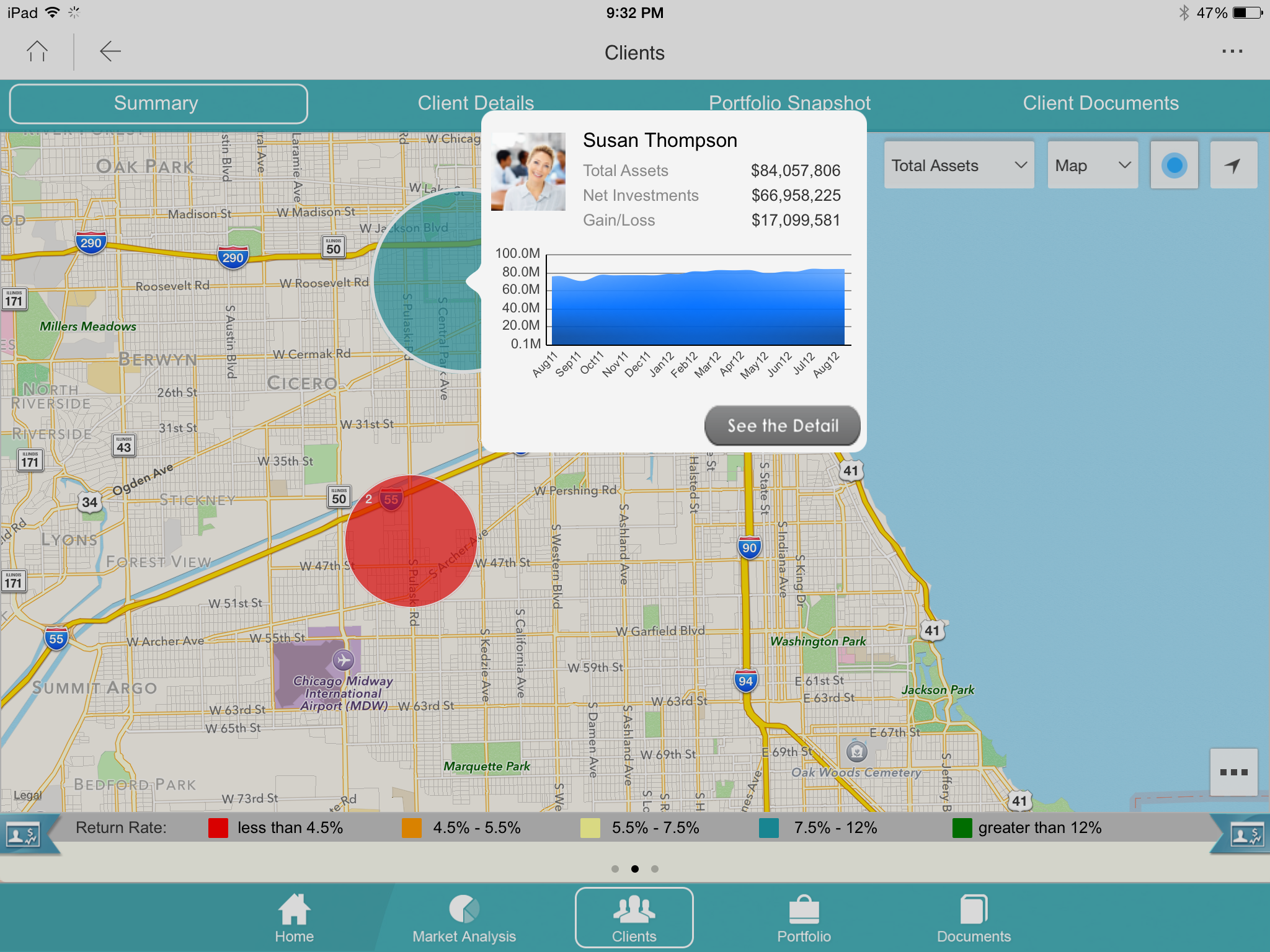  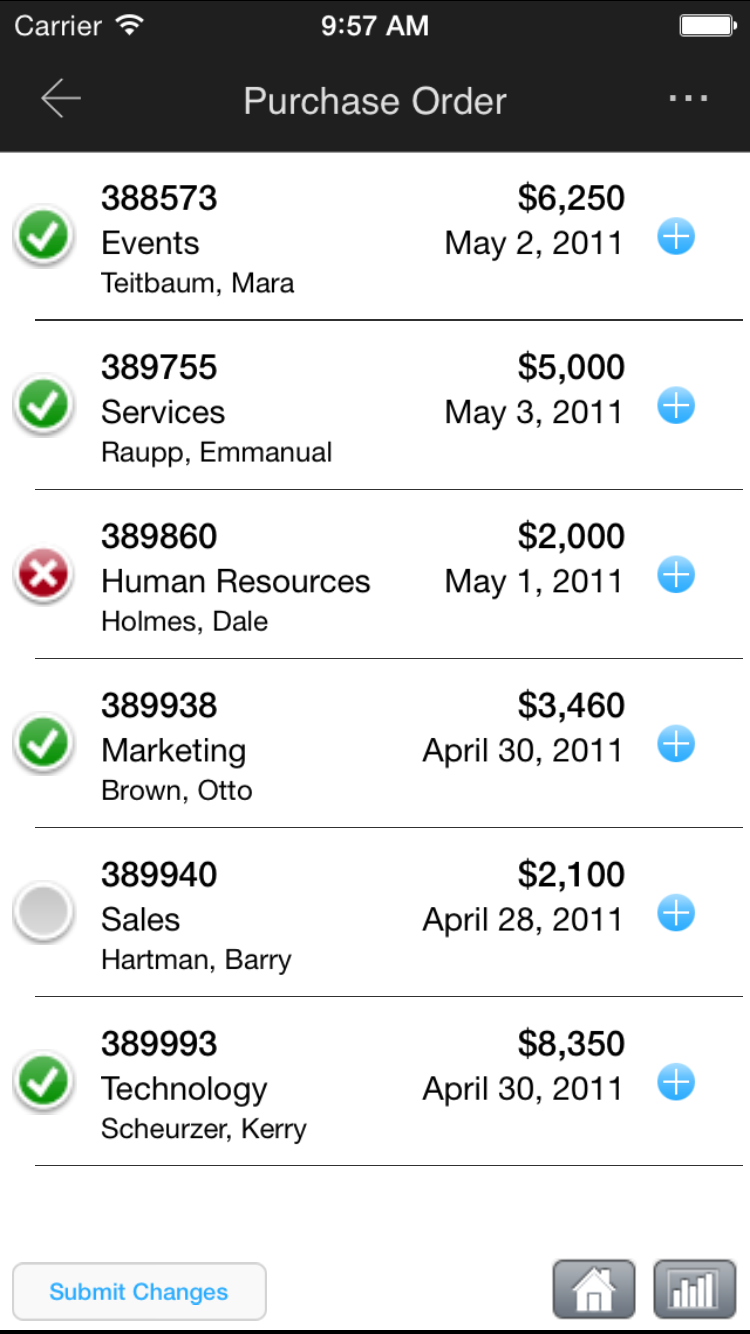   |