
Kat Jenkins
Vice President of Strategic Planning
Chose BugTracker.net
I didn't choose the product or evaluate other options, but I've been satisified with it except for tracking content changes.

| Product | Rating | Most Used By | Product Summary | Starting Price |
|---|---|---|---|---|
 BugTracker.net | N/A | N/A | N/A | |
 LeanMail | Enterprise companies (1,001+ employees) | LeanMail gives users control over the inbox by providing key functionality that is missing due to the fact that Microsoft needs to keep Outlook fairly generic in order to enable hundreds of millions of users to be onboarded without instruction. Additionally, to maximize the user's efficiency and effectiveness with Outlook, LeanMail provides five separate modules that can be used separately or together in order to take control over filing, finding, managing priorities and urgencies and never… | N/A |
| BugTracker.net | LeanMail | |||||||||||||||
|---|---|---|---|---|---|---|---|---|---|---|---|---|---|---|---|---|
| Editions & Modules | No answers on this topic | No answers on this topic | ||||||||||||||
| Offerings |
| |||||||||||||||
| Entry-level Setup Fee | No setup fee | No setup fee | ||||||||||||||
| Additional Details | — | — | ||||||||||||||
| More Pricing Information | ||||||||||||||||
| BugTracker.net | LeanMail | |
|---|---|---|
| Considered Both Products |  BugTracker.net Kat Jenkins Vice President of Strategic Planning Chose BugTracker.net I didn't choose the product or evaluate other options, but I've been satisified with it except for tracking content changes.  Don Schminkey Project Manager Chose BugTracker.net In previous companies I have used, Spira Team, Jira, IBM Rational Clear Quest and Quality Center. |  LeanMail No answer on this topic |
| BugTracker.net | LeanMail | |
|---|---|---|
| Small Businesses |  GitLab Score 8.8 out of 10 |  Zoho Mail Score 9.2 out of 10 |
| Medium-sized Companies | GitLab Score 8.8 out of 10 |  Front Score 9.2 out of 10 |
| Enterprises | GitLab Score 8.8 out of 10 | Front Score 9.2 out of 10 |
| All Alternatives | View all alternatives | View all alternatives |
| BugTracker.net | LeanMail | |
|---|---|---|
| Likelihood to Recommend | 6.4 (0 ratings) | - (0 ratings) |
| Likelihood to Renew | 7.2 (0 ratings) | - (0 ratings) |
| BugTracker.net | LeanMail | |
|---|---|---|
| Likelihood to Recommend |
Don Schminkey Project Manager | No answers on this topic |
| Pros |
Kat Jenkins Vice President of Strategic Planning | No answers on this topic |
| Cons |
Don Schminkey Project Manager | No answers on this topic |
| Likelihood to Renew |
Kat Jenkins Vice President of Strategic Planning | No answers on this topic |
| Alternatives Considered |
Kat Jenkins Vice President of Strategic Planning | No answers on this topic |
| Return on Investment |
Don Schminkey Project Manager | No answers on this topic |
| ScreenShots | LeanMail Screenshots   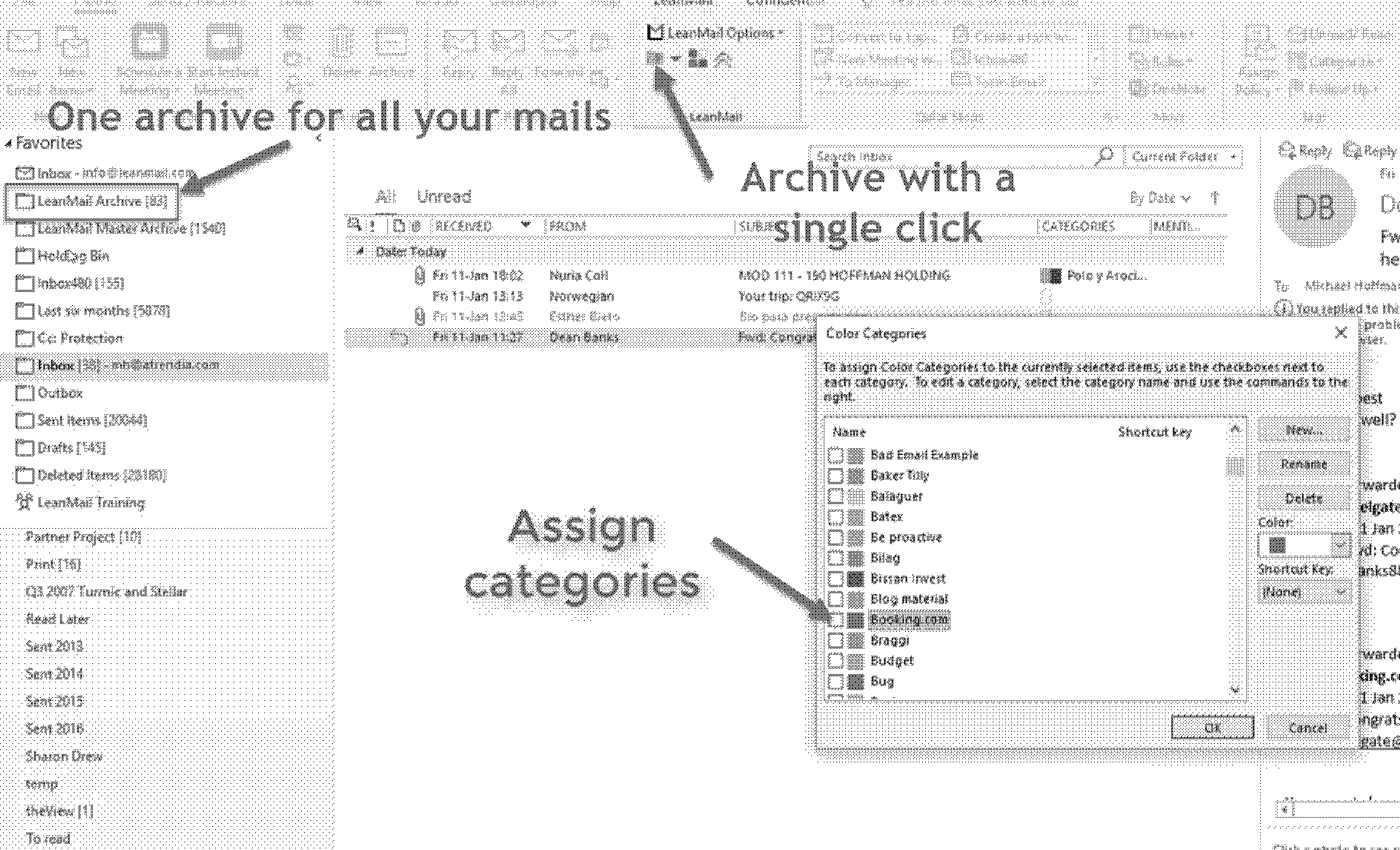 |