TrustRadius: an HG Insights company

Save this comparison

Save this comparison

Add Product

Recommended Comparisons

    Overview
    ProductRatingMost Used ByProduct SummaryStarting Price

    Chrome Sign Builder

    Score7.6 out of 10
    N/AChrome Sign Builder, from Google, is a digital signage utility that allows users to schedule and display content across managed Chrome devices and networks, built to make it easy to show web content content such as restaurant menus, images, and YouTube videos and playlists–as well as Google Presentations, which can be edited by anyone who has access to the presentation.N/A

    Genially

    Score7.6 out of 10
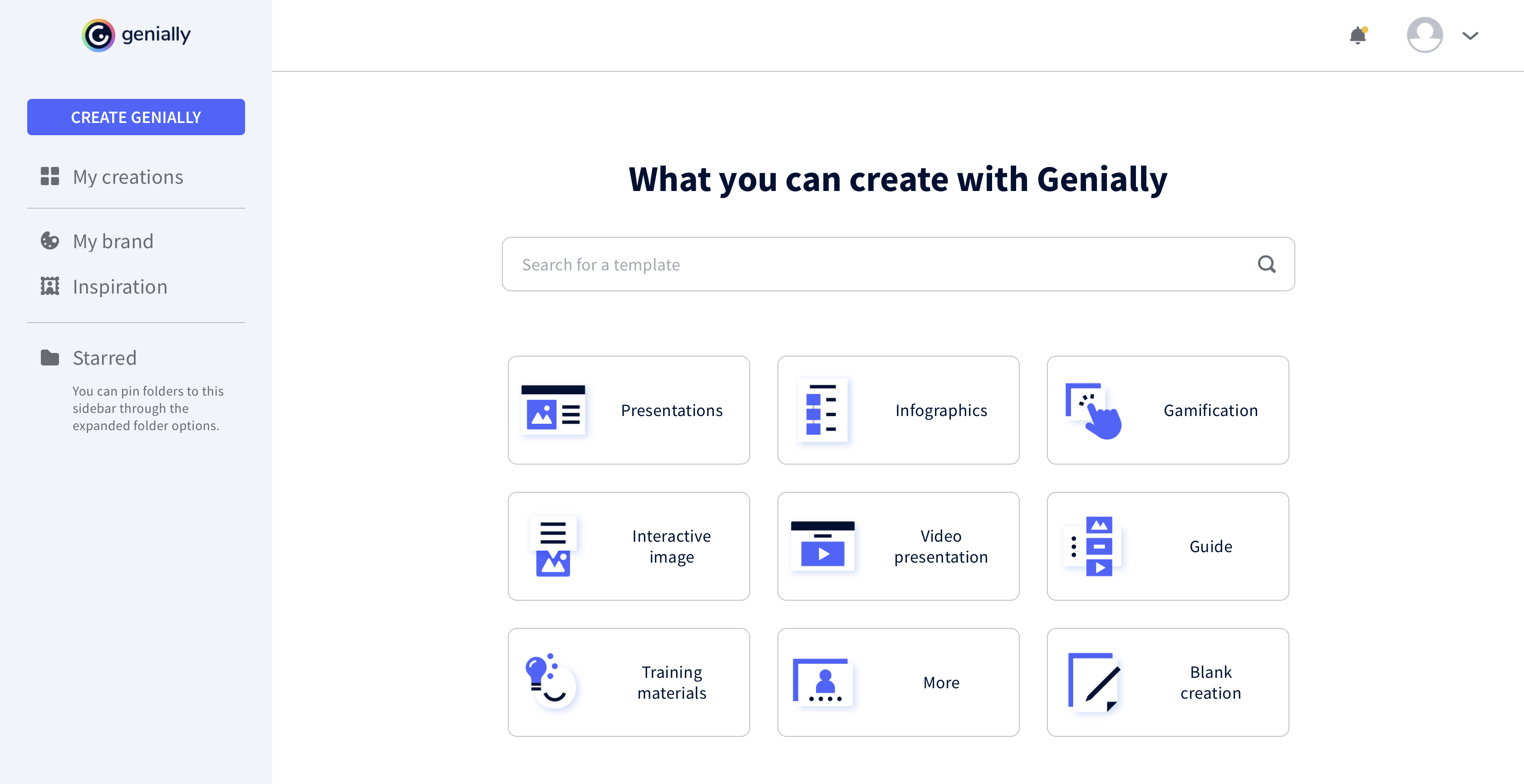
    N/AGenially is a provider of interactive visual communication and an online tool to create presentations, interactive images, infographics, dossiers, quizzes, resumes, etc. and enrich them with interactivity and animation effects. Without needing a team of designers and programmers, Genially is designed to allow enterprises to make an impact with striking, visual communication in a flash. It includes interactive and animated effects to distribute…

    $7.49

    per month (billed annually)

    Pricing
    Chrome Sign BuilderGenially
    Editions & Modules
    No answers on this topic
    Pro
    $7.49
    per month (billed annually)
    Master
    $20.82
    per month (billed annually) 5 members
    Team
    $70.79
    per month (billed annually)
    Offerings
    Pricing Offerings
    Chrome Sign BuilderGenially
    Free Trial
    NoNo
    Free/Freemium Version
    NoYes
    Premium Consulting/Integration Services
    NoYes
    Entry-level Setup FeeNo setup feeNo setup fee
    Additional Details——
    More Pricing Information
    Community Pulse
    Chrome Sign BuilderGenially
    Considered Both Products
    Google
    No answer on this topic
    Genially
    No answer on this topic
    Key User Insights
    Would buy again
    76%
    Would buy again
    19 Answers
    80%
    Would buy again
    4 Answers
    Delivers good value for the price
    96%
    Delivers good value for the price
    23 Answers
    No answers on this topic
    Happy with the feature set
    80%
    Happy with the feature set
    20 Answers
    100%
    Happy with the feature set
    5 Answers
    Lived up to sales and marketing promises
    86%
    Lived up to sales and marketing promises
    19 Answers
    No answers on this topic
    Implementation went as expected
    88%
    Implementation went as expected
    21 Answers
    No answers on this topic
    Best Alternatives
    Chrome Sign BuilderGenially
    Small Businesses
    No answers on this topic
    GIMP
    Score8 out of 10
    Medium-sized Companies
    No answers on this topic
    Adobe Illustrator
    Score9.4 out of 10
    Enterprises
    No answers on this topic
    Adobe PhotoShop
    Score9.2 out of 10
    All AlternativesView all alternativesView all alternatives
    User Ratings
    Chrome Sign BuilderGenially
    Likelihood to Recommend
    7.5
    (25 ratings)
    7.3
    (5 ratings)
    Usability
    -
    (0 ratings)
    8.3
    (3 ratings)
    Support Rating
    4.0
    (2 ratings)
    -
    (0 ratings)
    User Testimonials
    Chrome Sign BuilderGenially
    Likelihood to Recommend
    Google
    Chrome Sign Builder seems to work best when only one or two resources are displayed. Rotating through multiple screens in slideshow format without a ready ability to advance and pause causes some problems. When scheduling five outdoor ranges and a clubhouse, individuals have to stand and watch as sometimes complex calendars scroll by focusing on specific data and time. On the other hand, when limited to one or two rouses, the system works well enough.
    Incentivized
    Read full review
    Genially
    The main use of Genially is the creation of interactive multimedia learning modules: we start from an online linear course consisting of PowerPoint Slides, usually poorly designed, and the audio recording of the lecturer commenting these slides. We reorganise these contents to make a truly interactive experience for the learner, using interactive windows to reveal contents. Interactive questions and branching structures are used to allow learners to navigate through our content according to their own pace
    Incentivized
    Read full review
    Pros
    Google
    • schedule YouTube videos and playlists
    • Use Chrome Sign Builder to display menus. For example, to show menus for breakfast, lunch, and dinner, create 3 schedules. Each schedule has its own menu URL to display the menu content.
    • create a presentation using Google Slides and display it using Chrome Sign Builder.
    • When you publish the presentation, set it to start as soon as it loads and restart again after the last slide.
    Incentivized
    Read full review
    Genially
    • Lets you build interactive presentations.
    • Helps you design good-looking presentations easily.
    • Lets you easily collaborate with teammates on projects.
    Incentivized
    Read full review
    Cons
    Google
    • Would be good if there was a way if it could update live rather than needing to export the JSON file and upload it to the management console manually
    • Could be more visual based to make more complicated layouts easier rather than needing to use percentages.
    • Dated design compared to Google's latest UI upgrade
    Incentivized
    Read full review
    Genially
    • It would be nice to be able to save images and have them available on Genially.
    • More free templates.
    • Figure out a way to make editing less time consuming.
    Incentivized
    Read full review
    Usability
    Google
    No answers on this topic
    Genially
    It took a minute for me to understand how to use the product. Normally, I can just click around and figure things out. I had more questions on if the interactive element was accessible or not.
    Incentivized
    Read full review
    Support Rating
    Google
    Support can be sparse, lengthy wait times, and sometimes not the most helpful solutions. If you really need assistance using it - contacting your VAR is a better bet than using Chrome Sign Builder support. We have also had frustrating cases where support will close tickets without a solution.
    Incentivized
    Read full review
    Genially
    No answers on this topic
    Alternatives Considered
    Google
    Chrome Sign Builder is very strong and flexible on manipulation and the quality of signs management is an effective and an excellent forms management system which is very easy on deployment and management of all our project documents. The easy-on reports building through Chrome Sign Builder is also another big point and the dashboard is very easy to adapt.
    Incentivized
    Read full review
    Genially
    This web tool is designed to be broad and wide-reaching because it can be used in several ways such as attracting customers, circulating news, and teaching skills. You don't have to be a programmer to create stunning digital projects that are both unique and stunning.
    Incentivized
    Read full review
    Return on Investment
    Google
    • As this is a free tool we save money on purchasing an alternative solution
    • Displaying pertinent signage through the building streamlines operations and provides the right data to those who need it
    • May not be as approachable to a new user, but someone with technical experience should have no issues getting started quickly with the tool
    Incentivized
    Read full review
    Genially
    • We unfortunately don't measure this.
    Incentivized
    Read full review
    ScreenShots

    Genially Screenshots

    Product screenshotProduct screenshotProduct screenshotProduct screenshot