Chrome Sign Builder, from Google, is a digital signage utility that allows users to schedule and display content across managed Chrome devices and networks, built to make it easy to show web content content such as restaurant menus, images, and YouTube videos and playlists–as well as Google Presentations, which can be edited by anyone who has access to the presentation.
N/A
TelemetryOS
Score8 out of 10
Small Businesses (1-50 employees)
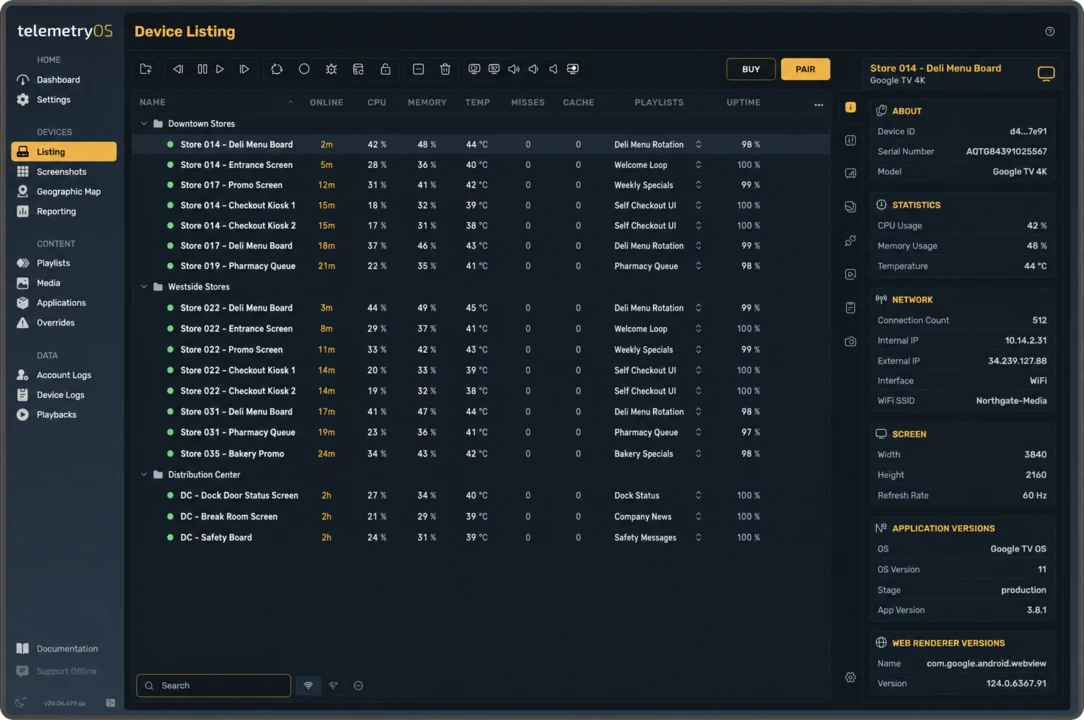
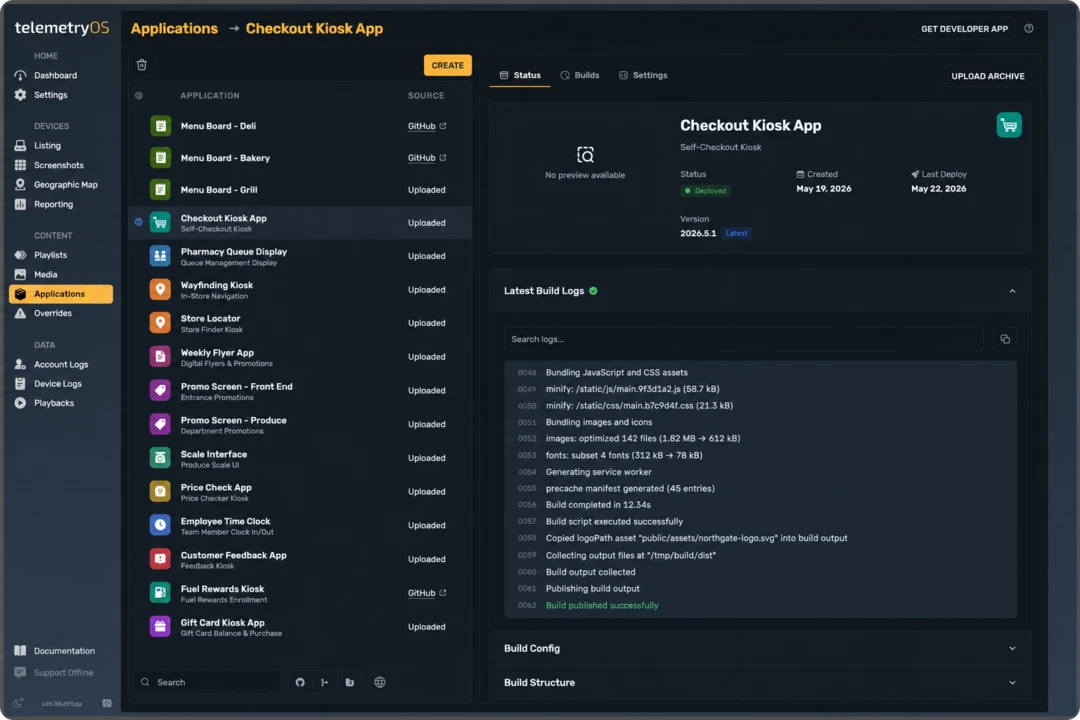
TelemetryOS is a vertically integrated platform for digital signage, interactive kiosks, and screen applications. It combines purpose-built Node hardware, a hardened Linux edge operating system, a cloud management console, an integrated video CDN, and an application runtime, so organizations manage content, devices, and custom apps in one system instead of stitching vendors together. Content and scheduling: Teams build playlists, set dayparting and…
$299
per year per device (+ $99/yr/device after first year)
Pricing
Chrome Sign Builder
TelemetryOS
Editions & Modules
No answers on this topic
No answers on this topic
Offerings
Pricing Offerings
Chrome Sign Builder
TelemetryOS
Free Trial
No
Yes
Free/Freemium Version
No
No
Premium Consulting/Integration Services
No
Yes
Entry-level Setup Fee
No setup fee
No setup fee
Additional Details
—
Higher Volume Discounts Available for Enterprise-Level Customers and Advertising Networks
More Pricing Information
Community Pulse
Chrome Sign Builder
TelemetryOS
Considered Both Products
Google
Verified User
Chose Chrome Sign Builder
as its from google i trust its features and i also found out from youtube about this product and use case when i searched for my use case
A de minimis incentive was given to thank the reviewer for their time. The incentive was not used to bias or drive a particular response, nor was the incentive contingent on a positive endorsement. More Info
Verified User
Chose Chrome Sign Builder
Pricing is the most significant difference between Chrome Sign Builder and these products. You can expect to pay a huge amount more for any other commercial product, but they come with more features and are targeted for bigger deployments. However, we found that with Chrome …
A de minimis incentive was given to thank the reviewer for their time. The incentive was not used to bias or drive a particular response, nor was the incentive contingent on a positive endorsement. More Info
Chrome Sign Builder seems to work best when only one or two resources are displayed. Rotating through multiple screens in slideshow format without a ready ability to advance and pause causes some problems. When scheduling five outdoor ranges and a clubhouse, individuals have to stand and watch as sometimes complex calendars scroll by focusing on specific data and time. On the other hand, when limited to one or two rouses, the system works well enough.
A de minimis incentive was given to thank the reviewer for their time. The incentive was not used to bias or drive a particular response, nor was the incentive contingent on a positive endorsement. More Info
Setting up in a building where you need TV signage with dynamic content that is simple to modify. Telemetry would be good for this because it is all centrally cloud-managed allowing for quick and easy changes. Telemetry TV can be set up with any TV and Chromebox device which allows for ease of setup as well.
A de minimis incentive was given to thank the reviewer for their time. The incentive was not used to bias or drive a particular response, nor was the incentive contingent on a positive endorsement. More Info
Use Chrome Sign Builder to display menus. For example, to show menus for breakfast, lunch, and dinner, create 3 schedules. Each schedule has its own menu URL to display the menu content.
create a presentation using Google Slides and display it using Chrome Sign Builder.
When you publish the presentation, set it to start as soon as it loads and restart again after the last slide.
A de minimis incentive was given to thank the reviewer for their time. The incentive was not used to bias or drive a particular response, nor was the incentive contingent on a positive endorsement. More Info
A de minimis incentive was given to thank the reviewer for their time. The incentive was not used to bias or drive a particular response, nor was the incentive contingent on a positive endorsement. More Info
A de minimis incentive was given to thank the reviewer for their time. The incentive was not used to bias or drive a particular response, nor was the incentive contingent on a positive endorsement. More Info
Support can be sparse, lengthy wait times, and sometimes not the most helpful solutions. If you really need assistance using it - contacting your VAR is a better bet than using Chrome Sign Builder support. We have also had frustrating cases where support will close tickets without a solution.
A de minimis incentive was given to thank the reviewer for their time. The incentive was not used to bias or drive a particular response, nor was the incentive contingent on a positive endorsement. More Info
Each time I have called with a problem, I have gotten a prompt and courteous reply. And, my problem is always solved and followed up on. I honestly don't get this type of response from any other support group I am involved with. Thanks so much for such an outstanding staff.
A de minimis incentive was given to thank the reviewer for their time. The incentive was not used to bias or drive a particular response, nor was the incentive contingent on a positive endorsement. More Info
Chrome Sign Builder is very strong and flexible on manipulation and the quality of signs management is an effective and an excellent forms management system which is very easy on deployment and management of all our project documents. The easy-on reports building through Chrome Sign Builder is also another big point and the dashboard is very easy to adapt.
A de minimis incentive was given to thank the reviewer for their time. The incentive was not used to bias or drive a particular response, nor was the incentive contingent on a positive endorsement. More Info
A de minimis incentive was given to thank the reviewer for their time. The incentive was not used to bias or drive a particular response, nor was the incentive contingent on a positive endorsement. More Info
A de minimis incentive was given to thank the reviewer for their time. The incentive was not used to bias or drive a particular response, nor was the incentive contingent on a positive endorsement. More Info