
Citrix Workspace (discontinued) vs. Shells.com
| Product | Rating | Most Used By | Product Summary | Starting Price |
|---|---|---|---|---|
 Citrix Workspace (discontinued) | Score6.5 out of 10 | N/A | Citrix Workspace is a workspace solution that delivers secure access to all apps and files from a single interface. Based on the former Scalextreme product, it will not receive future updates from Citrix. | N/A |
 Shells.com | N/A | N/A | The Shells.com desktop-as-a-service (DaaS) was created in 2020 to fill the need for easy access to computers. Shells.com's goal is to turn any device that can be connected to the internet and can open a web browser to access a secure virtual computer. Wherever users are, Shells.com aims to enable their virtual belongings to be also, safe from a damaged or lost device and backed up regularly to ensure that nothing is lost, accessible from various web enabled smart devices such as tablets,… | $4.95 per computer, per month |
| Citrix Workspace (discontinued) | Shells.com | |||||||||||||||
|---|---|---|---|---|---|---|---|---|---|---|---|---|---|---|---|---|
| Editions & Modules | No answers on this topic |
| ||||||||||||||
| Offerings |
| |||||||||||||||
| Entry-level Setup Fee | No setup fee | $4.95 Per computer/per month | ||||||||||||||
| Additional Details | — | Pricing is dependent on the monthly or yearly subscription. | ||||||||||||||
| More Pricing Information | ||||||||||||||||
| Citrix Workspace (discontinued) | Shells.com | |
|---|---|---|
| Considered Both Products | No answer on this topic | No answer on this topic |
| Key User Insights | ||
| Would buy again | ||
88% Would buy again 7 Answers | No answers on this topic | |
| Delivers good value for the price | ||
100% Delivers good value for the price 6 Answers | No answers on this topic | |
| Happy with the feature set | ||
88% Happy with the feature set 7 Answers | No answers on this topic | |
| Lived up to sales and marketing promises | ||
No answers on this topic | No answers on this topic | |
| Implementation went as expected | ||
No answers on this topic | No answers on this topic | |
| Citrix Workspace (discontinued) | Shells.com | |
|---|---|---|
| Small Businesses |  VMware Fusion Score7.4 out of 10 | No answers on this topic |
| Medium-sized Companies | VMware Fusion Score7.4 out of 10 | No answers on this topic |
| Enterprises | VMware Workstation Player Score9.9 out of 10 | No answers on this topic |
| All Alternatives | View all alternatives | View all alternatives |
| Citrix Workspace (discontinued) | Shells.com | |
|---|---|---|
| Likelihood to Recommend | 8.2 | - |
| Likelihood to Renew | 9.0 | - |
| Usability | 9.0 | - |
| Citrix Workspace (discontinued) | Shells.com | |
|---|---|---|
| Likelihood to Recommend |
| No answers on this topic |
| Pros |
| No answers on this topic |
| Cons |
| No answers on this topic |
| Likelihood to Renew |
| No answers on this topic |
| Usability |
| No answers on this topic |
| Alternatives Considered |
| No answers on this topic |
| Return on Investment |
| No answers on this topic |
| ScreenShots | Shells.com Screenshots 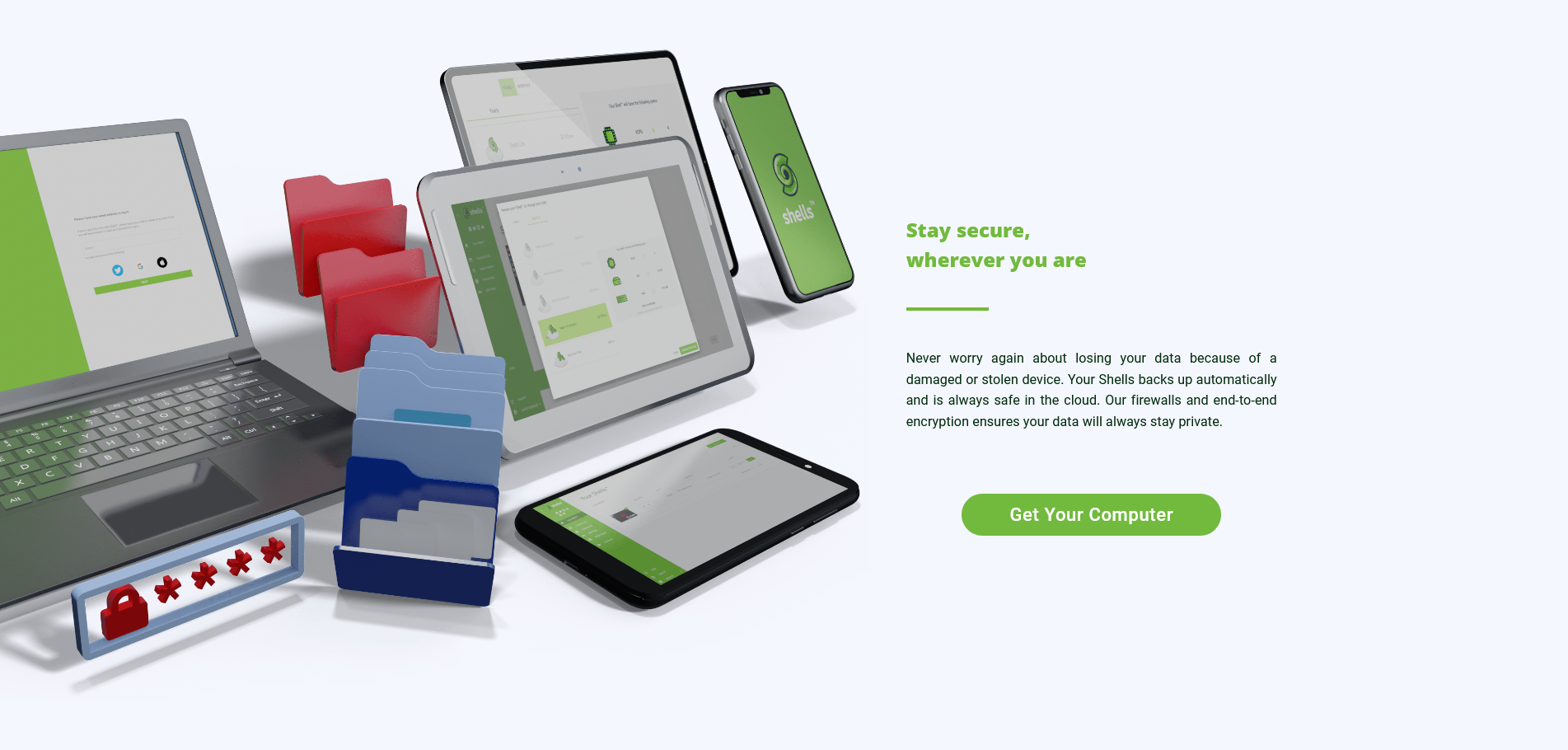 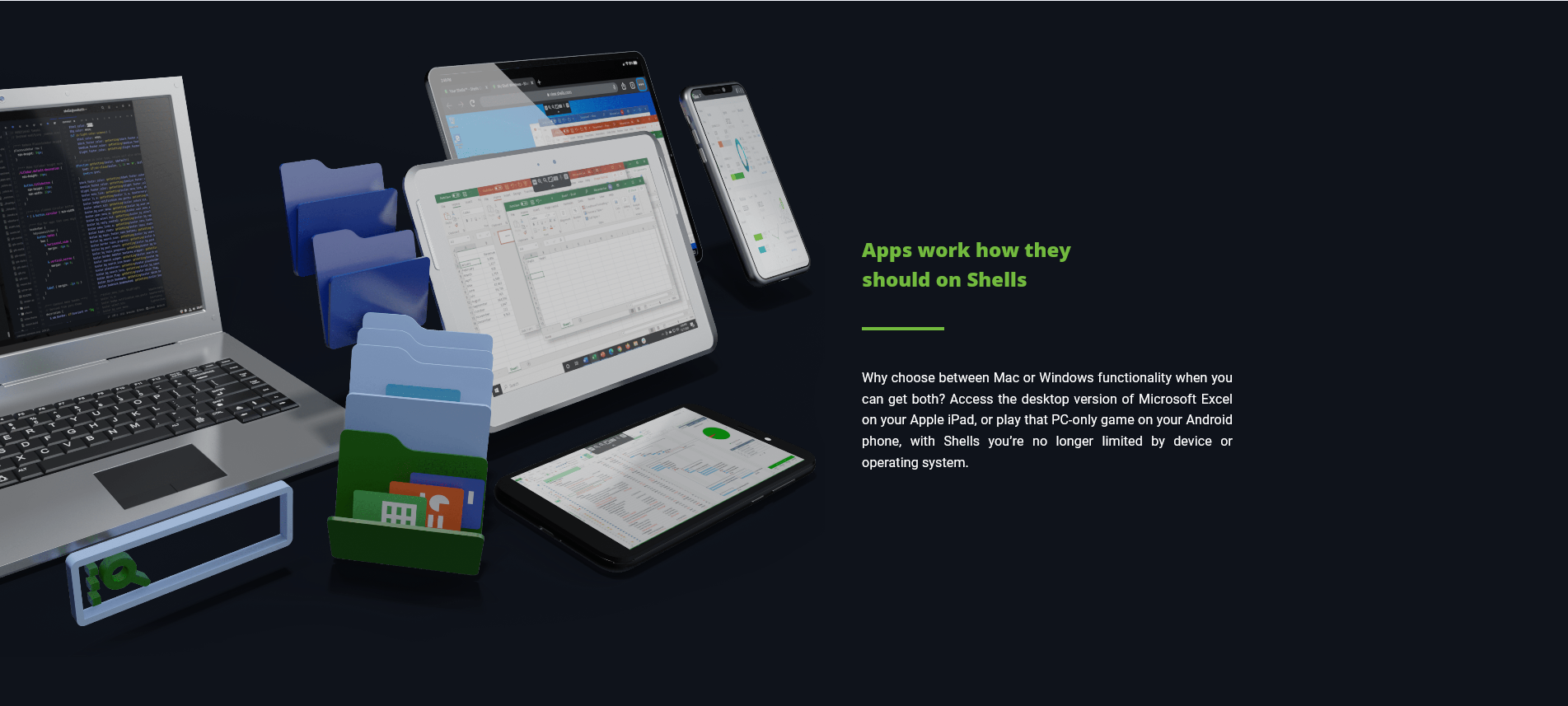 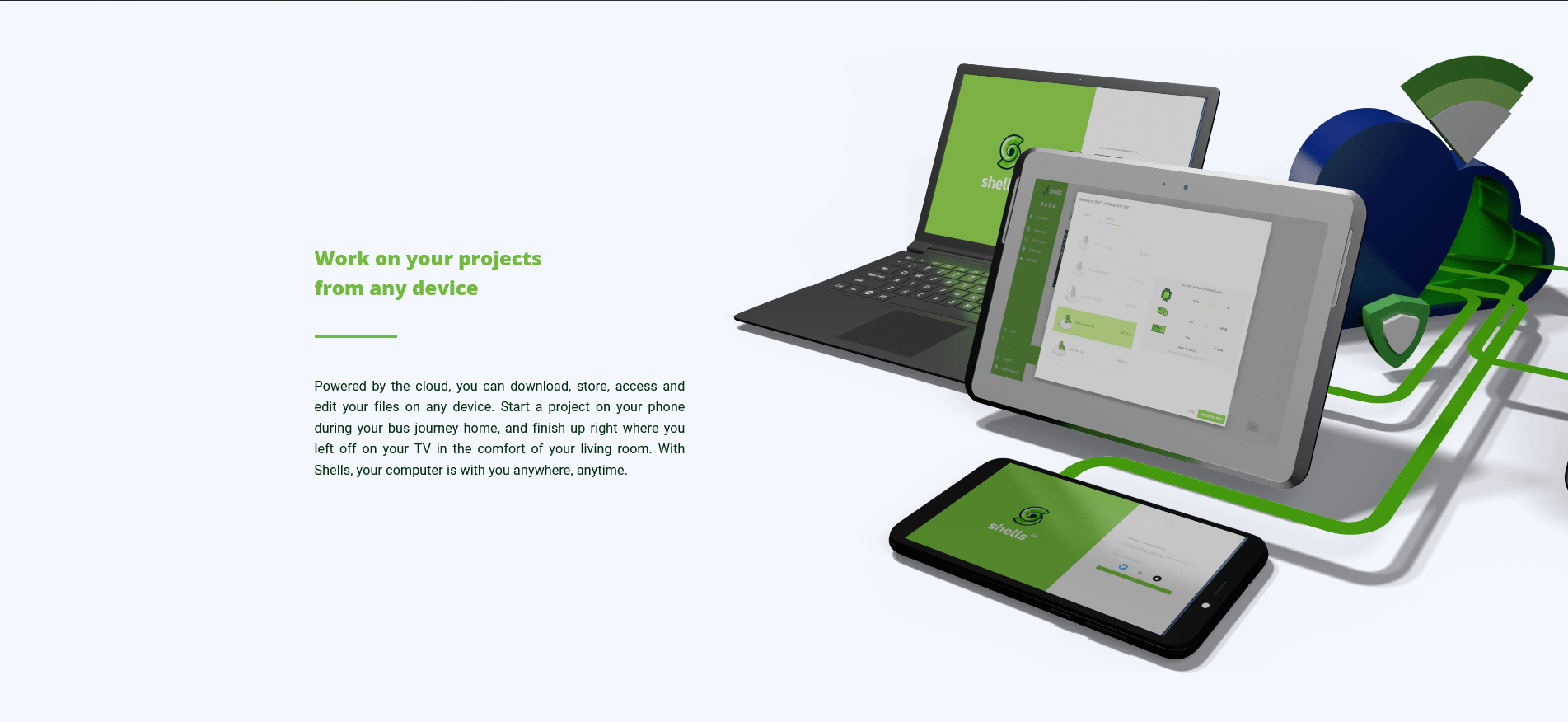 |

