ClicData vs. Tableau Public

Overview
ProductRatingMost Used ByProduct SummaryStarting Price
ClicData
Score 8.5 out of 10
N/A
ClicData is a 100% cloud-based business intelligence platform that allows users to connect, process, blend, visualize and share data from a single place. As an automated platform, users are able to rely on the latest version of company data, to ensure users make the right decisions. Hundreds of data connectors ClicData has connectors that allow users to pull data automatically from hundreds of business applications and databases. Data warehousing and ETL…
$79
per month
Tableau Public
Score 9.8 out of 10
N/A
Tableau Public is a free edition of the Desktop product. With this edition, data can only be published to the Tableau public website and does not allow work to be saved or exported locally.
$0
per month
Pricing
ClicDataTableau Public
Editions & Modules
Premium
$79
per month
Team
$269
per month
Business
$525
per month
Enterprise
Custom Quote
No answers on this topic
Offerings
Pricing Offerings
ClicDataTableau Public
Free Trial
YesNo
Free/Freemium Version
NoYes
Premium Consulting/Integration Services
YesNo
Entry-level Setup Fee$71 data volume, type of data source and level of automationNo setup fee
Additional DetailsAll plans include multiple users licenses but dashboards can be shared with external users via live links, no license needed. Plans and pricing vary based on the data connectors, refreshes, and the level of automation needed. A few hours of Expert Service are including in all plans but more hours can be purchased. A white label option is also available for consultants and agencies.
More Pricing Information
Community Pulse
ClicDataTableau Public
Features
ClicDataTableau Public
BI Standard Reporting
Comparison of BI Standard Reporting features of Product A and Product B
ClicData
10.0
3 Ratings
20% above category average
Tableau Public
9.8
12 Ratings
19% above category average
Pixel Perfect reports10.01 Ratings9.710 Ratings
Customizable dashboards10.03 Ratings10.012 Ratings
Report Formatting Templates00 Ratings9.712 Ratings
Ad-hoc Reporting
Comparison of Ad-hoc Reporting features of Product A and Product B
ClicData
9.0
3 Ratings
11% above category average
Tableau Public
9.7
12 Ratings
22% above category average
Drill-down analysis8.03 Ratings9.812 Ratings
Formatting capabilities9.03 Ratings9.712 Ratings
Report sharing and collaboration10.02 Ratings9.811 Ratings
Integration with R or other statistical packages00 Ratings9.59 Ratings
Report Output and Scheduling
Comparison of Report Output and Scheduling features of Product A and Product B
ClicData
8.5
3 Ratings
3% above category average
Tableau Public
9.5
11 Ratings
15% above category average
Publish to Web10.02 Ratings10.011 Ratings
Publish to PDF9.02 Ratings10.09 Ratings
Report Versioning7.02 Ratings9.89 Ratings
Report Delivery Scheduling8.01 Ratings9.69 Ratings
Delivery to Remote Servers00 Ratings8.17 Ratings
Data Discovery and Visualization
Comparison of Data Discovery and Visualization features of Product A and Product B
ClicData
8.5
3 Ratings
6% above category average
Tableau Public
9.8
11 Ratings
23% above category average
Pre-built visualization formats (heatmaps, scatter plots etc.)10.03 Ratings9.811 Ratings
Location Analytics / Geographic Visualization7.02 Ratings9.811 Ratings
Predictive Analytics00 Ratings9.79 Ratings
Access Control and Security
Comparison of Access Control and Security features of Product A and Product B
ClicData
10.0
2 Ratings
16% above category average
Tableau Public
-
Ratings
Multi-User Support (named login)10.02 Ratings00 Ratings
Multiple Access Permission Levels (Create, Read, Delete)10.02 Ratings00 Ratings
Mobile Capabilities
Comparison of Mobile Capabilities features of Product A and Product B
ClicData
6.0
2 Ratings
26% below category average
Tableau Public
-
Ratings
Responsive Design for Web Access7.02 Ratings00 Ratings
Mobile Application1.01 Ratings00 Ratings
Dashboard / Report / Visualization Interactivity on Mobile10.02 Ratings00 Ratings
Application Program Interfaces (APIs) / Embedding
Comparison of Application Program Interfaces (APIs) / Embedding features of Product A and Product B
ClicData
10.0
1 Ratings
25% above category average
Tableau Public
-
Ratings
iFrames10.01 Ratings00 Ratings
Themeable User Interface (UI)10.01 Ratings00 Ratings
Best Alternatives
ClicDataTableau Public
Small Businesses
Yellowfin
Yellowfin
Score 8.7 out of 10
Supermetrics
Supermetrics
Score 9.7 out of 10
Medium-sized Companies
Reveal
Reveal
Score 10.0 out of 10
Supermetrics
Supermetrics
Score 9.7 out of 10
Enterprises
Kyvos Semantic Layer
Score 9.5 out of 10
IBM Analytics Engine
Score 7.2 out of 10
All AlternativesView all alternativesView all alternatives
User Ratings
ClicDataTableau Public
Likelihood to Recommend
10.0
(3 ratings)
8.5
(14 ratings)
Likelihood to Renew
-
(0 ratings)
9.1
(2 ratings)
Usability
10.0
(1 ratings)
10.0
(5 ratings)
Support Rating
10.0
(1 ratings)
9.6
(6 ratings)
Online Training
-
(0 ratings)
9.0
(1 ratings)
Implementation Rating
-
(0 ratings)
9.1
(2 ratings)
User Testimonials
ClicDataTableau Public
Likelihood to Recommend
ClicData
We used ClicData dashboards in a somewhat unorthodox way: we used "Indicators", or icons within tables to represent data, and the results looked great. The ability to integrate 3rd party HTML into dashboards was valuable (although Clic Data correctly warns that response time may suffer). The ability to start small and release dashboards incrementally suited our needs very well. We also valued the responsive account team getting us quickly pointed in the right direction.
Read full review
Tableau
Tableau public is the best platform to build dashboards for your personal profile and share with recruiters. It's always good to keep ourselves updated on the latest features, create sample dashboards and save them to a personal profile. Tableau public is free and doesn't need any subscription. anyone can create an account and start building reports.
Read full review
Pros
ClicData
  • Ease of use, I can put together a dashboard in about an hour that is used by daily.
  • Support, their support team is super helpful and always has detailed insight.
  • Connectors, they have a huge number of connectors that allow easy integration of your data sources.
Read full review
Tableau
  • Data visualization: lots of different options, including bar, scatter, pie, waterfall charts to explore relationships between variables, and to present findings/trends to different teams
  • Integrates readily with limited, though different data sources: TXT, CSV, TDE, Access
  • Exports reports for review of different dashboards: client-ready/team-ready, with a clean and tidy presentation in PDF format (or hardcopy)
Read full review
Cons
ClicData
  • More widgets.
  • Sometimes it takes a while to refresh.
Read full review
Tableau
  • Tableau Public (both Desktop and Server) like their "for a fee" counterparts offer very easy to learn and use tools to transform data into pictures and gain insights into your data. Most organizations report a reduction in development time of 10x vs. other similar tools, due to the intuitive user interface. That said, with Tableau Public, published workbooks are "disconnected" from the underlying data sources and require periodic updates when the data changes. Users are limited to 1 Gb of storage space per user ID and password as well.
  • I would like to see better options for public sharing of visualizations and data from within the "for a fee" products as more and more organizations are moving in the direction of data sharing with partners and their communities.
Read full review
Likelihood to Renew
ClicData
No answers on this topic
Tableau
It's free, right? I'll keep using the free version. So the real question to ask is this? Will I pay $999 for the Personal version or $1,999 for the Professional? Yikes! That is a big stretch. I'm not sure about that. The product comparison chart is at: http://www.tableausoftware.com/public/comparison
Read full review
Usability
ClicData
Like I mentioned before, the ease of use means we not only get very quick results and beautiful dashboards in minutes, it means my team is actually using it because they aren't frustrated in the learning curve or wasting time trying to accomplish simple tasks.
Read full review
Tableau
Tableau public is a great training tool to understand the basics of Tableau before buying it. A great tool to extend Excel's visualization and to publish data for others. Not useful for anything you need secure. No ability to access databases. Static information only.
Read full review
Support Rating
ClicData
We've only needed support a couple times in the beginning as we were learning the system and how to display our data in interesting ways. Every time we reached out we got very detailed responses and were connected to someone that you could tell was very interested in making sure we were happy with how things were going.
Read full review
Tableau
I have not yet required to contact support as the documentation and help i found online has always worked so far
Read full review
Online Training
ClicData
No answers on this topic
Tableau
I found it sufficient, and fast. I could easily "kick the tires" with Tableau on my data so I got up and running fast.
Read full review
Implementation Rating
ClicData
No answers on this topic
Tableau
Start at the end and work backward. Identify the business case / issue and questions the end users have, then identify the data needed, and where to get it.
Read full review
Alternatives Considered
ClicData
ClicData was the most flexible. It is cloud-based and even has WebService access. You can publish your data for access from other applications. The sheer number of data connectors is amazing. The ability to not only create dashboards, but you can schedule them to be delivered to specific recipients on a scheduled basis via PDF or a static HTML page.
Read full review
Tableau
Google Charts/Drive is sufficient for simpler data sets, but it does not integrate with other web platforms and the visualization does not look as professional. I'm not aware of any other competitors that offer the same package as Microsoft.
Read full review
Return on Investment
ClicData
  • ClicData was by far the most reasonable cost-wise, and we were able to get ROI within just minutes of using it.
Read full review
Tableau
  • Tableau Public visualizations have helped drive traffic to our content and sites
  • The lack of cost means it's easy to demonstrate our experience to attract paying clients
Read full review
ScreenShots

ClicData Screenshots

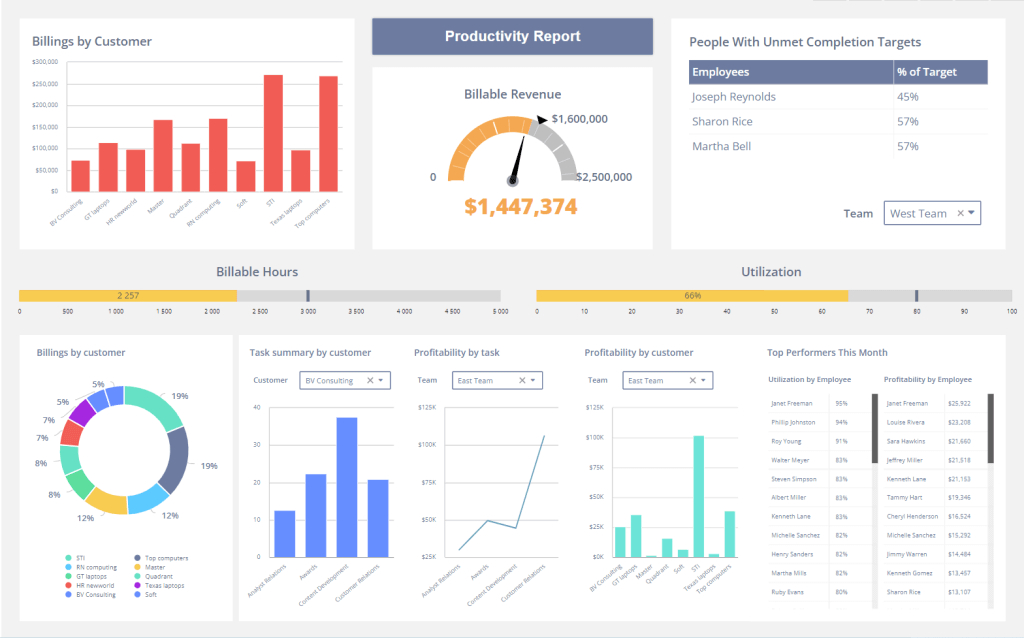
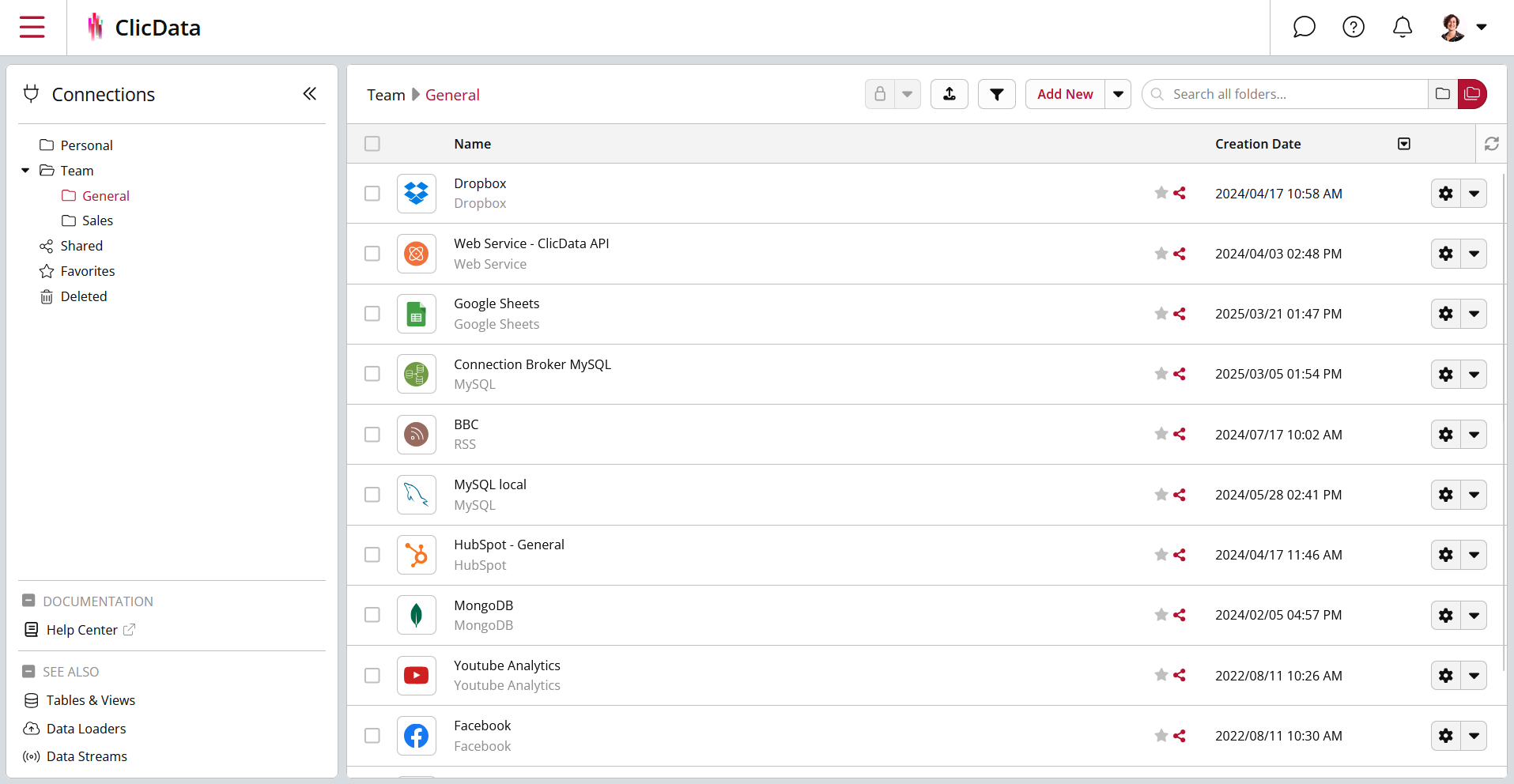
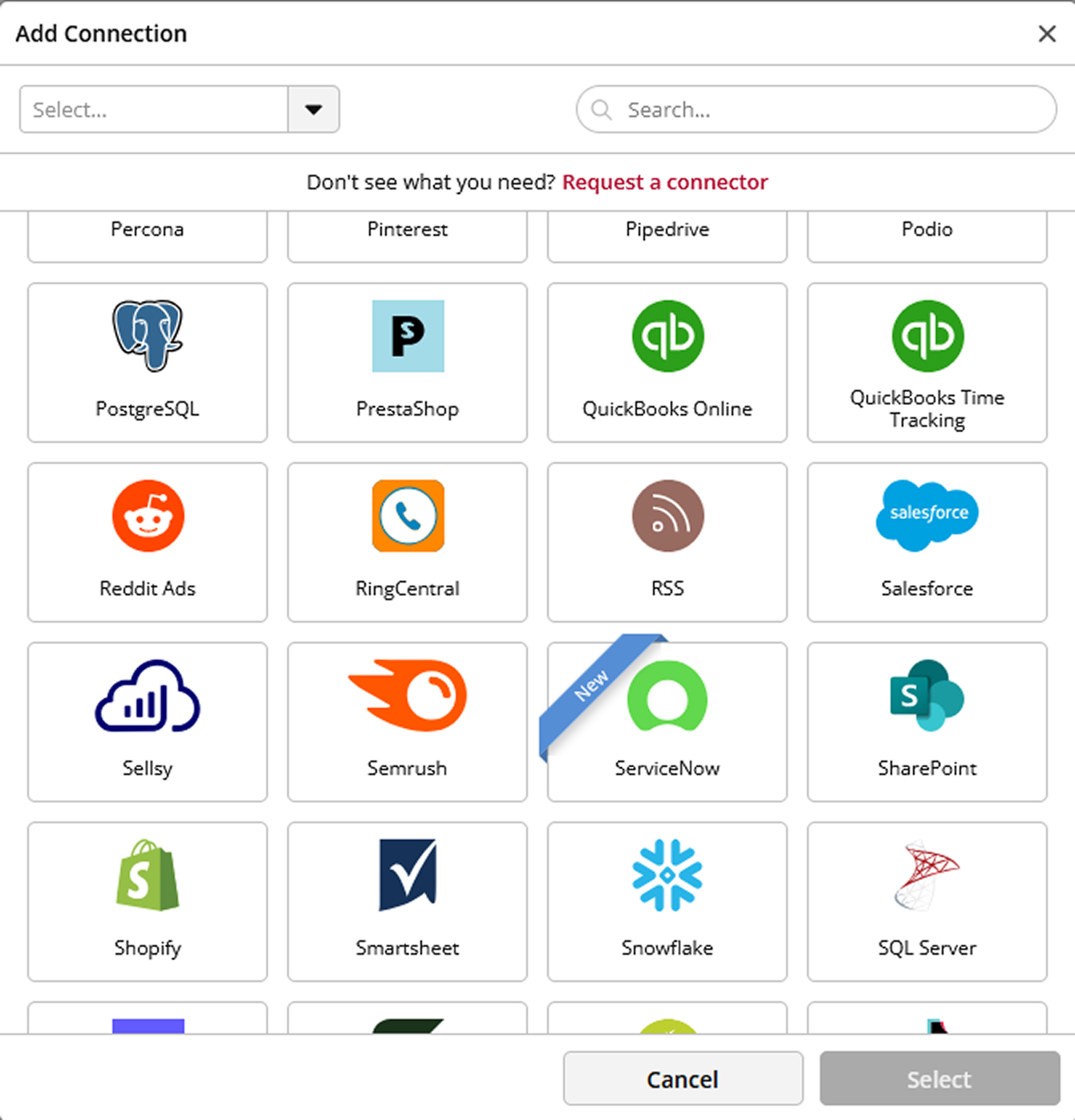
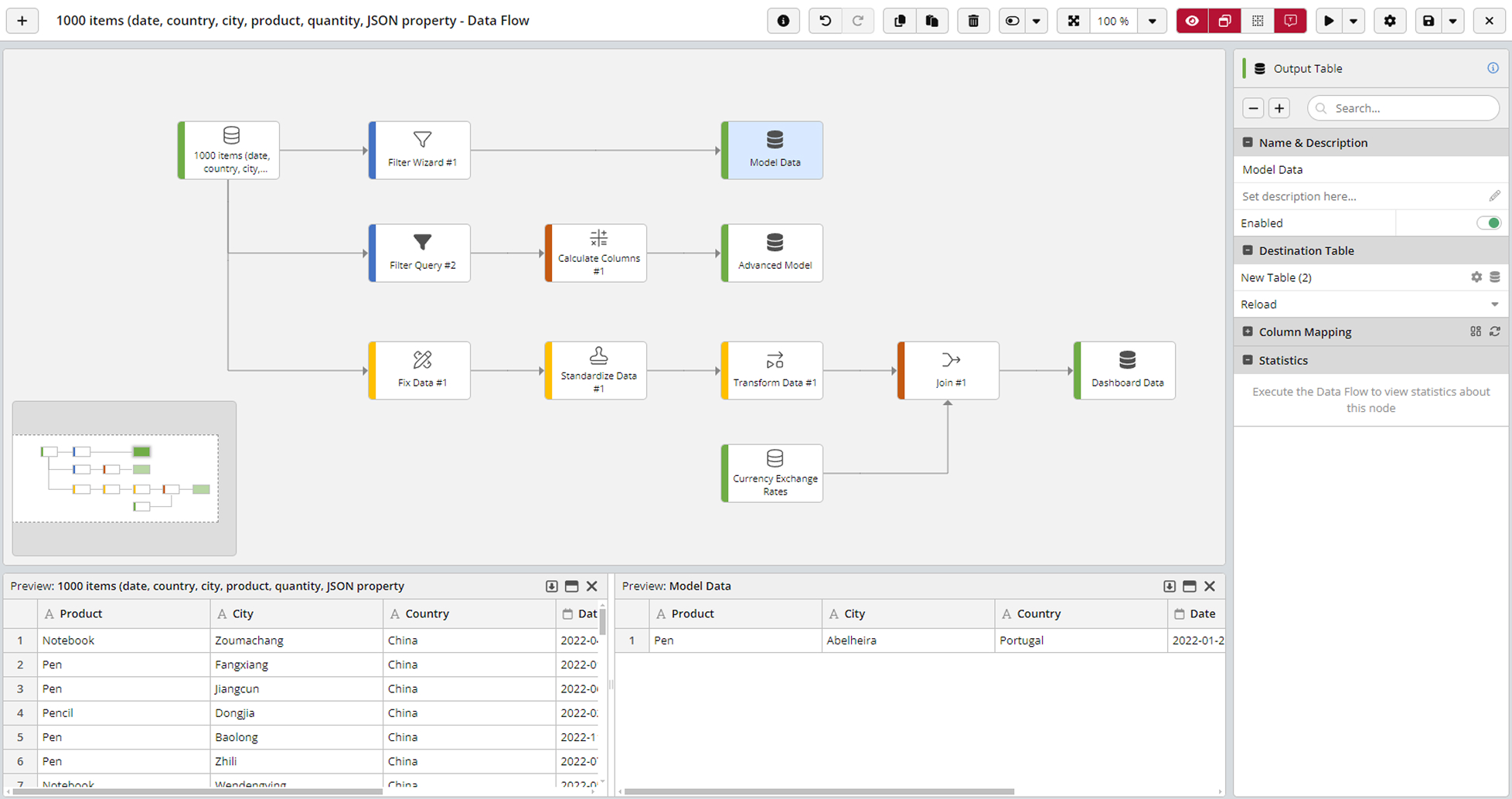
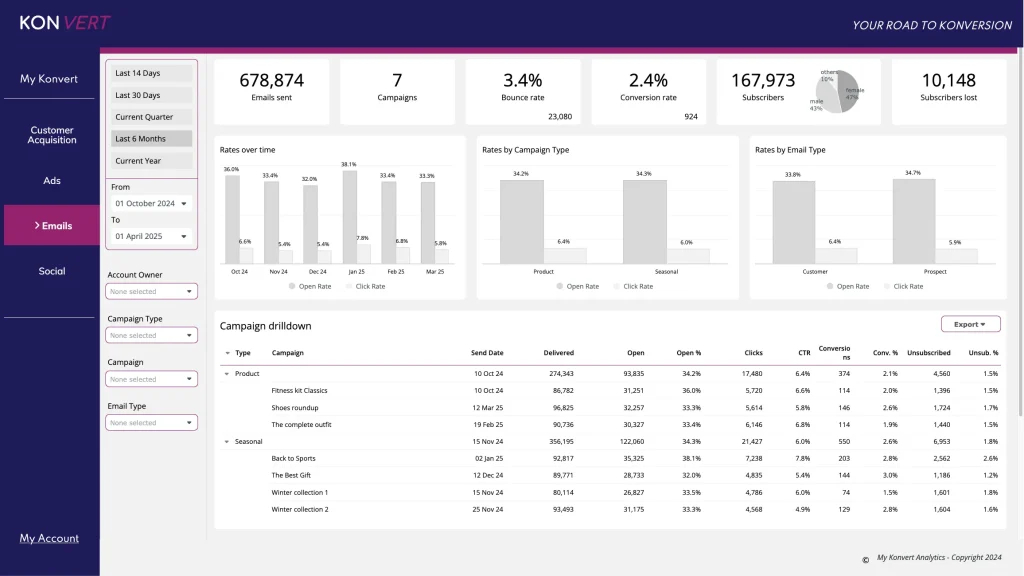
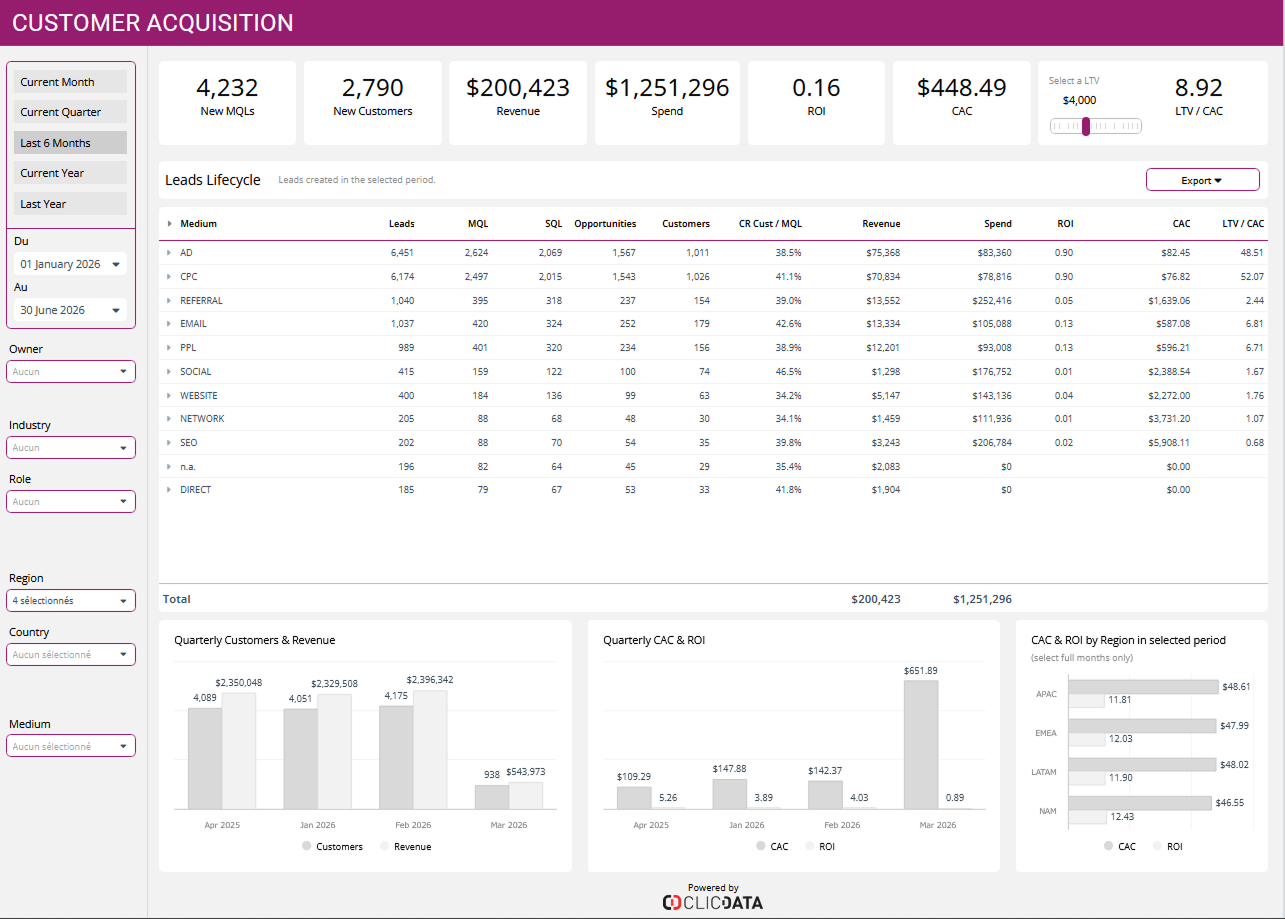
Screenshot of Screenshot of ClicData's data warehouse where all your company's data is centralized.Screenshot of Some of ClicData's connectors. 250+ data connections are available.Screenshot of Preview of a joint between datasets from two different sources. Do basic or advanced data transformations with ClicData's ETL features.Screenshot of Daily Sales Productivity dashboard exampleScreenshot of Financial KPIs Dashboard example