
ClickLearn vs. Gyde
ClickLearn vs. Gyde
| Product | Rating | Most Used By | Product Summary | Starting Price |
|---|---|---|---|---|
 ClickLearn | Enterprise companies (1,001+ employees) | ClickLearn automates the process of creating training material and documentation of popular business systems such as Microsoft D365, SAP, and Oracle. With ClickLearn, users click through processes and ClickLearn records actions. When these are recorded, ClickLearn automatically delivers the resulting content in these 7 different formats to be used in training situation: Step-by-step instructions in HTML for posting online Step-by-step instructions in Word and… | $208 per installation | |
 Gyde | Enterprise companies (1,001+ employees) | Gyde is a Digital Adoption Platform (DAP) designed to help organizations maximize software ROI by enabling employees and customers to learn, adopt, and excel at digital tools while shortening the learning curve of any software application. Some of the key benefits organizations like Bajaj Finance, Fidelity, UpsideLMS, and Verizon have experienced with Gyde include faster onboarding, reduced support tickets, improved data accuracy, higher employee productivity, and accelerated software… | N/A |
| ClickLearn | Gyde | |||||||||||||||
|---|---|---|---|---|---|---|---|---|---|---|---|---|---|---|---|---|
| Editions & Modules |
| No answers on this topic | ||||||||||||||
| Offerings |
| |||||||||||||||
| Entry-level Setup Fee | No setup fee | Optional | ||||||||||||||
| Additional Details | — | — | ||||||||||||||
| More Pricing Information | ||||||||||||||||
| ClickLearn | Gyde |
|---|
| ClickLearn | Gyde | |
|---|---|---|
| Small Businesses |  ChurnZero Score 7.8 out of 10 | ChurnZero Score 7.8 out of 10 |
| Medium-sized Companies | ChurnZero Score 7.8 out of 10 | ChurnZero Score 7.8 out of 10 |
| Enterprises |  Nexthink Score 7.4 out of 10 | Nexthink Score 7.4 out of 10 |
| All Alternatives | View all alternatives | View all alternatives |
| ClickLearn | Gyde | |
|---|---|---|
| Likelihood to Recommend | 9.0 (0 ratings) | - (0 ratings) |
| ClickLearn | Gyde | |
|---|---|---|
| Likelihood to Recommend | 
|  No answers on this topic |
| Pros |
 Terry Gardener Project Manager | No answers on this topic |
| Cons |
| No answers on this topic |
| Return on Investment |
 Nicholas Duff Business Systems Analyst | No answers on this topic |
| ScreenShots | ClickLearn Screenshots 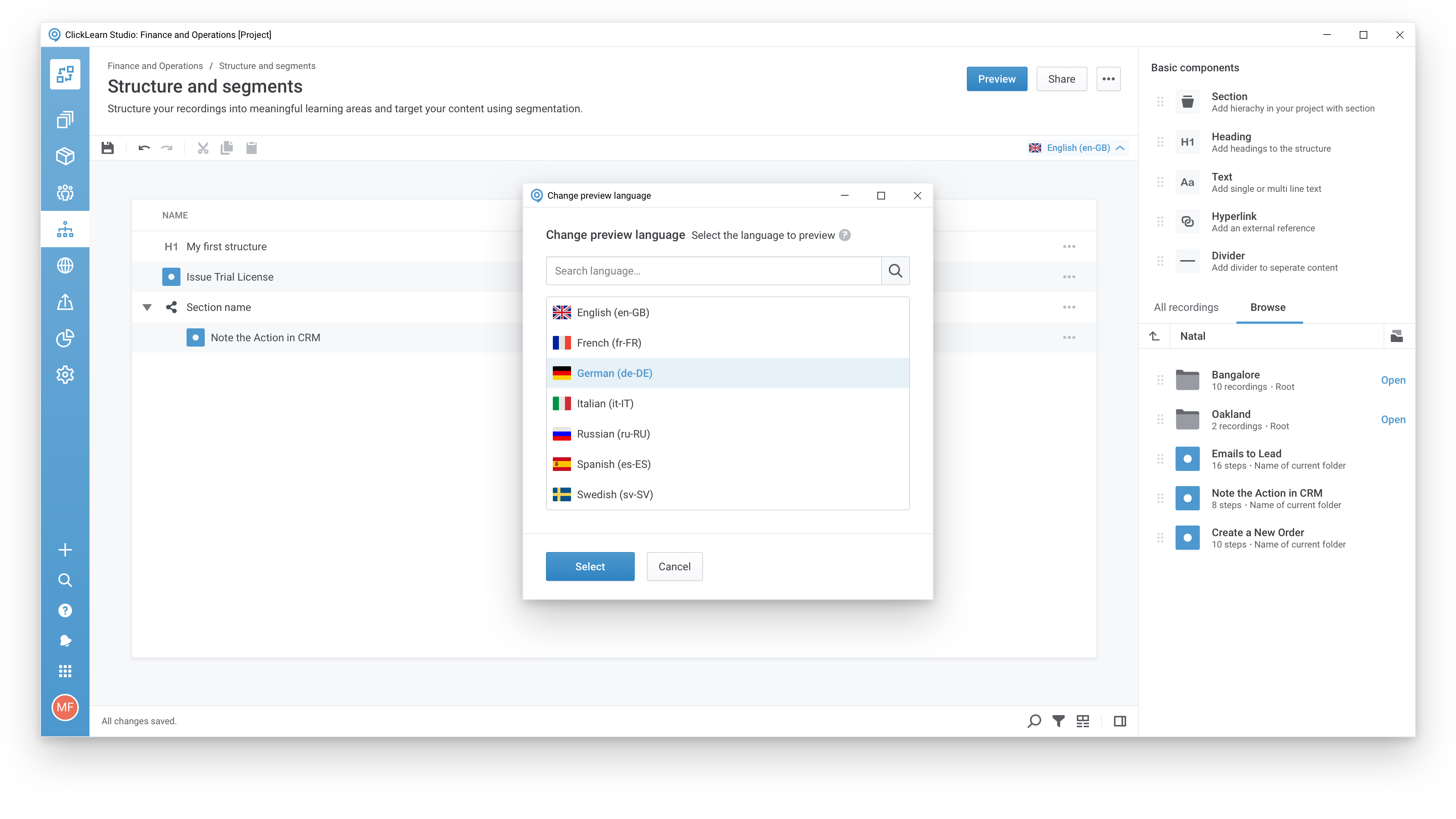  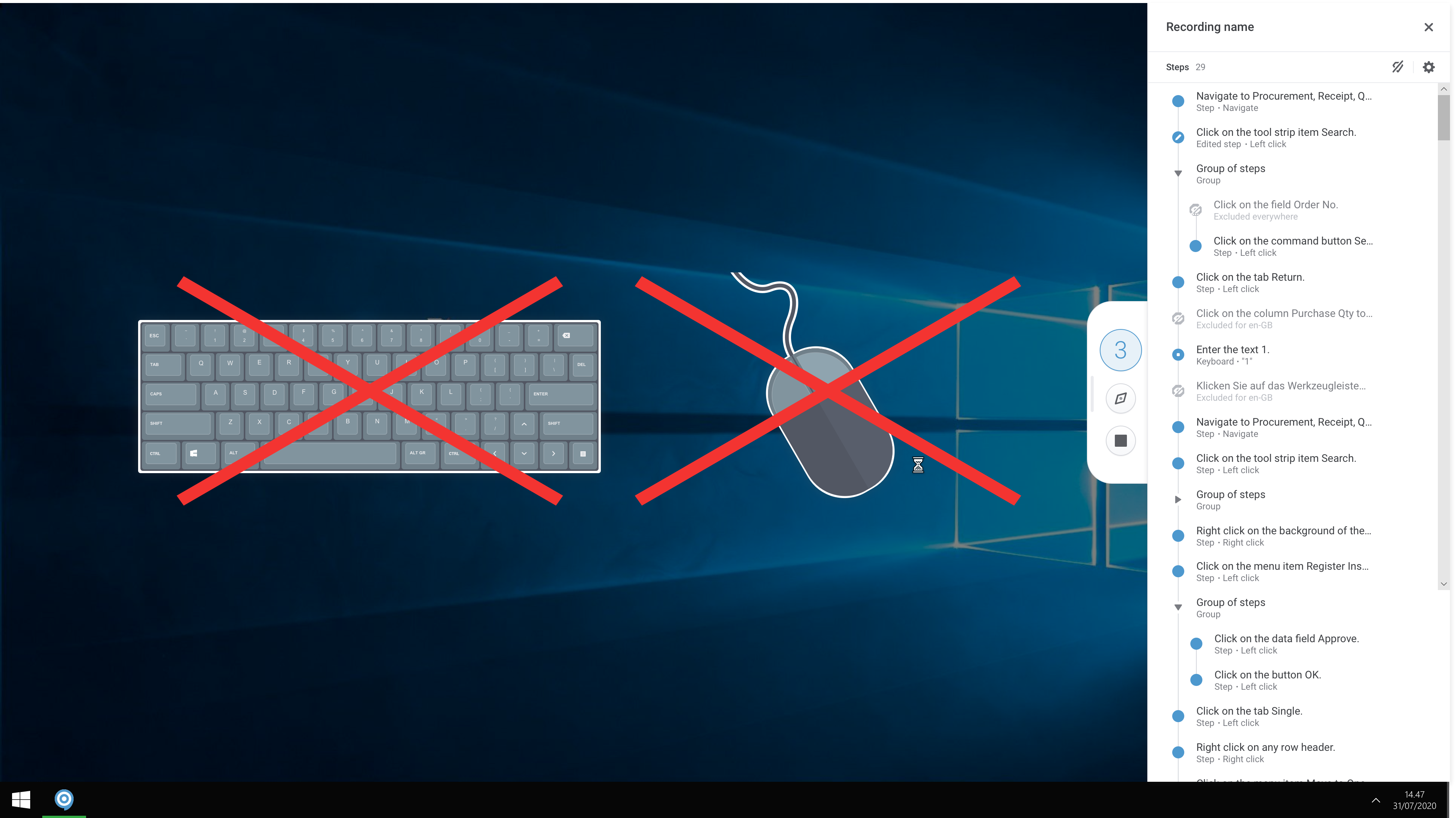 | Gyde Screenshots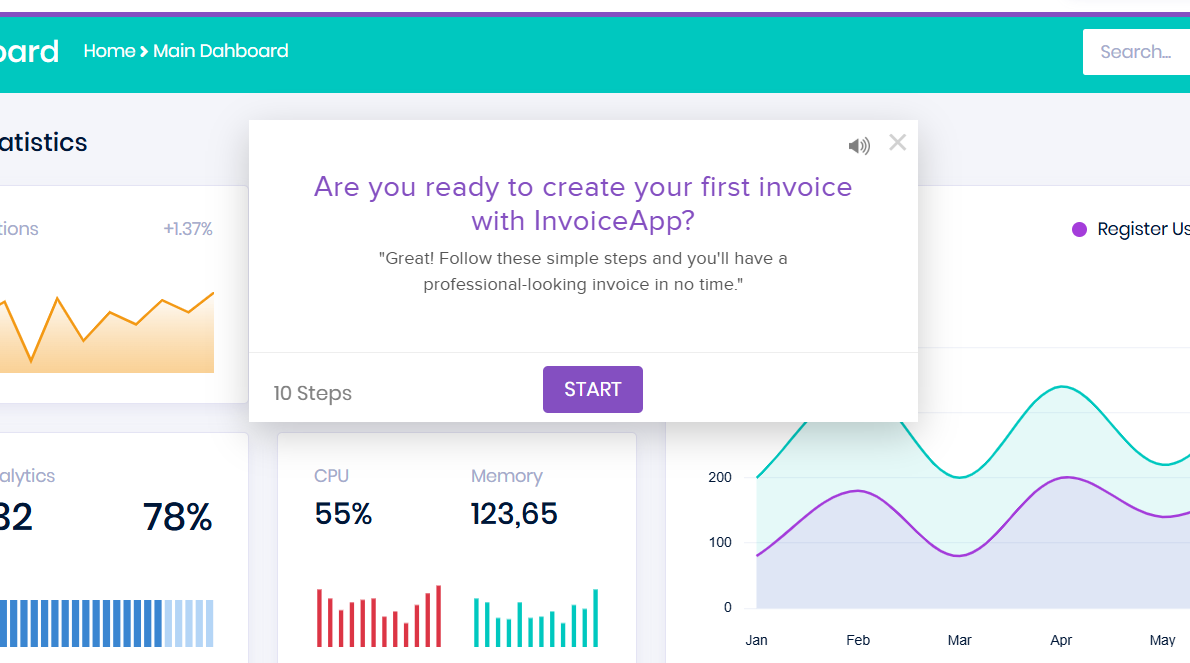 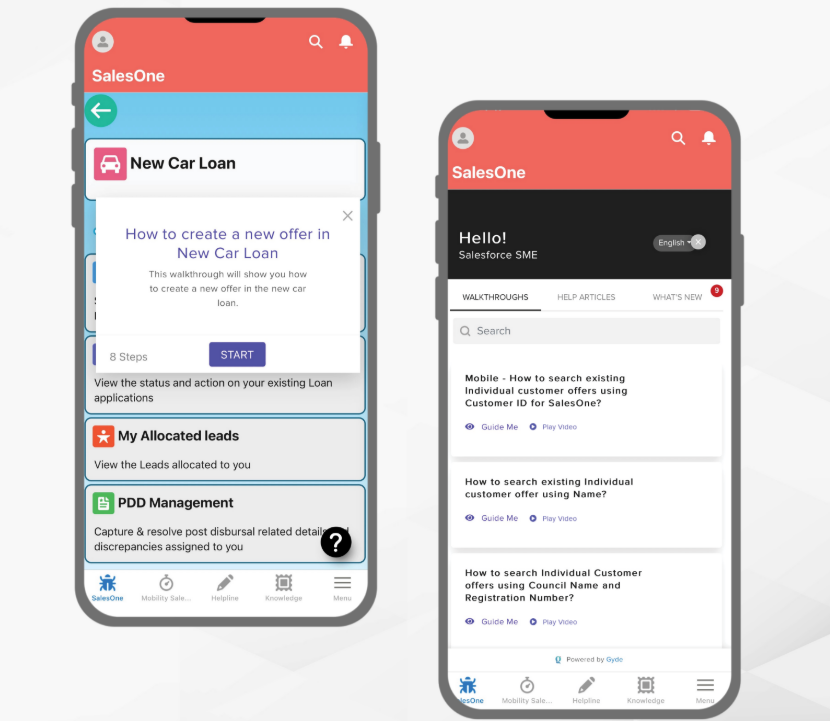 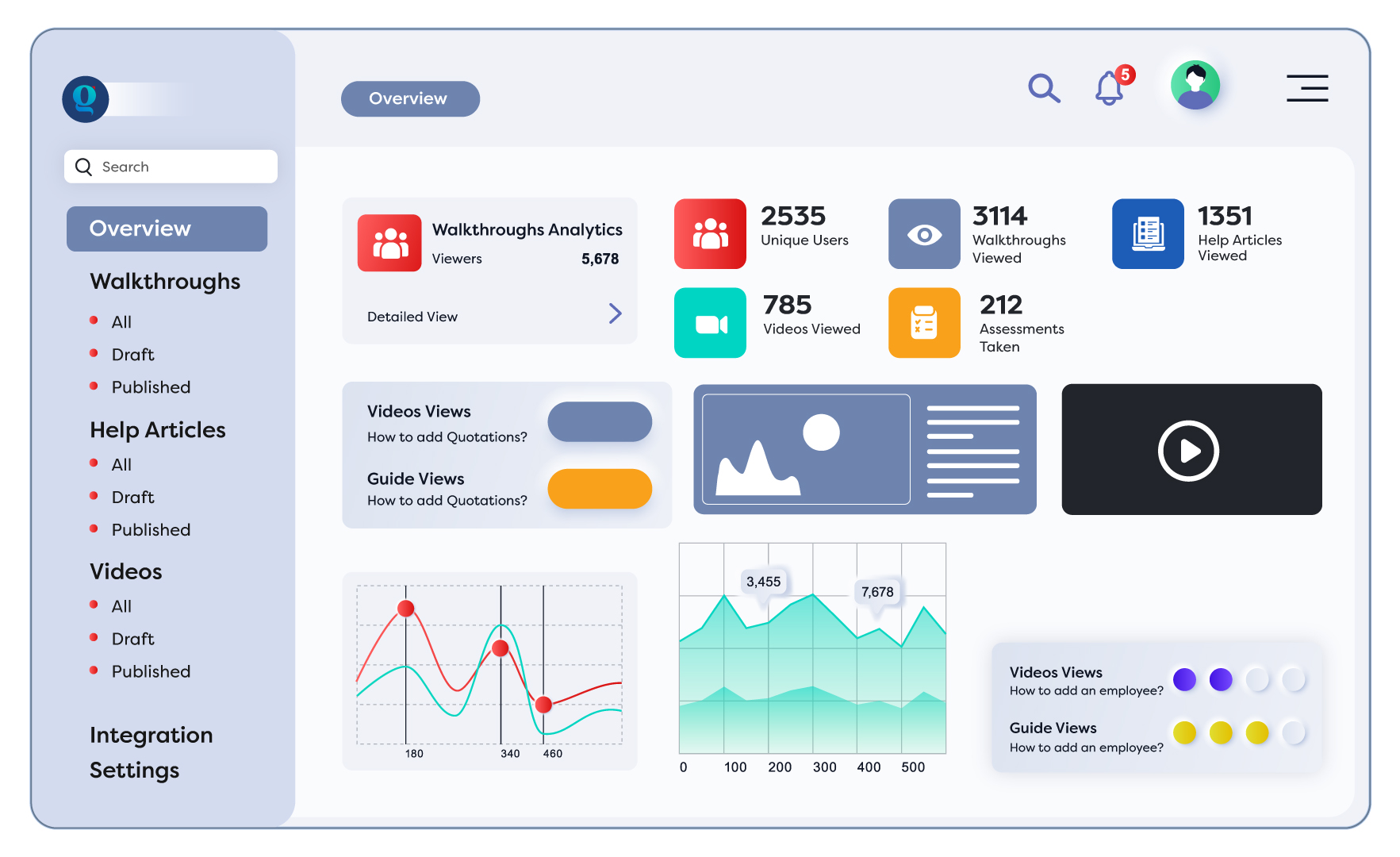 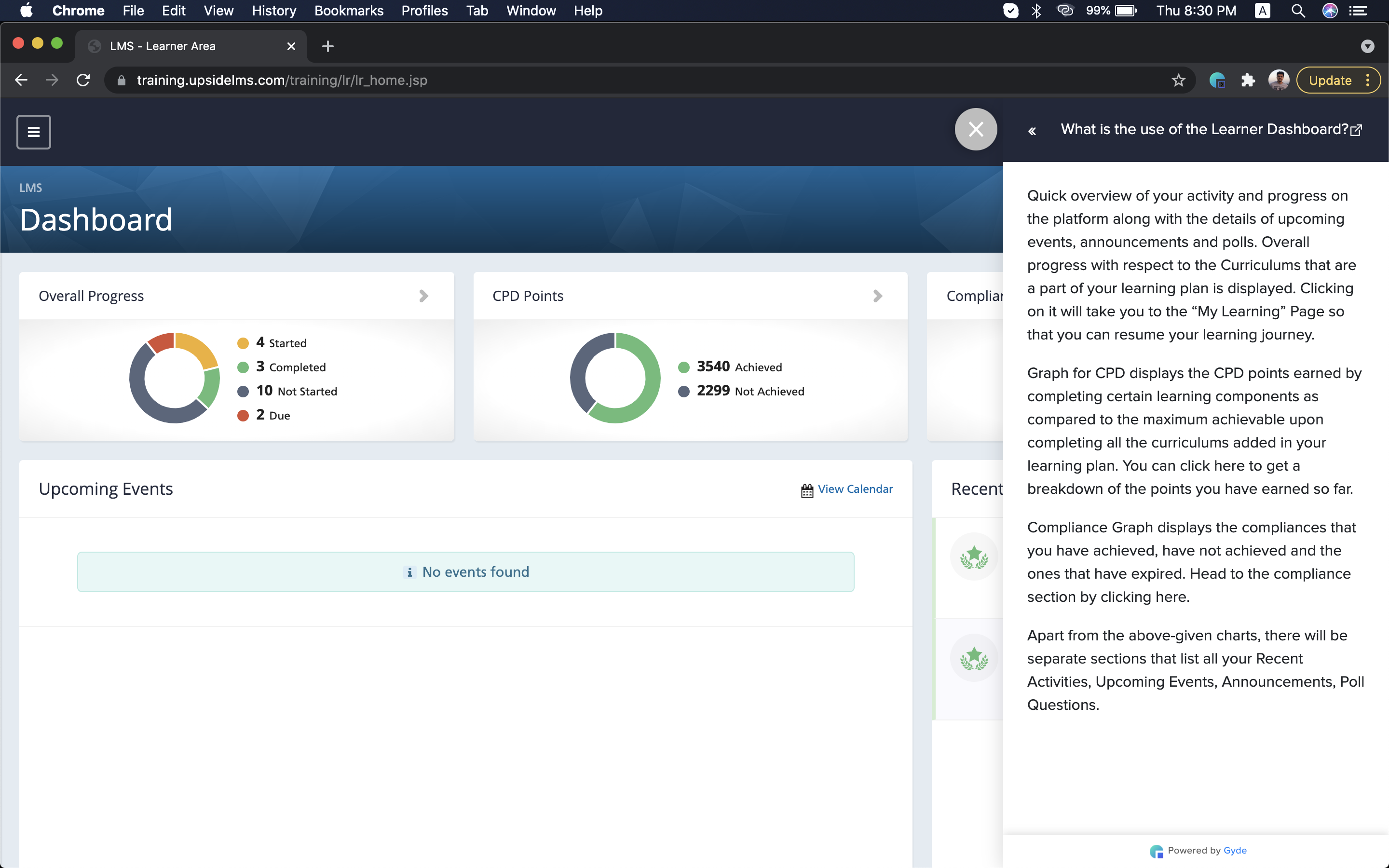 |