
Clockwork Cloud Deluxe vs. PingPlotter
Clockwork Cloud Deluxe vs. PingPlotter
| Product | Rating | Most Used By | Product Summary | Starting Price |
|---|---|---|---|---|
 Clockwork Cloud Deluxe | N/A | Clockwork's Cloud Deluxe is a solution for fine-grained control and observability, a host-based network congestion control and monitoring solution. It is used to make cloud apps more performant and cost-effective across multi-cloud and/or hybrid environments with no in-network support or hardware configuration required. Visibility - Always-on “probe mesh” provides 24/7 monitoring for real-time information across disparate environments - Monitor… | N/A | |
 PingPlotter | N/A | PingPlotter is a graphical traceroute and ping tool that visualizes network performance in a way that makes identifying the source of problems quicker and easier for everyone from online gamers and video streamers to VoIP admins and IT pros. Features for remote deployment, network monitoring, scripting, and a web interface are included along with several additional capabilities. | $0 per user |
| Clockwork Cloud Deluxe | PingPlotter | |||||||||||||||
|---|---|---|---|---|---|---|---|---|---|---|---|---|---|---|---|---|
| Editions & Modules | No answers on this topic |
| ||||||||||||||
| Offerings |
| |||||||||||||||
| Entry-level Setup Fee | No setup fee | No setup fee | ||||||||||||||
| Additional Details | — | — | ||||||||||||||
| More Pricing Information | ||||||||||||||||
| Clockwork Cloud Deluxe | PingPlotter |
|---|
| Clockwork Cloud Deluxe | PingPlotter | ||||||||||||||||||
|---|---|---|---|---|---|---|---|---|---|---|---|---|---|---|---|---|---|---|---|
| Network Performance Monitoring |
|
| Clockwork Cloud Deluxe | PingPlotter | |
|---|---|---|
| Small Businesses |  NinjaOne Score 9.1 out of 10 | NinjaOne Score 9.1 out of 10 |
| Medium-sized Companies | PingPlotter Score 9.0 out of 10 |  SolarWinds NetFlow Traffic Analyzer (NTA) Score 9.4 out of 10 |
| Enterprises | PingPlotter Score 9.0 out of 10 | SolarWinds NetFlow Traffic Analyzer (NTA) Score 9.4 out of 10 |
| All Alternatives | View all alternatives | View all alternatives |
| Clockwork Cloud Deluxe | PingPlotter | |
|---|---|---|
| Likelihood to Recommend | - (0 ratings) | 9.3 (29 ratings) |
| Usability | - (0 ratings) | 9.1 (9 ratings) |
| Support Rating | - (0 ratings) | 9.0 (1 ratings) |
| Clockwork Cloud Deluxe | PingPlotter | |
|---|---|---|
| Likelihood to Recommend | Clockwork.io No answers on this topic | Pingman Tools
|
| Pros | Clockwork.io No answers on this topic | Pingman Tools
|
| Cons | Clockwork.io No answers on this topic | Pingman Tools
 Martin Vandepas Hardware Engineer |
| Usability | Clockwork.io No answers on this topic | Pingman Tools
|
| Support Rating | Clockwork.io No answers on this topic | Pingman Tools
 Fraser Clark Network Engineer |
| Alternatives Considered | Clockwork.io No answers on this topic | Pingman Tools
|
| Return on Investment | Clockwork.io No answers on this topic | Pingman Tools
|
| ScreenShots | Clockwork Cloud Deluxe Screenshots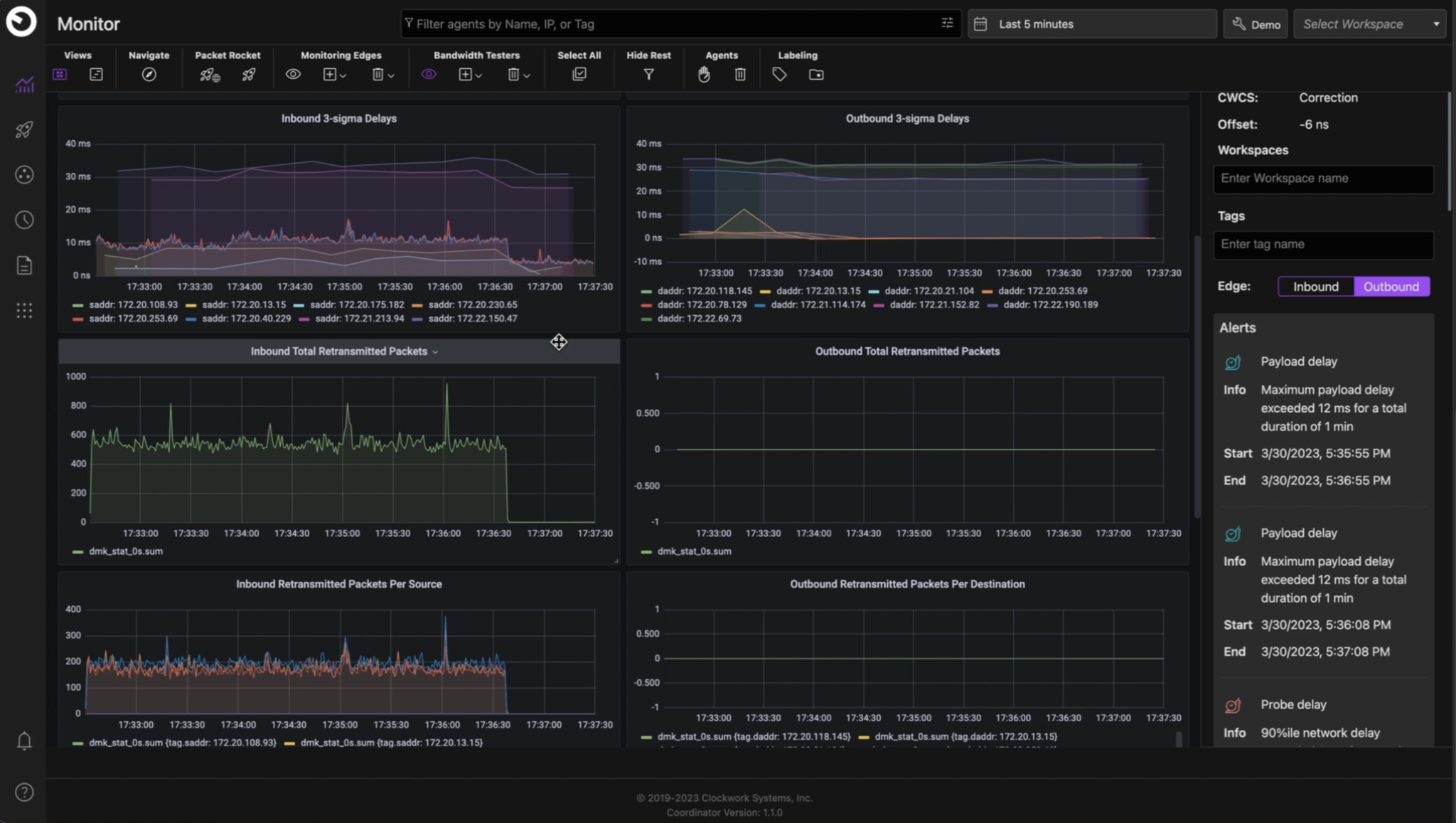 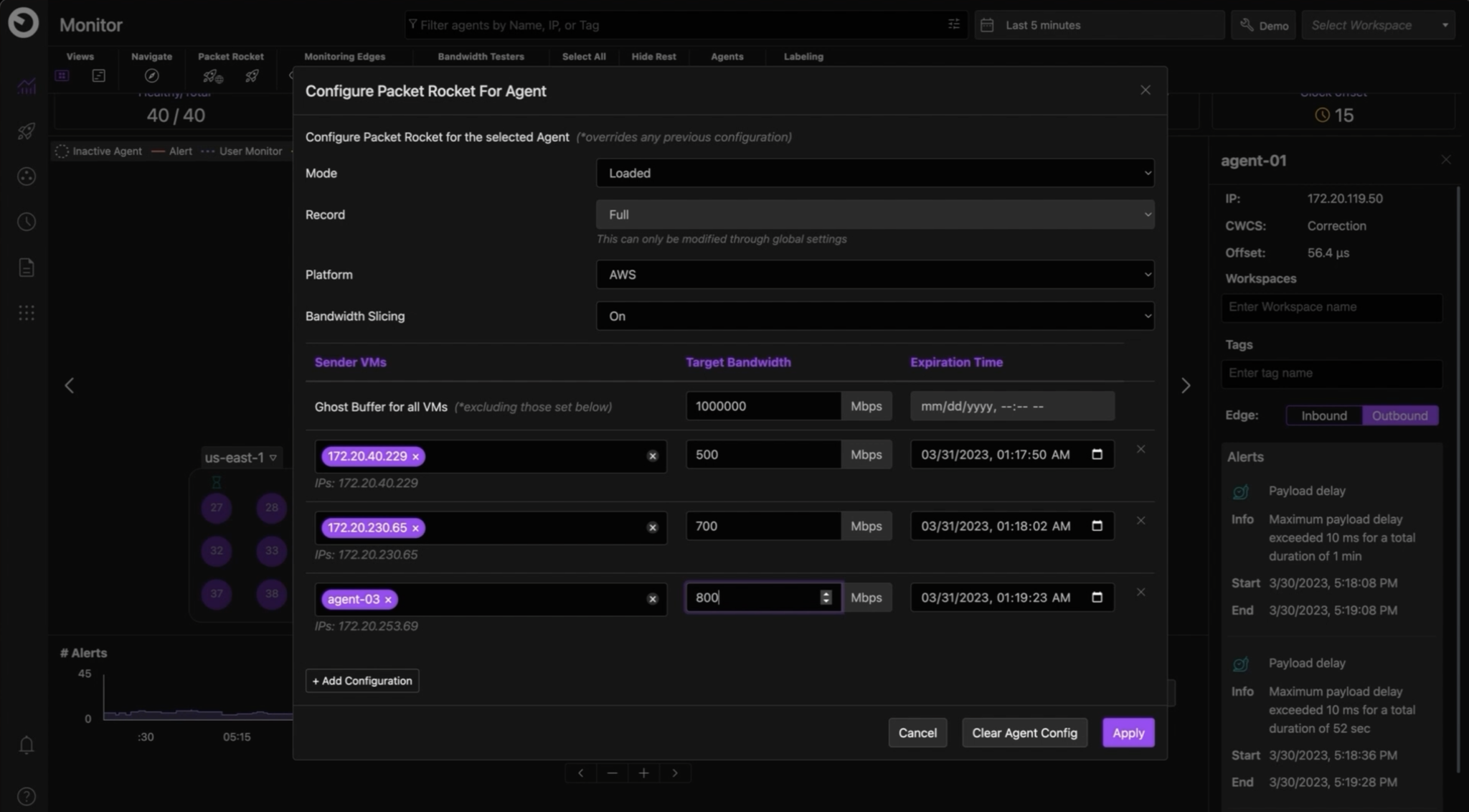 | PingPlotter Screenshots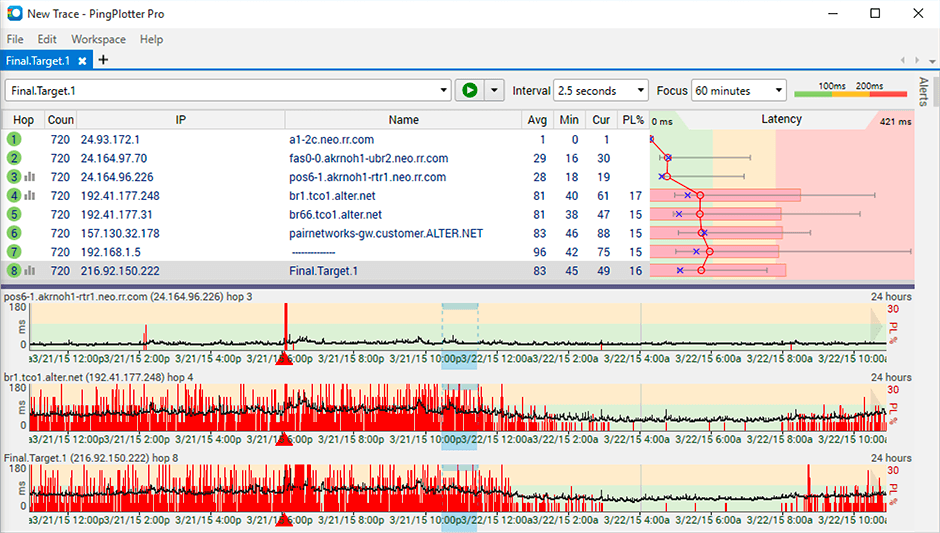   |