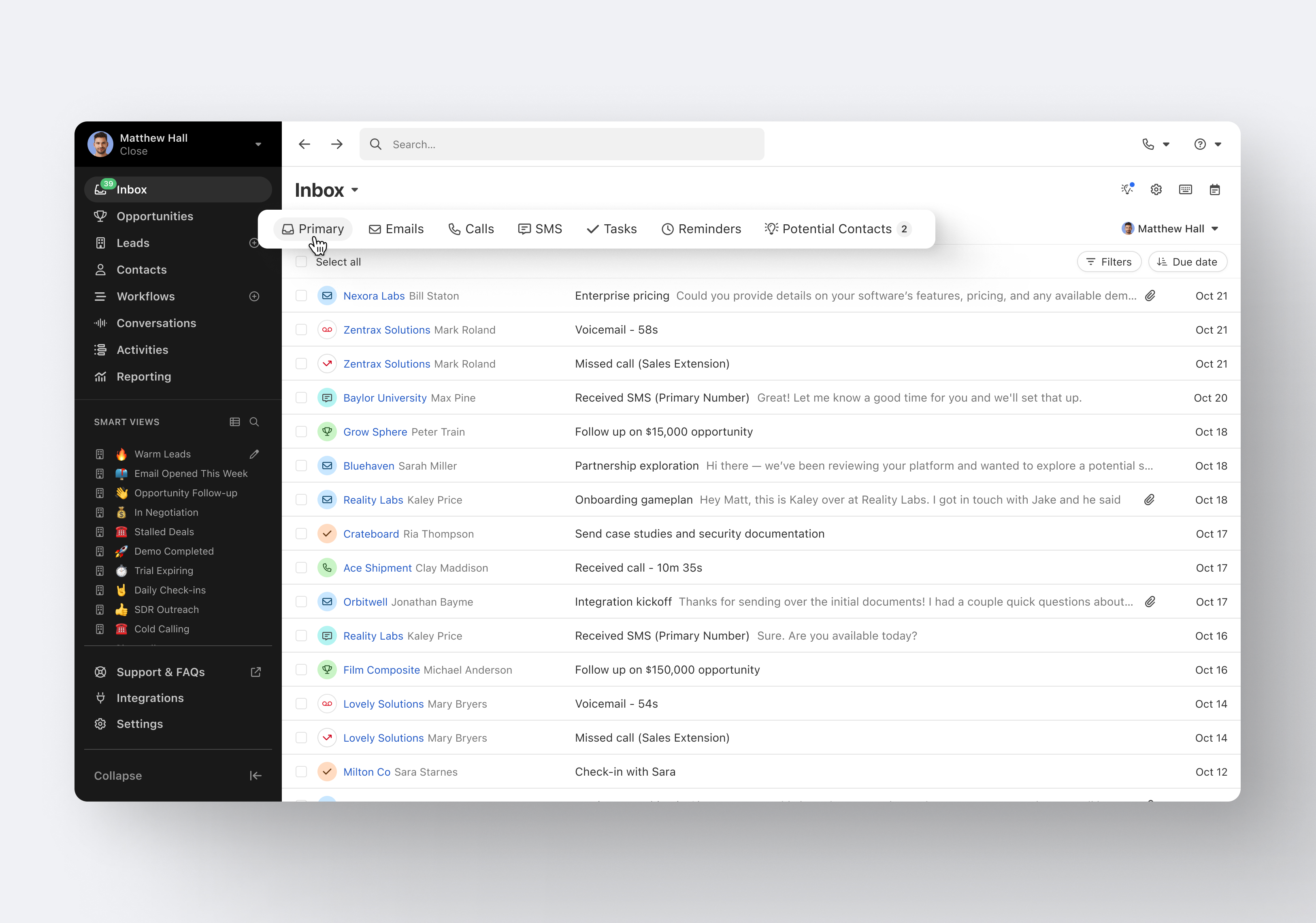
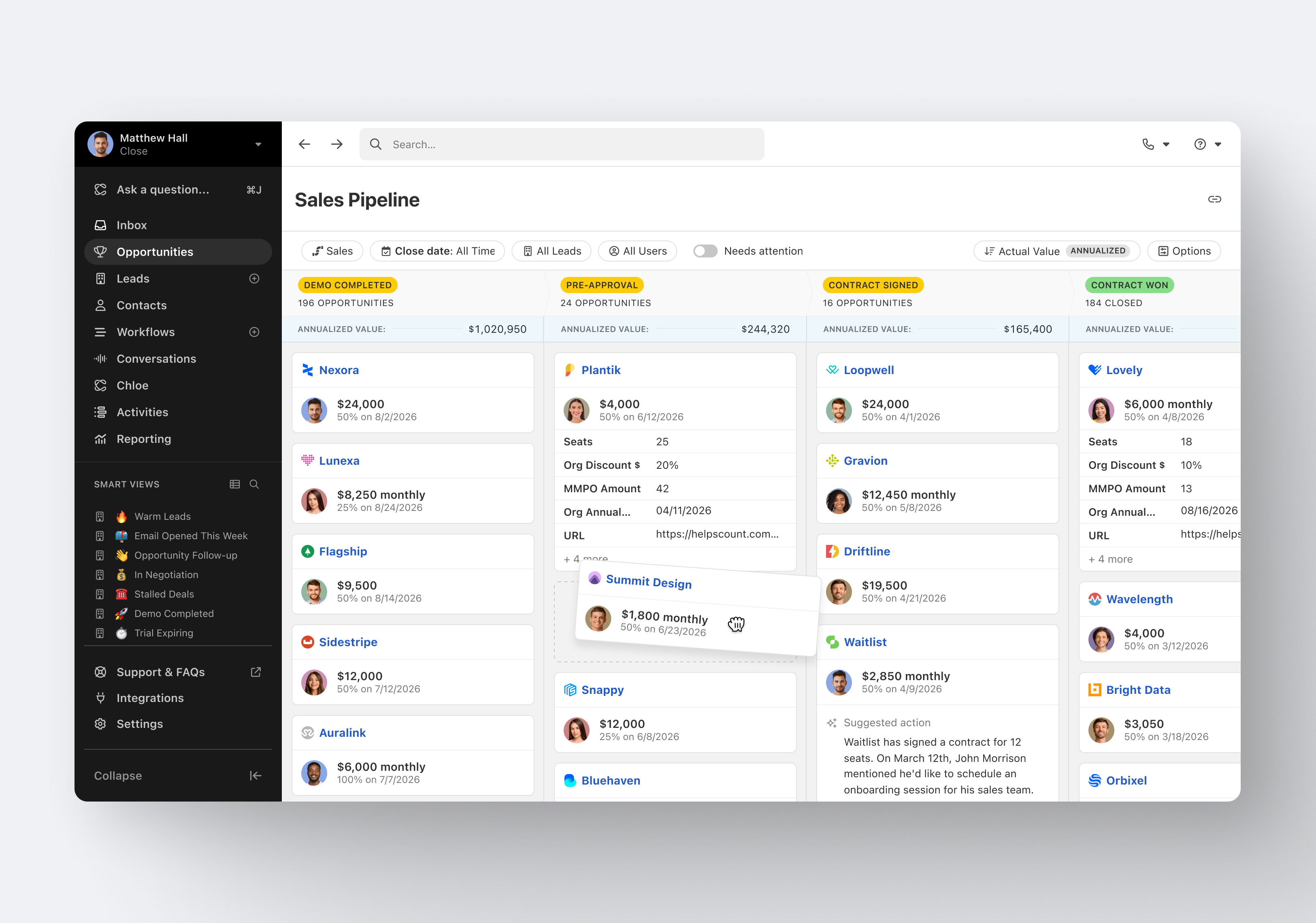
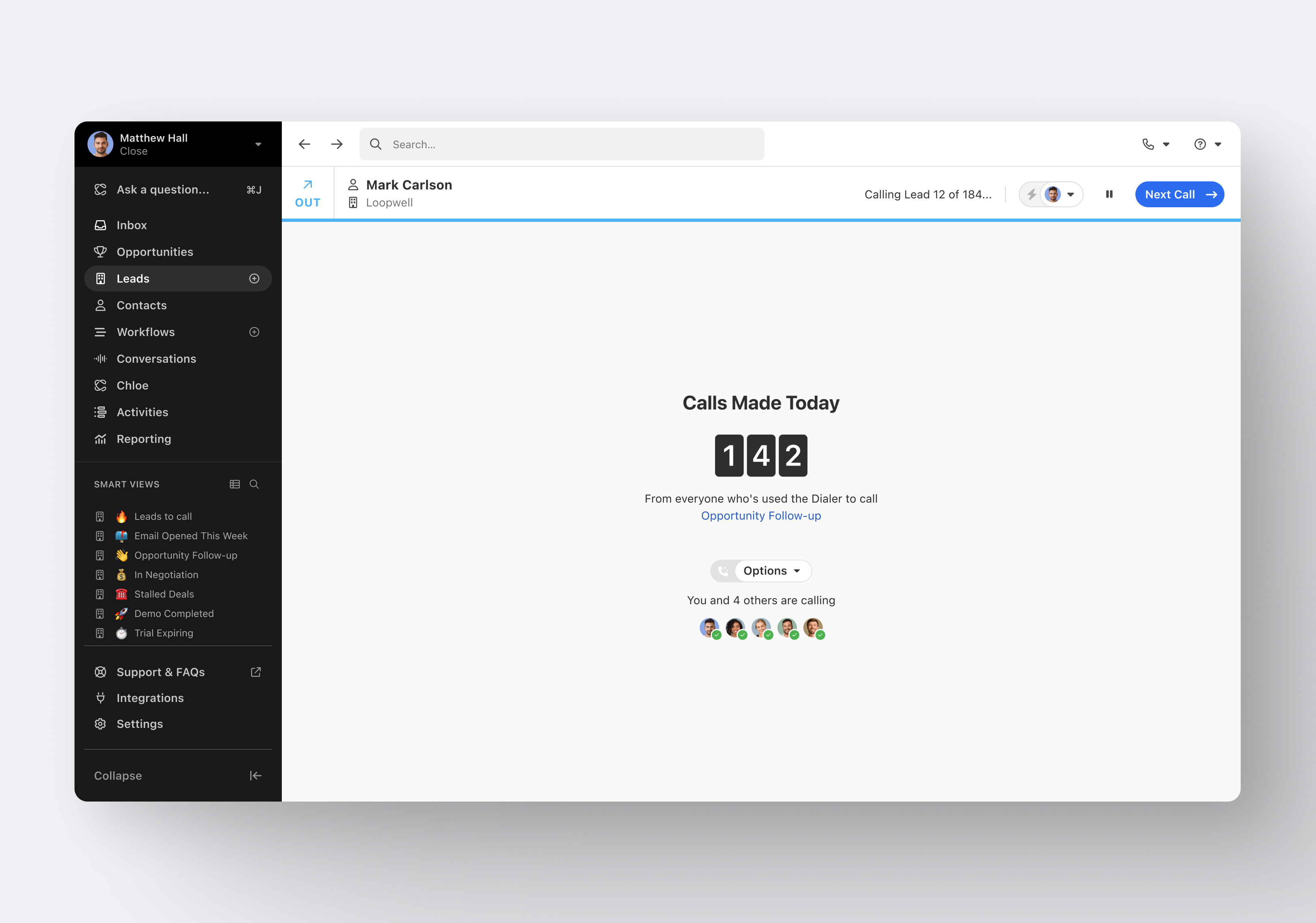
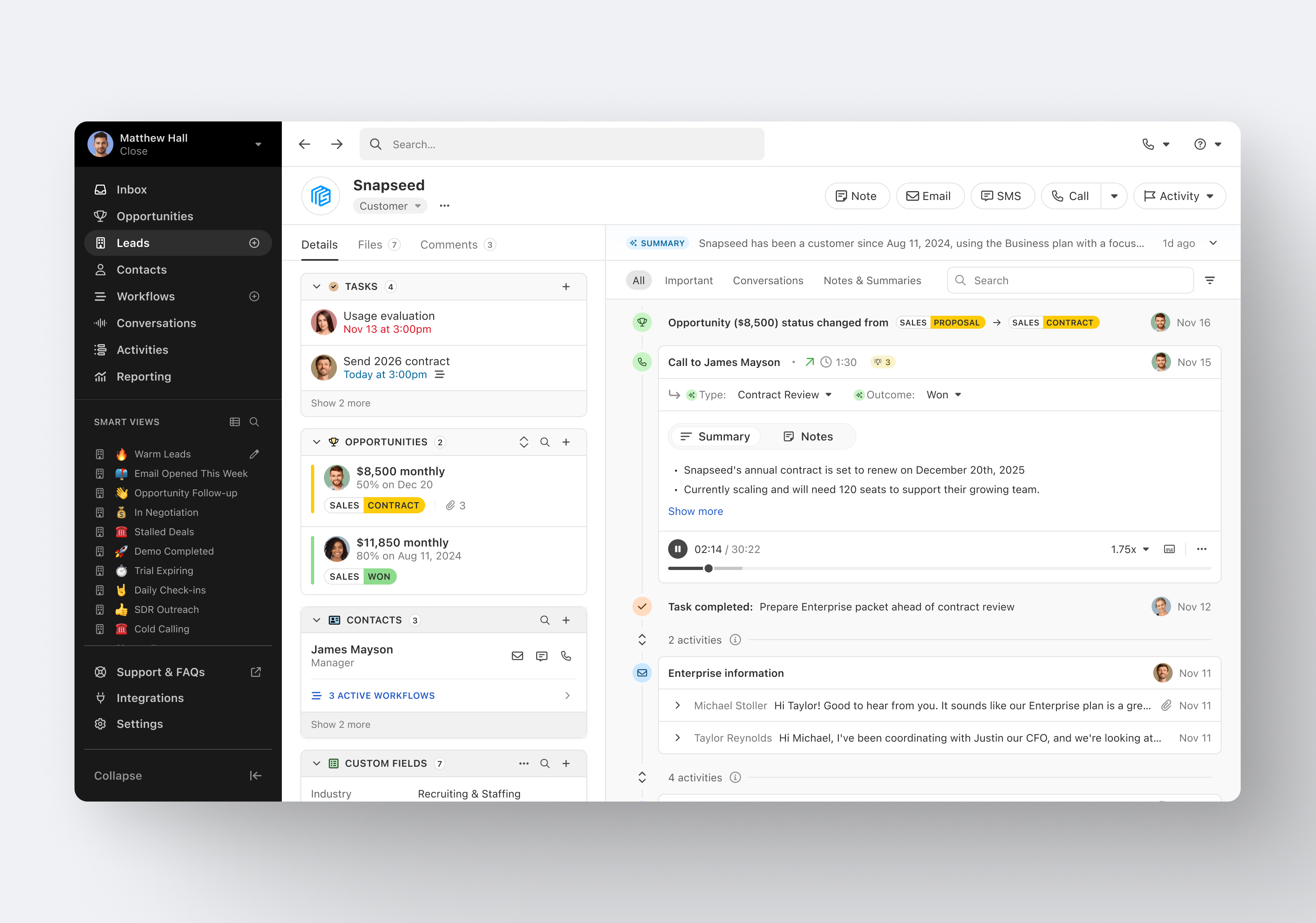
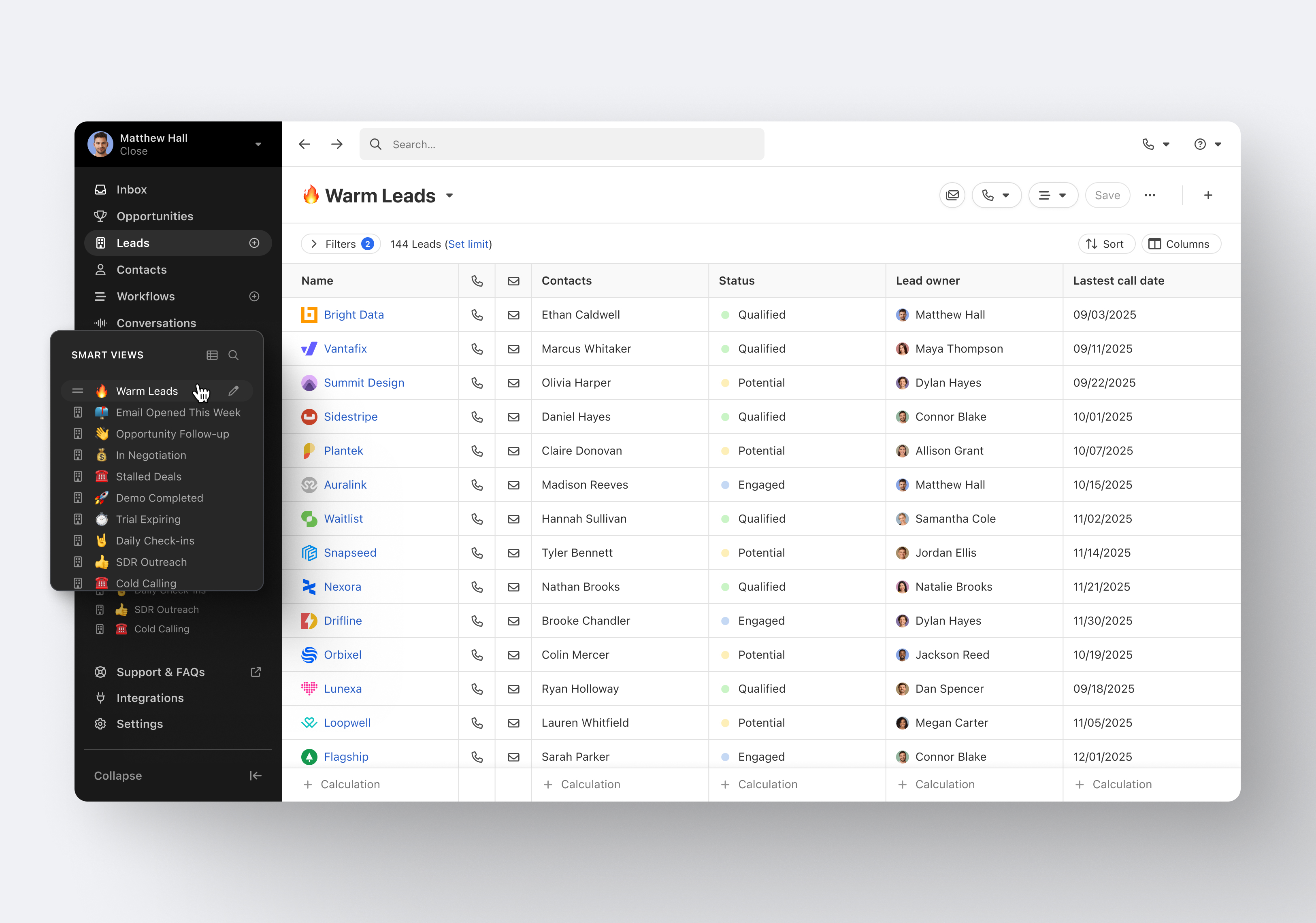
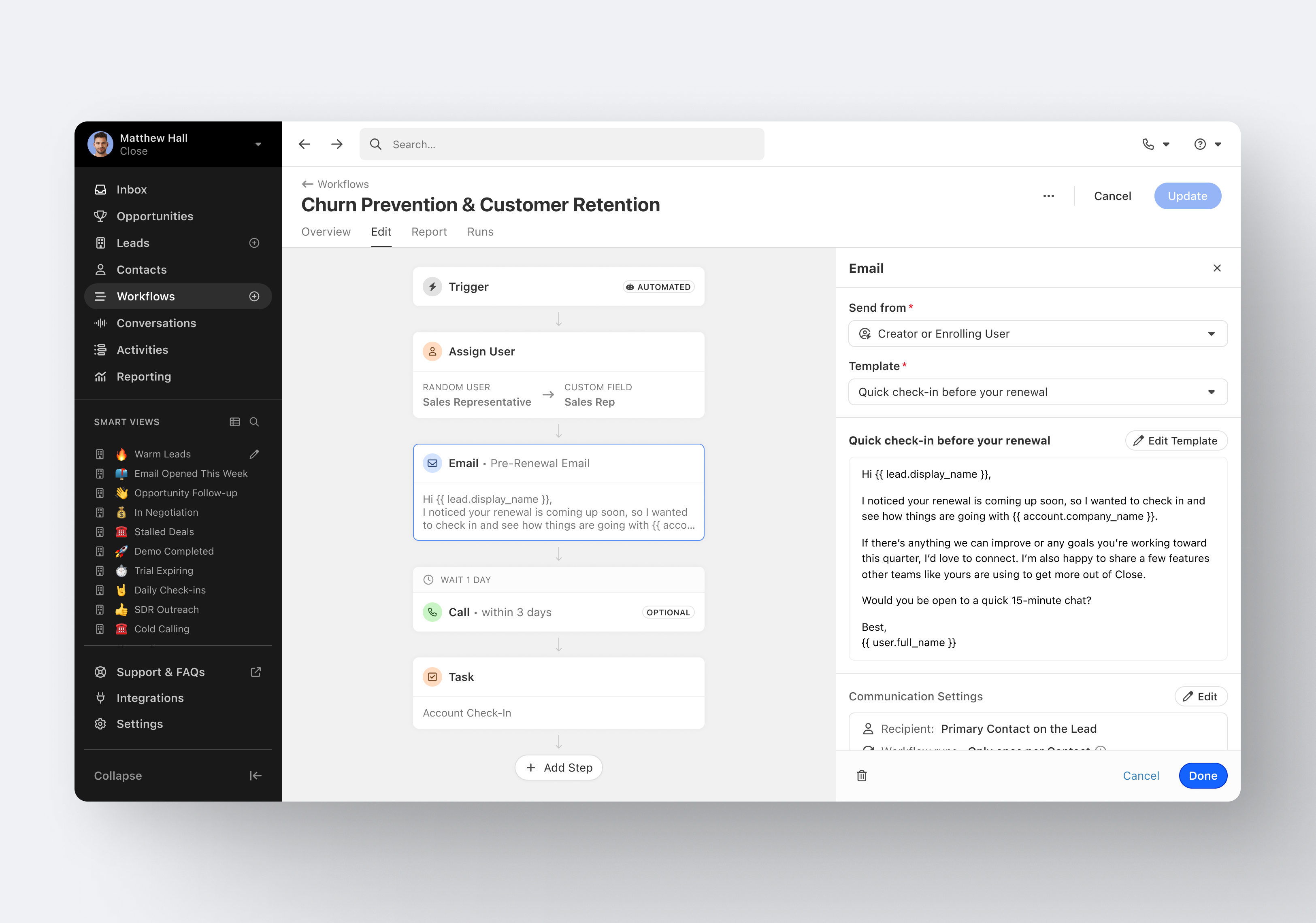
Close.io is a customer relationship management (CRM) software with call management and sales workflow automation capabilities.
$19
per month includes 1 user
Traction Complete
Score9 out of 10
N/A
Traction Complete develops software that enhances the native capabilities and functionality of Salesforce, with a complete suite of solutions for effortless account hierarchies and simplified, seamless lead management.
N/A
Pricing
Close CRM
Traction Complete
Editions & Modules
Solo
$9
per month (paid annually) per user
Essentials
$35
per month (paid annually) per user
Growth
$99
per month (paid annually) per user
Scale
$139
per month (paid annually) per user
No answers on this topic
Offerings
Pricing Offerings
Close CRM
Traction Complete
Free Trial
Yes
No
Free/Freemium Version
No
No
Premium Consulting/Integration Services
Yes
No
Entry-level Setup Fee
Optional
No setup fee
Additional Details
The pricing listed here reflects up to a 35% discount for paying annually. Monthly billing is available at of $19 per user for the Solo plan (only 1 user allowed), $49 per user for the Essentials plan, $109 per user for the Growth plan, and $149 per user for the Scale plan.
Contact Sales for Pricing Information
More Pricing Information
Features
Close CRM
Traction Complete
Sales Force Automation
Comparison of Sales Force Automation features of Close CRM and Traction Complete
Feature
Close CRM
8.9
8 Ratings
13% above category average
Traction Complete
-
Ratings
Customer data management / contact management
8.08 Ratings
00 Ratings
Workflow management
7.78 Ratings
00 Ratings
Territory management
8.01 Ratings
00 Ratings
Opportunity management
10.06 Ratings
00 Ratings
Integration with email client (e.g., Outlook or Gmail)
9.38 Ratings
00 Ratings
Contract management
10.01 Ratings
00 Ratings
Interaction tracking
8.38 Ratings
00 Ratings
Channel / partner relationship management
9.73 Ratings
00 Ratings
Customer Service & Support
Comparison of Customer Service & Support features of Close CRM and Traction Complete
Feature
Close CRM
8.5
6 Ratings
10% above category average
Traction Complete
-
Ratings
Case management
8.03 Ratings
00 Ratings
Call center management
7.45 Ratings
00 Ratings
Help desk management
10.02 Ratings
00 Ratings
Marketing Automation
Comparison of Marketing Automation features of Close CRM and Traction Complete
Feature
Close CRM
9.0
6 Ratings
15% above category average
Traction Complete
-
Ratings
Lead management
8.76 Ratings
00 Ratings
Email marketing
9.35 Ratings
00 Ratings
CRM Project Management
Comparison of CRM Project Management features of Close CRM and Traction Complete
Feature
Close CRM
7.9
6 Ratings
3% above category average
Traction Complete
-
Ratings
Task management
8.35 Ratings
00 Ratings
Billing and invoicing management
10.01 Ratings
00 Ratings
Reporting
5.45 Ratings
00 Ratings
CRM Reporting & Analytics
Comparison of CRM Reporting & Analytics features of Close CRM and Traction Complete
Feature
Close CRM
7.5
6 Ratings
2% below category average
Traction Complete
-
Ratings
Forecasting
10.01 Ratings
00 Ratings
Pipeline visualization
8.06 Ratings
00 Ratings
Customizable reports
4.44 Ratings
00 Ratings
Customization
Comparison of Customization features of Close CRM and Traction Complete
Feature
Close CRM
8.6
8 Ratings
12% above category average
Traction Complete
-
Ratings
Custom fields
10.07 Ratings
00 Ratings
Custom objects
10.02 Ratings
00 Ratings
Scripting environment
8.03 Ratings
00 Ratings
API for custom integration
6.47 Ratings
00 Ratings
Security
Comparison of Security features of Close CRM and Traction Complete
Feature
Close CRM
8.0
8 Ratings
5% below category average
Traction Complete
-
Ratings
Single sign-on capability
8.03 Ratings
00 Ratings
Role-based user permissions
8.06 Ratings
00 Ratings
Social CRM
Comparison of Social CRM features of Close CRM and Traction Complete
Feature
Close CRM
10.0
1 Ratings
28% above category average
Traction Complete
-
Ratings
Social data
10.01 Ratings
00 Ratings
Social engagement
10.01 Ratings
00 Ratings
Integrations with 3rd-party Software
Comparison of Integrations with 3rd-party Software features of Close CRM and Traction Complete
Feature
Close CRM
6.4
4 Ratings
16% below category average
Traction Complete
-
Ratings
Marketing automation
6.44 Ratings
00 Ratings
Platform
Comparison of Platform features of Close CRM and Traction Complete
Excellent software to increase sales and follow up with existing and new customers. Email and SMS handling are really easy for the sales team, managing leads is really great, and Close merges duplicate leads to help our Data Leads avoid repetitive and unnecessary calls. As mentioned in some comments before, must improve in reports, Close is not appropriate to handle or track agents' hours making it necessary to implement additional software to cover this area.
A de minimis incentive was given to thank the reviewer for their time. The incentive was not used to bias or drive a particular response, nor was the incentive contingent on a positive endorsement. More Info
Traction Complete is very well suited for lead to account matching and for automatic, criteria based lead routing and processing. For example, when a lead is created, it can be matched to an account, and Traction Complete can populate account demographics like Industry or Annual Revenue. And once the lead's score reaches a certain threshold, Traction Complete can then evaluate any of the leads data (including the industry and annual revenue that the lead was previously enriched with), route the lead to a person or queue , and at the same time update the lead status and or enrich the lead with information to track funnel progression (e.g., MQL Date, Assigned Date, etc.).
Email sequences. Create and send a sequence of emails until the sequence finishes or the contact replies to your email. You can also pause the sequence manually.
Email sync. Syncs in real time with your email account, which is huge.
Zapier integration. We've automated a lot of our pipeline management through the Zapier integration. This saves us soooo much time.
A de minimis incentive was given to thank the reviewer for their time. The incentive was not used to bias or drive a particular response, nor was the incentive contingent on a positive endorsement. More Info
A de minimis incentive was given to thank the reviewer for their time. The incentive was not used to bias or drive a particular response, nor was the incentive contingent on a positive endorsement. More Info
Traction Complete continues to improve and innovate, and their staff does a great job of informing us of new functionality and how we can use it to get more value from Traction Complete. And at its core, it covers a gap inherent in Salesforce CRM - the fact that leads are a standalone object and not connected to the other main CRM objects like accounts, contacts, and opportunities. Traction Complete bridges that gap without requiring us to convert leads to contacts and degrade the data quality of the contact records. This functionality is key to a holistic process from initial inquiry to MQL, SAL, SQL, New Customer, and repeat business.
It's my favorite CRM to recommend to sales organizations. Robust Telephony options including a Power Dialer, SMS, and Voice Drop, are completely integrated into the CRM. The kicker is you can have "Unlimited" contacts where many platforms charge based on the number of users. This can make a huge difference in monthly billing.
A de minimis incentive was given to thank the reviewer for their time. The incentive was not used to bias or drive a particular response, nor was the incentive contingent on a positive endorsement. More Info
It's very usable overall and much easier than using native functionality. If there is anything I'd want to improve, and I'm being critical here, there are a few minor items. 1) It would be nice if the initial load time of flows was faster, but I understand that given the number of elements we have in the assignment flow, I should not expect a two second load time. 2) It would be great if the different flow versions had fields to capture properties/attributes like a verbose description to make version control better. My sense is that it will be available in a future version. 3) When editing flows, every now and then, the pop-up windows of elements are a bit sticky on the screen when trying to move/drag them - however, I usually experience this only in Safari and am often too lazy to fire up Chrome.
I haven't really had the need to use their support, but the only time I had an issue with the platform, the Close team was very attentive and responded in a short span of time. Also they take minimal time to solve issues. The only con here is there is no way to reach out to them apart from email.
A de minimis incentive was given to thank the reviewer for their time. The incentive was not used to bias or drive a particular response, nor was the incentive contingent on a positive endorsement. More Info
The support team at Traction Complete has always been responsive, knowledgeable, and professional. They took the time to understand our business needs and helped us during the initial implementation, as well as with configuration changes when needed.
I've been part of 3 implementations, and the Traction Complete team has always met or exceeded expectations and delivered on their commitments/promises.
Pipedrive was great for us for a long time. We used it for over 4 years. Our product and process was simple. When things got more complex, we needed something that could handle our growing needs and Pipedrive kept falling short. We built our own custom solution in Airtable and though it worked, we spend a lot of time managing it. Close was able to solve all our issues and save us hours per week in admin work.
A de minimis incentive was given to thank the reviewer for their time. The incentive was not used to bias or drive a particular response, nor was the incentive contingent on a positive endorsement. More Info
Traction Complete offered more ease of use, less complexity, and an overall lower cost of ownership compared to other options. And while Salesforce can handle some of the automation, which requires more technical skill to configure, it does not provide the lead to account matching.
A de minimis incentive was given to thank the reviewer for their time. The incentive was not used to bias or drive a particular response, nor was the incentive contingent on a positive endorsement. More Info