Coggle vs. Creately

Overview
ProductRatingMost Used ByProduct SummaryStarting Price
Coggle
Score 7.0 out of 10
N/A
Coggle is an online tool for creating and sharing mindmaps and flow charts from the company of the same name in Cambridge. It works online in a browser with nothing to download or install.N/A
Creately
Score 6.2 out of 10
Small Businesses (1-50 employees)
Creately is a visual collaboration platform that supports genograms, flowcharts, org charts, mind maps, and UML diagrams. Featuring template-based AI diagram generation, Creately boasts speed and accuracy in visual planning.
$8
per month (single user)
Pricing
CoggleCreately
Editions & Modules
No answers on this topic
Creately Personal
$8
per month
Creately Team
$8
per month per user
Creately Team
$60
per year per user
Creately Personal
$60
per year
Creately Business
$149
per month Unlimited Users
Creately Business
$1,068
per year Unlimited Users
Offerings
Pricing Offerings
CoggleCreately
Free Trial
NoYes
Free/Freemium Version
NoYes
Premium Consulting/Integration Services
NoYes
Entry-level Setup FeeNo setup feeNo setup fee
Additional DetailsDiscounted prices for non profits, educational institutes, and charities.
More Pricing Information
Community Pulse
CoggleCreately
User Ratings
CoggleCreately
Likelihood to Recommend
-
(0 ratings)
8.2
(6 ratings)
Usability
-
(0 ratings)
7.3
(1 ratings)
Support Rating
-
(0 ratings)
6.0
(1 ratings)
User Testimonials
CoggleCreately
Likelihood to Recommend
Coggle
No answers on this topic
Cinergix
Creately sells itself as software specializing in a wide variety of areas, which is true in some cases. Visualizing and creating marketing processes, research, user flows, and general flowcharts is an extremely powerful tool. However, in other areas, such as Human Resources, UI/UX prototyping, and Wireframe design, it leaves a little to be desired compared to the competition.
Read full review
Pros
Coggle
No answers on this topic
Cinergix
  • I like that it supports remote work and that it makes real-time collaboration easy.
  • AI-powered diagramming works well and has been very helpful in explaining complex ideas.
  • It supports data driven workflows.
  • It makes project management easy.
  • It effortlessly boosts team productivity thanks to easy alignment with strategies.
Read full review
Cons
Coggle
No answers on this topic
Cinergix
  • Can add more tutorials to guide the users in the tool
  • Tools lags sometimes when a diagram with lot of data is loaded
  • It also gets stuck sometime when an Undo functionality is used
Read full review
Usability
Coggle
No answers on this topic
Cinergix
Using Creately is not complex. However, new users may experience a longer learning curve.
Read full review
Support Rating
Coggle
No answers on this topic
Cinergix
It definitely could be better, but it may also depend on the type of license you are subscribing to.
Read full review
Alternatives Considered
Coggle
No answers on this topic
Cinergix
Creately's folder system is a novel feature that beats its competitors. It helps keep everything organized. In addition, there are many more customization possibilities, especially in the shapes and in the library of templates and drawings. It has an intelligent drawing capability superior to all the competition, allowing more customization and detail.
Read full review
Return on Investment
Coggle
No answers on this topic
Cinergix
  • Using this is time effective as it's easy to use
  • We can present the charts to our clients as they are visually good
Read full review
ScreenShots

Creately Screenshots

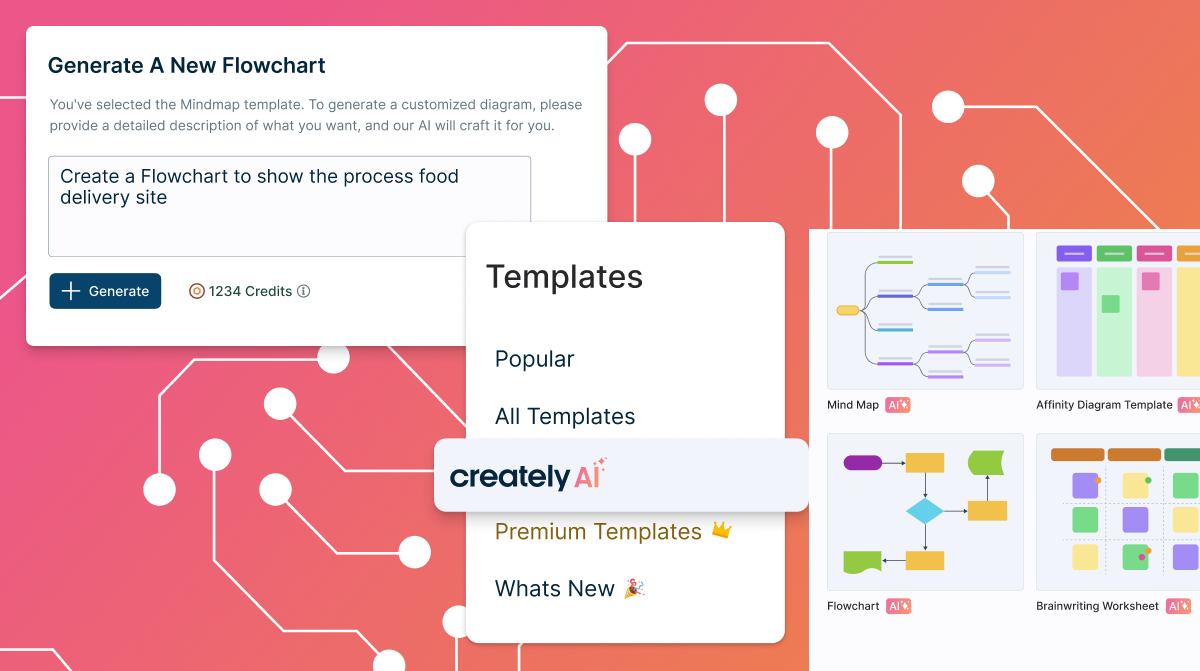
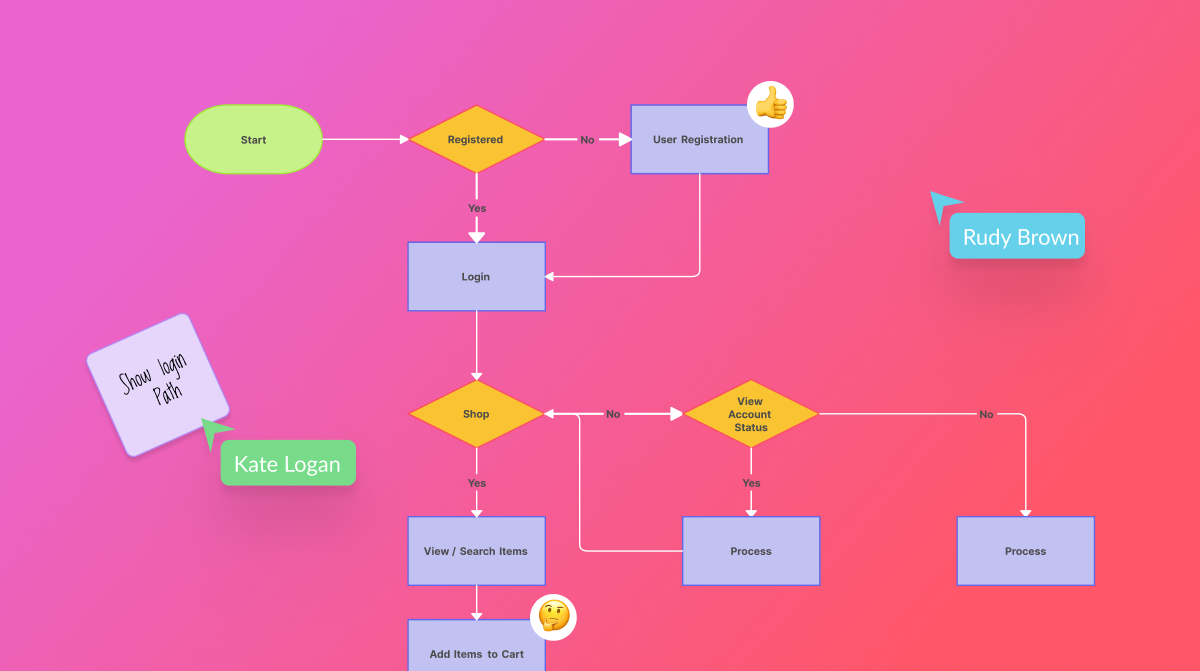
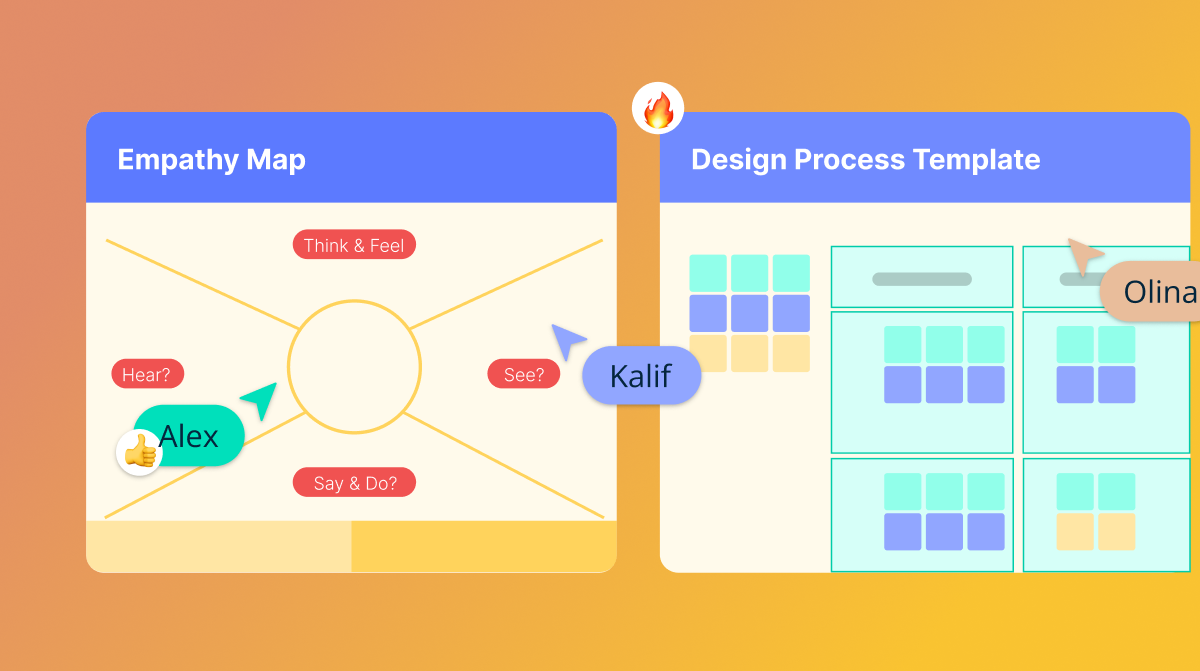
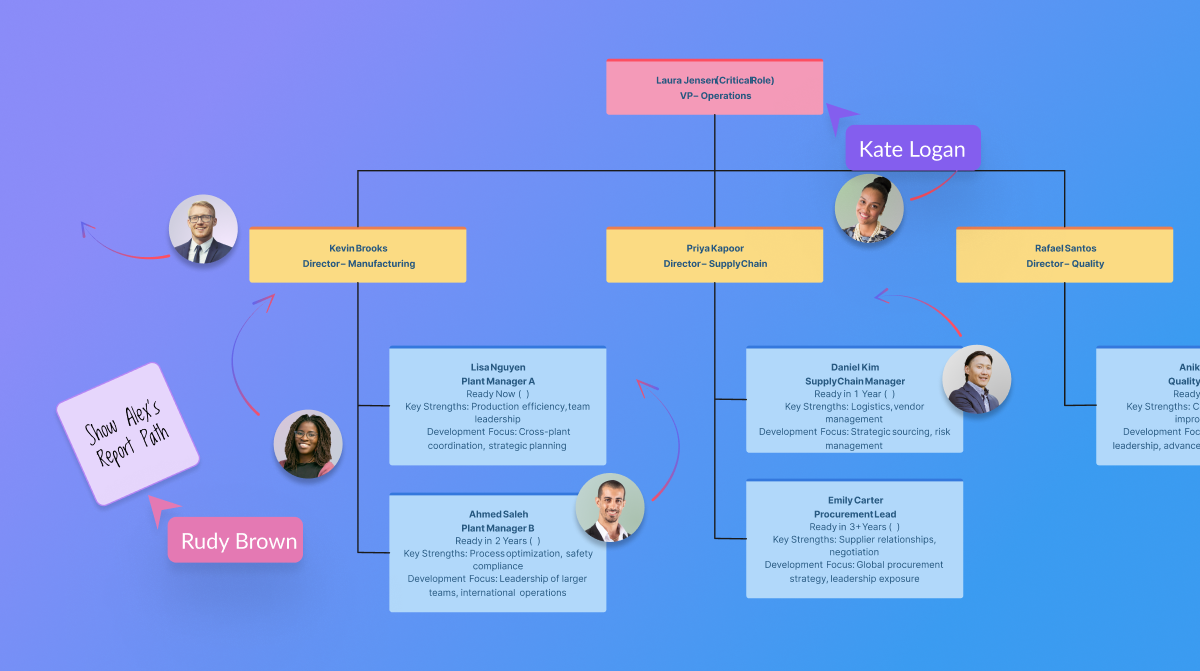
Screenshot of templated instructions for Creately AIScreenshot of the AI base templates and text promptsScreenshot of real-time collaborationScreenshot of the AI org chart toolScreenshot of certifications