ConceptDraw PROJECT vs. Forecast

Overview
ProductRatingMost Used ByProduct SummaryStarting Price
ConceptDraw PROJECT
Score 9.0 out of 10
N/A
ConceptDraw PROJECT is a project management tool providing a set of options to plan and implement projects successfully, and belongs to the ConceptDraw OFFICE suite. The core features of the tool are task and resource management and reporting, along with change control. The vendor says managing multiple projects is simple due to the Gantt Chart and Multi-Project Views and shared Resource Pool. Tasks that occur on a…N/A
Forecast
Score 8.6 out of 10
N/A
Forecast.it is a project portfolio management solution built around features such as resource planning and time tracking, budget estimating, and analytics and reporting, with key third-party integrations.
$29
per seat (billed annually)
Pricing
ConceptDraw PROJECTForecast
Editions & Modules
No answers on this topic
Lite (Annual subscription)
$29
per seat (billed annually)
Pro (Annual subscription)
$49
per seat (billed anually)
Enterprise
Call us
Offerings
Pricing Offerings
ConceptDraw PROJECTForecast
Free Trial
YesYes
Free/Freemium Version
NoNo
Premium Consulting/Integration Services
NoNo
Entry-level Setup FeeNo setup feeOptional
Additional DetailsPrice varies for Individual, Commercial, Academic, Nonprofit and Government
More Pricing Information
Community Pulse
ConceptDraw PROJECTForecast
Features
ConceptDraw PROJECTForecast
Project Management
Comparison of Project Management features of Product A and Product B
ConceptDraw PROJECT
9.0
3 Ratings
15% above category average
Forecast
-
Ratings
Task Management9.63 Ratings00 Ratings
Resource Management9.63 Ratings00 Ratings
Gantt Charts9.63 Ratings00 Ratings
Scheduling9.53 Ratings00 Ratings
Email integration10.01 Ratings00 Ratings
Timesheet Tracking7.01 Ratings00 Ratings
Budget and Expense Management7.93 Ratings00 Ratings
Professional Services Automation
Comparison of Professional Services Automation features of Product A and Product B
ConceptDraw PROJECT
9.4
3 Ratings
19% above category average
Forecast
-
Ratings
Project & financial reporting9.43 Ratings00 Ratings
Best Alternatives
ConceptDraw PROJECTForecast
Small Businesses
Stackby
Stackby
Score 8.9 out of 10
Teamwork.com
Teamwork.com
Score 8.5 out of 10
Medium-sized Companies
InEight
InEight
Score 8.4 out of 10
Teamwork.com
Teamwork.com
Score 8.5 out of 10
Enterprises
InEight
InEight
Score 8.4 out of 10
Planview AdaptiveWork
Score 8.1 out of 10
All AlternativesView all alternativesView all alternatives
User Ratings
ConceptDraw PROJECTForecast
Likelihood to Recommend
9.6
(3 ratings)
1.0
(3 ratings)
Support Rating
9.4
(3 ratings)
10.0
(1 ratings)
User Testimonials
ConceptDraw PROJECTForecast
Likelihood to Recommend
CS Odessa LLC
Getting started - using the Gantt chart to enter tasks in any order and then using those tasks to initially define a MindMap to further explore alternative dependencies. The alternative works better when initiating a project with significant unknowns.
Read full review
Forecast
Forecast is well suited for tracking schedules, especially if it is only being controlled by a single department. When it comes to using Forecast in a larger ecosystem with more "cooks in the kitchen" it would be helpful to have the software more easily integrated with other software.
Read full review
Pros
CS Odessa LLC
  • Integration with ConceptDraw Mindmap makes work breakdown very easy.
  • We have cross-functional teams where team members often work on different projects in parallel. The multi project management feature has been a blessing over these years.
  • Another import feature is the availability of many different predefined report generation templates that made it very easy to communicate different aspects of the project to different stakeholders.
Read full review
Forecast
  • Assign and allocate resources.
  • Identify lean departments and identify areas to increase headcount.
  • Manage agile teams.
  • Identify bottlenecks in departments or resourcing.
Read full review
Cons
CS Odessa LLC
  • Non-intuitive keyboard shortcuts
  • No advanced reporting or estimates
Read full review
Forecast
  • Not as intuitive as its companion software, Harvest. This software takes longer to learn when on-boarding new staff. It is also difficult to view time notes without needing to physically open them up. This could be improved by expanding the "on hover" functionality. Personally, having spent as little time in workflow software is really important, as it gives me more time to code.
  • Because we use this software to plan schedules, items often fall through the cracks. I would like to see some more sophisticated syncing with not only Harvest but also with Asana.
  • Lack of integration with Asana. It would be nice to pull data from forecast and display it in Asana. This would be helpful for understanding how much time I have to spend on a project rather than bounce back and forth between web apps.
Read full review
Support Rating
CS Odessa LLC
Online tutorials always available + chat, email and phone. Questions answered promptly and completely.
Read full review
Forecast
I have not needed support for Forecast.
Read full review
Alternatives Considered
CS Odessa LLC
ConceptDraw has a much simpler licensing and pricing model. Perpetual license and ability to use in offline mode was an important criteria for us. Perfect bundle for small and medium business.
Read full review
Forecast
I have not used any other scheduling software other than Forecast. The company selected Forecast because it is used in conjunction with Harvest. The pair of web apps can be used to pull detailed data. This is very important to our agency, and making data-driven decisions is exceptionally important to our agency mission.
Read full review
Return on Investment
CS Odessa LLC
  • Inexpensive way to present a professional project plan when needed
Read full review
Forecast
  • Allow departments to run efficiently.
  • Quickly identify whether departments need to hire.
  • Easily visualize project gaps in resources.
Read full review
ScreenShots

ConceptDraw PROJECT Screenshots

Screenshot of Resource AllocationScreenshot of Gantt Chart ViewScreenshot of Multiproject DashboardScreenshot of Split and Recurring TasksScreenshot of Micro ReportsScreenshot of Custom Fields to a Project Schedule

Forecast Screenshots

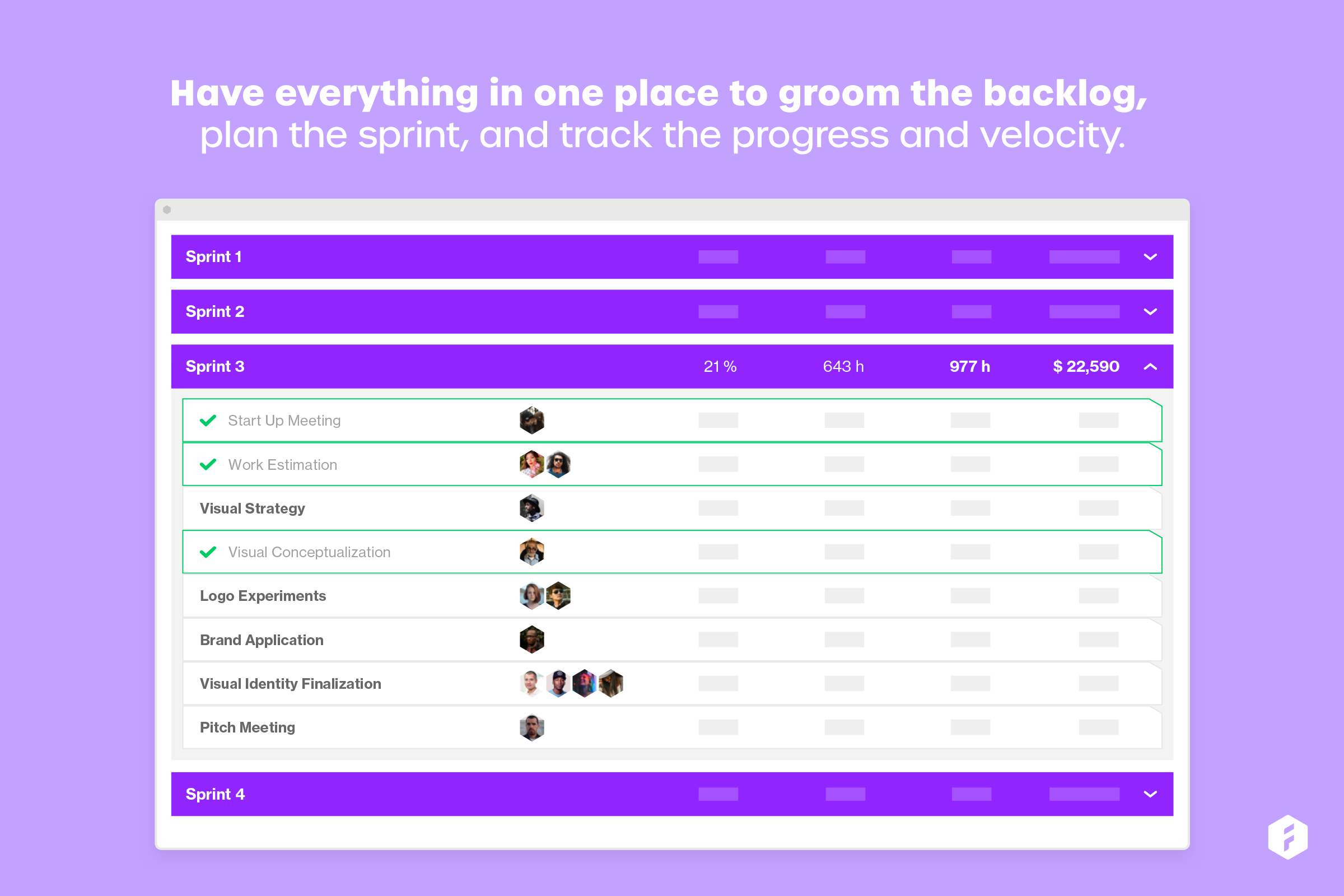
Screenshot of Understand and know how to best utilize your capacityScreenshot of Easily plan and adjust workloads across the entire resource pool to prevent bottlenecks.Screenshot of Have everything in one place to groom the backlog, plan the sprint, and track the progress and velocity.Screenshot of Share real time reports with stakeholders to help them make important decisionsScreenshot of Understand the true cost of each projectScreenshot of