Conga Advantage CPQ vs. S-Docs

Overview
ProductRatingMost Used ByProduct SummaryStarting Price
Conga Advantage CPQ
Score 8.8 out of 10
N/A
Conga CPQ empowers sales, partners, and customers to efficiently configure complex products and services offerings, and provide personalized prices and quotes, utilizing codified product and pricing information - to drive higher win rates and a more pleasurable buying experience. Conga CPQ also helps to maintain a single price book, discounting structure, and quoting structure across all channels. With an API-first approach, configuration, pricing, or quoting…
$35
per month per user
S-Docs
Score 8.7 out of 10
Small Businesses (1-50 employees)
S-Docs headquartered in New York offers what they present as a secure document generator and E-signature solution built on the Salesforce Platform. It aims to help users to create and e-sign sophisticated documents that improve efficiency, reduce errors and eliminate tedious work.
$65
per month per user
Pricing
Conga Advantage CPQS-Docs
Editions & Modules
No answers on this topic
S-Docs for Salesforce
$25
per month (billed annually) per user
S-Docs for Salesforce with e-Signature
$40
per month (billed annually) per user
S-Docs & S-Sign Bundle
$40
per month per user (Minimum contract of $8,400)
S-Docs for HubSpot Team Edition
$65
per month per installation
S-Docs for HubSpot Professional Edition
$275
per month per installation
Offerings
Pricing Offerings
Conga Advantage CPQS-Docs
Free Trial
NoYes
Free/Freemium Version
NoYes
Premium Consulting/Integration Services
YesNo
Entry-level Setup FeeOptionalOptional
Additional DetailsS-Docs for Salesforce is priced by seat. Organizations that are interested in the enterprise edition - including per-document pricing and Experience Cloud plans, can reach out to sales. S-Docs for HubSpot is priced by usage. S-Docs for HubSpot Team Edition comes with 500 documents and 250 e-Signature requests per year. S-Docs for HubSpot Professional Edition comes with 2,500 documents and 800 e-Signature requests per year. Nonprofit discounts are available.
More Pricing Information
Community Pulse
Conga Advantage CPQS-Docs
Features
Conga Advantage CPQS-Docs
CPQ
Comparison of CPQ features of Product A and Product B
Conga Advantage CPQ
8.2
64 Ratings
7% below category average
S-Docs
-
Ratings
Quote sharing/sending8.659 Ratings00 Ratings
Product configuration8.959 Ratings00 Ratings
Configuration options8.659 Ratings00 Ratings
Pricing rules8.359 Ratings00 Ratings
Price adjustment8.860 Ratings00 Ratings
Purchase history and open contracts7.248 Ratings00 Ratings
Guided selling/Sales portal8.045 Ratings00 Ratings
CPQ reporting & analytics6.453 Ratings00 Ratings
CPQ-CRM integration8.456 Ratings00 Ratings
Attachments to quotes8.854 Ratings00 Ratings
Order capturing8.430 Ratings00 Ratings
Best Alternatives
Conga Advantage CPQS-Docs
Small Businesses
QuoteWerks
QuoteWerks
Score 9.7 out of 10
airSlate WorkFlow
airSlate WorkFlow
Score 9.9 out of 10
Medium-sized Companies
QuoteWerks
QuoteWerks
Score 9.7 out of 10
Foxit PDF Editor
Foxit PDF Editor
Score 8.6 out of 10
Enterprises
Everstage
Everstage
Score 9.1 out of 10
Conga Composer
Conga Composer
Score 8.3 out of 10
All AlternativesView all alternativesView all alternatives
User Ratings
Conga Advantage CPQS-Docs
Likelihood to Recommend
8.6
(66 ratings)
9.0
(1 ratings)
Likelihood to Renew
9.8
(9 ratings)
-
(0 ratings)
Usability
8.0
(3 ratings)
-
(0 ratings)
Availability
10.0
(2 ratings)
-
(0 ratings)
Performance
10.0
(2 ratings)
-
(0 ratings)
Support Rating
6.0
(4 ratings)
-
(0 ratings)
Online Training
7.0
(1 ratings)
-
(0 ratings)
Implementation Rating
1.0
(3 ratings)
-
(0 ratings)
User Testimonials
Conga Advantage CPQS-Docs
Likelihood to Recommend
Conga
It is well suited to providing quick pricing recommendations, allowing those who are quoting to get our agreements out efficiently. Where I find there may be some limitations is around the details that it uses to establish recommendations and the overrides. For example it would be nice to have a way to set overrides for those criteria like length of agreement, etc. and have it apply across the board
Read full review
S-Docs Inc.
S-Docs would be great for anyone looking to make the process of getting signatures more seamless and less time intensive. You can get a signature in minutes no matter where the signee is located. No more having to worry about printing, scanning, and emailing over important and time-sensitive documents.
Read full review
Pros
Conga
  • The perceived power strength is that it is supposed to contain CPQ, Contract Management, Document generation and template manipulation, and cash/invoice process all in one wrapped package.
  • It was developed on the Force.com platform.
  • They provide multiple releases of their product per year.
Read full review
S-Docs Inc.
  • onboarding
  • approval of marketing spend
  • approval of travel expenses
Read full review
Cons
Conga
  • Our number one complaint with Conga CPQ has been speed. In my experience, Conga CPQ is extremely slow, especially for large orders.
  • In my opinion, the configuration methods of Conga CPQ are outdated and error-prone. One literally puts configurations into string-based custom settings, including the API field names. This often leads to deployment issues and run-time configuration errors.
  • In my experience, Conga CPQ is everything but simple to develop. You need things like a 12-step pricing callback to support custom pricing.
  • In my experience, Conga CPQ support is not responsive.
  • When it comes time to lock in a renewal contract for Conga CPQ, in my experience, they delay engagement, so you are truly behind the 8 ball when it comes time to decide if you are going to continue with Conga CPQ.
Read full review
S-Docs Inc.
No answers on this topic
Likelihood to Renew
Conga
The rating is based on several things: 1) Ongoing support requirements being able to be addressed by cross training existing Salesforce administrators 2) Apttus superior corporate vision for the quote to cash space 3) Apttus execution of the corporate vision with automated agents (Max), and Artificial Intelligence/Machine Learning offerings to leverage the investment in Configure Price Quote 4) Apttus corporate health and investment in the product line
Read full review
S-Docs Inc.
No answers on this topic
Usability
Conga
Conga CPQ is a great tool but lacks good support and [a] very limited knowledge base which doesn't include day to day errors which users face, thus leading us to support and take more time in turn. Also cart performance can be improved drastically which will enhance the user experience as the user doesn't have to wait for the pricing.
Read full review
S-Docs Inc.
No answers on this topic
Reliability and Availability
Conga
I have not heard of any issue
Read full review
S-Docs Inc.
No answers on this topic
Support Rating
Conga
Tier1/tier 2 support can only handle native functionality. Customizations have to be escalated to developers which aren’t included in the support program.

I go ahead and copy the people I directly worked with on implementation for assistance. I would rate them an 8 for support assistance.
Read full review
S-Docs Inc.
No answers on this topic
Online Training
Conga
We attended 5 hours worth of webinars early on.

We had to understand how objects worked to figure out how to structure our data.

I would have liked more in-depth training but it would have been an additional cost
Read full review
S-Docs Inc.
No answers on this topic
Implementation Rating
Conga
Be iterative. Take the opportunity to build a catalog based on how Apttus works well. Learn the tool yourself or use an SI. Take the time to build a configuration / pricing migration tool with X-Author for Excel or roll your own. Stick with OOTB Apttus as any customization will cost you every time a new version is released
Read full review
S-Docs Inc.
No answers on this topic
Alternatives Considered
Conga
We selected Apttus CPQ over SteelBrick due to the simplicity of SteelBrick's out of the box pricing and ability to customize quoted products. As a global organization with selling a highly configurable products, we felt the ability of Apttus to handle our requirements as standard functionalty rather than a customization was a material difference between the platforms.
Read full review
S-Docs Inc.
just as easy to use as dousign. Since I do not make the purchasing decisions, I am not sure how these prices compare to each other
Read full review
Return on Investment
Conga
  • The ability to generate engineered configurations that is right by construction has reduced the cycle time of the customer engagement. The fact that we are able to guide the process and end up with a validated bill of material reduces the iterations with the customers.
  • As long as the validations rules are correct the generated bill of material is accurate. We are now looking at using Apttus to perform quality checks in our product rules since the tool is able to test different configurations quickly and efficiently.
  • Configuration that use to take weeks and consumed valuable engineering resources has been transformed to become a customer facing application that is simple enough for customer to self-service.
Read full review
S-Docs Inc.
  • increased efficiency
  • increased security
Read full review
ScreenShots

Conga Advantage CPQ Screenshots

Screenshot of the Product's Capabilities. It can validate any combination of rules & constraints with an unlimited number of configuration attributes​.Screenshot of the interface to model & deploy any pricing structure or strategy​ - pricing intelligence & discounting rules​ and profitability insights ​& margin visibility​.Screenshot of the interface for product & pricing configurations​, for simple and complex products.Screenshot of the quoting interface.

S-Docs Screenshots

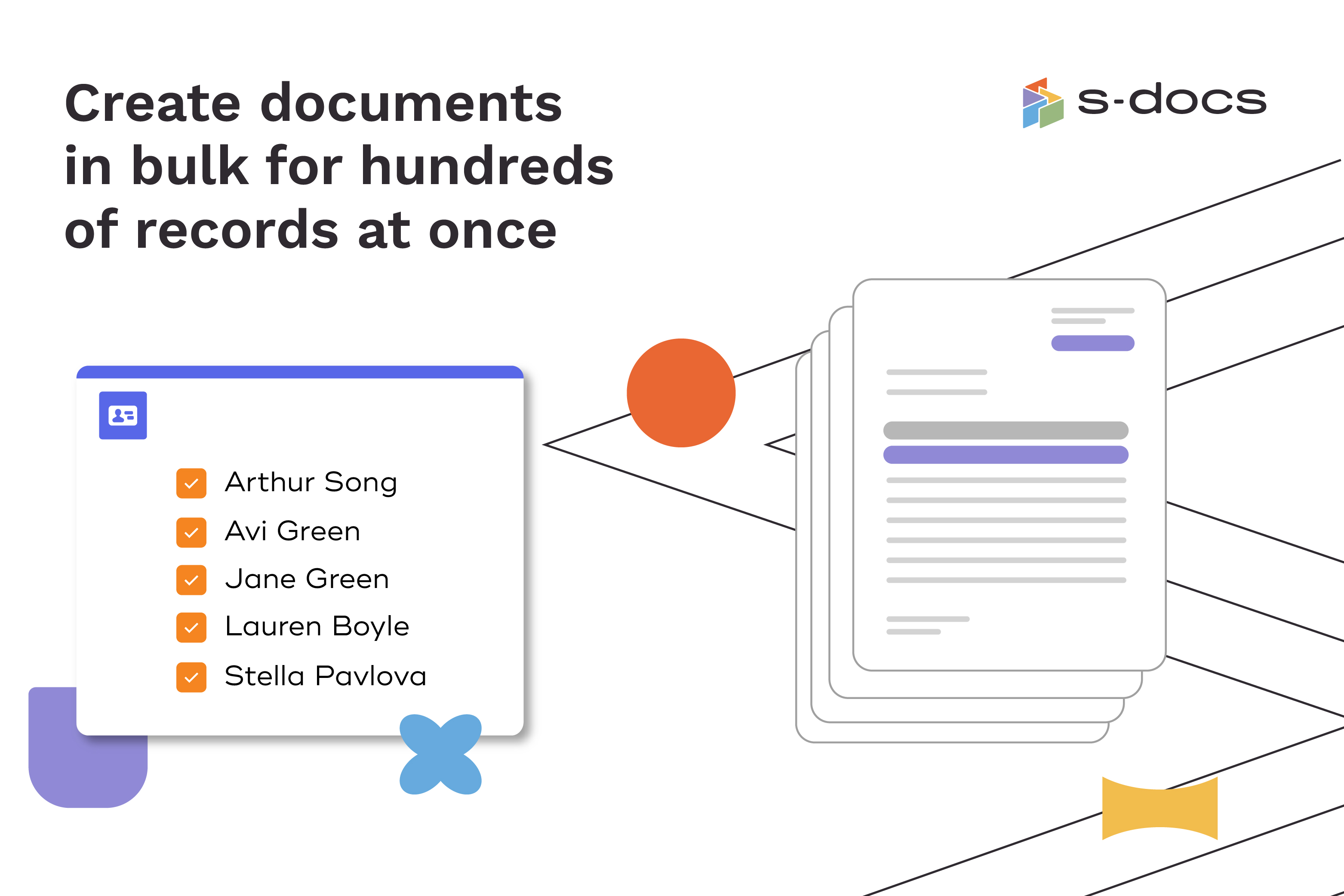
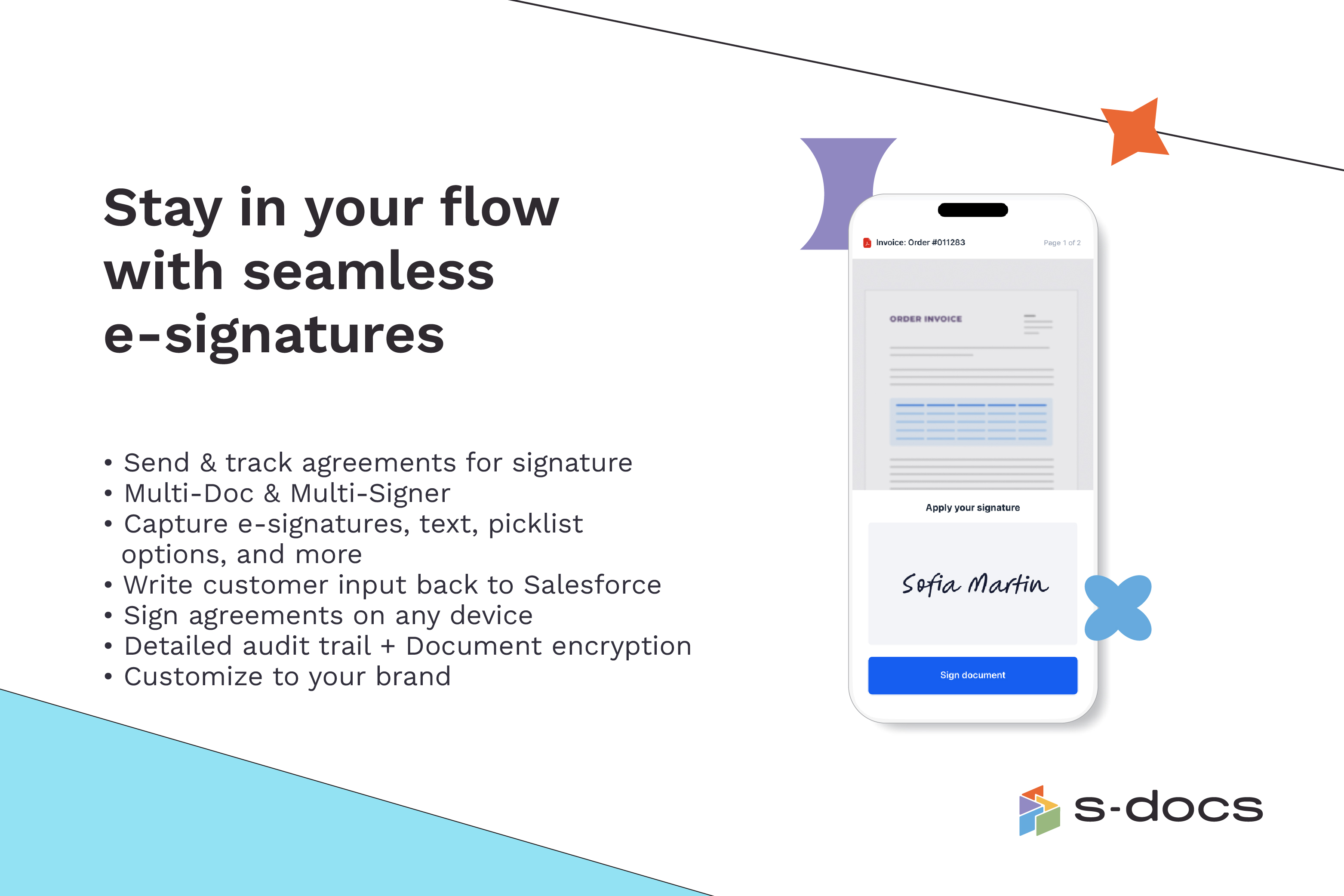
Screenshot of how to create business documents in flexible formatsScreenshot of how to create documents via clicks or automaticallyScreenshot of how to generate documents in bulk for hundreds of records at onceScreenshot of how to edit generated documents without downloading external programsScreenshot of how to request secure e-Signatures via email or in personScreenshot of how to create templates with the drag-and-drop interface