
ConnectWise PSA vs. Uku
ConnectWise PSA vs. Uku
| Product | Rating | Most Used By | Product Summary | Starting Price |
|---|---|---|---|---|
 ConnectWise PSA | Small Businesses (1-50 employees) | ConnectWise PSA (formerly Manage) is a business management platform for companies that sell, service, and support technology. The platform is cloud-based and integrates automation, help desk and customer service, sales, marketing, project management, and business analytics. It is the hub of the ConnectWise suite. | $35 Per Tech Per Month | |
 Uku | N/A | Uku is a smart assistant for accounting practices, a solution that streamlines task management with workflow, time tracking, automated billing and emails, CRM & collaboration with colleagues, and thorough reporting. Uku provides a bird’s eye view of progress, team performance, and profitability. Uku aims to make teamwork easier, and data-driven decisions are just a click away. Uku is navigable, customizable, and backed by a support team. | $29 per month per user |
| ConnectWise PSA | Uku | |||||||||||||||
|---|---|---|---|---|---|---|---|---|---|---|---|---|---|---|---|---|
| Editions & Modules |
| No answers on this topic | ||||||||||||||
| Offerings |
| |||||||||||||||
| Entry-level Setup Fee | No setup fee | No setup fee | ||||||||||||||
| Additional Details | — | — | ||||||||||||||
| More Pricing Information | ||||||||||||||||
| ConnectWise PSA | Uku |
|---|
| ConnectWise PSA | Uku | |||||||||||||||||||||
|---|---|---|---|---|---|---|---|---|---|---|---|---|---|---|---|---|---|---|---|---|---|---|
| Incident and problem management |
| |||||||||||||||||||||
| Self Help Community |
| |||||||||||||||||||||
| Multi-Channel Help |
|
| ConnectWise PSA | Uku | |
|---|---|---|
| Small Businesses |  Agiloft Service Desk (discontinued) Score 9.0 out of 10 |  Teamwork.com Score 8.5 out of 10 |
| Medium-sized Companies | Agiloft Service Desk (discontinued) Score 9.0 out of 10 | Teamwork.com Score 8.5 out of 10 |
| Enterprises |  SysAid Score 8.9 out of 10 |  Planview AdaptiveWork Score 8.2 out of 10 |
| All Alternatives | View all alternatives | View all alternatives |
| ConnectWise PSA | Uku | |
|---|---|---|
| Likelihood to Recommend | 8.3 (143 ratings) | - (0 ratings) |
| Likelihood to Renew | 7.6 (25 ratings) | - (0 ratings) |
| Usability | 8.3 (35 ratings) | - (0 ratings) |
| Availability | 8.0 (4 ratings) | - (0 ratings) |
| Performance | 1.0 (7 ratings) | - (0 ratings) |
| Support Rating | 5.3 (27 ratings) | - (0 ratings) |
| Online Training | 5.0 (8 ratings) | - (0 ratings) |
| Implementation Rating | 1.0 (5 ratings) | - (0 ratings) |
| Configurability | 1.0 (1 ratings) | - (0 ratings) |
| Ease of integration | 1.0 (2 ratings) | - (0 ratings) |
| Product Scalability | 1.0 (7 ratings) | - (0 ratings) |
| Vendor post-sale | 1.0 (1 ratings) | - (0 ratings) |
| Vendor pre-sale | 10.0 (1 ratings) | - (0 ratings) |
| ConnectWise PSA | Uku | |
|---|---|---|
| Likelihood to Recommend |  ConnectWise
 Jeremy Herman Security Engineer | Uku No answers on this topic |
| Pros | ConnectWise
 Alissa Levanway Purchasing Agent | Uku No answers on this topic |
| Cons | ConnectWise
 Ali Gaeta Manager of Managed Services | Uku No answers on this topic |
| Likelihood to Renew | ConnectWise
 Delano Collins Chief Information Officer | Uku No answers on this topic |
| Usability | ConnectWise
 Wes Jensen Chief Anxiety Eliminator | Uku No answers on this topic |
| Reliability and Availability | ConnectWise
| Uku No answers on this topic |
| Performance | ConnectWise
 David Pavuk Director of Compliance and Efficiency | Uku No answers on this topic |
| Support Rating | ConnectWise
 Jennifer Henney Systems Analyst | Uku No answers on this topic |
| Online Training | ConnectWise
 Graham Green Commercial Manager | Uku No answers on this topic |
| Implementation Rating | ConnectWise
| Uku No answers on this topic |
| Alternatives Considered | ConnectWise
 Stephen Muenstermann President/CEO | Uku No answers on this topic |
| Scalability | ConnectWise
 Nicolas Poague NOC/Design Technician | Uku No answers on this topic |
| Return on Investment | ConnectWise
 Daren Anderson, MSIS President | Uku No answers on this topic |
| ScreenShots | ConnectWise PSA Screenshots 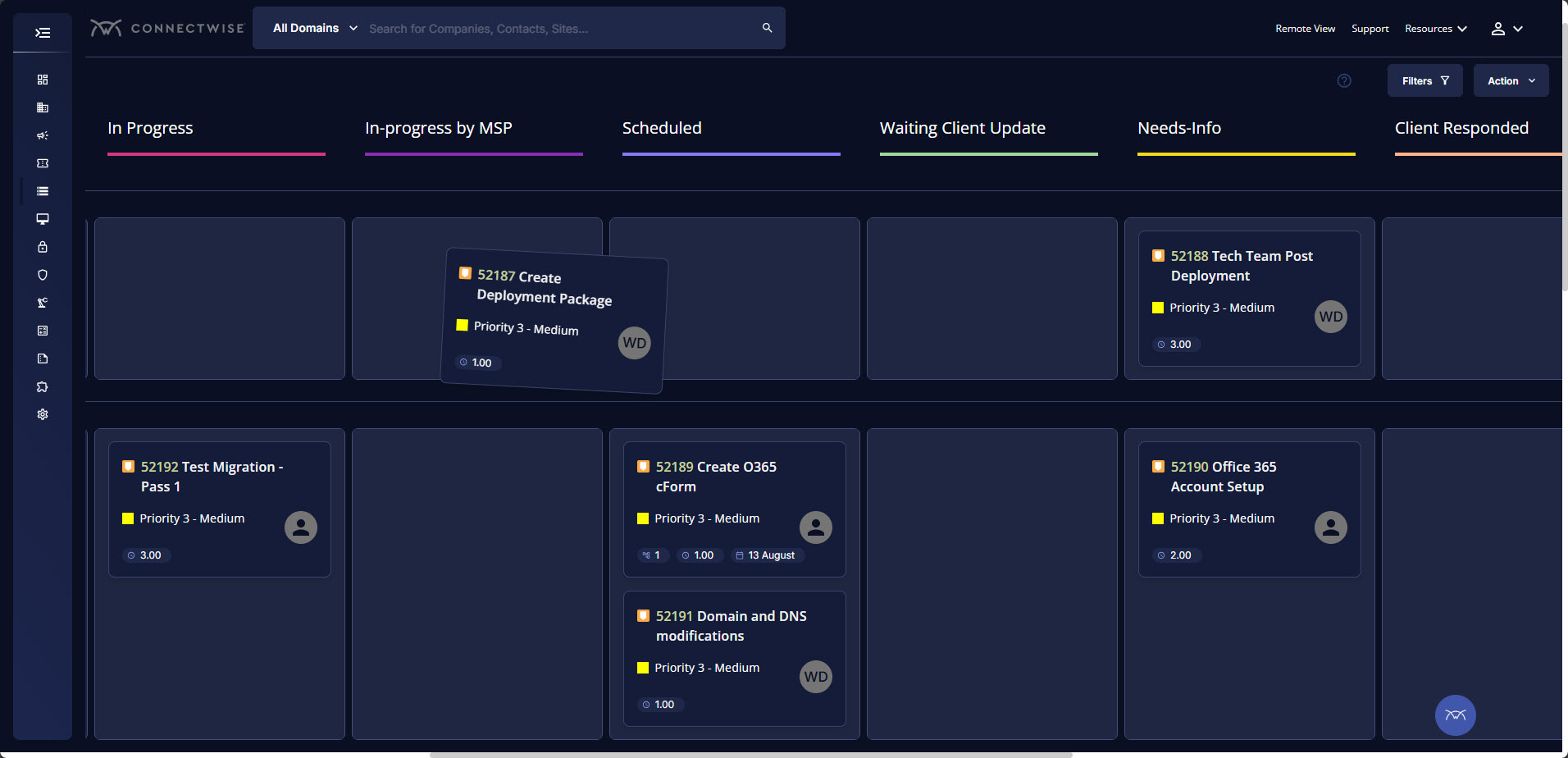 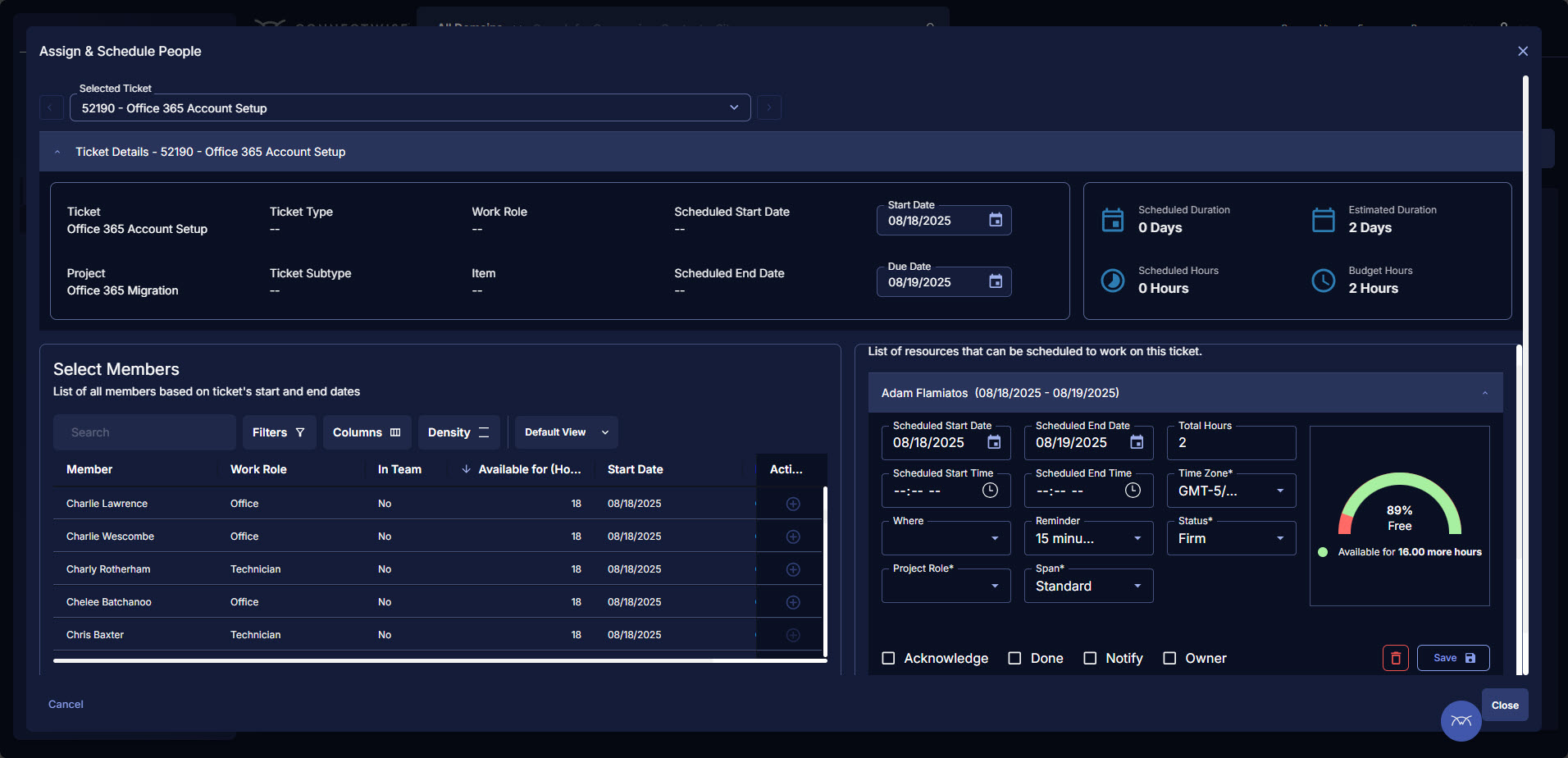 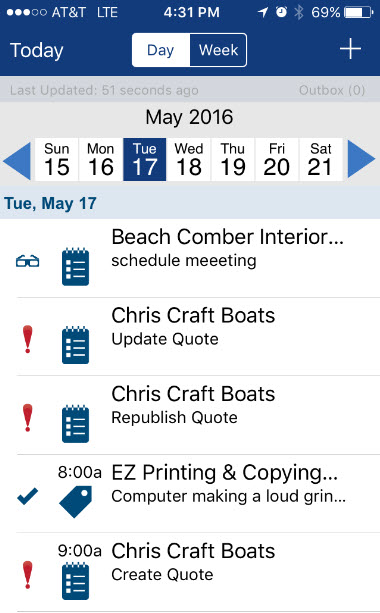 | Uku Screenshots 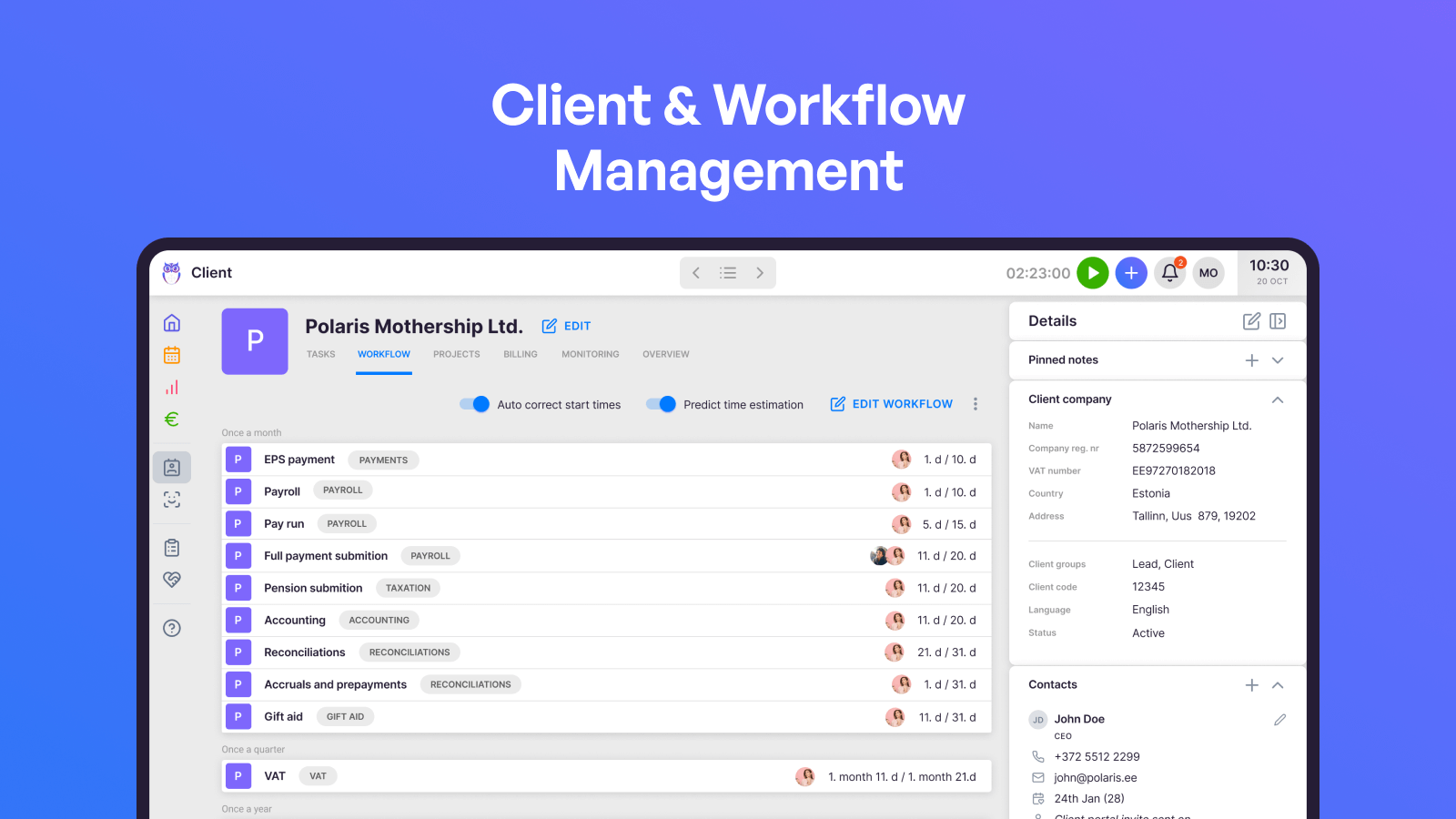 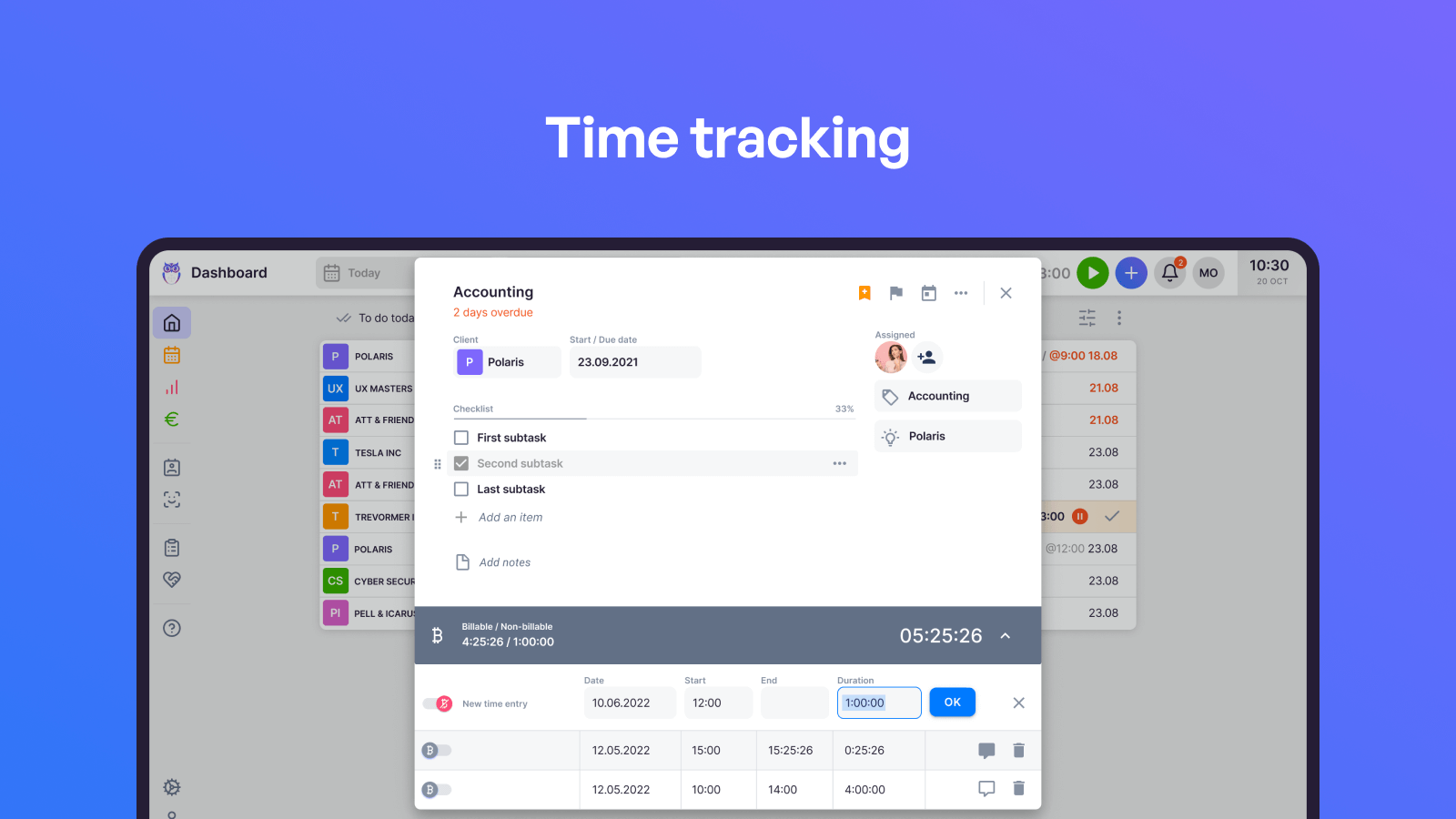 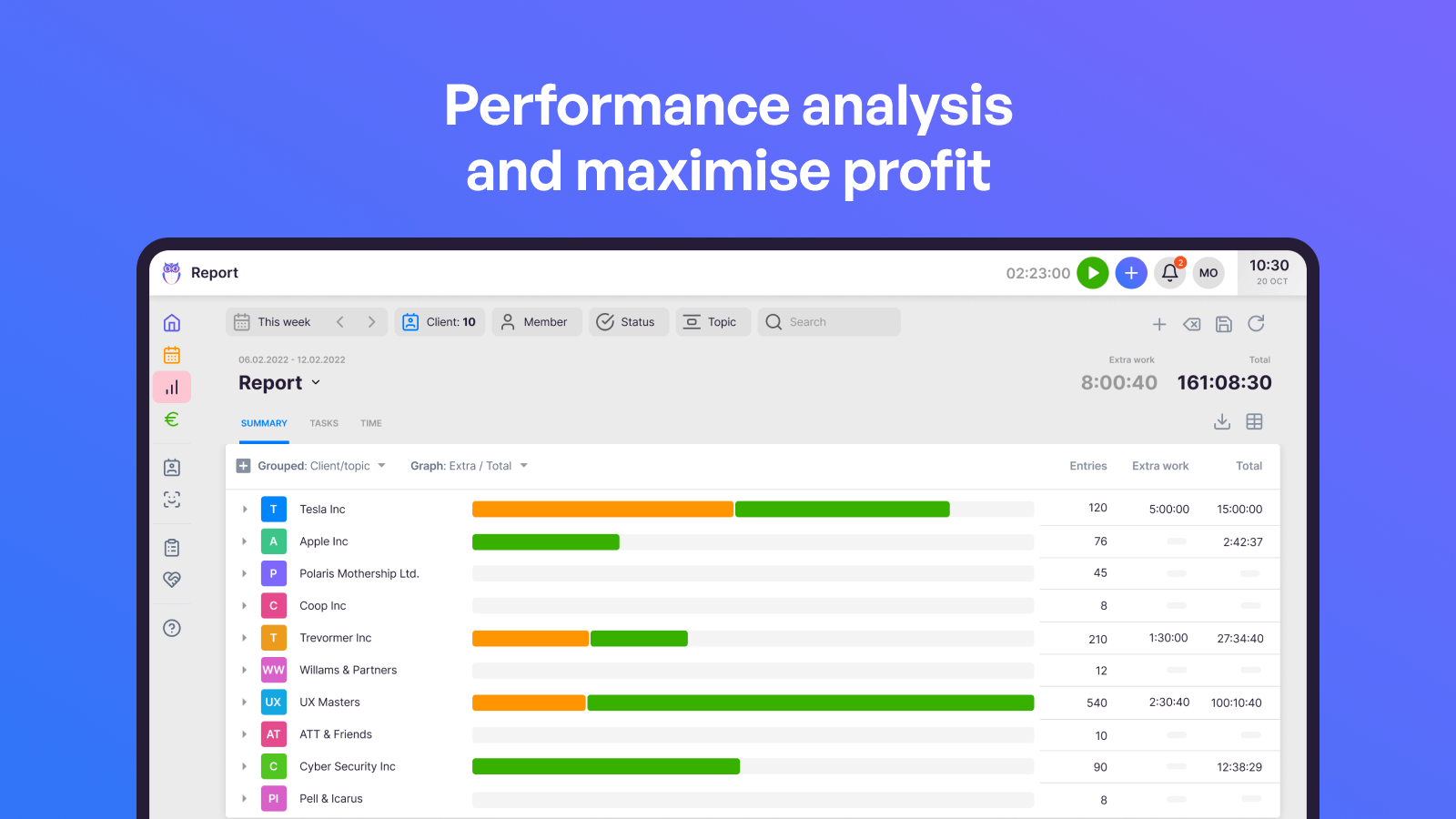 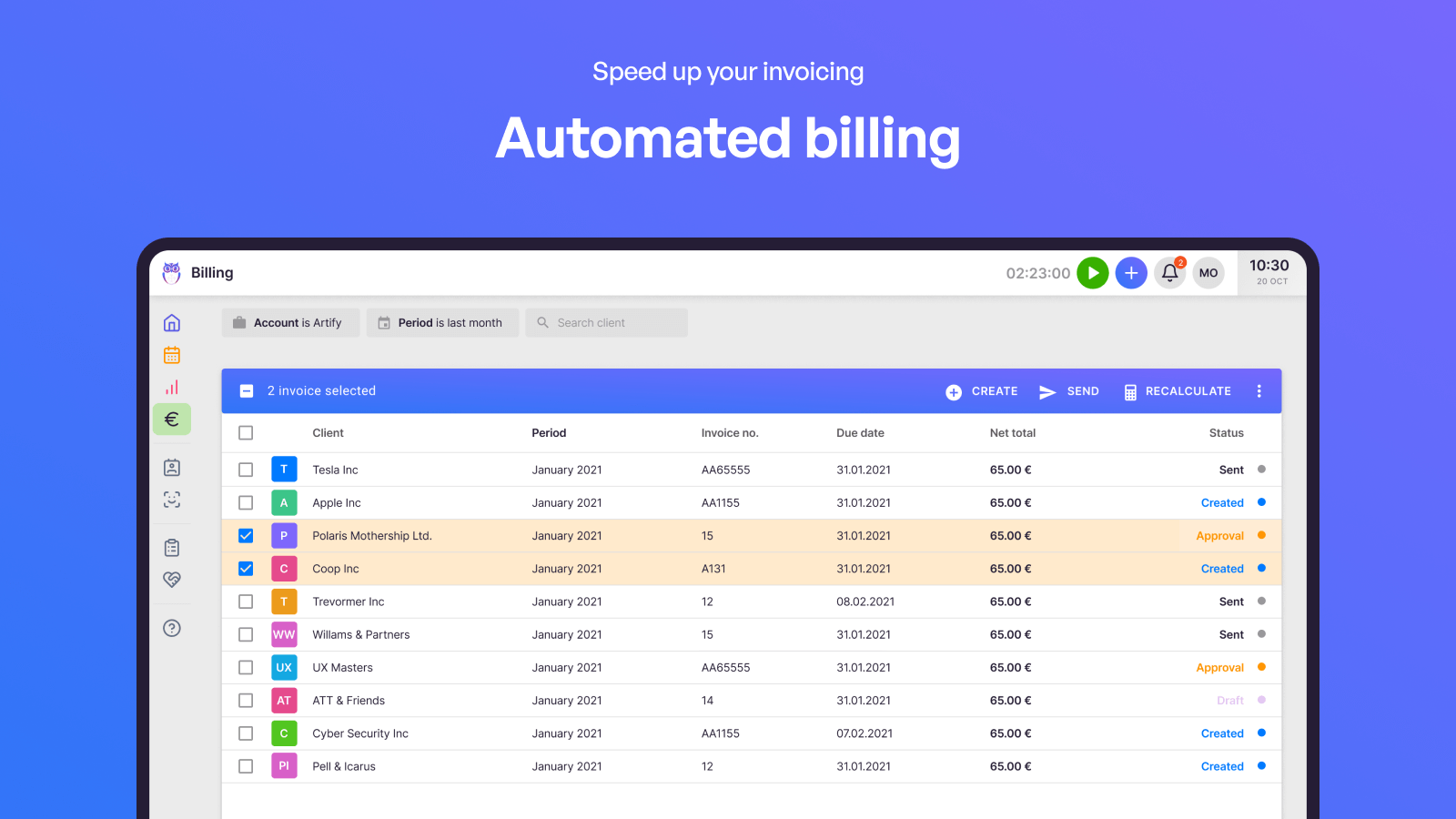 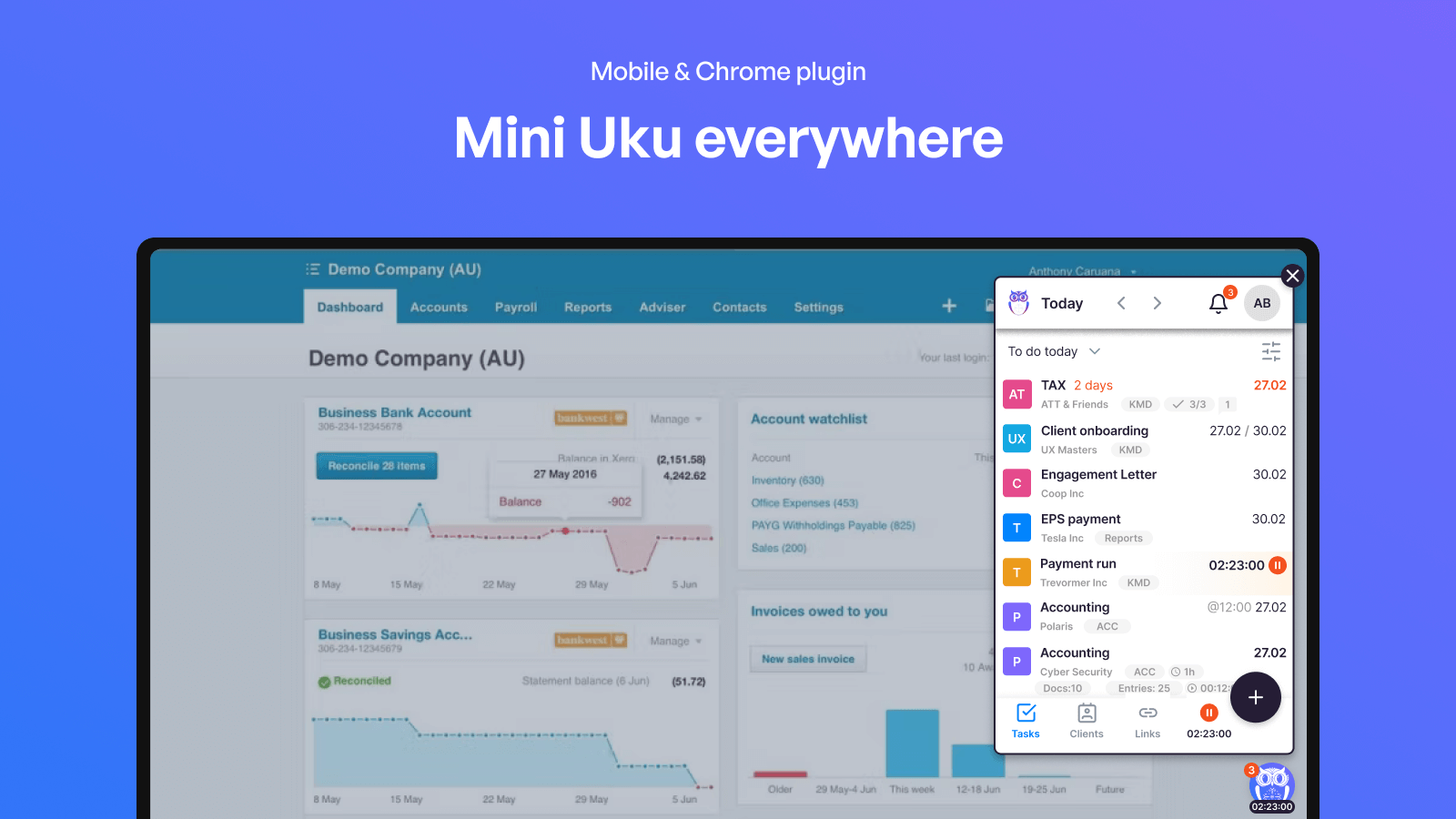 |