CorelDRAW Graphics Suite vs. Divi

Overview
ProductRatingMost Used ByProduct SummaryStarting Price
CorelDRAW Graphics Suite
Score 7.4 out of 10
N/A
Corel Corporation, headquartered in Ottawa, offers the CorelDRAW Graphics Suite, a graphic design studio and library of tools.
$249
per year
Divi
Score 9.4 out of 10
N/A
More than just a WordPress theme, Divi is a website building platform that replaces the standard WordPress post editor with a new visual editor. The vendor states it can be enjoyed by design professionals and newcomers alike, and is designed to give users the ability to create spectacular designs with ease and efficiency.
$89
per year
Pricing
CorelDRAW Graphics SuiteDivi
Editions & Modules
Subscription
$249.00
per year
Download
$499.00
One Time Fee
Physical Edition
$499.00
One Time Fee
Divi
$89
per year
Divi Pro
$277
per year
Divi Lifetime + Pro Services
$297
today + 212 each following year
Offerings
Pricing Offerings
CorelDRAW Graphics SuiteDivi
Free Trial
YesNo
Free/Freemium Version
NoNo
Premium Consulting/Integration Services
NoNo
Entry-level Setup FeeNo setup feeNo setup fee
Additional DetailsLifetime subscriptions are also available for a one time fee.
More Pricing Information
Community Pulse
CorelDRAW Graphics SuiteDivi
Features
CorelDRAW Graphics SuiteDivi
Security
Comparison of Security features of Product A and Product B
CorelDRAW Graphics Suite
-
Ratings
Divi
8.7
8 Ratings
6% above category average
Role-based user permissions00 Ratings8.78 Ratings
Platform & Infrastructure
Comparison of Platform & Infrastructure features of Product A and Product B
CorelDRAW Graphics Suite
-
Ratings
Divi
6.5
8 Ratings
17% below category average
API00 Ratings9.57 Ratings
Internationalization / multi-language00 Ratings3.56 Ratings
Web Content Creation
Comparison of Web Content Creation features of Product A and Product B
CorelDRAW Graphics Suite
-
Ratings
Divi
8.7
10 Ratings
11% above category average
WYSIWYG editor00 Ratings10.09 Ratings
Code quality / cleanliness00 Ratings8.17 Ratings
Admin section00 Ratings9.210 Ratings
Page templates00 Ratings8.610 Ratings
Library of website themes00 Ratings8.110 Ratings
Mobile optimization / responsive design00 Ratings9.210 Ratings
Publishing workflow00 Ratings10.08 Ratings
Form generator00 Ratings6.710 Ratings
Web Content Management
Comparison of Web Content Management features of Product A and Product B
CorelDRAW Graphics Suite
-
Ratings
Divi
7.2
9 Ratings
3% below category average
Content taxonomy00 Ratings8.38 Ratings
SEO support00 Ratings6.28 Ratings
Bulk management00 Ratings4.75 Ratings
Availability / breadth of extensions00 Ratings8.08 Ratings
Community / comment management00 Ratings8.96 Ratings
Best Alternatives
CorelDRAW Graphics SuiteDivi
Small Businesses
Venngage
Venngage
Score 9.9 out of 10
ManageWP
ManageWP
Score 10.0 out of 10
Medium-sized Companies
GIMP
GIMP
Score 8.2 out of 10
RWS Tridion Sites
RWS Tridion Sites
Score 9.0 out of 10
Enterprises
Adobe Express
Adobe Express
Score 8.8 out of 10
RWS Tridion Sites
RWS Tridion Sites
Score 9.0 out of 10
All AlternativesView all alternativesView all alternatives
User Ratings
CorelDRAW Graphics SuiteDivi
Likelihood to Recommend
9.8
(20 ratings)
9.8
(9 ratings)
Usability
8.0
(1 ratings)
9.4
(5 ratings)
Support Rating
8.4
(11 ratings)
-
(0 ratings)
User Testimonials
CorelDRAW Graphics SuiteDivi
Likelihood to Recommend
Alludo
It is a perfect suite of applications to finish presentations and create beautiful layouts for design. It is very useful both for graphic design and for architecture design when you want to draw a realistic idea of a project without being a rendering or when you need to present both images and vectorial drawings.
Read full review
Elegant Themes
Divi is great if you build multiple websites for clients; however, I'm not sure it is cost-effective if you only make a single site.
Read full review
Pros
Alludo
  • Easy to learn - especially if you have experience with other graphic software. It is fairly intuitive which is helpful.
  • Creating high resolution graphics is a breeze with this software - and it has the ability to export into a large variety of formats!
  • I am able to import a wide variety of file formats. I have also had success with importing and editing PDF files which has been helpful.
Read full review
Elegant Themes
  • It has a very easy-to-use and extremely complete block editor.
  • It offers many templates that you can use as a base for your website.
  • Customer service has been fast and effective whenever I have needed it.
  • Tiene un editor de bloques muy sencillo de usar y extremadamente completo.
  • Ofrece muchas plantillas que puedes utilizar como base para tu web.
  • La atención al cliente ha sido rápida y efectiva siempre que la he necesitado
Read full review
Cons
Alludo
  • The bitmap edit feature to edit images. The pop out is clunky and with it was a bit more integrated.
  • Trace - Would love to see this strengthened. We love to scan in hand drawn things to turn to vector and would love to see the accuracy increased.
Read full review
Elegant Themes
  • The load time of the builder could be faster. On some websites it takes a long time to load, and may crash the page. (I believe they've said they're working on this stability issue.)
  • Warnings on updates if they're difficult for some sites to run. I have one website that has crashed more than once from Divi's theme updates. I always back it up before the update so I restore the site, but this is still a bit of an inconvenience.
  • Integrated (or more clearly marked) tutorials within the builder. I migrate site maintenance and ownership to clients after the site is complete and some could use refreshers within the builder on what happens where i.e. the difference between a section, row, module.
Read full review
Usability
Alludo
Just like any design program or suite, I wouldn't recommend it to anyone who doesn't do graphic design professionally. If you're not adept at learning a program or experience, it isn't a program you can just pick up and start using easily. Outside of the learning curve, it's a nice program with a decent user interface.
Read full review
Elegant Themes
Divi is overall a great tool to use - I think I would need to spend a little more time to dig into the tool to provide more long term feedback.
Read full review
Support Rating
Alludo
Overall, CorelDRAW meets all my needs as a researcher and allows me to create beautiful and clear graphics to illustrate the main ideas for publications. It does not lack any functionality for my needs; however, it has some bugs that impact productivity, such as the color drag and drop that sometimes stops working and needs restarting, and crashes, especially when working with large bitmaps.
Read full review
Elegant Themes
No answers on this topic
Alternatives Considered
Alludo
Although other softwares are good in there field but CorelDRAW is very good when it come to ease of making the designs. We can create designs in it very quickly and efficiently and also it us Avery easy software to learn, anyone can pick it up at good pace. Also it is more widely used by vendors here for printing, so its a better choice.
Read full review
Elegant Themes
I find Elementor very clunky and find Divi much more intuitive.
Also we purchased a lifetime license for Divi and can use it on unlimited websites, while Elementor there is a yearly subscription per site
Read full review
Return on Investment
Alludo
  • Ease of use reflects on less time to train new users, a positive impact in investment and productivity.
  • The practicality to make new designs results in less time needed to do them, again a positive impact.
  • The integration with other graphic programs could be better if needed to finish a rendering using the design made in Corel Draw it's needed to export in formats that don't carry all information and the process is not that simple.
Read full review
Elegant Themes
  • Higher conversion rate
  • Theres no needed more tools
  • Ive got rid of a CTA tool since with Divi i can make them. Is not that easy, but is functional
Read full review
ScreenShots

CorelDRAW Graphics Suite Screenshots

Screenshot of A complete suite of applications:
CorelDRAW® - Vector illustration and page layout
Corel PHOTO-PAINT™ - Image editing and pixel-based design program
Corel® Font Manager - Font exploration and management tool
PowerTRACE™ - AI-powered bitmap-to-vector tracing (included as part of the CorelDRAW application)
CorelDRAW.app™ - Online vector illustration and graphic design via web browser
CorelDRAW.app™ for iPad – Vector illustration and graphic design iPad app
CAPTURE™ - Screen capture tool
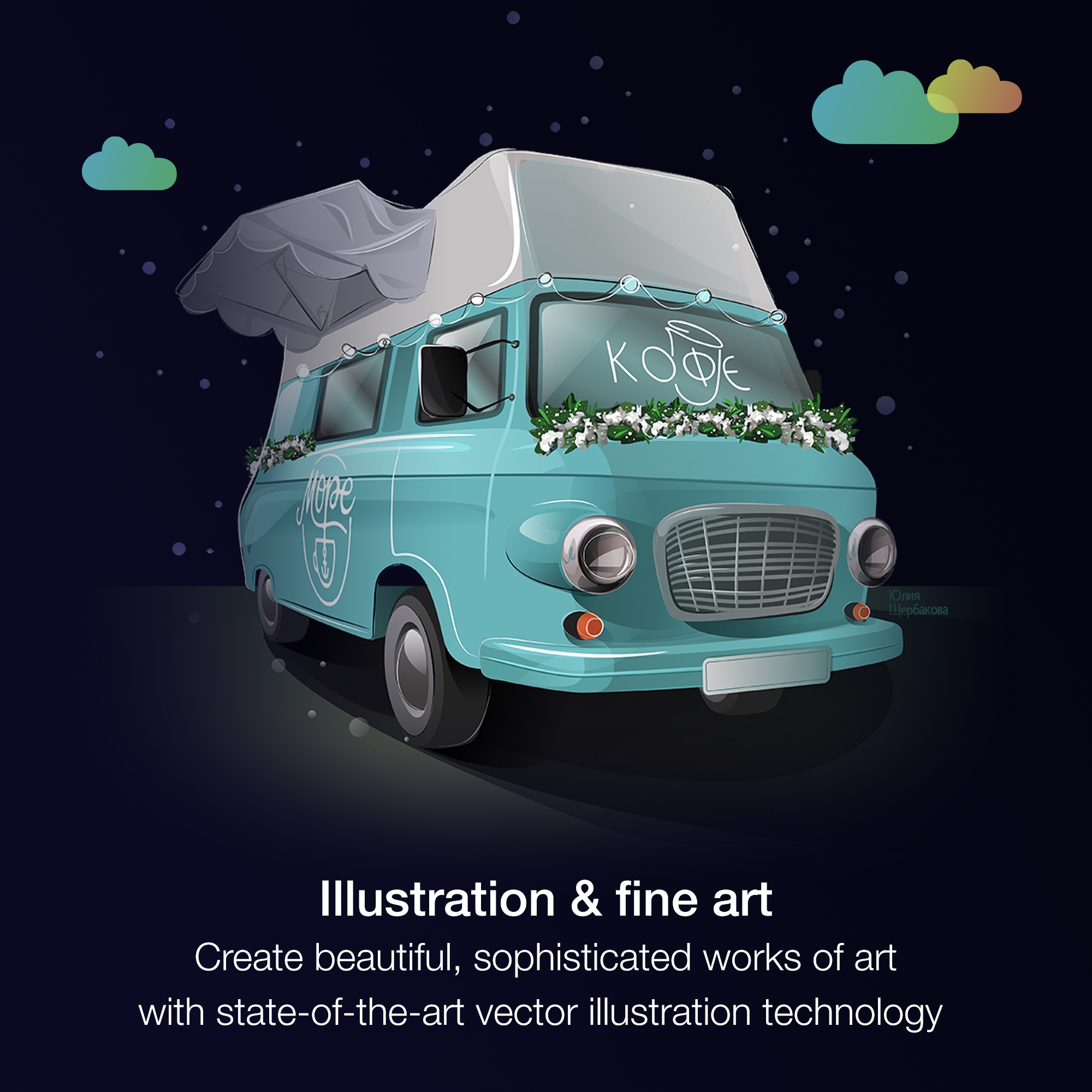
AfterShot™ 3 HDR - RAW photo editorScreenshot of From creative professionals working in advertising and publishing, to small businesses producing in-house marketing materials, CorelDRAW Graphics Suite has the tools to create everything from stand-out brand identity assets to alluring sales tools.Screenshot of Professionals in the sign and print, and fashion industry rely on CorelDRAW® to create artwork for a variety of print outputs, thanks to a powerful color management engine and superior prepress tools.Screenshot of CorelDRAW Graphics Suite has commerce professionals covered with dedicated tools for web and print, whether you’re designing point-of-sale promotions or creating assets to enhance an online store.Screenshot of Illustrators and artists alike can combine their classic art practices with CorelDRAW’s state-of-the-art vector-illustration technology to create beautiful, sophisticated works of art.Screenshot of Get more for less! Discover the affordable, flexible way to stay up-to-date, while enjoying exclusive features, content, enhancements, and support for the latest technologies.