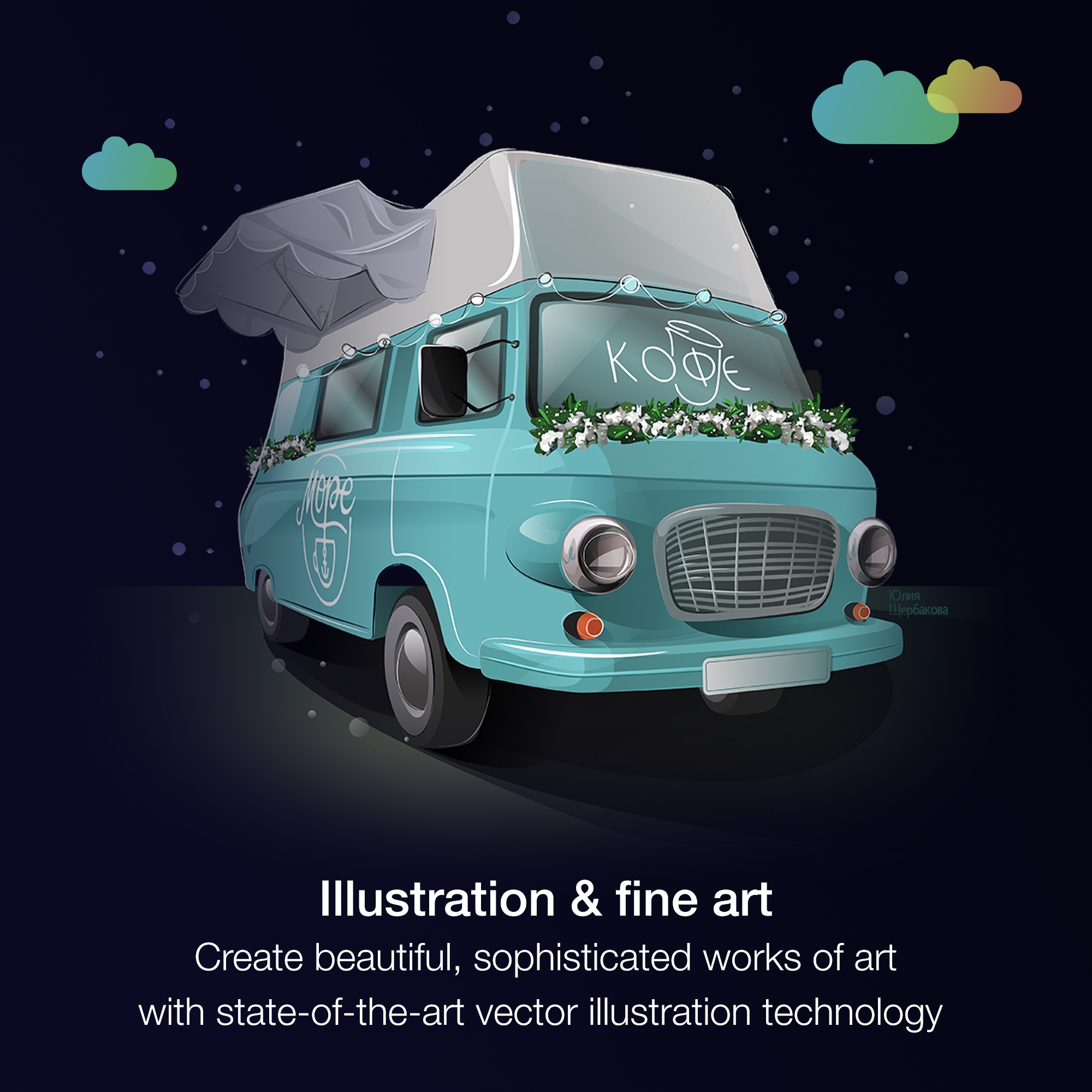
It is a perfect suite of applications to finish presentations and create beautiful layouts for design. It is very useful both for graphic design and for architecture design when you want to draw a realistic idea of a project without being a rendering or when you need to present both images and vectorial drawings.
A de minimis incentive was given to thank the reviewer for their time. The incentive was not used to bias or drive a particular response, nor was the incentive contingent on a positive endorsement. More Info
Marvel is a very strong tool in scenarios where designers seek to quickly create simple prototypes on their desktops using a simple, intuitive interface. It offers “just enough” functionality to create somewhat realistic designs to present to stakeholders and other designers. However, there’s a limit to how “realistic” those designs can be, given that Marvel has somewhat limited functionality around animations. Marvel is not a strong option for those who want to create very complex prototypes with many animations, or for those who want to edit prototypes on their tablet or phone. Marvel is a jewel for simplicity but starts to be difficult to use when creating complicated designs. For creating more complicated prototypes, I would recommend a more robust tool, such as Axure.
A de minimis incentive was given to thank the reviewer for their time. The incentive was not used to bias or drive a particular response, nor was the incentive contingent on a positive endorsement. More Info
A de minimis incentive was given to thank the reviewer for their time. The incentive was not used to bias or drive a particular response, nor was the incentive contingent on a positive endorsement. More Info
A de minimis incentive was given to thank the reviewer for their time. The incentive was not used to bias or drive a particular response, nor was the incentive contingent on a positive endorsement. More Info
I really miss being able to duplicate, make a copy of the prototype I'm working on. Sometimes, I want to make a comparison with detail changes and without being able to duplicate it is difficult.
Compared to other similar services, I feel the animations could be more fluid and smoother.
It could have more free sophisticated icons and images.
A de minimis incentive was given to thank the reviewer for their time. The incentive was not used to bias or drive a particular response, nor was the incentive contingent on a positive endorsement. More Info
Just like any design program or suite, I wouldn't recommend it to anyone who doesn't do graphic design professionally. If you're not adept at learning a program or experience, it isn't a program you can just pick up and start using easily. Outside of the learning curve, it's a nice program with a decent user interface.
A de minimis incentive was given to thank the reviewer for their time. The incentive was not used to bias or drive a particular response, nor was the incentive contingent on a positive endorsement. More Info
Overall, CorelDRAW meets all my needs as a researcher and allows me to create beautiful and clear graphics to illustrate the main ideas for publications. It does not lack any functionality for my needs; however, it has some bugs that impact productivity, such as the color drag and drop that sometimes stops working and needs restarting, and crashes, especially when working with large bitmaps.
A de minimis incentive was given to thank the reviewer for their time. The incentive was not used to bias or drive a particular response, nor was the incentive contingent on a positive endorsement. More Info
Although other softwares are good in there field but CorelDRAW is very good when it come to ease of making the designs. We can create designs in it very quickly and efficiently and also it us Avery easy software to learn, anyone can pick it up at good pace. Also it is more widely used by vendors here for printing, so its a better choice.
A de minimis incentive was given to thank the reviewer for their time. The incentive was not used to bias or drive a particular response, nor was the incentive contingent on a positive endorsement. More Info
Ultimately, InVision was just a better fit for our company's needs. It's probably faster to create prototypes using Marvel, but InVision's collaboration features (comments, notes, etc.) are much more robust, which was helpful for our large team spread across multiple continents. InVision also offers more advanced features, and Marvel felt a little too limited for our overall business needs.
A de minimis incentive was given to thank the reviewer for their time. The incentive was not used to bias or drive a particular response, nor was the incentive contingent on a positive endorsement. More Info
Ease of use reflects on less time to train new users, a positive impact in investment and productivity.
The practicality to make new designs results in less time needed to do them, again a positive impact.
The integration with other graphic programs could be better if needed to finish a rendering using the design made in Corel Draw it's needed to export in formats that don't carry all information and the process is not that simple.
A de minimis incentive was given to thank the reviewer for their time. The incentive was not used to bias or drive a particular response, nor was the incentive contingent on a positive endorsement. More Info
A de minimis incentive was given to thank the reviewer for their time. The incentive was not used to bias or drive a particular response, nor was the incentive contingent on a positive endorsement. More Info